1. Introduzzjoni
This manual provides essential information for the safe and efficient operation of your RCA RPJ107 Home Theater Projector. Please read it thoroughly before using the device and retain it for future reference. The RCA RPJ107 projector is designed to deliver a versatile viewing experience, supporting various input sources and offering flexible projection sizes for both indoor and outdoor environments.
2. Informazzjoni dwar is-Sigurtà
- Do not block ventilation openings. Ensure adequate airflow around the projector to prevent overheating.
- Do not expose the projector to rain or moisture to avoid electric shock or fire.
- Uża biss l-adapter tal-enerġija li jiġi mal-proġettur.
- Evita li tħares direttament fil-lenti tal-proġekter meta l-lamp is on, as it can cause eye damage.
- Poġġi l-proġekter fuq wiċċ stabbli u livell.
- Keep the projector away from heat sources and direct sunlight.
- Tippruvax tiżżarma jew timmodifika l-proġettur. Irreferi għal kull manutenzjoni f'idejn persunal kwalifikat.
3. Kontenut tal-Pakkett
Iċċekkja li l-oġġetti kollha elenkati hawn taħt huma inklużi fil-pakkett tiegħek:
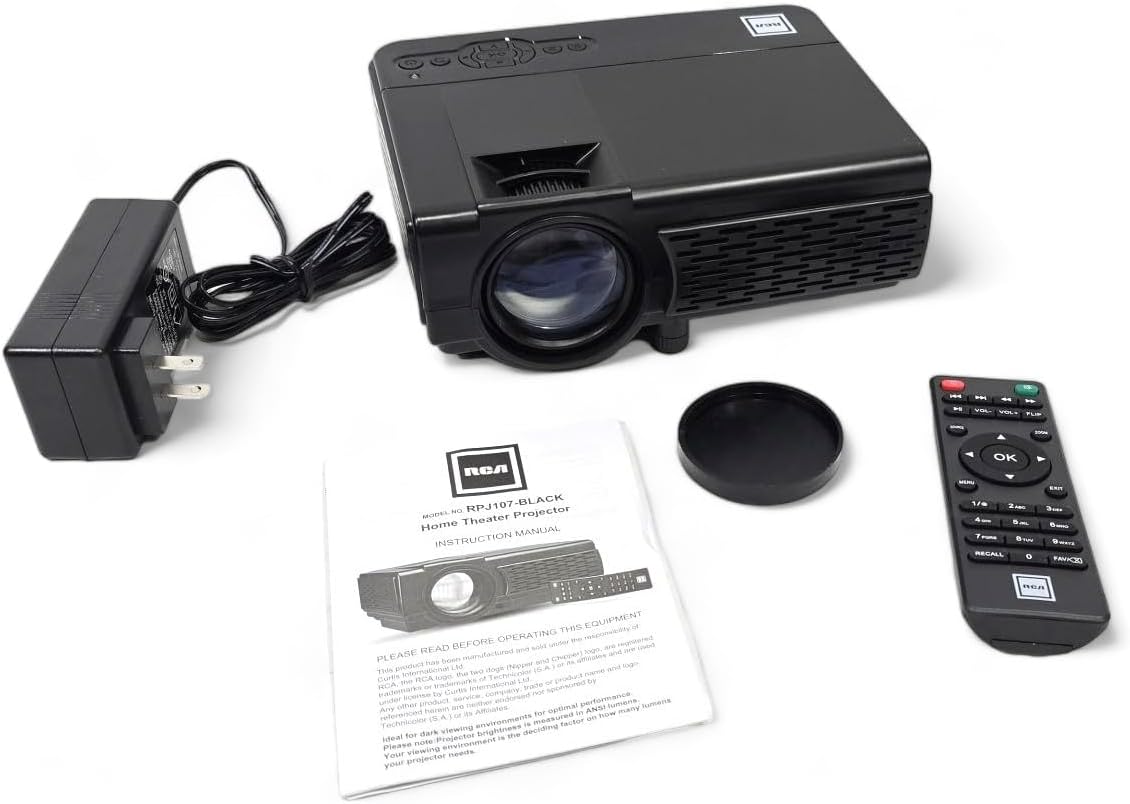
- RCA RPJ107 Home Theater Projector
- Remote Control (2 AA batteries required, not included)
- Adapter tal-Qawwa AC
- Qoxra tal-Lenti
- Manwal ta 'Istruzzjoni (dan id-dokument)
4. Prodott Aktarview
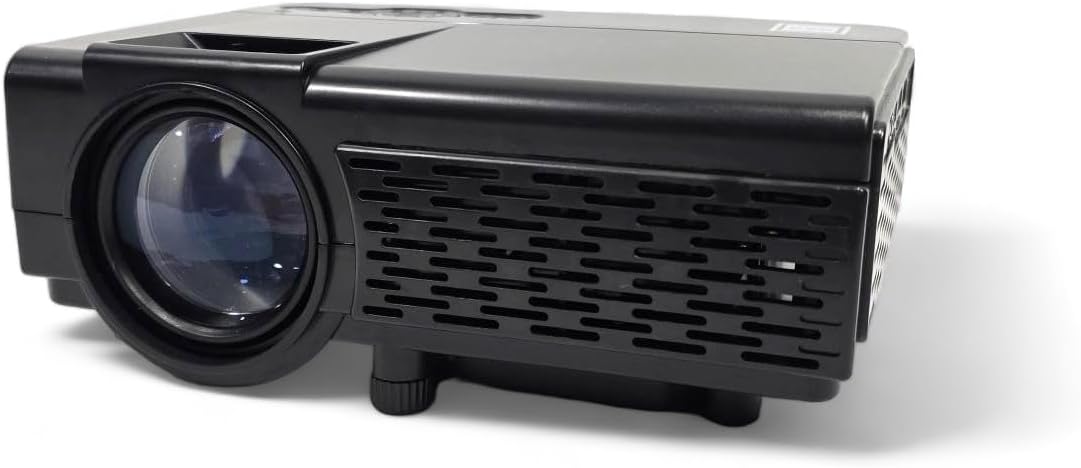
4.1 Komponenti tal-Proġettur
4.2 Portijiet ta 'Input/Output
The projector features a variety of ports for connecting external devices:

- Awdjo Jack: Għall-konnessjoni ta' headphones jew speakers esterni.
- Input AV: For connecting devices using an AV cable (e.g., older DVD players).
- DC IN: Power input for the AC adapter.
- Slot MicroSD: For playing media directly from a MicroSD card.
- HDMI 1 / HDMI 2: High-Definition Multimedia Interface for connecting modern devices like Blu-ray players, gaming consoles, or streaming sticks.
- USB: For playing media directly from a USB drive.
- VGA: Għall-konnessjoni ta' kompjuters jew laptops.
5. Setup
5.1 Tqegħid
Position the projector on a flat, stable surface. The ideal projection distance will vary based on the desired screen size. The projector can project an image from 30 inches to 150 inches, with a recommended range of 37 inches to 100 inches for optimal clarity.
5.2 Konnessjoni tal-Enerġija
- Connect the AC power adapter to the DC IN port on the projector.
- Ipplaggja t-tarf l-ieħor tal-adapter tal-enerġija f'sokit elettriku standard.
5.3 Aġġustament tal-Fokus u l-Keystone
- Fokus: Rotate the focus ring around the projector lens until the image appears sharp and clear.
- Keystone: Use the keystone adjustment knob (typically located near the lens) to correct trapezoidal distortion if the projector is not perfectly perpendicular to the screen.
- Aġġustament Għoli: Utilize the footpad on the bottom of the projector to slightly adjust the projection angle.
6. Istruzzjonijiet Operattivi
6.1 Power On/Off
Agħfas il-buttuna tal-qawwa fuq il-proġettazzjoni jew il-kontroll remot biex tixgħel jew titfi l-unità.
6.2 Għażla tas-Sors tal-Input
After powering on, select your desired input source using the 'Source' button on the projector or remote control. Navigate through options like HDMI 1, HDMI 2, AV, USB, TF Card, or VGA.
6.3 Apparat li jgħaqqad
The RCA RPJ107 projector offers broad compatibility with various multimedia devices:
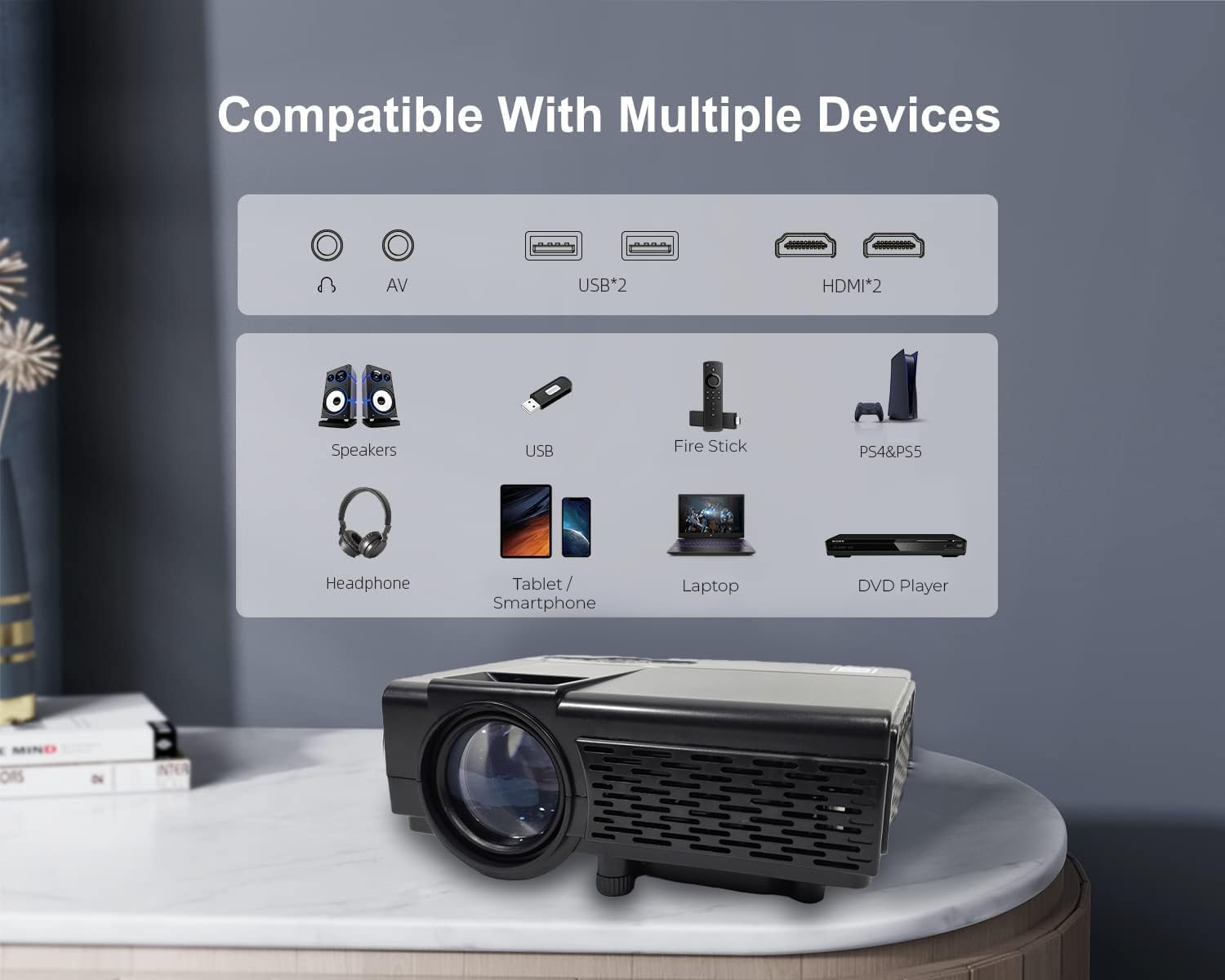
- HDMI: Connect your device (e.g., streaming stick, game console, Blu-ray player) to either HDMI 1 or HDMI 2 port. Select the corresponding HDMI input.
- TA’: Use an AV cable to connect devices with AV output. Select 'AV' as the input source.
- USB / TF Card: Insert a USB drive or MicroSD card into the respective slot. The projector's media player interface will typically launch automatically, allowing you to browse and play supported video, audio, and image files.
- VGA: Connect a computer or laptop using a VGA cable. Select 'VGA' as the input source.
6.4 Konnessjoni tal-Awdjo Bluetooth
The projector features Bluetooth 4.2 for connecting to external audio devices such as Bluetooth speakers or headphones. This function is for audio output only; it does not support video input via Bluetooth.
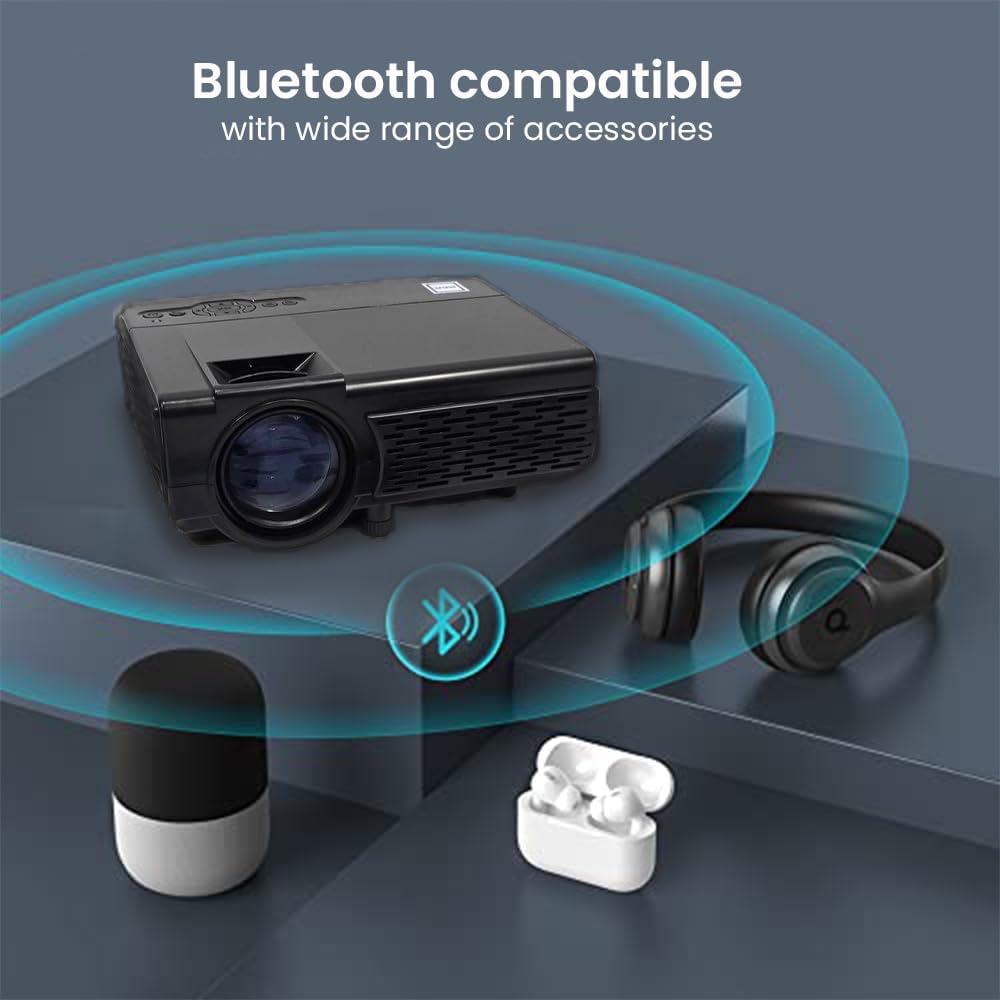
- Kun żgur li l-apparat awdjo Bluetooth tiegħek jinsab fil-modalità ta' tqabbil.
- Access the Bluetooth settings menu on the projector.
- Agħżel l-apparat awdjo tiegħek mil-lista ta' apparati disponibbli biex tqabbadhom.
6.5 Projection Environment
The RCA RPJ107 is suitable for various viewing environments, from indoor home theaters to outdoor movie nights.

7. Manutenzjoni
- Tindif tal-Lenti: Use a soft, lint-free cloth specifically designed for optical lenses to gently wipe the projector lens. Do not use abrasive cleaners or cloths.
- Tneħħija tat-Trab: Regularly clean the projector's ventilation openings with a soft brush or compressed air to prevent dust buildup, which can affect performance and lifespan.
- Ħażna: When not in use, store the projector in a cool, dry place, away from direct sunlight and extreme temperatures. Use the lens cover to protect the lens from dust and scratches.
8 Issolvi l-problemi
| Problema | Kawża Possibbli | Soluzzjoni |
|---|---|---|
| L-ebda immaġni fuq l-iskrin | Projector not powered on; Incorrect input source selected; Input cable loose or faulty. | Ensure power is connected and unit is on; Select correct input source (HDMI, AV, etc.); Check cable connections. |
| L-immaġni hija mċajpra | Focus not adjusted; Keystone not adjusted; Projector too close/far from screen. | Adjust the focus ring; Adjust the keystone knob; Reposition the projector for optimal distance. |
| L-ebda ħoss | Volume too low; Mute function active; External audio device not connected or paired correctly. | Increase volume; Disable mute; Ensure Bluetooth audio device is paired or external speakers are connected properly. |
| Il-kontroll mill-bogħod ma jaħdimx | Batteries low or incorrectly inserted; Obstruction between remote and projector. | Replace batteries (2 AA); Ensure clear line of sight to the projector's IR receiver. |
9. Speċifikazzjonijiet
| Karatteristika | Dettall |
|---|---|
| Brand | RCA |
| Numru tal-Mudell | RPJ107 |
| Riżoluzzjoni tal-Wiri (Nattiva) | 800 x 480 |
| Riżoluzzjoni ta 'Input Appoġġjata | Sa 1080p permezz tal-HDMI |
| Luminożità abjad | 33 Lumens |
| Daqs tal-Projezzjoni | 30 - 150 inches (Recommended: 37 - 100 inches) |
| Teknoloġija tal-Konnettività | Bluetooth 4.2 (Audio only), HDMI (x2), AV, USB, VGA, TF/MicroSD Card Slot |
| Tip ta' Kelliem | Mibnija fil- |
| Product Dimensions (L x D x H) | 7.9 x 6.1 x 3.3 pulzieri |
| Piż tal-oġġett | 3 liri |
| Kulur | Iswed |
10. Garanzija u Appoġġ
This RCA RPJ107 projector is offered as an Amazon Renewed product. For specific warranty details, return policies, or technical support, please refer to the terms and conditions provided by the Amazon Renewed program or contact the seller directly. Keep your purchase receipt for any warranty claims.


