1. Introduzzjoni
This manual provides essential information for the installation, operation, and maintenance of your Lorex 4K Metal Bullet Camera, Model E841CAB. This camera is designed to enhance your security system with high-resolution video surveillance capabilities for both indoor and outdoor environments.
2. Prodott Aktarview
The Lorex 4K Metal Bullet Camera offers advanced features for reliable surveillance:
- Ultra HD Clarity: Captures video in stunning 4K resolution with a wide 105-degree field of view, providing detailed footage.
- Viżjoni bil-lejl bil-kulur: Delivers full-color video in well-lit conditions and automatically transitions to crisp black and white video using powerful infrared LEDs in low-light, extending night vision up to 130 feet.
- Durabilità reżistenti għat-temp: Features a rugged IP65-rated metal housing, ensuring resistance to harsh weather conditions, from -22°F (-30°C) to 140°F (60°C).
- Effortless PoE Installation: Utilizes Power over Ethernet (PoE) technology, allowing a single Ethernet cable to provide both power and video transmission, simplifying installation up to 300 feet.
- Kompatibilità tal-NVR: Designed to work seamlessly with compatible Lorex NVRs, including N841, N842, N861B, N862B, N881B, LNR600X, LNR6100, LNR6100X, NR900X, N843, N844, N845, N846, N863B, and NR810 series recorders.
3. X'hemm fil-Kaxxa
Your Lorex 4K Metal Bullet Camera package includes the following components:
- 1 x IP Bullet Camera
- 1 x Cable Ethernet
- 1 x Mounting Kit (screws and anchors)
- 1 x Mudell ta 'Immuntar
- 1 x Allen Key
4. Setup
4.1 Post ta' Installazzjoni
Choose a suitable location for your camera, considering the desired field of view and proximity to your NVR or PoE switch. The camera is rated for both indoor and outdoor use.
4.2 Immuntar tal-Kamera
- Use the provided mounting template to mark the drill holes on your chosen surface.
- Drill pilot holes and insert the wall anchors if mounting on drywall or masonry.
- Waħħal il-bażi tal-immuntar tal-kamera mal-wiċċ billi tuża l-viti pprovduti.
- Aġġusta l-angolu tal-kamera biex tikseb il-kopertura mixtieqa.
4.3 PoE Connection
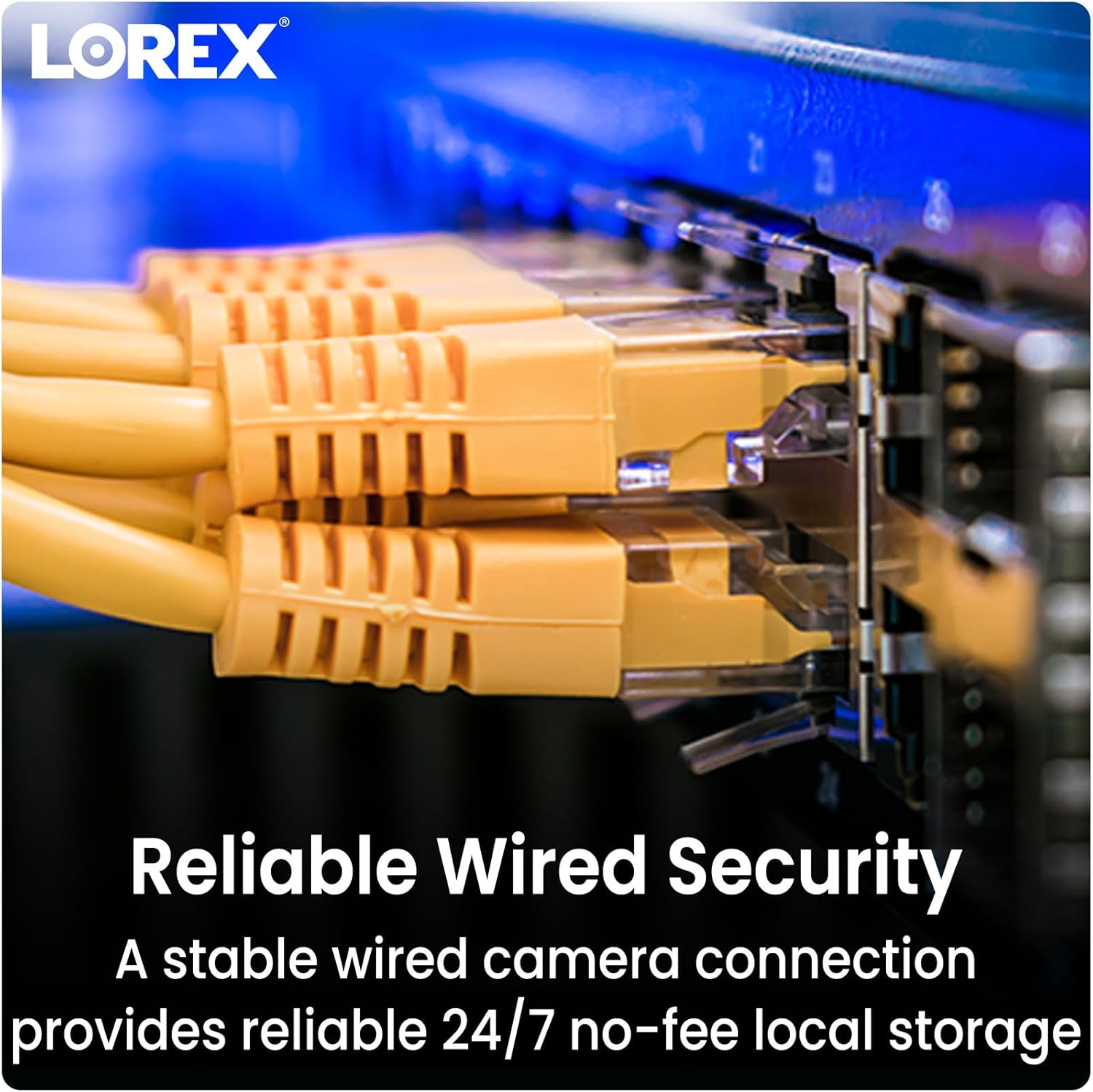
Connect one end of the Ethernet cable to the camera's PoE port and the other end to an available PoE port on your compatible Lorex NVR or a PoE switch. The camera will receive power and transmit video data through this single connection.
4.4 NVR Compatibility
Ensure your NVR is one of the compatible models listed in the Product Overview section for seamless integration and functionality.
5. Istruzzjonijiet Operattivi
5.1 Aċċess għal Live View
Once connected to your NVR, access the live video feed through your NVR's interface or the Lorex Home app on your smartphone or tablet. Refer to your NVR's manual for specific instructions on adding and viewing cameras.
5.2 Modi ta' Viżjoni bil-Lejl
The camera automatically switches between day and night vision modes. In low light, the infrared LEDs activate for black and white night vision. In sufficiently lit conditions, Color Night Vision provides full-color detail.

5.3 Sejbien tal-Moviment
The camera is equipped with motion detection capabilities. Configure motion detection zones and sensitivity settings via your NVR or the Lorex Home app to receive alerts for activity in specific areas. This model provides motion-only alerts.
5.4 Kwalità tal-Vidjo
The camera records in 4K Ultra HD, providing superior clarity and digital zoom capabilities. Ensure your NVR is configured to record at the highest resolution supported by the camera.

6. Manutenzjoni
To ensure optimal performance and longevity of your Lorex 4K Metal Bullet Camera, follow these maintenance guidelines:
- Tindif regolari: Naddaf il-lenti tal-kamera perjodikament b'drapp artab u dryer.amp drapp biex tneħħi t-trab, il-ħmieġ, jew tbajja’ ta’ ilma li jistgħu jostakolaw viewEvita prodotti tat-tindif li joborxu.
- Spezzjoni tal-Cable: Inspect the Ethernet cable for any signs of wear, damage, or loose connections, especially in outdoor installations.
- Aġġornamenti tal-Firmware: Iċċekkja l-Lorex website or your NVR's settings for available firmware updates to ensure your camera has the latest features and security enhancements.
- Protezzjoni tat-Temp: While the camera is weatherproof (IP65 rated), ensure it is installed securely to prevent movement or damage during extreme weather events.

7 Issolvi l-problemi
If you encounter issues with your Lorex 4K Metal Bullet Camera, consider the following:
- Ebda Vidjo/Enerġija: Verify that the Ethernet cable is securely connected to both the camera and the NVR/PoE switch. Ensure the NVR/PoE switch is powered on.
- Kwalità Fqira tal-Vidjo: Check the camera lens for obstructions or dirt. Ensure the camera is configured for 4K resolution in your NVR settings. Verify network cable integrity.
- Is-Sejbien tal-Moviment Mhux Taħdim: Review motion detection settings in your NVR or Lorex Home app. Adjust sensitivity and detection zones as needed.
- Kompatibilità tal-NVR: Confirm that your NVR model is listed as compatible. Incompatible NVRs may not fully support all camera features or may not detect the camera at all.
- Kwistjonijiet tan-Netwerk: If experiencing connectivity problems, restart your NVR and network router. Ensure there are no network conflicts or bandwidth limitations.
8. Speċifikazzjonijiet
| Karatteristika | Speċifikazzjoni |
|---|---|
| Isem tal-Mudell | E841CAB |
| Użu fuq ġewwa/barra | Ġewwa, Barra |
| Apparati Kompatibbli | NVR (N841, N842, N861B, N862B, N881B, LNR600X, LNR6100, LNR6100X, NR900X, N843, N844, N845, N846, N863B, NR810 series) |
| Sors tal-Enerġija | Elettriku bil-Fili (PoE) |
| Protokoll tal-Konnettività | Ethernet |
| Tip ta' Kontrollur | Applikazzjoni |
| Tip ta 'Immuntar | Muntatura tal-Limitu |
| Riżoluzzjoni tal-Qbid tal-Vidjo | 4K (Riżoluzzjoni Effettiva ta' 8 MP) |
| Kulur | Iswed |
| Numru ta' Oġġetti | 1 |
| Komponenti Inklużi | IP Bullet Camera, Ethernet Cable, Mounting Kit, Mounting Template, Allen Key |
| Teknoloġija tal-Komunikazzjoni mingħajr Fili | Wi-Fi (for app control, not primary video transmission) |
| Fattur tal-Formola | Bullet |
| ViewIng Angolu | 105 Grad |
| Medda tal-Viżjoni Lejl | 130 Saqajn |
| Frame Rata | 15 fps |
| Materjal | Metall |
| Wattage | 3.7 watt |
| Batteriji Meħtieġa? | Nru |
| Piż tal-oġġett | 2.77 libbra (1.26 Kilogrammi) |
| Teknoloġija ta 'dawl baxx | Kulur bil-lejl |
| Tip ta 'Twissija | Mozzjoni Biss |
| Klassifikazzjoni tal-Protezzjoni Internazzjonali | IP65 |
| UPC | 695529028538 |
9. Garanzija u Appoġġ
Your Lorex 4K Metal Bullet Camera is covered by a manufacturer's warranty. For detailed warranty information, product support, or technical assistance, please visit the official Lorex webis-sit jew ikkuntattja s-servizz tal-konsumatur tagħhom. Żomm l-irċevuta tax-xiri tiegħek għal talbiet ta’ garanzija.


