1. Introduzzjoni
Grazzi tax-xiriasing the WiMiUS K5 WiFi Bluetooth Projector. This manual provides detailed instructions for setting up, operating, and maintaining your projector to ensure optimal performance and longevity. Please read this manual thoroughly before using the product and keep it for future reference.
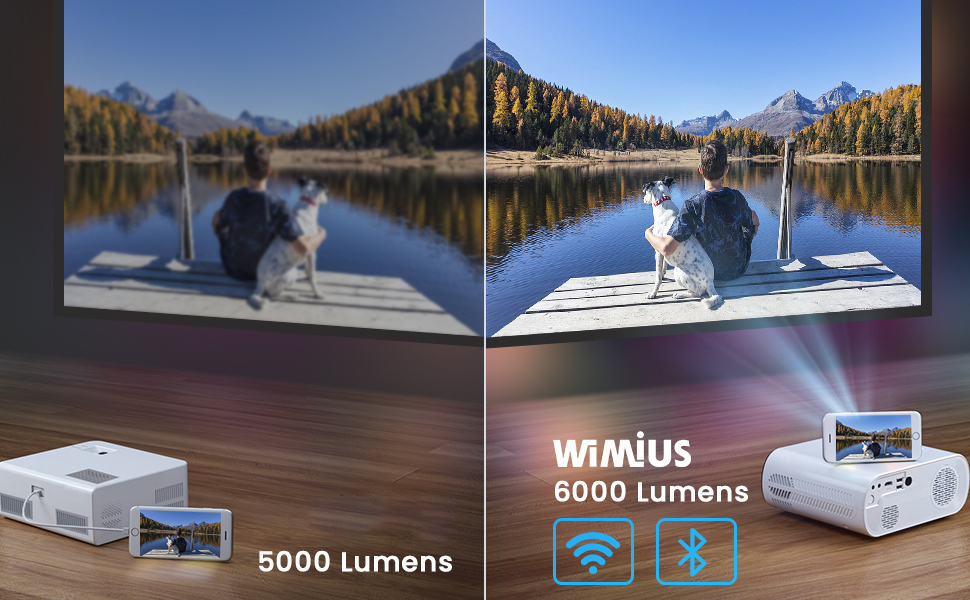
The WiMiUS K5 is a portable Full HD 1080P projector featuring 6000 lumens brightness, wireless WiFi connectivity for iOS and Android devices, and Bluetooth compatibility for external audio. It is designed for home cinema, gaming, and outdoor entertainment, offering a flexible screen size from 50 to 200 inches.
2. Informazzjoni dwar is-Sigurtà
Biex tevita nar jew xokk elettriku, tesponix dan l-apparat għax-xita jew għall-umdità. Tiftaħx il-kappa.asing. Irreferi għas-servizz lil persunal kwalifikat biss.
- Twaqqafx il-fetħiet tal-ventilazzjoni.
- Uża biss aċċessorji/aċċessorji speċifikati mill-manifattur.
- Skonnettja l-proġettur waqt maltempati bis-sajjetti jew meta ma jintużax għal perjodi twal.
- Evita l-espożizzjoni diretta tal-għajnejn għal-lenti tal-proġettazzjoni meta tkun qed taħdem.amp hija mixgħula.
- Żgura ventilazzjoni xierqa biex tevita sħana żejda.
- Do not place the projector on unstable surfaces.
3. Kontenut tal-Pakkett
Malli tiftaħ il-pakkett, jekk jogħġbok ivverifika li l-oġġetti kollha elenkati hawn taħt huma preżenti u f'kundizzjoni tajba:
- WiMiUS K5 Projector
- Borża tal-Proġekter
- Kontroll mill-bogħod
- Kejbil tal-Enerġija
- Cable HDMI
- AV Cable
- Manwal għall-Utent

4. Prodott Aktarview
Familiarize yourself with the various components and ports of your WiMiUS K5 projector.
4.1 Quddiem u Fuq View
The front features the projection lens and infrared receiver. The top panel includes control buttons and focus/keystone adjustment rings.
4.2 Rear and Side View (Portijiet)
The rear and sides house various input/output ports for connecting external devices.
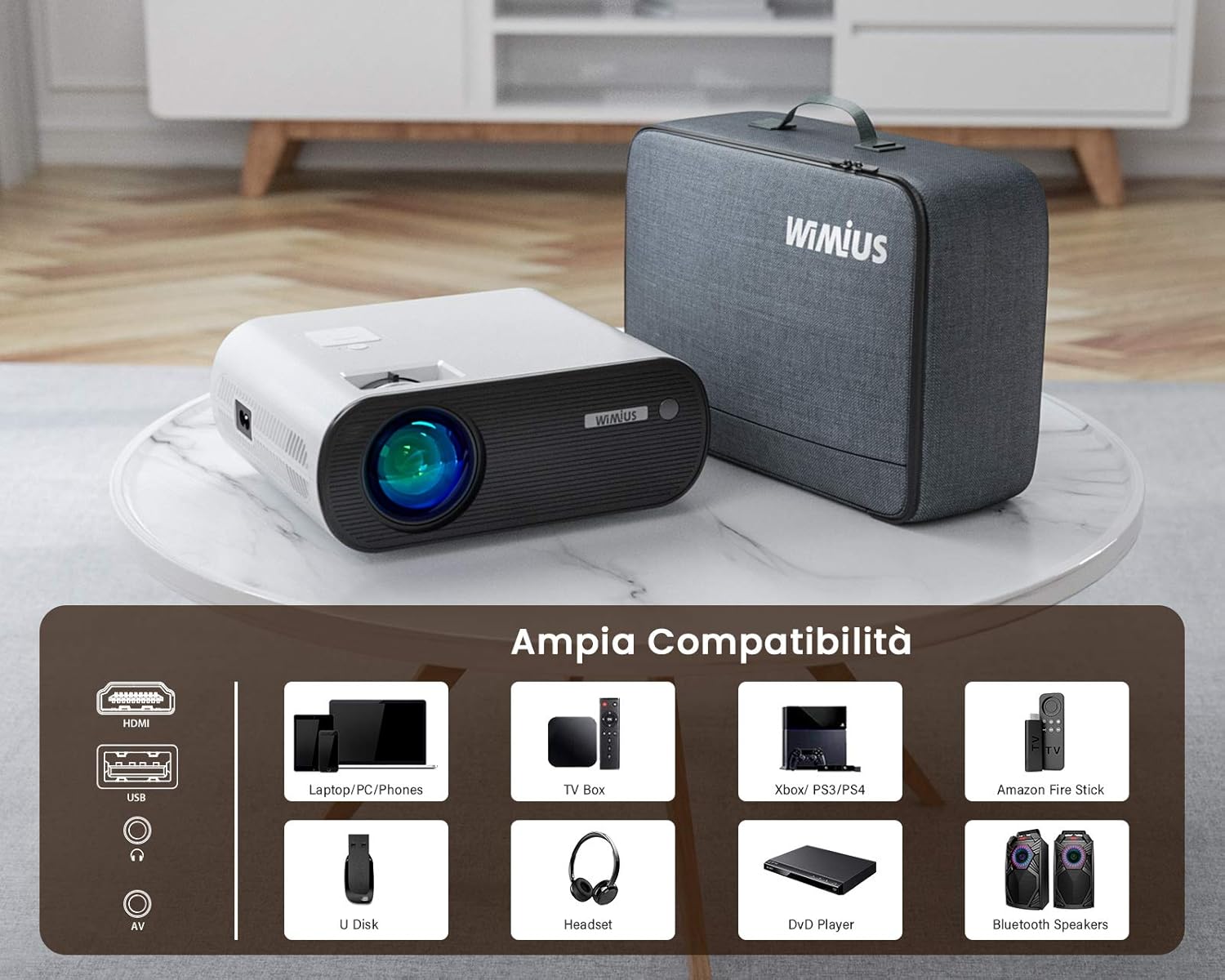
- Portijiet HDMI: For connecting laptops, gaming consoles (PS4, Xbox), TV boxes, and DVD players.
- Portijiet USB: For connecting USB drives (U Disk) to play media files.
- Port AV: Għall-konnessjoni ta' apparati eqdem permezz ta' kejbil AV.
- Ħruġ tal-Awdjo (Ġakk ta' 3.5mm): Għall-konnessjoni ta' headphones jew speakers esterni.
- Input ta' Enerġija: Għall-konnessjoni tal-kejbil tad-dawl.
5. Setup
5.1 Tqegħid
Choose a flat, stable surface for the projector. The recommended projection distance is approximately 2.5 meters for an optimal viewing experience. The projector supports a flexible screen size from 50 to 200 inches, allowing for various room sizes and viewpreferenzi.

5.2 Konnessjoni tal-Enerġija
Connect the power cable to the projector's power input port and then plug the other end into a power outlet.
5.3 Aġġustament tal-Fokus u l-Keystone
Adjust the focus ring on the projector lens until the image is clear. Use the keystone correction ring to adjust the image shape if it appears trapezoidal. Note that the keystone correction may not perfectly verticalize the image in all scenarios, and some slight blurring at the edges might occur.
5.4 Multiple Installation Options
The WiMiUS K5 projector supports various installation methods, including front projection, rear projection, and ceiling mounting. Ensure the projector is securely mounted if choosing a ceiling installation.

6. Istruzzjonijiet Operattivi
6.1 Power On/Off
Agħfas il-buttuna tal-qawwa fuq il-proġettazzjoni jew il-kontroll remot biex tixgħel jew titfi l-unità.
6.2 Għażla tas-Sors tal-Input
Use the "Source" button on the remote control or the projector's control panel to select the desired input source (HDMI1, HDMI2, USB, AV, Screen Mirroring).
6.3 Apparat li jgħaqqad
- HDMI: Connect your laptop, PC, gaming console (PS4, Xbox), TV Box, or DVD player via an HDMI cable.
- USB: Daħħal flash drive USB fil-port USB biex tilgħab vidjows, ritratti, jew mużika direttament.
- TA’: Uża l-kejbil AV provdut biex tqabbad apparati eqdem bħal VCRs jew xi set-top boxes.
6.4 Wireless Connectivity (WiFi)
The projector supports wireless screen mirroring for iOS and Android devices.
- Select "Screen Mirroring" as the input source.
- Follow the on-screen instructions for connecting your iOS (AirPlay) or Android (Miracast) device to the projector's WiFi network.

6.5 Bluetooth Connection (Bluetooth 5.0)
Connect external Bluetooth speakers or headphones for enhanced audio experience.
- Go to the projector's Bluetooth settings.
- Ippermetti Bluetooth u fittex tagħmir disponibbli.
- Agħżel l-ispiker jew il-headphones Bluetooth tiegħek mil-lista biex tqabbadhom.

6.6 Funzjoni Zoom
The projector features a zoom function to adjust the image size without moving the projector. Access this feature through the projector's menu settings.
6.7 Settings tal-awdjo
The projector has integrated stereo speakers. For certain streaming devices like Amazon Fire Stick, if you experience no audio, ensure that the audio output setting on the connected device is set to Stereo and not Dolby Surround. The projector's internal audio system is optimized for stereo playback.
6.8 Xenarji ta' Użu
The WiMiUS K5 is versatile for various entertainment needs:
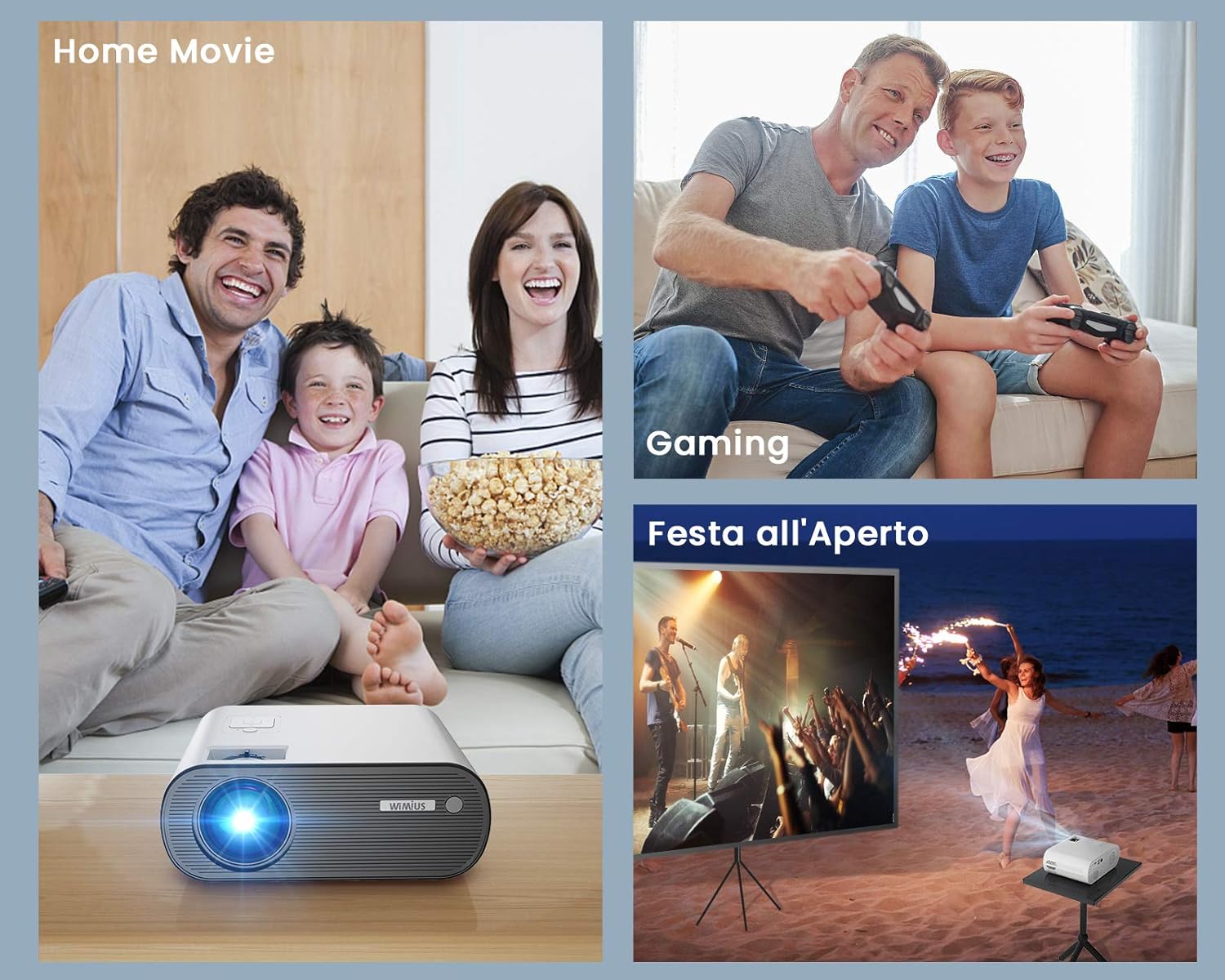
- Home Movie: Gawdi films u programmi televiżivi fuq skrin kbir.
- Logħob: Qabbad il-console tal-logħob tiegħek għal esperjenza ta' logħob immersiva.
- Outdoor Party: Its portability and brightness make it suitable for outdoor movie nights or events.

7. Manutenzjoni
7.1 Tindif tal-Lenti
Uża drapp artab u mingħajr suf iddisinjat speċifikament għal lentijiet ottiċi biex timsaħ bil-mod il-lenti tal-proġettazzjoni. Tużax prodotti tat-tindif li joborxu jew forza eċċessiva, għax dan jista' jħokk il-lenti.
7.2 Tindif ta' barra
Imsaħ il-barra tal-proġettazzjoni b'ċarruta ratba u niexfa. Għal marki persistenti, neħħi ftit ċarruta.amp cloth can be used, followed by a dry one. Ensure no liquid enters the ventilation openings.
7.3 Prevenzjoni tat-Trab
To minimize dust accumulation inside the projector, operate it in a clean environment. While the projector has cooling fans, internal dust can sometimes accumulate over time, potentially causing spots on the projected image. Regular cleaning of the exterior and proper storage can help mitigate this.
7.4 Ħażna
When not in use, store the projector in its included carrying bag in a cool, dry, and dust-free environment to protect it from damage and prolong its lifespan.
8 Issolvi l-problemi
| Problema | Kawża Possibbli | Soluzzjoni |
|---|---|---|
| L-ebda immaġni pproġettata | Qawwa mhux konnessa; Sors ta' input mhux korrett; Għatu tal-lenti mwaħħal. | Check power connection; Select correct input source (HDMI, USB, AV); Remove lens cap. |
| L-ebda ħoss | Volume too low; Muted; Audio format incompatibility (e.g., Dolby); Loose audio cable. | Increase volume; Unmute; For Fire Stick/Netflix, set audio output to Stereo on the source device; Reconnect audio cables. |
| Immaġini mċajpra | Out of focus; Incorrect projection distance; Keystone not adjusted. | Adjust focus ring; Ensure projector is within recommended distance; Adjust keystone correction. |
| Il-kontroll mill-bogħod ma jaħdimx | Batteries dead/incorrectly inserted; Obstruction between remote and projector; Remote not pointed at IR receiver. | Replace batteries; Remove obstructions; Point remote directly at the projector's IR receiver. |
| Dust spots on image | Internal dust accumulation. | This can be a common issue over time. For persistent spots, professional cleaning may be required. Ensure proper ventilation and storage to minimize dust. |
9. Speċifikazzjonijiet
| Karatteristika | Dettall |
|---|---|
| Brand | WiMiUS |
| Mudell | K5 |
| Luminożità | 6000 Lumens |
| Riżoluzzjoni Nattiva | 1920 x 1080 (Full HD) |
| Riżoluzzjoni Massima tal-Wiri | 1920 x 1080 |
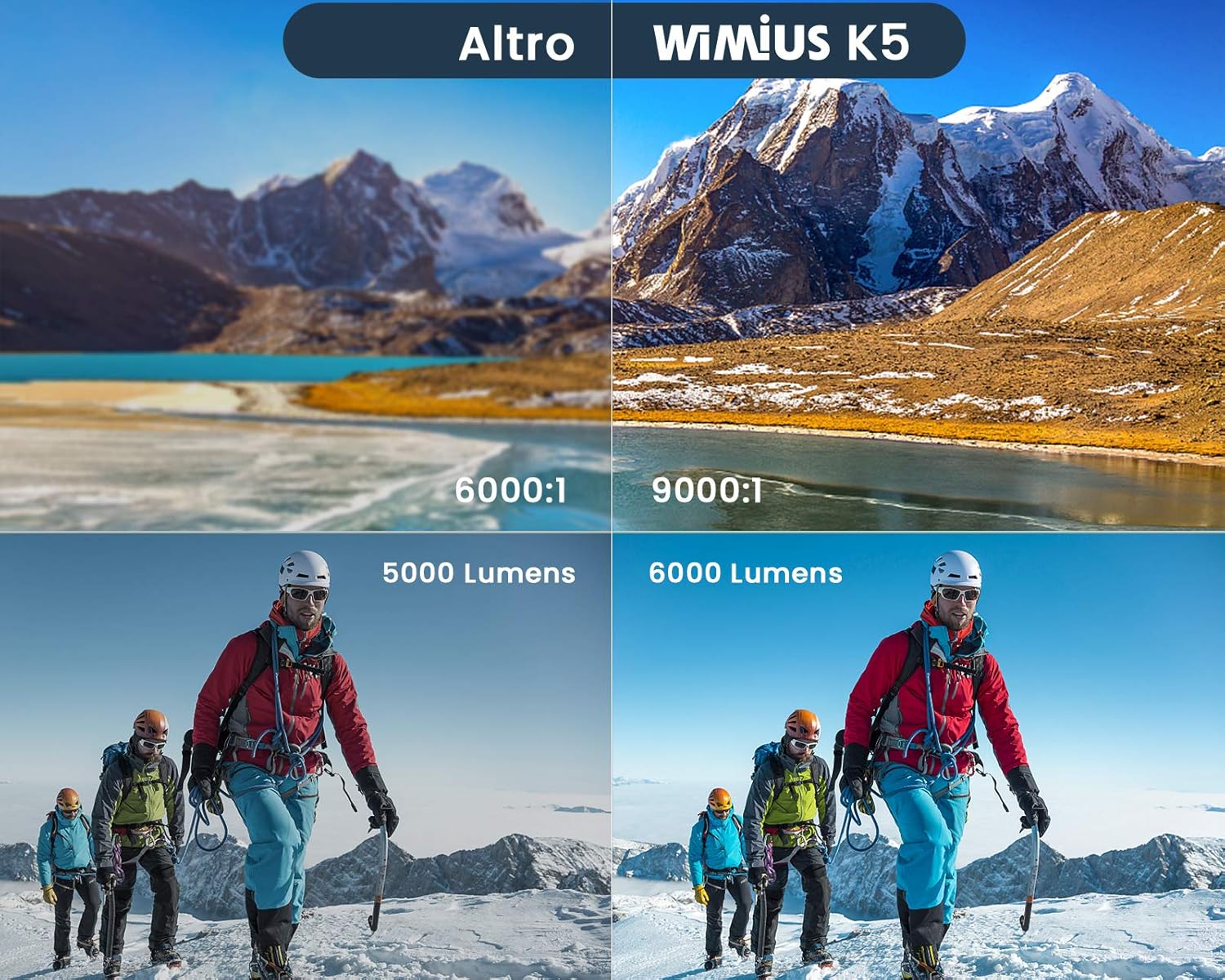
| Proporzjon ta' Kuntrast | 9000:1 (Assumed High Value from image) |
| Teknoloġija tal-Konnettività | Bluetooth 5.0, HDMI, USB, WiFi |
| Apparati Kompatibbli | Computers, Laptops, Gaming Consoles (PS4, Xbox), Media Players, Smartphones, Tablets, TV Boxes, DVD Players, USB Disks, Bluetooth Speakers/Headsets |
| Daqs tal-Projezzjoni | 50 - 200 pulzieri |
| Distanza ta 'Projezzjoni Rakkomandata | Appross. 2.5 metru |
| Dimensjonijiet | 21.2 x 17.2 x 8 ċm |
| Piż | 1.91 Kilogrammi |
| Komponenti Inklużi | Borża tal-Proġekter |
| Tip ta' Installazzjoni | Tabletop, Ceiling Mount |
10. Garanzija u Appoġġ
WiMiUS products are designed and manufactured to the highest quality standards. For information regarding warranty coverage and terms, please refer to the documentation included with your purchase or visit the official WiMiUS websit.
If you encounter any issues or have questions about your WiMiUS K5 projector that are not covered in this manual, please contact WiMiUS customer support. Details for contacting support are typically found on the product packaging, warranty card, or the official brand websit.
For the latest updates, FAQs, and support resources, please visit the WiMiUS Official Store on Amazon.


