1. Setup
1.1 Tneħħija tal-kaxxa u Spezzjoni Inizjali
Carefully remove all components from the packaging. Verify that all items listed in the product box are present. Inspect the watch and accessories for any signs of damage.
1.2 Iċċarġjar tal-Apparat
Before first use, fully charge your AIKELA Smart Watch. Connect the magnetic charging cable to the charging points on the back of the watch and plug the USB end into a power adapter (not included) or a computer's USB port. The watch display will indicate charging status. A full charge typically takes approximately 2 hours.

Image: The AIKELA Smart Watch connected to its magnetic charging cable, showing the charging process.
The watch offers an extended battery life, providing 8-10 days of typical usage and up to 30-40 days on standby, depending on feature usage.
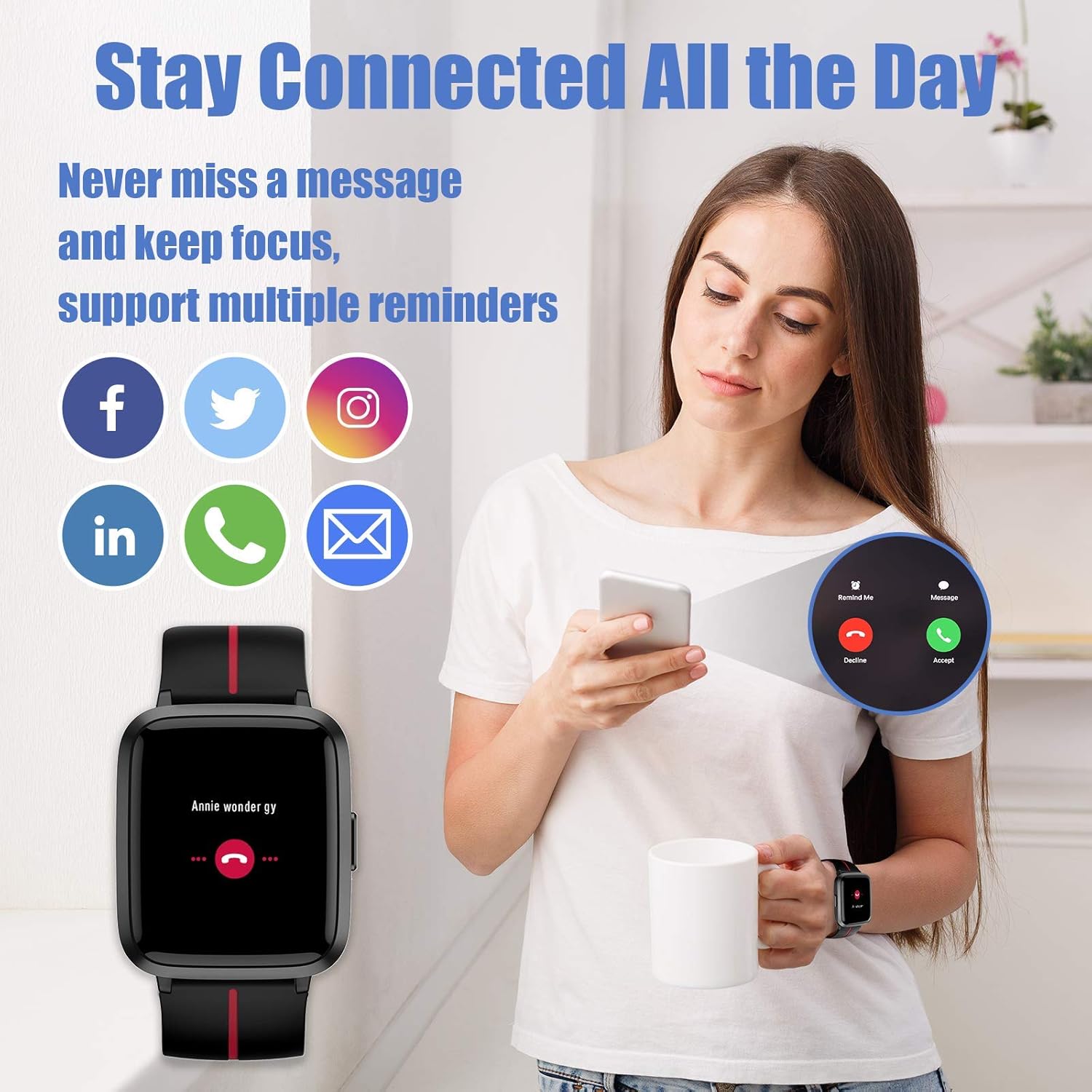
Image: The AIKELA Smart Watch screen showing battery percentage and estimated usage/standby times.
1.3 Installazzjoni tal-App
Download and install the "VeryFitPro" app on your smartphone. This app is compatible with iOS 8.0 and above, and Android 4.4 and above. Fittex għal "VeryFitPro" in your device's app store.
1.4 Pairing with Smartphone
Open the VeryFitPro app and follow the on-screen instructions to pair your AIKELA Smart Watch via Bluetooth. Ensure Bluetooth is enabled on your smartphone and the watch is within range. The app will guide you through the connection process.
2. Tħaddim tal-Arloġġ Intelliġenti
2.1 Navigazzjoni Bażika
The AIKELA Smart Watch features a 1.3-inch TFT-LCD color touchscreen for intuitive navigation. Swipe left, right, up, or down to access different functions and menus. Press the side button to return to the previous screen or the main watch face.
2.2 Time Display and Watch Faces
The main screen displays the time and date. You can customize the watch face through the VeryFitPro app to suit your preference.

Image: The AIKELA Smart Watch showing a digital watch face with blood oxygen monitoring data.
2.3 Activity Tracking (Pedometer, Distance, Calories)
L-arloġġ isegwi awtomatikament il-passi tiegħek ta’ kuljum, id-distanza li tivvjaġġa, u l-kaloriji maħruqa. View your progress directly on the watch or in detail within the VeryFitPro app.
2.4 Monitoraġġ tar-Rata tal-Qalb
To measure your heart rate, navigate to the heart rate function on the watch. Ensure the watch is snug on your wrist. The watch will display your current heart rate in beats per minute (bpm).

Image: The AIKELA Smart Watch showing heart rate and blood pressure monitoring in progress.
2.5 Monitoraġġ tal-Ossiġnu fid-Demm
Access the blood oxygen function on your watch. Keep your arm still during the measurement for accurate results. The watch will display your SpO2 level.
2.6 Monitoraġġ tal-Pressjoni tad-Demm
To measure blood pressure, select the blood pressure function. Remain still and relaxed. The watch will provide an estimated blood pressure reading.
2.7 Monitoraġġ tal-Irqad
Wear the watch to bed, and it will automatically track your sleep patterns, including deep sleep, light sleep, and awake time. Review your sleep data in the VeryFitPro app for insights into your sleep quality.

Image: The AIKELA Smart Watch displaying sleep duration, alongside a smartphone app showing detailed sleep analysis.
2.8 Modalità Sportiva
The AIKELA Smart Watch supports 9 different sports modes, including walking, running, biking, spinning, treadmill, hiking, yoga, climbing, and general fitness. Select your desired activity to track specific metrics for that workout.

Image: The AIKELA Smart Watch screen showing icons for 9 different sports modes.
2.9 Notifiki
Once paired with your smartphone, the watch can receive notifications for calls, messages, and various social media apps. Manage notification settings through the VeryFitPro app.
2.10 Women's Health Mode
The watch includes a Women's Health mode to track menstrual cycles and provide relevant reminders. This feature can be configured and managed within the VeryFitPro app.
3. Manutenzjoni
3.1 Tindif
Naddaf l-arloġġ u ċ-ċinga tiegħek regolarment b'ċarruta ratba u niexfa. Jekk meħtieġ, uża drapp kemmxejn niexef.amp Ċarruta b'sapun ħafif, imbagħad laħlaħ u nixxef sewwa. Evita kimiċi ħarxa jew materjali li joborxu.
3.2 Reżistenza għall-Ilma
The AIKELA Smart Watch is 5ATM swimming waterproof, meaning it can withstand pressures equivalent to a depth of 50 meters. It is suitable for swimming and showering but not for diving or high-pressure water activities. Avoid operating the buttons underwater.
3.3 Kura tal-Batterija
Biex ittawwal il-ħajja tal-batterija, evita li tiċċarġja l-arloġġ kompletament ta’ spiss. Iċċarġjah meta l-livell tal-batterija jkun baxx. Aħżen l-arloġġ f’post frisk u niexef meta ma tkunx qed tużah għal perjodi twal.
4 Issolvi l-problemi
4.1 L-Apparat Mhux Qed Jinxtegħel
- Kun żgur li l-arloġġ ikun iċċarġjat kompletament. Qabbad mal-ċarġer għal mill-inqas 10 minuti.
- Agħfas u żomm il-buttuna tal-ġenb għal 5-10-il sekonda biex tipprova terġa' tibda bil-forza.
4.2 Not Pairing with Smartphone
- Ikkonferma li l-Bluetooth huwa attivat fuq l-ismartphone tiegħek.
- Kun żgur li l-arloġġ ikun viċin ħafna tat-telefon tiegħek.
- Ibda mill-ġdid kemm l-ismartphone tiegħek kif ukoll l-arloġġ.
- Try unpairing and re-pairing the device through the VeryFitPro app.
4.3 Inaccurate Readings (Heart Rate, Blood Pressure, SpO2)
- Kun żgur li l-arloġġ jintlibes sew fuq il-polz tiegħek, la issikkat wisq u lanqas maħlul wisq.
- Żomm driegħek wieqfa waqt il-kejl.
- Avoid taking measurements immediately after intense exercise or in extreme temperatures.
- Note that these readings are for reference only and should not be used for medical diagnosis.
4.4 Ir-Resetjar tal-Apparat
If you encounter persistent issues, you may need to reset your watch. This option is usually found in the watch's settings menu or the VeryFitPro app. A factory reset will erase all data on the watch and restore it to its original settings.
5. Speċifikazzjonijiet
| Isem tal-Mudell | 205U |
| Brand | AIKELA |
| Daqs tal-Iskrin | 1.3 Pulzier |
| Tip ta 'batterija | Polimeru tal-litju |
| Kapaċità tal-batterija | 210 Milliamp Sigħat |
| Konnettività | Bluetooth, GPS |
| Karatteristiċi Speċjali | Blood Pressure Monitor, GPS, Heart Rate Monitor, Notifications, Pedometer, Sleep Monitor, Time Display |
| Reżistenza għall-Ilma | 5ATM (Swimming Waterproof) |
| Piż tal-oġġett | 1.38 uqija (39 Grammi) |
| Kompatibilità tas-Sistema Operattiva | Android (4.4+), iOS (8.0+) |
6. Garanzija u Appoġġ
For warranty information and customer support, please refer to the documentation included with your purchase or visit the official AIKELA websit. Żomm il-prova tax-xiri tiegħek għal kwalunkwe talba ta' garanzija.


