1. Introduzzjoni
Welcome to the user manual for your new Taurus Homeland Laser Robot Vacuum Cleaner. This intelligent cleaning device is designed to provide efficient and thorough cleaning for your home, utilizing advanced ElegantLaser technology for precise navigation and mapping. Please read this manual carefully before using the product to ensure proper operation, maintenance, and safety.
Informazzjoni dwar is-Sigurtà
Dejjem żomm mal-linji gwida tas-sigurtà li ġejjin:
- Do not allow children to operate the robot vacuum cleaner.
- Ensure the charging base is placed on a flat, stable surface against a wall, with no obstacles within 1 meter in front and 0.5 meters on either side.
- Keep the robot away from water or wet surfaces to prevent electric shock.
- Do not use the robot to clean liquids, burning objects, or large, sharp debris.
- Regularly check and clean the brushes and sensors to maintain optimal performance.
- Only use the original power adapter and charging base provided with the product.
- Jekk il-korda tal-enerġija tkun bil-ħsara, din trid tiġi sostitwita mill-manifattur jew minn aġent tas-servizz kwalifikat.
2. Prodott Aktarview
Familiarize yourself with the components of your Taurus Homeland Laser Robot Vacuum Cleaner.
Kontenut tal-Pakkett
- Taurus Homeland Laser Robot Vacuum Cleaner
- Bażi tal-Iċċarġjar
- Adapter tal-Enerġija
- Kontroll mill-bogħod
- Xkupilji tal-ġenb (2 pari)
- Pinzell Prinċipali
- Trab tat-trab
- Tank tal-Ilma b'Ċarruta tal-Mopp
- Għodda tat-Tindif
- Manwal għall-Utent
Komponenti Robot


3. Setup
Żpakkjar u Tqegħid Inizjali
- Neħħi bir-reqqa l-komponenti kollha mill-imballaġġ.
- Choose a suitable location for the charging base. It should be placed against a wall on a hard, level surface. Ensure there are no obstacles within 1 meter (3.3 feet) in front of the base and 0.5 meters (1.6 feet) on either side to allow the robot to dock easily.
- Connect the power adapter to the charging base and plug it into a wall outlet. Ensure the indicator light on the charging base illuminates.
Installazzjoni ta 'Xkupilji tal-Ġenb
Turn the robot over. Align the side brushes with the corresponding slots (L and R) on the bottom of the robot and press them down until they click into place.
Iċċarġjar Inizjali
Place the robot onto the charging base, ensuring the charging contacts on the robot align with those on the base. The robot will begin charging automatically. For first-time use, it is recommended to fully charge the robot before its initial cleaning cycle (approximately 4-5 hours).
App Setup and Wi-Fi Connection
To unlock the full potential of your robot, download the dedicated mobile application.

- Fittex għal the 'Taurus Homeland' app in your smartphone's app store (Google Play Store for Android or Apple App Store for iOS).
- Niżżel u installa l-app.
- Follow the in-app instructions to create an account and connect your robot vacuum cleaner to your home Wi-Fi network. Ensure your Wi-Fi network is 2.4GHz.
- Ladarba tkun konness, tista' tikkontrolla r-robot, tiskeda t-tindif, u view cleaning maps from your smartphone.
4. Istruzzjonijiet Operattivi
Tixgħel/Jitfi
- Qawwa Mixgħul: Press and hold the power button on the robot or the remote control until the indicator lights illuminate.
- Itfi: Press and hold the power button on the robot or the remote control until the indicator lights turn off.
Tibda Ċiklu ta' Tindif
Press the power button on the robot or the 'Clean' button on the remote control/app to start an automatic cleaning cycle. The robot will begin mapping and cleaning your home using its ElegantLaser navigation.


Modi tat-Tindif
The robot offers 10 different cleaning modes, accessible via the remote control or the mobile app:
- Auto: Standard cleaning mode, the robot intelligently navigates and cleans the entire area.
- Select Room: Clean specific rooms identified on the app's map.
- Perimetru: Tnaddaf tul il-ħitan u t-truf tal-għamara.
- Spiral: Tnaddaf żona kkonċentrata f'disinn spirali.
- Manwal: Control the robot's movement manually using the remote control or app.
- Lura lejn id-Dar: Robot returns to the charging base.
- Qawwa massima: Increases suction power for deeper cleaning.
- Restricted Zone: Define areas on the app map that the robot should avoid.
- Restricted Wall: Create virtual walls on the app map to block off areas.
- Tindif tal-Post: Cleans a specific small area intensively.
Uża l-Applikazzjoni mobbli
The app provides comprehensive control and customization options:

- Immappjar: The robot creates a real-time map of your home, which is displayed in the app.
- Zone Restriction: Draw virtual boundaries or no-go zones on the map to prevent the robot from entering certain areas.
- Skedar: Issettja skedi ta' tindif ta' kuljum jew ta' kull ġimgħa għal tindif awtomatizzat.
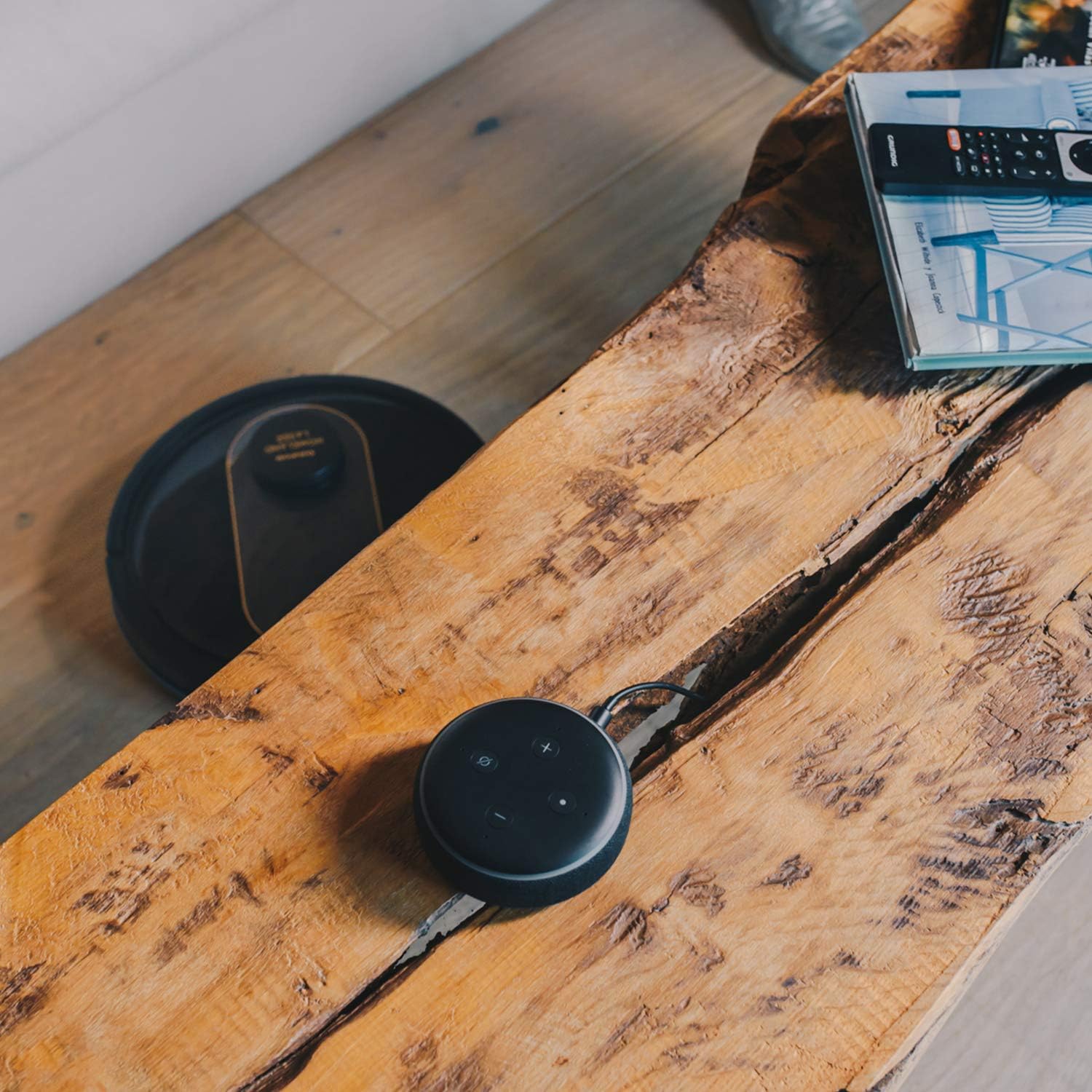
- Kontroll tal-Vuċi: Compatible with Alexa and Google Assistant for convenient voice commands (e.g., "Alexa, start cleaning").
Funzjoni Mopping
To use the mopping function, fill the water tank with clean water and attach the mop cloth. Insert the water tank into the robot. The robot will then vacuum and mop simultaneously. Do not use detergents or harsh chemicals in the water tank.
5. Manutenzjoni
Manutenzjoni regolari tiżgura prestazzjoni ottimali u testendi l-ħajja tal-vacuum cleaner robot tiegħek.
Tbattil tal-Dustbin
The dustbin should be emptied after each cleaning cycle or when the 'dustbin full' indicator (if available) illuminates. Press the dustbin release button, pull out the dustbin, open its lid, and discard the debris.
Tindif tal-Filtru
The HEPA filter should be cleaned weekly. Remove the filter from the dustbin and tap it gently over a trash can to remove dust. Do not wash the HEPA filter with water; if it becomes heavily soiled, replace it.
Pniezel tat-tindif
- Pinzell Prinċipali: Remove the main brush cover and lift out the main brush. Use the provided cleaning tool to remove hair and debris tangled around the brush. Clean the brush compartment.
- Xkupilji tal-ġenb: Periodically check the side brushes for tangled hair or debris. If necessary, remove them and clean them. Replace worn or damaged side brushes.
Sensuri tat-Tindif u Kuntatti tal-Iċċarġjar
Wipe the cliff sensors (located on the bottom of the robot), wall sensors (on the front bumper), and charging contacts (on the robot and charging base) with a clean, dry cloth. This ensures proper navigation and charging.
Tindif tat-Tank tal-Ilma u d-Drapp tal-Mopp
After mopping, empty any remaining water from the tank. Remove the mop cloth and wash it thoroughly. Allow both the tank and cloth to air dry completely before reassembling.
6 Issolvi l-problemi
Jekk tiltaqa' ma' problemi bir-robot vacuum cleaner tiegħek, irreferi għall-problemi u s-soluzzjonijiet komuni li ġejjin:
| Problema | Kawża Possibbli | Soluzzjoni |
|---|---|---|
| Ir-robot ma jixgħelx. | Batterija baxxa; Il-buttuna tal-qawwa mhux ippressata sew. | Place robot on charging base; Press and hold power button for a few seconds. |
| Ir-robot ma jiċċarġjax. | Il-kuntatti tal-iċċarġjar huma maħmuġin; L-adapter tal-enerġija mhux imqabbad. | Naddaf il-kuntatti tal-iċċarġjar fuq ir-robot u l-bażi; Kun żgur li l-adapter tal-enerġija huwa mdaħħal sew. |
| Ir-robot jeħel spiss. | Wisq ostakli; Sensuri tal-irdum maħmuġin. | Neħħi l-ostakli mill-mogħdija tat-tindif; Naddaf is-sensuri tal-irdum. |
| Prestazzjoni fqira tat-tindif. | Il-kontenitur tat-trab mimli; Ix-xkupilji mħabbtin; Il-filtru mblukkat. | Vojta l-kontenitur tat-trab; Naddaf ix-xkupilji prinċipali u tal-ġenb; Naddaf jew ibdel il-filtru. |
| Problemi ta' konnettività tal-app. | Password tal-Wi-Fi mhux korretta; Router 'il bogħod wisq; Netwerk tal-Wi-Fi ta' 5GHz. | Re-enter Wi-Fi password; Move robot closer to router; Ensure 2.4GHz Wi-Fi is used. |
| Ir-robot jagħmel ħoss mhux tas-soltu. | Debris fil-pinzell jew fir-roti; Imblukkar tal-fann. | Inspect and clean main brush, side brushes, and wheels; Check for obstructions in the suction path. |
If the problem persists after trying these solutions, please contact Taurus customer support.
7. Speċifikazzjonijiet
Key technical specifications for the Taurus Homeland Laser Robot Vacuum Cleaner:
| Karatteristika | Speċifikazzjoni |
|---|---|
| Brand | Taurus |
| Isem tal-Mudell | Homeland Laser |
| Numru tal-Mudell | 948895000 |
| Kulur | Iswed/Deheb |
| Dimensjonijiet (L x W x H) | 32L x 32W x 10H cm (approx. 7.6 cm height for cleaning under furniture) |
| Piż tal-oġġett | 2.7 Kilogrammi |
| Voltage | 240 Volts |
| Materjal | Plastik |
| Qawwa tal-ġbid | 1800 PA |
| Tip ta 'batterija | Lithium-ion |
| Ħajja tal-batterija | Sa 120 minuta |
| Tip ta 'filtru | HEPA |
| Konnettività | Wi-Fi (2.4GHz), Smartphone App, Alexa & Google Assistant compatible |
| Modi tat-Tindif | 10 (Auto, Select Room, Perimeter, Spiral, Manual, Return to Home, Max Power, Restricted Zone, Restricted Wall, Spot Cleaning) |
8. Garanzija u Appoġġ
Your Taurus Homeland Laser Robot Vacuum Cleaner comes with a manufacturer's warranty. Please refer to the warranty card included in your product packaging for specific terms and conditions, including the warranty period and coverage details.
Appoġġ għall-Klijent
For technical assistance, troubleshooting beyond this manual, or warranty claims, please contact Taurus customer support. Contact information can typically be found on the official Taurus webis-sit jew fuq l-imballaġġ tal-prodott tiegħek.
We recommend registering your product on the Taurus websit biex tirċievi aġġornamenti u appoġġ.


