Manwal tal-Utent tat-Trejner tar-Roti Intelliġenti Magene T300
Mudell: T300
Marka: Magene
1. Introduzzjoni
The Magene T300 Smart Bicycle Trainer is a high-performance, direct-drive interactive home trainer designed to provide a realistic and immersive indoor cycling experience. It replicates various terrains and training power levels, offering a comprehensive solution for cyclists of all levels.
Equipped with advanced ANT+ and Bluetooth Smart protocols, the T300 seamlessly communicates with popular third-party applications such as Zwift and TrainerRoad, as well as Magene's own Onelap software. Its robust design and powerful resistance unit allow for a maximum power output of 2600W and simulate gradients up to 22%, making it suitable for intense training sessions, including high-speed sprints and challenging climbs.
This manual provides essential information for setting up, operating, maintaining, and troubleshooting your Magene T300 Smart Bicycle Trainer.
2. Kontenut tal-Pakkett
Qabel ma tipproċedi bis-setup, jekk jogħġbok kun żgur li l-komponenti kollha huma preżenti fil-pakkett:
- Magene T300 Smart Bicycle Trainer Unit
- Gwardja tal-Għaraq
- Thru Axle Adapter
- ANT+ USB Dongle
- Skewer ta' Rilaxx malajr
- Cassette (pre-installed or separate, depending on model variant)
- Adapter tal-Enerġija u Cable
- Manwal għall-Utent (dan id-dokument)
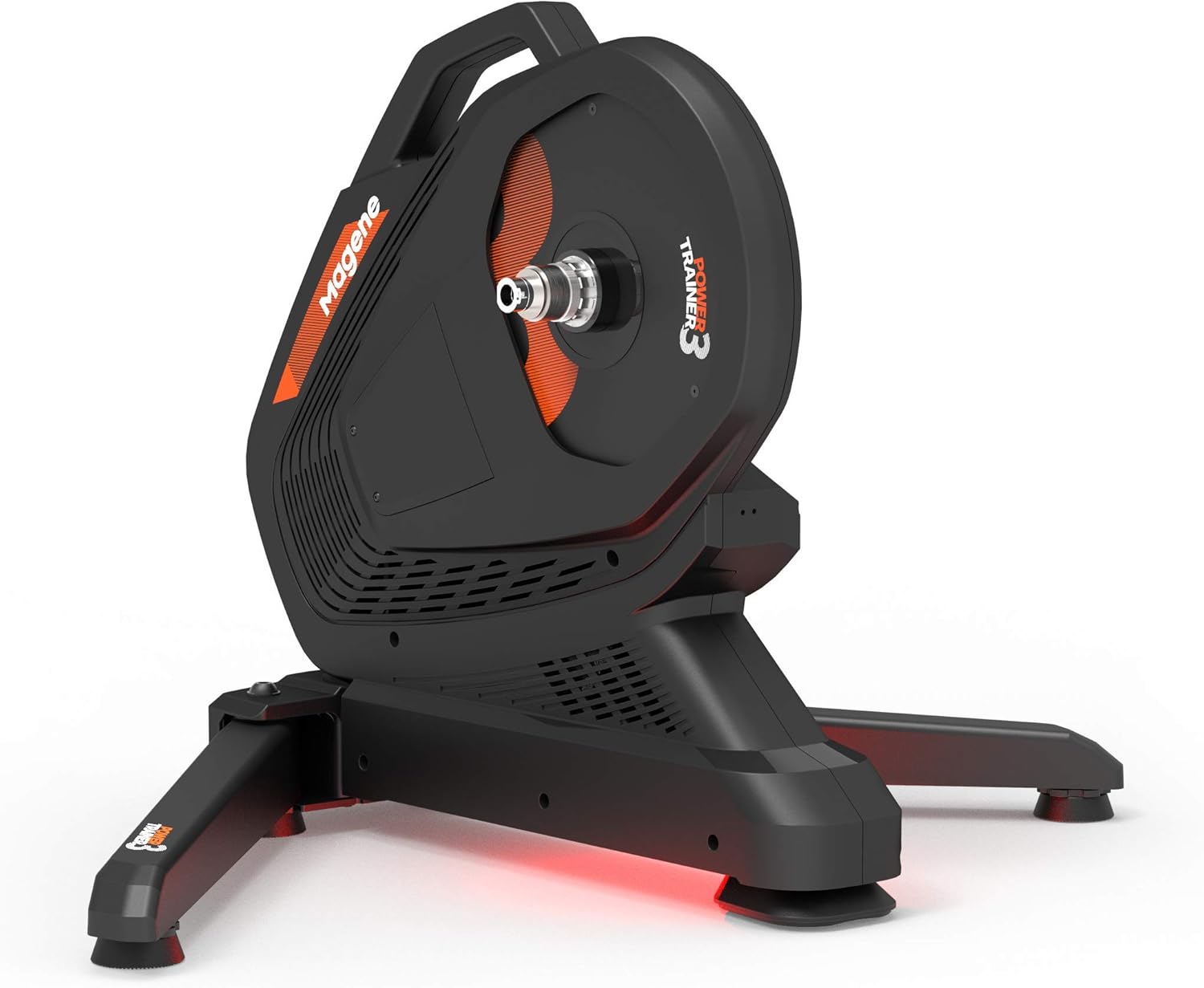
Figure 2.1: The Magene T300 Smart Bicycle Trainer, showcasing its compact and stable design with the flywheel and main body visible.
3. Istruzzjonijiet ta' Setup
3.1 Kif tiftaħ ir-riġlejn tat-trejner
Carefully remove the trainer from its packaging. The T300 features foldable legs for easy storage. To set up, gently pull the legs outwards until they lock securely into place. Ensure the trainer is stable on a flat, level surface.

Figure 3.1: The Magene T300 trainer with its stabilizing legs extended, showing the Magene logo on the base.
3.2 Installing the Cassette (if not pre-installed)
If your T300 did not come with a cassette pre-installed, you will need to install one compatible with your bicycle's drivetrain. Use a cassette lockring tool and a chain whip to secure the cassette onto the freehub body. Ensure it is tightened to the manufacturer's specifications.
3.3 Mounting Your Bicycle
The Magene T300 is compatible with various bicycle types, including mountain bikes, and supports both quick release and thru-axle setups. Use the appropriate adapter provided.
- Neħħi r-rota ta' wara mir-rota tiegħek.
- Carefully align your bicycle's rear dropouts with the trainer's freehub and axle.
- For quick release, insert the provided quick release skewer through the trainer's axle and secure it firmly.
- For thru-axle, use the provided thru-axle adapter and your bicycle's thru-axle to secure the bike to the trainer.
- Ensure the bicycle is securely mounted and stable before use.

Figure 3.2: A bicycle securely mounted on the Magene T300 Smart Bicycle Trainer, ready for indoor cycling.
3.4 Konnessjoni tal-Enerġija
Connect the power adapter to the trainer's power input port and then plug it into a standard electrical outlet. The trainer will power on, indicated by an LED light.

Figure 3.3: The Magene T300 trainer with its power indicator light illuminated, signifying it is powered on.
4. Istruzzjonijiet Operattivi
4.1 Connecting to Applications
The Magene T300 supports ANT+ and Bluetooth Smart connectivity, allowing it to pair with a wide range of cycling applications on various devices (iOS, Android, MacOS, Windows).
- Bluetooth Intelliġenti: Enable Bluetooth on your device (smartphone, tablet, computer). Open your preferred cycling application (e.g., Zwift, TrainerRoad, Onelap) and navigate to the sensor pairing menu. The T300 should appear as a discoverable device. Select it to connect.
- ANT+: For ANT+ connectivity, plug the provided ANT+ USB dongle into your computer. Open your cycling application and search for ANT+ devices. The T300 will be detected as a power meter, speed sensor, and cadence sensor.
Ensure only one application is actively connected to the trainer via Bluetooth at a time to avoid interference. ANT+ allows multiple connections simultaneously.
4.2 Kalibrazzjoni
For optimal accuracy, it is recommended to perform a spin-down calibration within your cycling application periodically, especially after initial setup or if the trainer has been moved. Follow the on-screen instructions within your chosen application to complete the calibration process.
4.3 Riding Experience
Once connected, the T300 will automatically adjust resistance based on the virtual terrain or structured workout selected in your application. Experience realistic gradient simulations up to 22% and a maximum power output of 2600W for challenging intervals and sprints.
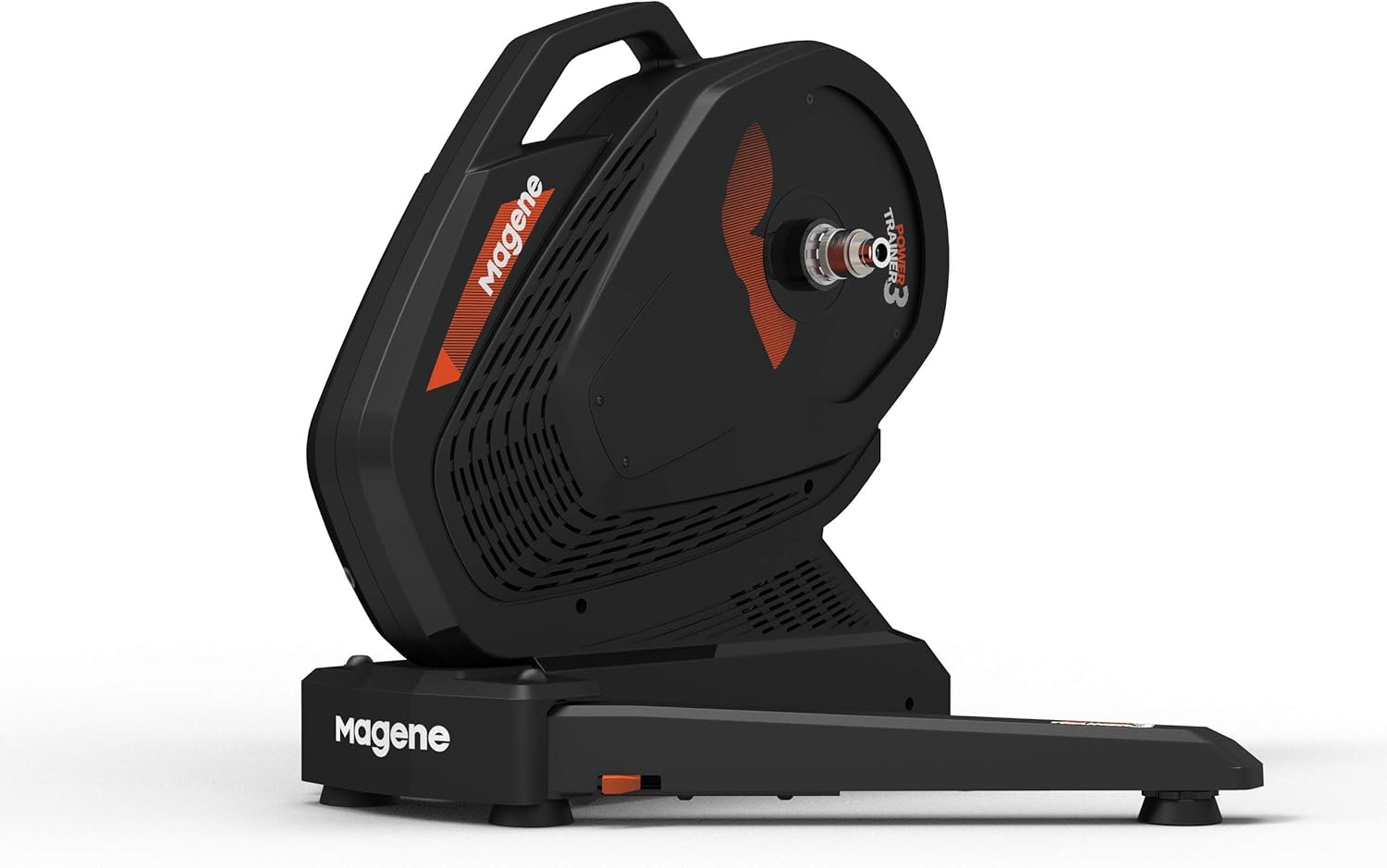
Figura 4.1: Naħa A view of the Magene T300 trainer, highlighting its sleek design and stable base.
5. Manutenzjoni
Regular maintenance ensures the longevity and optimal performance of your Magene T300 trainer.
- Tindif: Imsaħ it-trejner bir-reklamaramp cloth after each use, especially to remove sweat. Avoid using abrasive cleaners or solvents.
- Ħażna: When not in use, fold the legs and store the trainer in a dry, cool place away from direct sunlight.
- Spezzjoni taċ-ċinturin: Periodically inspect the drive belt for any signs of wear or damage. While the T300 is designed for durability, a visual check can prevent future issues.
- Aġġornamenti tal-Firmware: Check the Magene website or the Onelap application for any available firmware updates for your T300. Keeping the firmware updated ensures the best performance and compatibility.

Figura 5.1: Close-up view of the internal belt mechanism of the Magene T300, illustrating the direct drive system.
6 Issolvi l-problemi
| Problema | Kawża Possibbli | Soluzzjoni |
|---|---|---|
| Trainer not powering on. | Kejbil tal-enerġija mhux imqabbad; problema fis-sokit tal-enerġija. | Ensure power cable is securely connected to trainer and outlet. Test outlet with another device. |
| Cannot connect to cycling app via Bluetooth. | Bluetooth disabled; trainer already connected to another device; app permissions. | Ensure Bluetooth is enabled. Disconnect trainer from other devices. Check app permissions for Bluetooth access. Restart trainer and app. |
| Inaccurate power readings. | Trainer needs calibration; environmental factors. | Perform a spin-down calibration within your cycling application. Ensure trainer is on a stable, level surface. |
| Storbju mhux tas-soltu waqt it-tħaddim. | Loose components; foreign object; worn belt. | Check for any loose bolts or objects near the flywheel. Inspect the drive belt for wear. If noise persists, contact customer support. |
7. Speċifikazzjonijiet
| Karatteristika | Dettall |
|---|---|
| Mudell | T300 |
| Dimensjonijiet (L x W x H) | 60 x 50 x 35 ċm (miftuħa) |
| Piż | 17 kg |
| Materjal | Aluminium, Alloy Steel |
| Output ta 'Qawwa Max | 2600 W |
| Max Simulated Gradient | 22% |
| Konnettività | ANT+, Bluetooth Smart |
| Applikazzjonijiet Kompatibbli | Zwift, TrainerRoad, Onelap, etc. |
| Tipi ta' Roti Kompatibbli | Mountain Bike (and other standard road/gravel bikes with appropriate adapters) |
| Komponenti Inklużi | Sweat guard, thru axle adapter, ANT+ dongle, quick release, cassette (may vary) |
8. Garanzija u Appoġġ
For warranty information, please refer to the warranty card included with your product or visit the official Magene website. Magene provides customer support for technical assistance, troubleshooting, and spare parts.
For further assistance, please contact Magene customer support through their official channels. When contacting support, please have your product model (T300) and purchase details ready.


