1. Introduzzjoni
This manual provides essential information for setting up, operating, and maintaining your TCL 55C715 55-inch 4K Ultra HD Certified Android Smart QLED TV. Please read it thoroughly to ensure proper usage and to maximize your viewing experience. This television combines advanced QLED display technology with the versatility of Android TV, offering stunning visuals and smart features.

Image: The TCL 55C715 TV displaying the Android TV interface with apps like Netflix, YouTube, and Prime Video, highlighting its smart capabilities.
2. X'hemm fil-Kaxxa
Meta tiftaħ il-pakkett, kun żgur li l-oġġetti kollha li ġejjin huma preżenti:
- 1 x TCL 55C715 LED TV
- 1 x Table Top Stand (set)
- 1 x Wall Mount Bracket (set)
- 1 x Manwal tal-Utent (dan id-dokument)
- 1 x Karta tal-Garanzija
- 1 x Kontroll mill-bogħod
- 2 x Batteriji AAA (għall-kontroll remot)
3. Setup
3.1 Installazzjoni Fiżika
Your TCL 55C715 TV offers flexible installation options:
- Stand tal-mejda: Attach the provided tabletop stand to the bottom of the TV. The stand features dual positioning, allowing you to place the feet wide apart for maximum stability or closer together to fit narrower entertainment centers.
- Muntaġġ tal-ħajt: Use the included wall mount bracket to securely attach the TV to a wall. Ensure proper installation by a qualified professional to prevent damage or injury.
3.2 Konnessjonijiet
Connect your external devices using the ports located on the side of the TV:
- Portijiet HDMI: 3 HDMI ports are available. HDMI 1 supports ARC (Audio Return Channel) for simplified audio connections to compatible sound systems.
- Portijiet USB: 2 USB 2.0 ports for connecting USB storage devices.
- Port tal-LAN: Għal konnessjoni tal-internet bil-fili.
- Dħul tal-Antenna/Kejbil: Għall-konnessjoni ta' antenna jew TV bil-kejbil.
- Ħruġ tal-Awdjo Diġitali (Ottiku): For connecting to external audio receivers.
- 3.5mm Headphone Out: Għall-konnessjoni ta' headphones jew kelliema esterni.
3.3 L-Ewwel Tixgħil u l-Ewwel Setup
- Qabbad il-korda tad-dawl mat-TV u żbokk tad-dawl.
- Agħfas il-buttuna tal-qawwa fuq it-TV jew il-kontroll remot biex tixgħelu.
- Segwi l-istruzzjonijiet fuq l-iskrin biex tlesti s-setup inizjali, inkluż l-għażla tal-lingwa, il-konnessjoni tan-netwerk (Wi-Fi jew Ethernet), u d-dħul fil-kont tal-Google.
4. Istruzzjonijiet Operattivi
4.1 Smart TV Interface (Android TV)
Your TCL 55C715 runs on Certified Android P, providing access to a wide range of apps and services from the Google Play Store. The user interface is designed for ease of navigation.

Image: The Android TV home screen on the TCL 55C715, showing popular streaming applications and the Google Assistant search function.
4.2 Kontroll mill-Bogħod
The included remote control is minimalist and functional, designed for intuitive operation. It features dedicated buttons for popular streaming services like Netflix and a Google Assistant button for voice commands.

Image: The sleek remote control for the TCL 55C715, featuring quick access buttons for Netflix and the Google Assistant.
4.3 Voice Control (AI-Google Assistant)
The TV supports AI-Google Assistant with hands-free voice control. You can issue commands directly to the TV by saying "Ok Google" or by pressing the Google Assistant button on the remote. Ensure the physical mic toggle on the back of the TV is set to 'ON' for hands-free functionality.
Text Description of Video: This video demonstrates the user interface of the TCL C715 4K UHD Smart QLED TV. It shows the Android TV home screen, navigating through apps, and using the remote control. The video highlights the functionality of the AI-Google Assistant and the responsiveness of the system, including the physical mic on/off button on the back of the TV.
5. Karatteristiċi tal-Wiri u tal-Awdjo
5.1 Teknoloġija tal-Wiri
Experience stunning visuals with the QLED 4K UHD display (3860 x 2160 resolution) and a 60Hz refresh rate. The A+ Grade LED Panel ensures vibrant colors and sharp details. The TV supports multiple HDR formats including HDR10, HDR10+, HLG, and Dolby Vision, delivering enhanced contrast and color accuracy.

Image: The TCL 55C715 showcasing a colorful image of a parrot, emphasizing the dramatic visual quality provided by Dolby Vision.

Image: A split-screen comparison on the TCL 55C715, illustrating the enhanced color saturation and vibrancy of QLED technology compared to conventional displays.
Text Description of Video: This video provides a performance review of the TCL C715 4K UHD Smart QLED TV. It demonstrates the TV's picture quality with various content, including 4K, HDR, and SDR. The video highlights support for Dolby Vision, HDR10, HDR10+, and HLG, showcasing vibrant colors and good contrast. It also touches upon gaming performance and sound quality.
Text Description of Video: This video highlights the Quantum Dot technology in the TCL C715 QLED TV. It visually explains how Quantum Dots enhance color and brightness, leading to a more vivid and accurate picture. The video also mentions support for Dolby Vision, HDR10+, and HLG.
5.2 Kwalità tal-Awdjo
The TV delivers 30 Watts of audio output through Onkyo Speakers, enhanced with Dolby Atmos for an immersive sound experience. This setup provides clear vocals and dynamic sound for movies, music, and games.
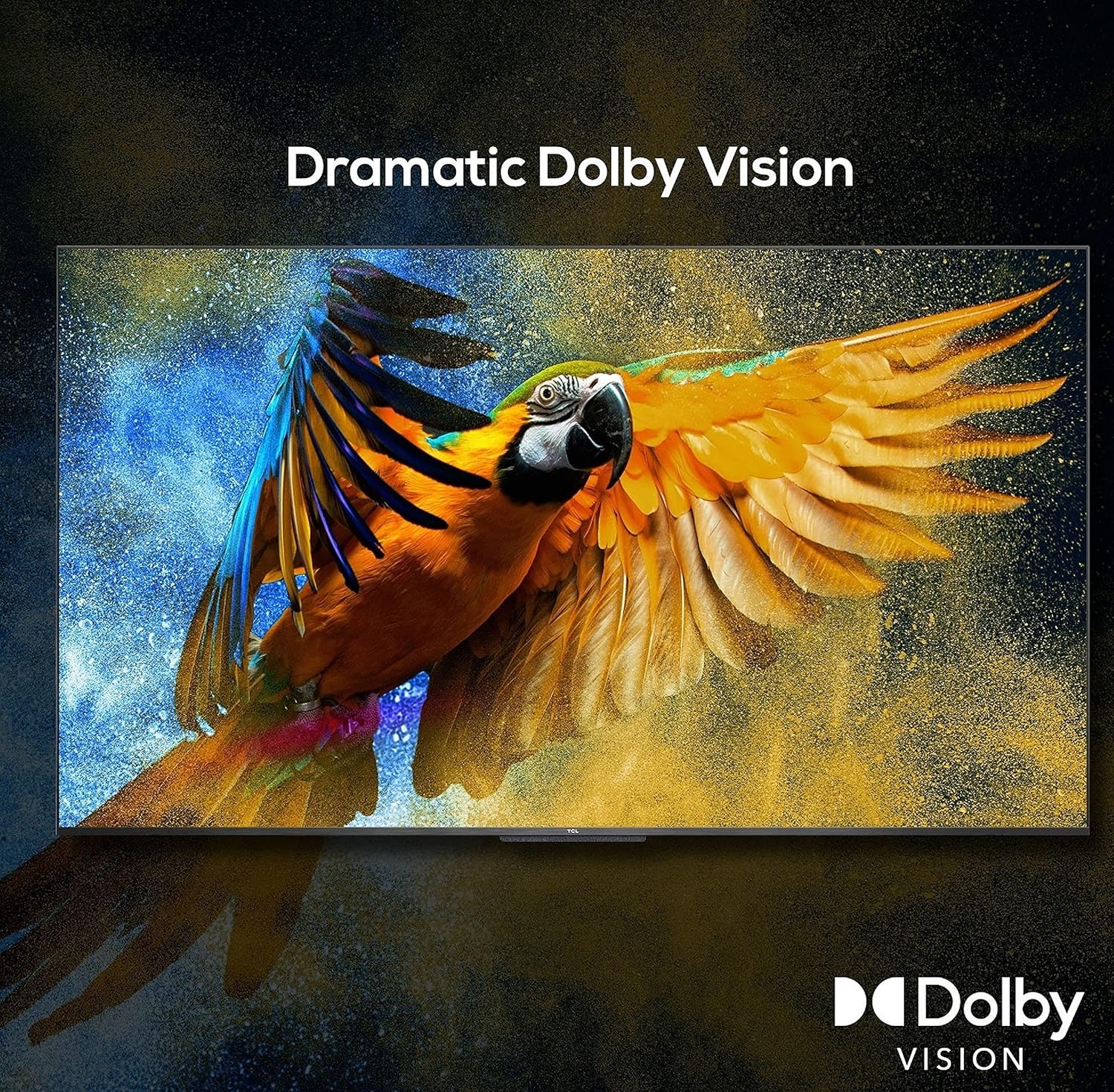
Image: The TCL 55C715 showcasing a serene landscape, highlighting the immersive audio experience provided by Dolby Atmos.
Text Description of Video: This video demonstrates the Dolby Vision and Dolby Atmos features of the TCL C715 QLED TV. It illustrates how Dolby Vision enhances picture quality with improved color and contrast, and how Dolby Atmos creates a three-dimensional sound experience, immersing the viewer in the audio.
6. Speċifikazzjonijiet
Ġenerali
- Ditta: TCL
- Mudell: 55C715
- Sena Mudell: 2020
- Dimensjonijiet tal-Prodott: 30.5 x 122.9 x 70.4 ċm; 14.8 kg
- Piż tal-oġġett: 14 kg 800 g
Wiri
- Daqs tal-iskrin: 55 Pulzier (138.7 ċm)
- Teknoloġija tal-Wiri: QLED
- Riżoluzzjoni: 4K Ultra HD (3840 x 2160 pixels)
- Rata ta' Aġġornar: 60 Hz
- Tip ta' wiri: A+ Grade LED Panel
- ViewIng Angolu: 178 Grad
- Proporzjon tal-aspett tal-immaġni: 16:9
- Proporzjon ta' Kuntrast tal-Immaġni: 5000:1
- Ħin ta' Rispons: 6.5 Millisekondi

Image: Detailed dimensions of the TCL 55C715 TV, showing its width, height, and depth in both centimeters and inches.
Karatteristiċi tat-TV Smart
- Sistema Operattiva: Android P (Certified Android TV)
- AI-Google Assistant: Built-in, Hands-free voice control
- Google Cast + T-cast: Iva
- Daqs Installat tal-Memorja RAM: 2.5 GB
- Kapaċità tal-Ħżin tal-Memorja: 16 GB
- Apps: 5000+ Apps including YouTube, Netflix, Prime Video
Awdjo
- Modalità tal-Ħruġ tal-Awdjo: Stereo
- Awdjo Wattage: 30 Watts
- Speaker Surround Sound: Dolby Atmos | DTS
- Formati Awdjo Appoġġjati: MP3, WMA
Konnettività
- Interface tal-ħardwer: HDMI, USB
- Portijiet USB totali: 2
- Tip ta' Konnettur: Wi-Fi
- Supports Bluetooth Technology: Iva
- Teknoloġija tal-Kontroll mill-bogħod: Infra-aħmar
- Maximum Operating Distance (Remote): 12 Saqajn
Qawwa
- Sors tal-Enerġija: AC
- Voltage: 240 Volts
- Batteriji: 2 batteriji AAA meħtieġa (inklużi)
7 Issolvi l-problemi
If you encounter any issues with your TCL 55C715 TV, please refer to the following common solutions:
- Ebda Qawwa: Ensure the power cord is securely connected to both the TV and a working power outlet. Check if the power indicator light is on.
- Ebda Stampa/Ħoss: Verify that the correct input source is selected. Check all cable connections (HDMI, antenna, etc.) for secure fit.
- Remote Mhux Jirrispondi: Ibdel il-batteriji AAA fir-remote control. Kun żgur li m'hemm l-ebda ostaklu bejn ir-remote u s-sensor IR tat-TV.
- Kwistjonijiet ta' Konnettività Wi-Fi: Restart your router and modem. Go to the TV's network settings and try reconnecting to your Wi-Fi network.
- Il-Kontroll tal-Vuċi Mhux Jaħdem: Ensure the physical mic toggle on the back of the TV is switched to 'ON'. Check the TV's settings to confirm Google Assistant is enabled.
- Slow Performance/Lagging UI: Restart the TV. Clear cache for frequently used apps or perform a factory reset if the issue persists (note: this will erase all data and settings).
For more detailed troubleshooting or persistent issues, please contact TCL customer support.
8. Manutenzjoni
To ensure the longevity and optimal performance of your TCL 55C715 TV, follow these maintenance guidelines:
- Tindif tal-Iskrin: Imsaħ l-iskrin bil-mod b'ċarruta ratba u niexfa tal-mikrofibra. Għal tbajja' persistenti, nixxef bil-mod.ampLaħlaħ id-drapp bl-ilma jew b'prodott speċjalizzat għat-tindif tal-iskrin (evita kimiċi ħarxa).
- Tindif tal-qafas: Uża drapp artab u niexef biex timsaħ il-qafas u l-istand tat-TV.
- Ventilazzjoni: Aċċerta ruħek li jkun hemm fluss tal-arja adegwat madwar it-TV. Timblokkax il-fetħiet tal-ventilazzjoni.
- Qawwa Mitfi meta ma tkunx qed tintuża: Turn off the TV when not in use to save energy and prolong its lifespan.
- Evita dawl tax-xemx dirett: Tesponix it-TV għad-dawl tax-xemx dirett jew għal temperaturi estremi.
9. Garanzija u Appoġġ
It-TV TCL 55C715 tiegħek jiġi ma' Garanzija ta' Sena KuraJekk jogħġbok irreferi għall-Karta tal-Garanzija inkluża għal termini u kundizzjonijiet dettaljati.
For product support, service requests, or further assistance, please visit the official TCL India webis-sit jew ikkuntattja l-linja t’għajnuna tas-servizz tal-klijenti tagħhom.
Manifattur: Bhagwati Products Ltd.


