Introduzzjoni
This manual provides detailed instructions for the setup, operation, and maintenance of your AUSDOM AW335 1080P Full HD Webcam. Please read this manual thoroughly before using the product to ensure proper functionality and to maximize your user experience.
Kontenut tal-Pakkett
- AUSDOM AW335 1080P Full HD Webcam
- Manwal għall-Utent
Note: Please check all items upon unboxing. If any components are missing or damaged, contact customer support.
Prodott Overview
The AUSDOM AW335 webcam is designed for high-definition video communication and recording. It features a 1080P Full HD lens, an integrated microphone with noise cancellation, and a versatile mounting clip.

Figura 1: Quddiem view of the AUSDOM AW335 Webcam, showing the lens and integrated microphone.

Figura 2: The AUSDOM AW335 Webcam demonstrating its 360-degree rotation and 180-degree adjustable base for flexible positioning. It also highlights the 1.5m USB cable.
Setup Istruzzjonijiet
- Immuntar tal- Webcam:
The AW335 webcam features an adjustable clip/stand. You can mount it on top of your computer monitor, laptop screen, or place it on a flat surface. The base also supports tripod mounting.

Figura 3: The AUSDOM AW335 Webcam securely mounted on top of a laptop screen, ready for use.
- Konnessjoni mal-Kompjuter tiegħek:
Qabbad il-kejbil USB mill- webcam to an available USB port on your computer (PC, Mac, Desktop, or Smart TV Box). The webcam is plug-and-play, meaning no additional drivers are typically required for basic functionality.
- Initial Setup (Windows/macOS):
Once connected, your operating system should automatically detect the webcam. You may need to select the "AUSDOM AW335" as your preferred camera and microphone in your video conferencing software (e.g., Skype, Zoom, Google Meet) or recording applications.
- Windows: Mur fuq Settings > Devices > Cameras or Sound > Input to verify the webIl-kamera hija rikonoxxuta.
- macOS: Mur fuq Preferenzi tas-Sistema > Ħoss > Input or use applications like Photo Booth or FaceTime to select the camera.
Istruzzjonijiet Operattivi
Aġġustament Manwal tal-Focus
The AW335 features a manual focus lens. To adjust the focus, gently rotate the lens ring until the image appears clear and sharp on your screen.
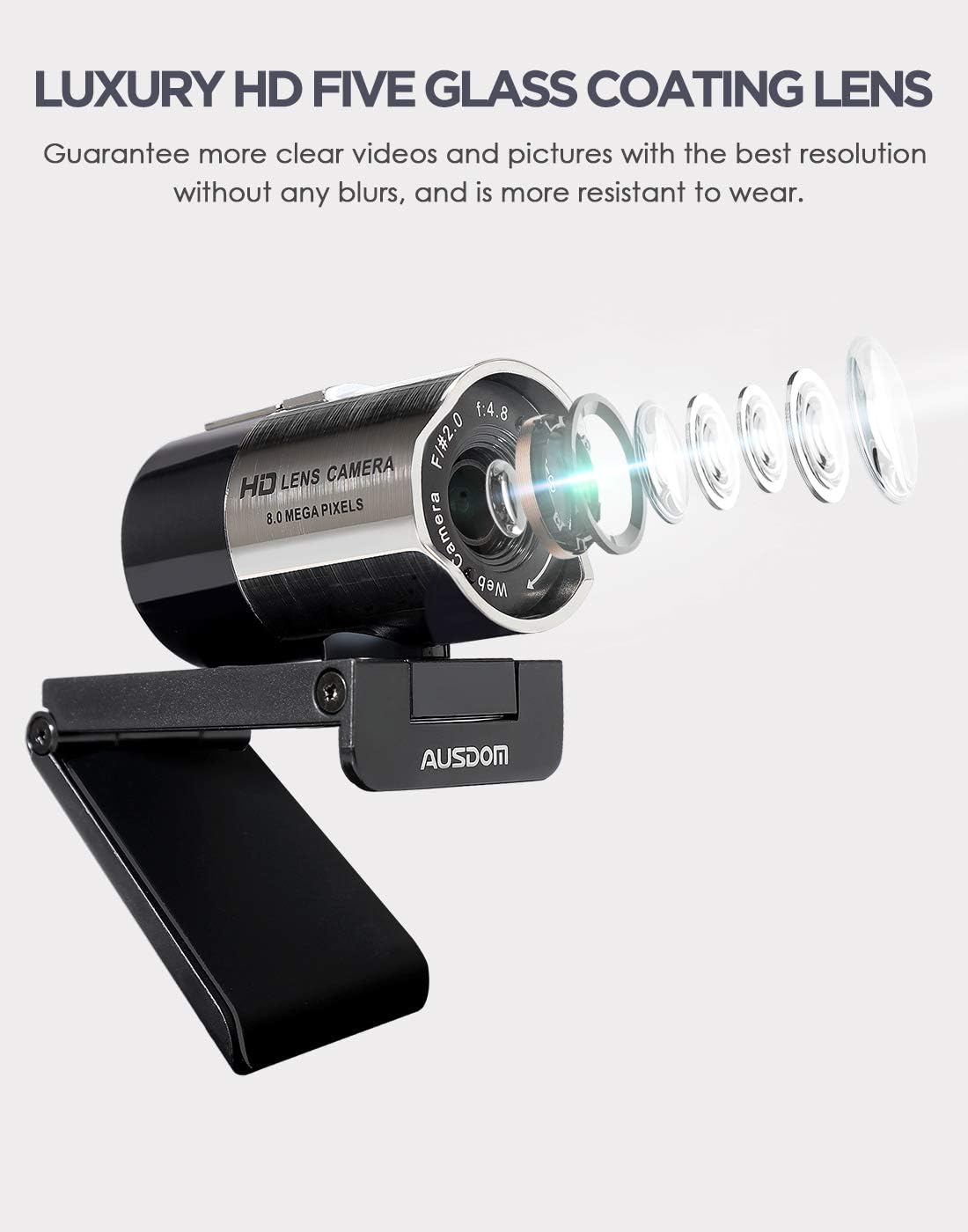
Figura 4: Close-up view of the AUSDOM AW335 Webcam lens, indicating the manual focus ring for sharpness adjustment.
Karatteristiċi ewlenin u Użu
- Vidjo 1080P Full HD: Il- webcam delivers high-definition video at 1920 x 1080 pixels, suitable for video calls, streaming, and recording.
- Integrated Noise-Cancelling Microphone: The built-in omni-directional microphone captures clear audio and filters out background noise. Ensure the webIl-mikrofonu tal-kamera huwa magħżul bħala l-apparat tad-dħul fis-settings tal-applikazzjoni tiegħek.
- Automatic Low-Light Correction: Il- webcam automatically adjusts to dim or overexposed lighting conditions to maintain clear video quality.
- Kompatibilità Wiesgħa: Compatible with Windows (7/8/10/XP), macOS, Chrome OS, Android, and Linux. It supports various platforms like Skype, Zoom, OBS, YouTube, Twitch, and more.
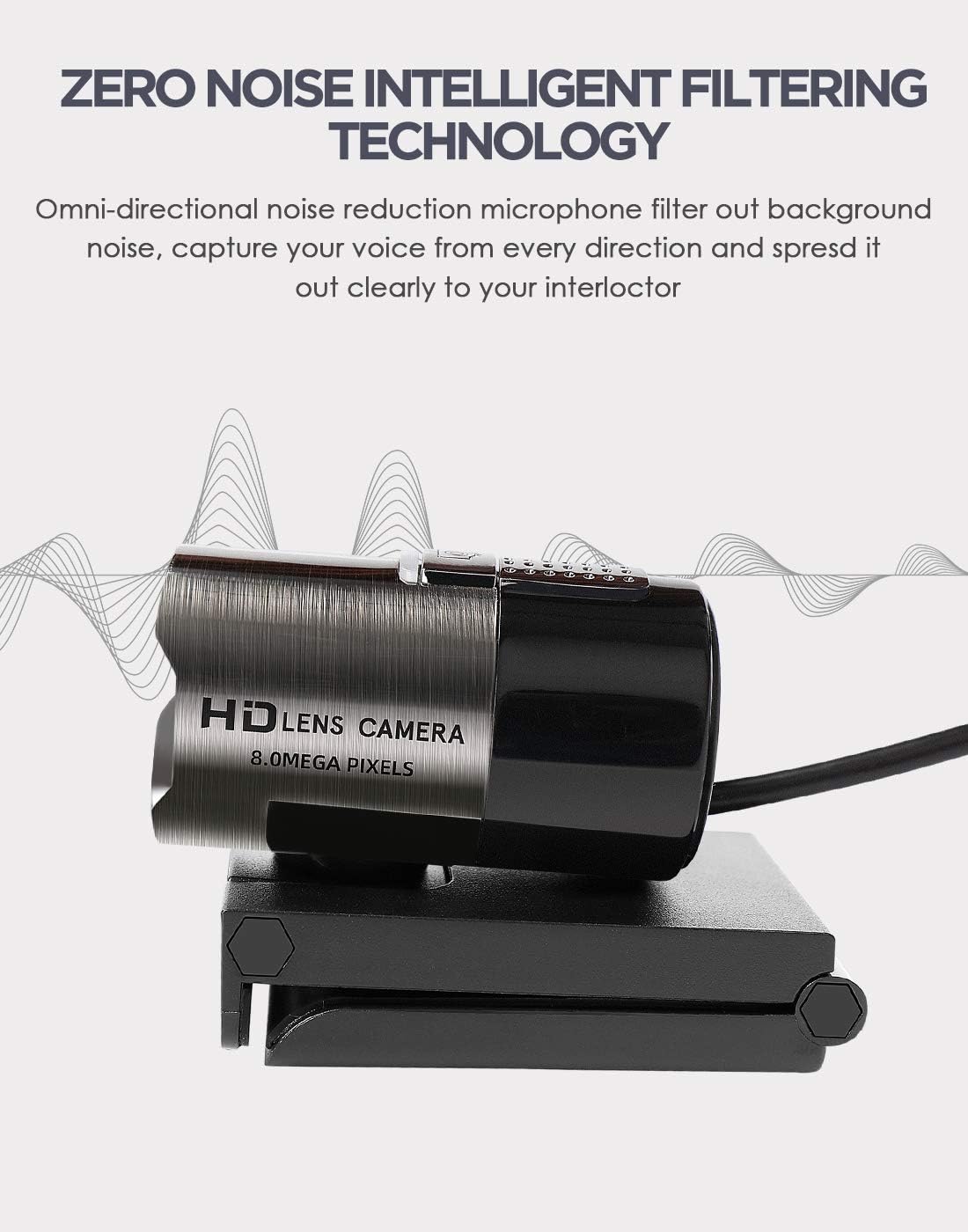
Figura 5: Illustration highlighting the omni-directional noise-cancelling microphone feature of the AUSDOM AW335 Webcam, designed to capture clear audio.
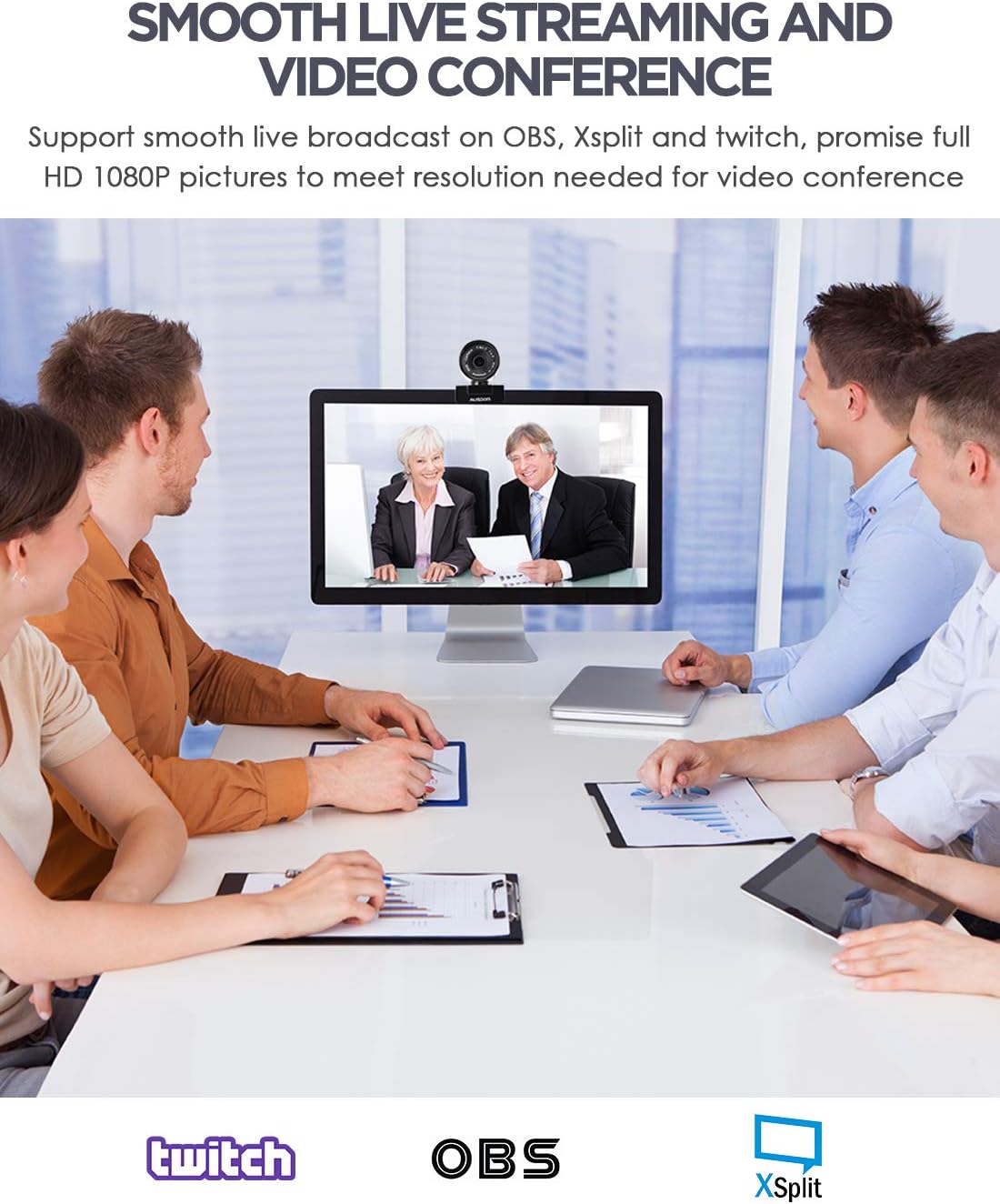
Figura 6: The AUSDOM AW335 Webcam in use for smooth live streaming and video conferencing, demonstrating its 1080P resolution capability.

Figura 7: Visual representation of the AUSDOM AW335 Webcam's automatic low-light correction feature, showing improved image quality in dim conditions.

Figura 8: Collage illustrating diverse applications of the AUSDOM AW335 Webcam, including video conferencing, widescreen video calls, and game streaming.

Figura 9: Dijagramma li turiasing the broad compatibility of the AUSDOM AW335 Webcam with operating systems such as Windows, Mac OS, Chrome OS, Android, Linux, and Ubuntu.
Manutenzjoni
- Tindif tal-Lenti: Uża drapp artab u mingħajr suf iddisinjat speċifikament għal lentijiet ottiċi biex timsaħ bil-mod il- weblenti tal-kam. Evita materjali li joborxu jew kimiċi ħarxa.
- Tindif Ġenerali: Imsaħ il-ġisem tal- webNaddaf il-kamera b'ċarruta ratba u niexfa. Tużax prodotti tat-tindif likwidi direttament fuq l-apparat.
- Ħażna: Meta ma tkunx qed tużah, aħżen webAħżen f'post nadif u niexef 'il bogħod minn temperaturi estremi u dawl tax-xemx dirett.
Issolvi l-problemi
| Problema | Kawża Possibbli | Soluzzjoni |
|---|---|---|
| No image/video |
|
|
| Immaġni mċajpra jew imċajpra |
|
|
| L-ebda awdjo jew kwalità awdjo fqira |
|
|
| Webcam not recognized by OS |
|
|
Speċifikazzjonijiet
| Karatteristika | Dettall |
|---|---|
| Mudell | AW335 |
| Riżoluzzjoni tal-Qbid tal-Vidjo | 1080p Full HD (1920 x 1080 pixels) |
| Tip ta' Lenti | Luxury HD 5-glass coating lens |
| Tip ta 'Focus | Focus Manwal |
| Mikrofonu | Built-in Omni-directional, Noise-Cancelling |
| Konnettività | USB |
| Karatteristiċi Speċjali | High Dynamic Range Tech (HDR), Automatic Low-Light Correction |
| Kompatibilità | Windows (7/8/10/XP), macOS, Chrome OS, Android, Linux |
| Dimensjonijiet tal-Prodott | 11.5 x 12 x 5 ċm |
| Piż | 181 g |
Garanzija u Appoġġ
For warranty information and technical support, please refer to the official AUSDOM webis-sit jew ikkuntattja lis-servizz tal-konsumatur tagħhom direttament. Żomm l-irċevuta tax-xiri tiegħek bħala prova tax-xiri għal talbiet ta' garanzija.
Nota: It-termini speċifiċi tal-garanzija jistgħu jvarjaw skont ir-reġjun.


