1. Introduzzjoni
The Gigaset Box 100 is a DECT base station designed to create a flexible and personalized telephone system. It allows you to connect up to six Gigaset HX handsets, which can be placed freely throughout your home or office. This system is ideal for families, home offices, or larger living environments, enabling two simultaneous conversations: one external and one internal between two handsets. Internal calls are free of charge, and handset names can be customized for easy identification.
This manual provides essential information for the proper setup, operation, and maintenance of your Gigaset Box 100.
2. Kontenut tal-Pakkett
Jekk jogħġbok iċċekkja l-pakkett għall-oġġetti li ġejjin:
- 1x Gigaset Box 100 Base Station
- 1x Adapter tal-Enerġija
- 1x Kejbil tal-Konnessjoni tat-Telefon
- 1x Quick Start Guide (this manual)
3. Setup
3.1 Konnessjoni tal-Istazzjon Bażi
- Connect the telephone connection cable to the designated port on the Gigaset Box 100 and to your analog telephone line (TAE socket).
- Connect the power adapter to the power socket on the Gigaset Box 100 and then plug it into a wall outlet.
- Ensure the base station is placed in a central location for optimal range, away from large metal objects or other electronic devices that may cause interference.

Image: The Gigaset Box 100 base station shown with several compatible Gigaset handsets, illustrating its multi-handset support.
3.2 Registering Handsets
The Gigaset Box 100 supports up to 6 Gigaset HX handsets. To register a handset:
- Kun żgur li l-handset huwa ċċarġjat u mixgħul.
- On the Gigaset Box 100, press and hold the registration button (usually a small circular button) for approximately 3 seconds. The registration LED on the base station will start flashing.
- Within 60 seconds, follow the registration instructions on your Gigaset HX handset. This typically involves navigating to the 'Register Handset' or 'Settings' menu and entering a PIN (default is usually 0000).
- Once registered, the handset will display the base station name or number, and the registration LED on the base station will stop flashing.
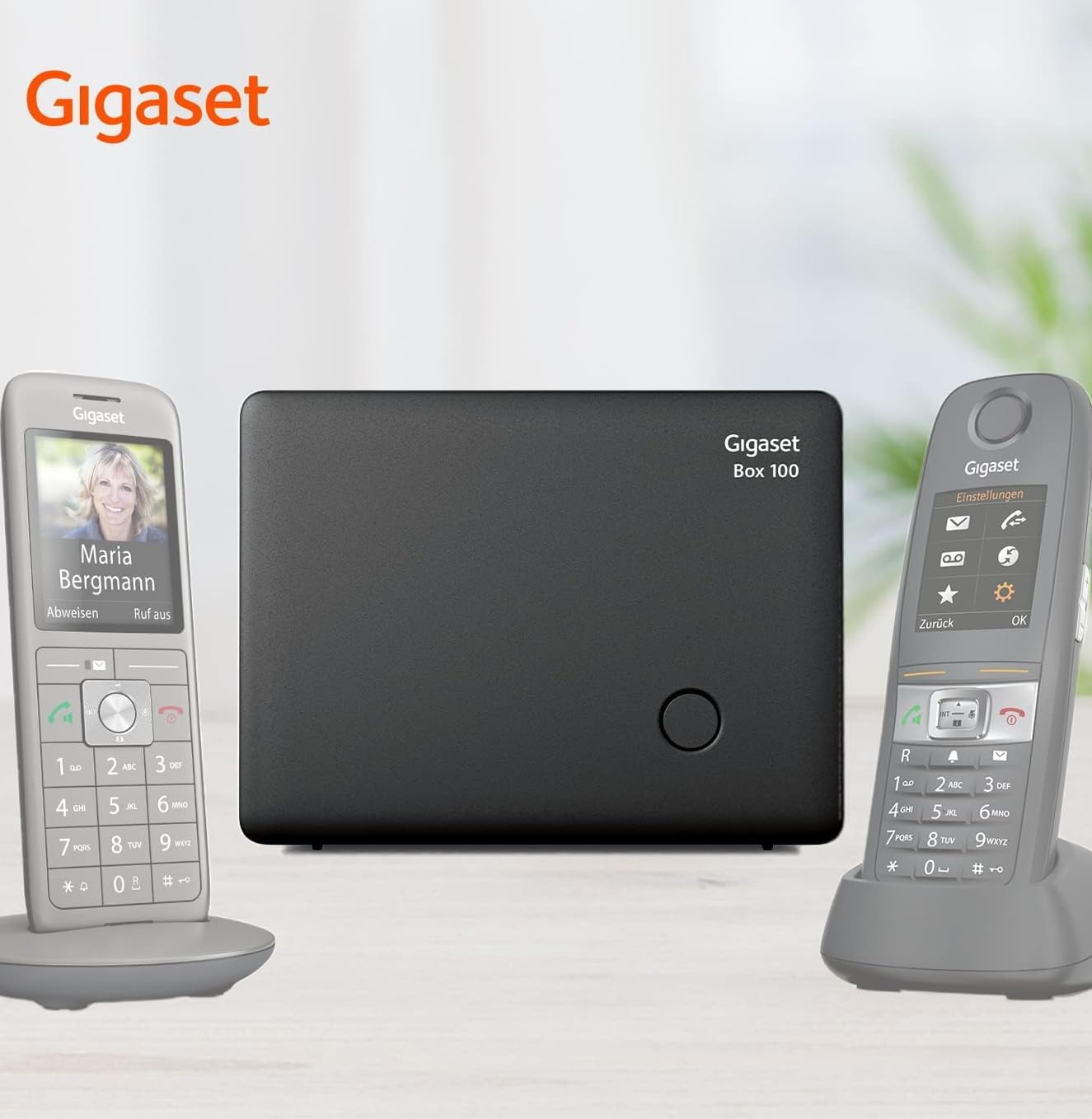
Image: The Gigaset Box 100 base station positioned between two Gigaset handsets, demonstrating a typical setup.
4. Istruzzjonijiet Operattivi
4.1 Tagħmel u Riċeviment Sejħiet
- Making an external call: Pick up a registered handset, dial the desired number, and press the call button.
- Receiving an external call: When the phone rings, press the call button on any registered handset to answer.
- Making an internal call: To call another registered handset, pick up your handset, dial the internal number (usually 1-6 depending on registration order), and press the internal call button (if available) or the call button. Internal calls are free.
4.2 Ġestjoni tas-Sejħiet
- Two simultaneous conversations: The Gigaset Box 100 supports one external call and one internal call concurrently.
- Personalized Handset Names: You can customize the name of each registered handset for easier identification during internal calls. Refer to your specific Gigaset HX handset manual for instructions on changing handset names.
5. Manutenzjoni
To ensure the longevity and optimal performance of your Gigaset Box 100:
- Clean the base station with a soft, damp drapp. Tużax tindif jew solventi li joborxu.
- Evita li tesponi l-apparat għal temperaturi estremi, dawl tax-xemx dirett, jew umdità għolja.
- Tippruvax tiftaħ jew issewwi l-apparat int stess. Irreferi għal persunal tas-servizz kwalifikat għal kwalunkwe tiswija.
6 Issolvi l-problemi
If you encounter issues with your Gigaset Box 100, try the following solutions:
- L-ebda ton tad-dial: Check all cable connections (power adapter, telephone cable) to ensure they are securely plugged in. Verify that your analog telephone line is active.
- Handset not registering: Ensure the handset is a compatible Gigaset HX model. Repeat the registration process as described in Section 3.2. Make sure the base station is not already at its maximum capacity of 6 registered handsets.
- Poor range or interference: Relocate the base station to a more central position, away from other electronic devices (Wi-Fi routers, microwaves) or large metal objects.
- L-ebda qawwa: Check the power adapter connection and the wall outlet. Try plugging another device into the same outlet to confirm it is working.
7. Speċifikazzjonijiet
| Karatteristika | Speċifikazzjoni |
|---|---|
| Brand | Gigaset |
| Numru tal-Mudell | S30852-H2818-B101 |
| Kulur | Iswed |
| Sistema Operattiva | Gigaset proprietary |
| Apparati Kompatibbli | Gigaset HX handsets |
| Karatteristiċi Speċjali | Free internal calls, 2 simultaneous conversations |
| Medda ta' ġewwa | Sa 50 metri |
| Firxa ta 'barra | Sa 300 metri |
| Dimensjonijiet (L x W x H) | 12 x 9.2 x 4 ċm |
| Piż | 89 Gramm |
| Sors tal-Enerġija | Adapter AC |
| Teknoloġija ECO DECT | Reduces radio power based on handset distance |

Image: The Gigaset Box 100 with its dimensions indicated: 120mm (width), 92mm (height), and 40mm (depth).
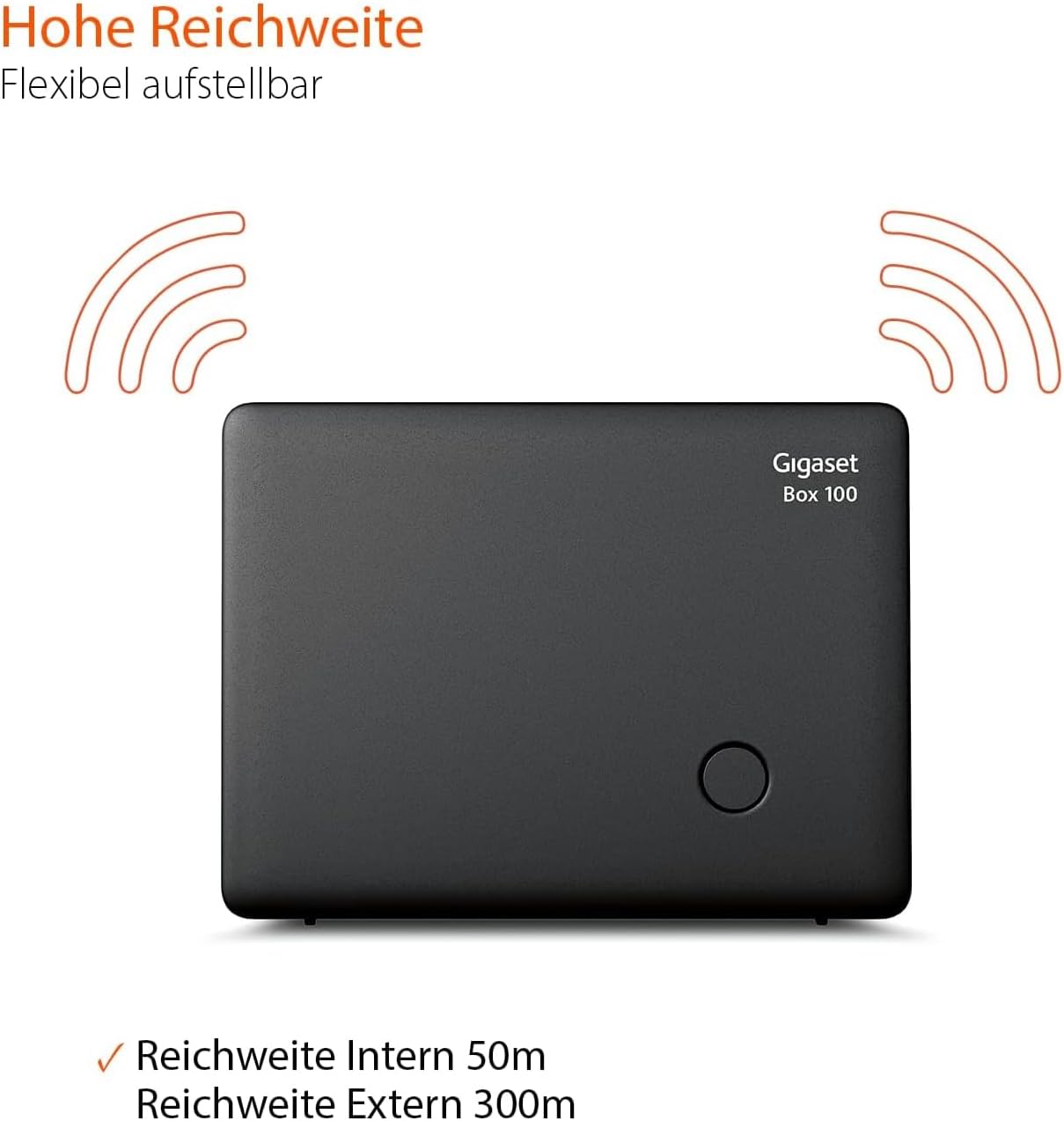
Image: The Gigaset Box 100 illustrating its signal range, with an internal range of 50m and an external range of 300m.
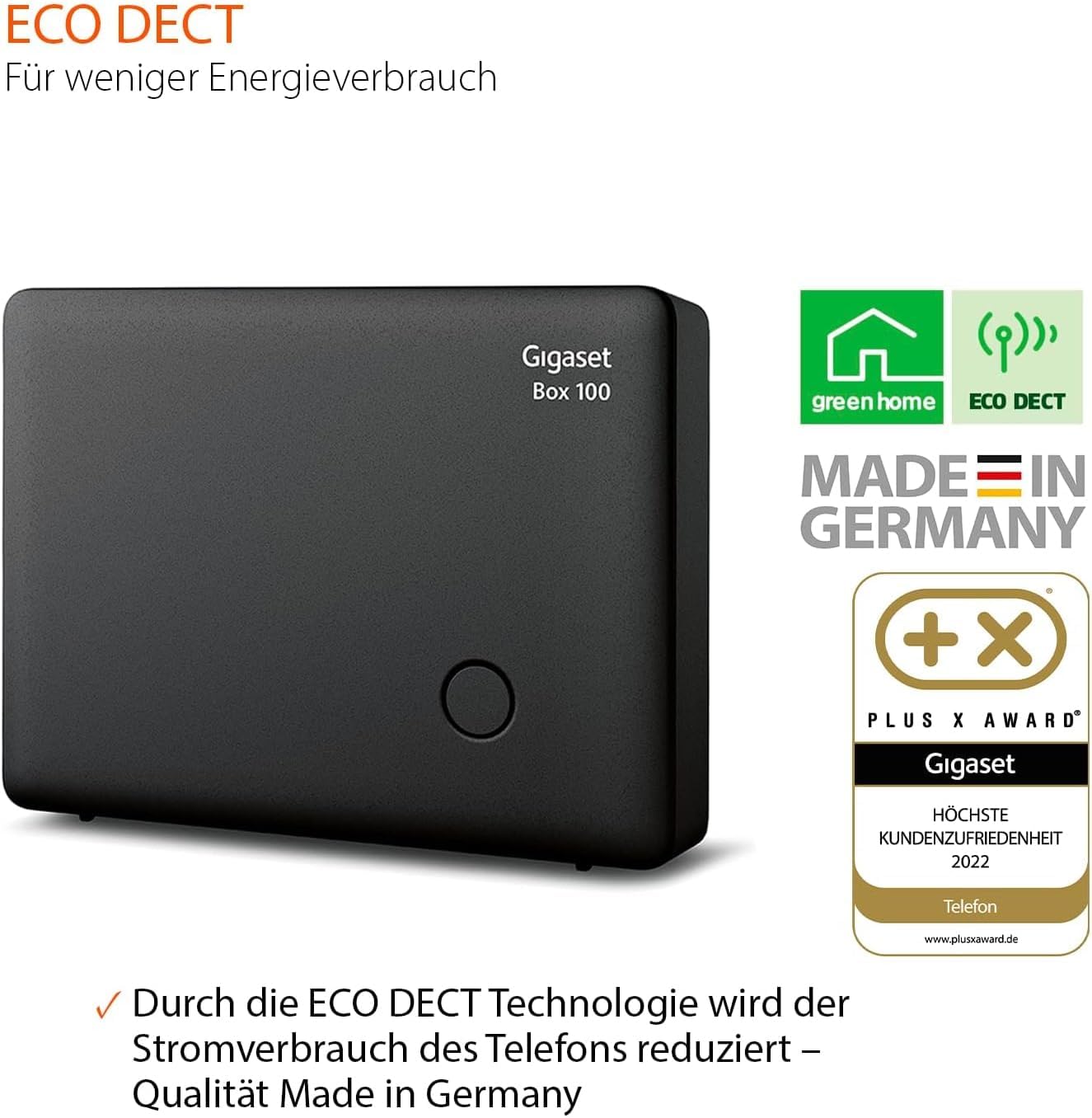
Image: The Gigaset Box 100 highlighting its ECO DECT feature for reduced energy consumption and its 'Made in Germany' quality, along with a 'Plus X Award'.
8. Garanzija
Warranty information for the Gigaset Box 100 is typically provided with the product packaging or can be found on the official Gigaset websit. Jekk jogħġbok irreferi għal dawn is-sorsi għal termini u kundizzjonijiet dettaljati tal-garanzija.
9. Appoġġ
For further assistance or technical support regarding your Gigaset Box 100, please contact Gigaset customer service:
- Gigaset Customer Service: 02871-912 912 (Standard landline rates may apply, please check with your provider).


