Introduzzjoni
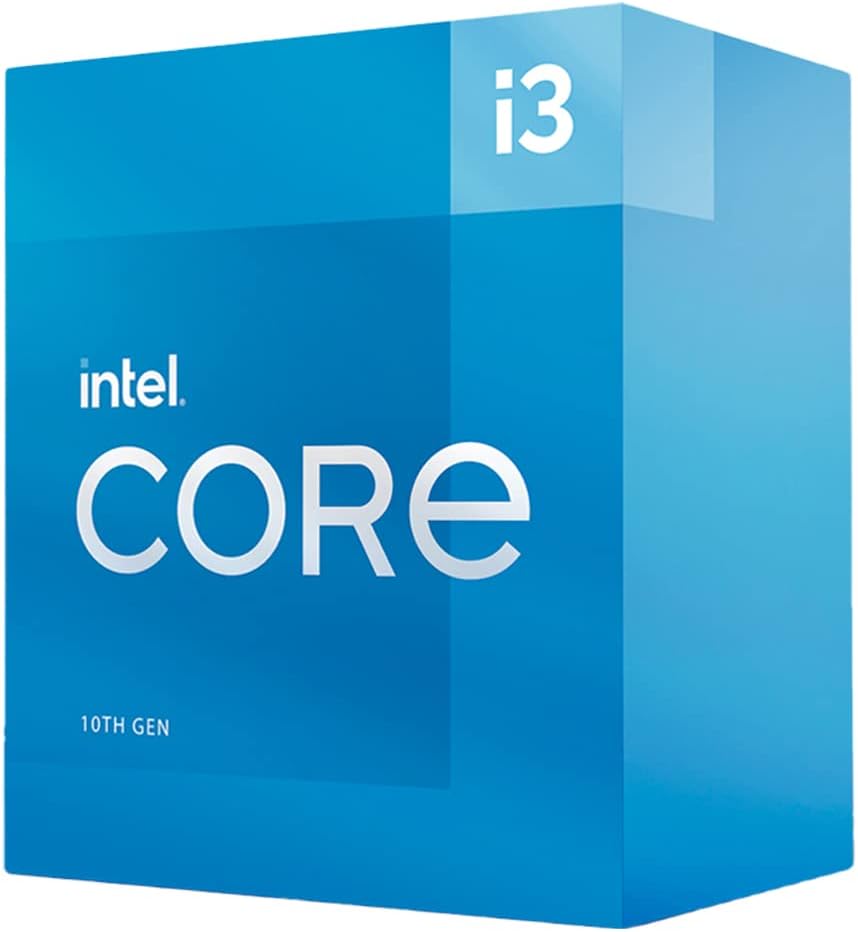
This manual provides essential information for the installation, operation, and maintenance of your Intel Core i3-10100 Desktop Processor. The Intel Core i3-10100 is a 10th Generation desktop processor designed for everyday computing, offering a balance of performance and efficiency. It features 4 Cores and 8 Threads, with a maximum clock speed of up to 4.3 GHz. This processor is compatible with Intel 400 series chipset based motherboards and includes a cooler in the box.
Setup u Installazzjoni
Proper installation is crucial for the optimal performance and longevity of your processor. Please follow these general guidelines. Refer to your motherboard's specific manual for detailed, step-by-step instructions.
- Kompatibbiltà tal-motherboard: Ensure your motherboard uses an LGA 1200 socket and is based on an Intel 400 series chipset. This processor is not compatible with other socket types or chipsets.
- Preparazzjoni: Before handling the processor, ensure your system is powered off and unplugged. Discharge any static electricity by touching a grounded metal object.
- Preparazzjoni tas-Sokit: Open the CPU retention lever on the motherboard's LGA 1200 socket.
- Processor Placement: Carefully align the processor with the socket, matching the gold triangle on the CPU with the corresponding mark on the socket. Gently lower the processor into the socket without forcing it.
- Proċessur Sikur: Close the retention lever to secure the processor in place.
- Installazzjoni tal-Kessaħ: The Intel Core i3-10100 includes a stock cooler. Apply thermal paste (if not pre-applied) and install the cooler according to the instructions provided with the cooler. Ensure it is securely mounted and the fan cable is connected to the CPU_FAN header on the motherboard.
- System Assembly: Reassemble your computer components, ensuring all necessary power cables and data cables are connected.
Għal viżwali fuqview of the Intel Core processor family, including installation context, please refer to the video below:
Tħaddim tal-Proċessur
Once installed, the Intel Core i3-10100 processor operates automatically within your system. Its features are designed to enhance your computing experience:
- 4 Cores / 8 Threads: This configuration allows the processor to handle multiple tasks simultaneously, improving responsiveness for everyday applications, web browsing, and light multitasking.
- Up to 4.3 GHz Clock Speed: The processor can dynamically increase its clock speed to 4.3 GHz when needed, providing a performance boost for demanding tasks.
- Appoġġ għall-Memorja Intel Optane: This technology can accelerate system responsiveness by acting as a fast cache for your hard drive, reducing boot times and improving application loading.
- Grafika Integrata: The processor includes integrated graphics, eliminating the need for a separate graphics card for basic display output and light multimedia tasks.
For optimal performance, ensure your operating system and drivers are up to date.
Manutenzjoni
Maintaining your processor primarily involves ensuring the cooling system functions correctly and keeping software updated.
- Sistema tat-tkessiħ: Regularly check that the CPU cooler fan is free from dust and debris. Dust accumulation can impede airflow and lead to overheating. Clean the fan and heatsink periodically using compressed air.
- Pejst Termali: Over time, thermal paste can degrade. If you notice consistently high temperatures, consider reapplying fresh thermal paste to ensure efficient heat transfer between the CPU and its cooler.
- Aġġornamenti tas-sewwieq: Keep your motherboard chipset drivers and integrated graphics drivers updated. Visit the official Intel webis-sit jew tal-manifattur tal-motherboard tiegħek websit għall-aħħar verżjonijiet tas-sewwieqa.
- Aġġornamenti tal-BIOS/UEFI: Periodically check for BIOS/UEFI updates for your motherboard. These updates can improve compatibility, stability, and sometimes performance. Follow your motherboard manufacturer's instructions carefully when updating the BIOS/UEFI.
Issolvi l-problemi
Jekk tiltaqa' ma' problemi bil-proċessur Intel Core i3-10100 tiegħek, ikkunsidra l-passi li ġejjin għas-soluzzjoni tal-problemi:
- L-ebda Wiri/Is-Sistema Mhux Tibbutja:
- Verify all power connections to the motherboard and components are secure.
- Ensure the CPU is correctly seated in its socket and the cooler is properly installed.
- Check RAM modules are correctly seated. Try booting with only one RAM stick.
- If using integrated graphics, ensure your monitor is connected to the motherboard's video output.
- Is-sħana żejda:
- Confirm the CPU cooler fan is spinning.
- Naddaf kwalunkwe trab mill-heatsink u l-fann.
- Aċċerta ruħek li l-fluss tal-arja huwa adegwat fil-kaxxa tal-PC tiegħek.
- Check thermal paste application.
- Instabbiltà/Ħsarat tas-Sistema:
- Aġġorna l-BIOS/UEFI tal-motherboard għall-aħħar verżjoni.
- Kun żgur li d-drajvers kollha (chipset, grafika) huma aġġornati.
- Mexxi għodod dijanjostiċi tal-memorja biex tiċċekkja għal problemi fir-RAM.
For more advanced troubleshooting, consult your motherboard manual or Intel's official support resources.
Speċifikazzjonijiet
| Karatteristika | Dettall |
|---|---|
| Mudell tal-Proċessur | Intel Core i3-10100 |
| Numru tal-Mudell | BX8070110100 |
| Qlub / Ħjut | 4 Qlub / 8-il Ħjut |
| Veloċità tal-Arloġġ Bażiku | 3.6 GHz |
| Frekwenza Turbo Max | Sa 4.3 GHz |
| Tip ta ’sokit | LGA 1200 |
| Ċipsets Kompatibbli | Chipset Intel 400 serje |
| TDP | 65W |
| Grafika Integrata | Grafika Intel UHD 630 |
| Intel Optane Memory Support | Iva |
| Cooler Included | Iva |
| Piż tal-oġġett | 3.5 uqija |
| Dimensjonijiet tal-Prodott (LxWxH) | 2.8 x 4.21 x 4.41 pulzieri |
Garanzija u Appoġġ
For detailed warranty information regarding your Intel Core i3-10100 processor, please refer to the official Intel website or the documentation included with your product. Warranty terms and conditions may vary by region and retailer.
For technical support, driver downloads, and additional resources, visit the official Intel Support websit:


