Introduzzjoni
Thank you for choosing the QCY A1 Bluetooth 5.0 Headset. This manual will guide you through the setup, operation, and maintenance of your new wireless headset. Please read these instructions carefully before use to ensure optimal performance and longevity of your device.
Prodott Overview
Kontenut tal-Pakkett
- QCY A1 Bluetooth Headset
- Kuxxini tal-widnejn
- Iċċarġjar Cable
- Manwal għall-Utent
Dijagramma tal-headset

Image: The QCY A1 Bluetooth Headset, showing the earbud, ear hook, and main body with control buttons.
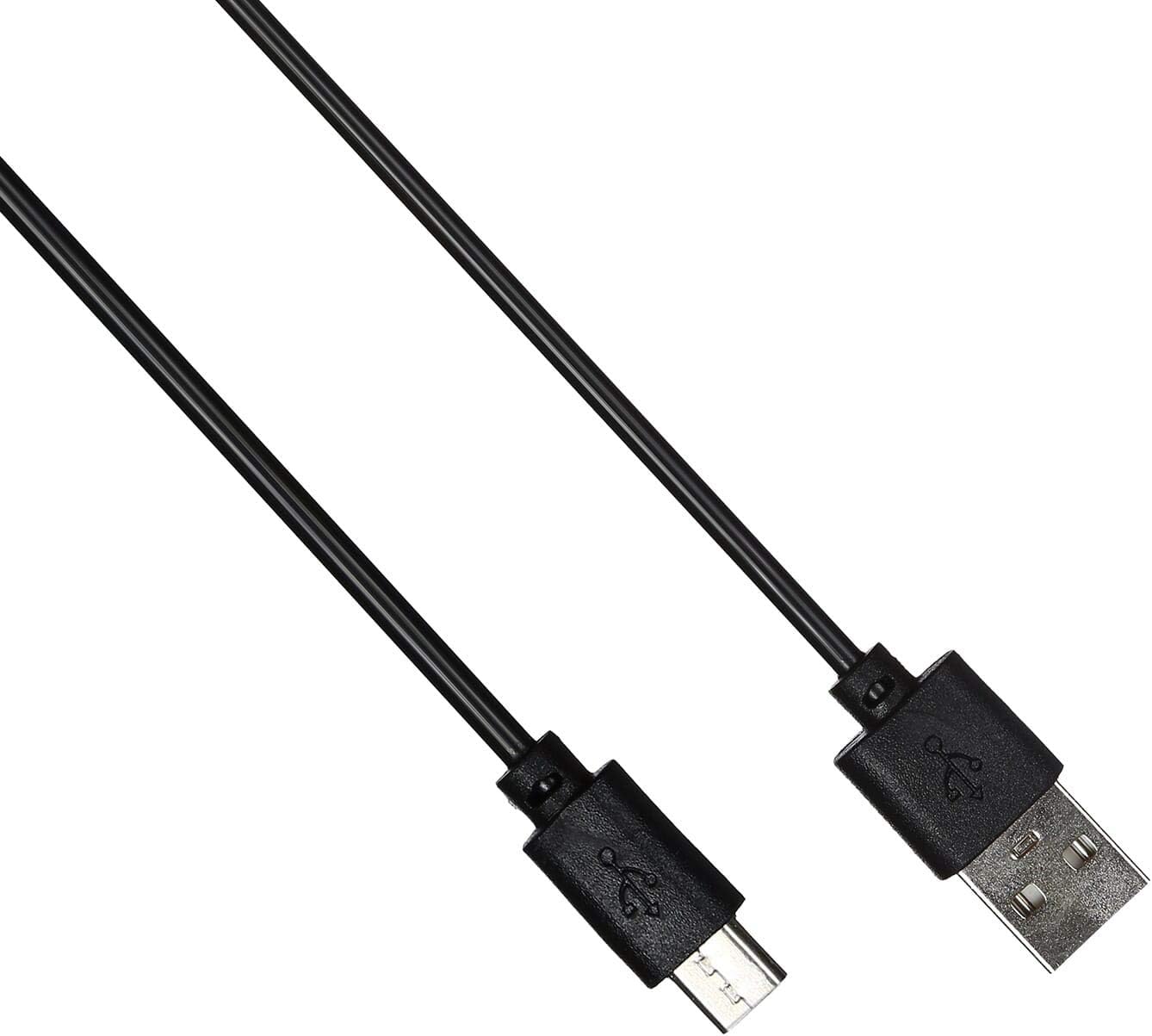
Image: The USB charging cable for the QCY A1 headset.
Setup
1. Iċċarġjar tal-Headset
- Qabbad il-kejbil tal-iċċarġjar mal-port tal-iċċarġjar tal-headset.
- Plug the other end of the cable into a USB power source (e.g., computer, wall adapter).
- Id-dawl indikatur juri l-istatus tal-iċċarġjar. Iċċarġjar sħiħ tipikament jieħu madwar 1-2 sigħat.
- Ladarba tkun iċċarġjata kompletament, skonnettja l-kejbil tal-iċċarġjar.
2. Tqabbil ma' Apparat
- Kun żgur li l-widna hija mitfija.
- Press and hold the Multi-function button until the indicator light flashes red and blue alternately, indicating pairing mode.
- On your mobile phone or Bluetooth-enabled device, enable Bluetooth and search for available devices.
- Select "QCY A1" from the list of found devices.
- Once connected, the indicator light will flash blue slowly, and you will hear a confirmation tone.
- If pairing fails, turn off the headset and repeat the steps.
Istruzzjonijiet Operattivi
Qawwa mixgħul/mitfi
- Qawwa Mixgħul: Press and hold the Multi-function button for 3 seconds. The blue indicator light will flash.
- Itfi: Press and hold the Multi-function button for 5 seconds. The red indicator light will flash briefly before turning off.
Ġestjoni tas-Sejħiet
- Irrispondi Sejħa: Agħfas fil-qosor il-buttuna Multi-funzjoni.
- Tmiem Sejħa: Agħfas qasir il-buttuna Multi-funzjoni waqt telefonata.
- Irrifjuta Sejħa: Agħfas u żomm il-buttuna Multi-funzjoni għal 2-il sekonda.
- Isemmi mill-ġdid l-Aħħar Numru: Double-press the Multi-function button when not on a call.
Daqq tal-Mużika
- Play/Pawsa: Agħfas fil-qosor il-buttuna Multi-funzjoni.
- Track li jmiss: Agħfas u żomm il-buttuna Volume Up.
- Track preċedenti: Agħfas u żomm il-buttuna Volum Down.
- Volum 'il fuq: Agħfas fil-qosor il-buttuna Volume Up.
- Volum 'l isfel: Agħfas fil-qosor il-buttuna Volum 'l isfel.
Assistent tal-Vuċi
- Attiva l-Assistent tal-Vuċi: Triple-press the Multi-function button (functionality depends on your connected device).
Manutenzjoni
- Naddaf il-headset regolarment b'ċarruta ratba u niexfa.
- Evita li tuża kimiċi ħarxa jew materjali li joborxu.
- Aħżen il-headset f'post frisk u niexef 'il bogħod mix-xemx diretta u minn temperaturi estremi.
- Do not immerse the headset in water or expose it to excessive moisture.
- Żomm fejn ma jintlaħaqx mit-tfal.
Issolvi l-problemi
| Problema | Soluzzjoni |
|---|---|
| Il-headset ma jixgħelx. | Kun żgur li l-headset huwa kompletament iċċarġjat. |
| Ma tistax tqabbad mat-tagħmir. | Ensure the headset is in pairing mode (red and blue lights flashing). Turn off and on your device's Bluetooth. Try pairing again. |
| L-ebda ħoss jew kwalità tal-ħoss fqira. | Check the volume levels on both the headset and your connected device. Ensure the headset is within the 10-meter operating range of your device. |
| Il-headset jiskonnettja spiss. | Ensure there are no obstacles between the headset and your device. Move closer to your device. |
Speċifikazzjonijiet
| Karatteristika | Dettall |
|---|---|
| Mudell | A1 |
| Brand | QCY |
| Teknoloġija tal-Konnettività | Mingħajr fili (Bluetooth 5.0) |
| Bluetooth Profiles Appoġġjati | HFP, A2DP, HSP |
| Firxa Wireless | Sa 10 metri |
| Metodu ta' Kontroll | Mess/Buttuna |
| Fattur tal-Forma tal-Headphone | Fil-widnejn |
| Apparati Kompatibbli | Mowbajls |
| Kulur | Abjad |
| Piż tal-oġġett | 80 gramma |
| Komponenti Inklużi | Kuxxini tal-widnejn |
Informazzjoni dwar is-Sigurtà
- Żarmax jew timmodifikax il-headset.
- Evita li tesponi l-headset għal temperaturi jew umdità estremi.
- Uża biss il-kejbil tal-iċċarġjar provdut jew wieħed ekwivalenti ċċertifikat.
- Do not use the headset at high volume for extended periods to prevent hearing damage.
- Be aware of your surroundings when using the headset, especially in traffic or other potentially dangerous situations.


