1. Introduzzjoni
This manual provides detailed instructions for the setup, operation, and maintenance of your Rapoo E9500M Wireless Keyboard. The E9500M is a versatile, ultra-slim keyboard designed for seamless connectivity across multiple devices.
Karatteristiċi ewlenin:
- Multi-device compatibility with Windows and Mac operating systems.
- German QWERTZ keyboard layout.
- Advanced energy-saving technology for up to 12 months of battery life.
- Automatic pairing and seamless switching between connected devices.
- Ultra-slim 4.5 mm anodised aluminium design.
2. Kontenut tal-Pakkett
Jekk jogħġbok kun żgur li l-oġġetti kollha huma preżenti fil-pakkett tiegħek:
- Tastiera bla fili Rapoo E9500M
- USB Receiver (if applicable for 2.4GHz connection)
- 2 x Batteriji AA (installati minn qabel jew inklużi)
- Gwida Quick Start (dan il-manwal)
3. Setup
3.1 Installazzjoni tal-batterija
The keyboard requires 2 AA batteries for operation. These are typically included. Locate the battery compartment on the underside of the keyboard, open the cover, insert the batteries according to the polarity indicators, and close the cover.
3.2 Konnessjoni tat-Tastiera
The Rapoo E9500M supports multi-mode connection (2.4GHz wireless and Bluetooth). You can connect up to 4 devices simultaneously (1 via 2.4GHz, 3 via Bluetooth).
Konnessjoni bla fili 3.2.1 2.4GHz
- Ipplaggja r-riċevitur USB f'port USB disponibbli fuq il-kompjuter tiegħek.
- Ixgħel it-tastiera. It-tastiera għandha tikkonnettja awtomatikament mar-riċevitur.
- If connection is not established, press Fn + 2.4G (or the corresponding key indicated for 2.4G) to switch to 2.4G mode.
3.2.2 Konnessjoni Bluetooth (BT1, BT2, BT3)
- Ixgħel it-tastiera.
- Agħfas u żomm fn+1 (għal BT1), fn+2 (għal BT2), jew fn+3 (for BT3) for 3 seconds until the indicator light flashes slowly. This puts the keyboard into pairing mode.
- On your device (PC, Mac, Tablet), go to Bluetooth settings and search for new devices.
- Agħżel "Rapoo E9500M" mil-lista ta' apparati disponibbli.
- Segwi kwalunkwe struzzjonijiet fuq l-iskrin biex tlesti l-proċess ta' tqabbil. Id-dawl indikatur jieqaf iteptep ladarba jkun imqabbad.

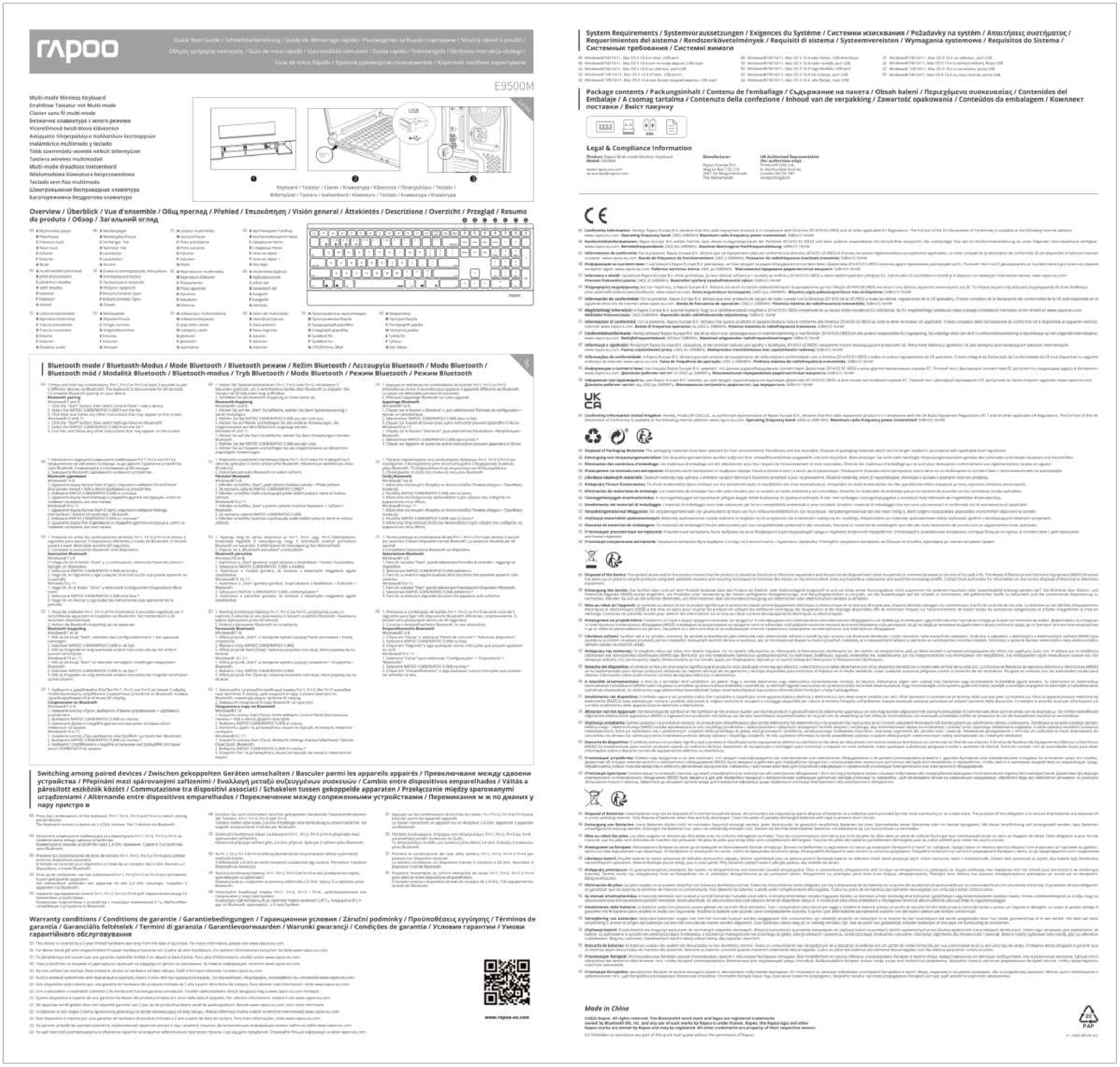
Figura 1: Minn fuq għal isfel view of the Rapoo E9500M keyboard, showing the German QWERTZ layout and function keys for multi-device switching (01, 02, 03, 2.4G).
4. It-Tħaddim tat-Tastiera
4.1 Tibdil bejn Apparati Konnessi
Once multiple devices are paired, you can easily switch between them by pressing the corresponding function key:
- Agħfas fn+1 biex taqleb għal Apparat Bluetooth 1.
- Agħfas fn+2 biex taqleb għal Apparat Bluetooth 2.
- Agħfas fn+3 biex taqleb għal Apparat Bluetooth 3.
- Agħfas Fn + 2.4G (or the corresponding key) to switch to the 2.4GHz wireless connection.
4.2 Ċwievet tal-Funzjoni
The top row of keys (F1-F12) also serves as multimedia and shortcut keys when used in combination with the Fn key. Refer to the keycap legends for specific functions such as volume control, media playback, and more.

Figura 2: Quddiem view of the Rapoo E9500M wireless keyboard, illustrating its slim design and full QWERTZ layout.
5. Manutenzjoni
5.1 Sostituzzjoni tal-batterija
The keyboard is designed for long battery life (up to 12 months). When the battery indicator light (if present) signals low power, or if the keyboard becomes unresponsive, replace the 2 AA batteries. Follow the battery installation steps in Section 3.1.
5.2 Tindif
To clean your keyboard, gently wipe the surface with a soft, dry, lint-free cloth. For stubborn dirt, slightly dampen the cloth with water or a mild, non-abrasive cleaning solution. Avoid excessive moisture and do not spray liquids directly onto the keyboard.
6 Issolvi l-problemi
| Problema | Soluzzjoni Possibbli |
|---|---|
| It-tastiera mhux qed tikkonnettja/tirrispondi. |
|
| Iċ-ċwievet huma mwaħħlin jew ma jirrispondux. |
|
| Ma nistax naqleb bejn apparati. |
|

Figura 3: Angolat view of the Rapoo E9500M keyboard, highlighting its ultra-slim profile and full numeric keypad.
7. Speċifikazzjonijiet
| Karatteristika | Dettall |
|---|---|
| Mudell | E9500M |
| Konnettività | Bluetooth, Wireless 2.4GHz |
| Layout tat-Tastiera | QWERTZ Ġermaniż |
| Sistemi Operattivi Kompatibbli | Windows 8, Windows 10, Mac OS 9, Mac OS X 10.2 Jaguar, Windows Vista |
| Pjattaforma tal-Ħardwer | Laptop, PC, Pillola |
| Sors tal-Enerġija | Mħaddma bil-batterija |
| Batteriji | 2 x batteriji AA (inklużi) |
| Ħajja tal-batterija | Sa 12 xhur |
| Dimensjonijiet (L x W x H) | 16.8 x 43.3 x 2.3 ċm |
| Piż tal-oġġett | 650 g |
| Kulur | Iswed |
| Disinn | Ultra-slim 4.5 mm anodised aluminium |
8. Garanzija u Appoġġ
8.1 Informazzjoni dwar Garanzija
Rapoo products are covered by a limited warranty. For specific warranty terms and conditions, please refer to the warranty card included with your product or visit the official Rapoo websit. Żomm l-irċevuta tax-xiri tiegħek bħala prova tax-xiri għal talbiet ta' garanzija.
8.2 Appoġġ għall-Klijent
For technical assistance, troubleshooting, or product inquiries, please visit the official Rapoo support website or contact their customer service. Contact details can typically be found on the Rapoo websit jew fl-ippakkjar tal-prodott.
Rapoo Uffiċjali Websit: www.rapoo.com