1. Introduzzjoni
This manual provides detailed instructions for the installation, operation, and maintenance of the Marshall Electronics CV420-30X-IP 8.5MP 4K UHD 30x Optical Zoom IP Camera. Please read this manual thoroughly before using the product to ensure proper and safe operation.
The CV420-30X-IP is a high-performance camera equipped with an 8.5MP sensor, capable of delivering stunning 4K Ultra High Definition (UHD) visuals. It supports resolutions up to 3840x2160p at 60 frames per second, ensuring exceptional detail and true-to-life colors across all HD formats.

Figura 1.1: Angolat view of the Marshall CV420-30X-IP camera, showcasing id-disinn kompatt u l-lenti prominenti tiegħu.
2. Informazzjoni dwar is-Sigurtà
Always adhere to the following safety guidelines to prevent damage to the camera and ensure user safety:
- Tesponix il-kamera għall-ilma jew l-umdità.
- Evita li tpoġġi l-kamera fid-dawl tax-xemx dirett jew ħdejn sorsi ta’ sħana.
- Uża biss l-adapter tal-enerġija speċifikat għal dan l-apparat.
- Tippruvax tiftaħ jew tagħmel manutenzjoni fuq il-kamera int stess. Irreferi għal kull manutenzjoni f'idejn persunal kwalifikat.
- Ensure proper ventilation around the camera to prevent overheating.
- Dan il-prodott fih kimiċi magħrufa mill-Istat ta’ Kalifornja li jikkawżaw kanċer u difetti fit-twelid jew ħsara riproduttiva oħra.
3. Kontenut tal-Pakkett
Iċċekkja li l-oġġetti kollha elenkati hawn taħt huma inklużi fil-pakkett tiegħek:
- Marshall CV420-30X-IP Camera Unit
- Adapter tal-Enerġija
- Bracket tal-Immuntar (jekk applikabbli)
- Gwida Quick Start
4. Prodott Aktarview
Familiarize yourself with the components of your CV420-30X-IP camera.
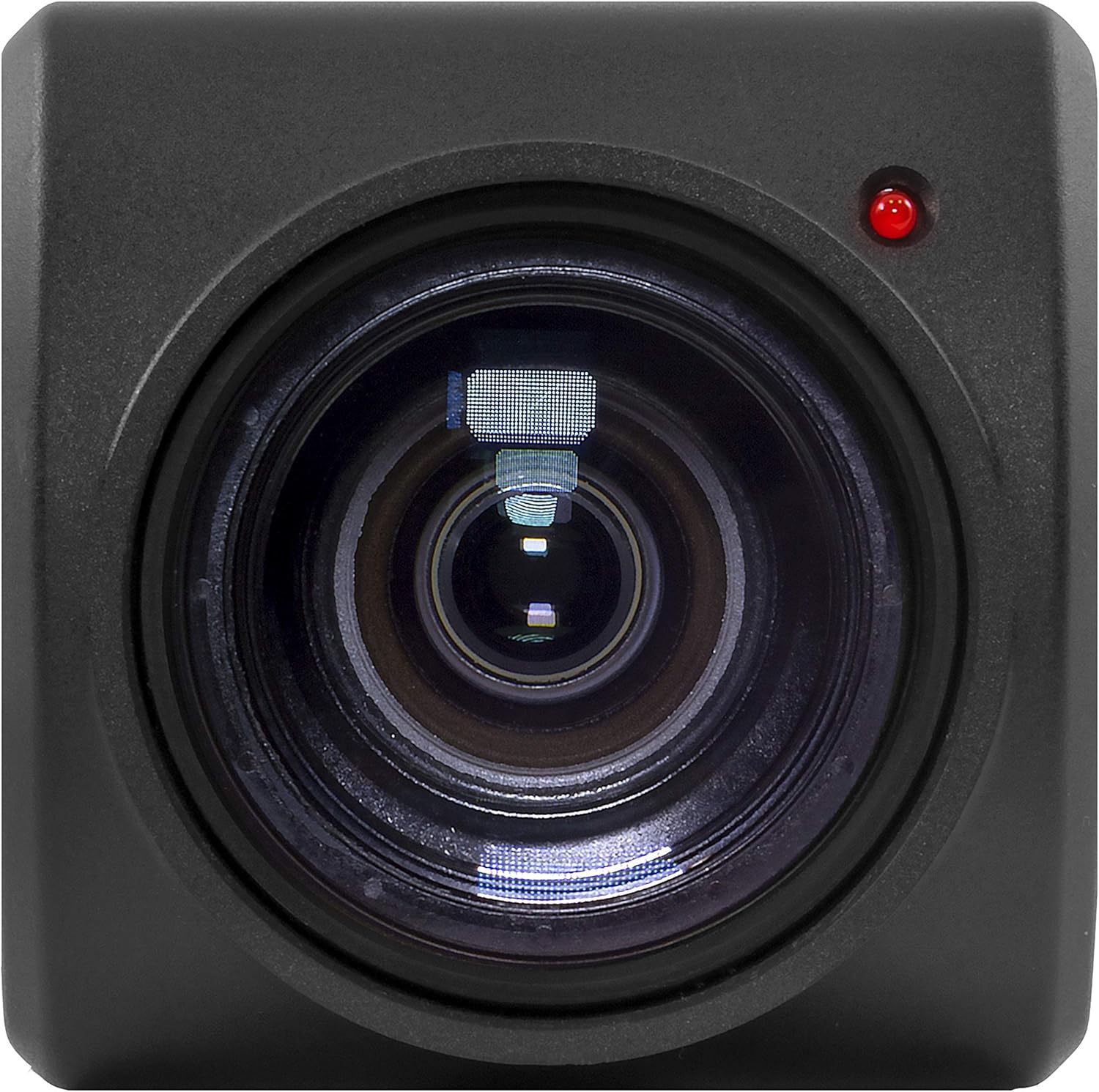
Figura 4.1: Quddiem view of the camera, highlighting the 30x optical zoom lens and status indicator light.

Figura 4.2: Fuq view of the camera, showing the Marshall branding and mounting points.
4.1. Komponenti Ewlenin
- Lenti: 30x Optical Zoom lens with a maximum aperture of 2f and maximum focal length of 135mm.
- Indikatur tal-Istat: LED light indicating camera status (e.g., power, network activity).
- Punti ta' Muntaġġ: Threaded holes for secure installation.
- Portijiet tal-Konnettività: (Refer to specific model for exact ports, typically Ethernet, Power, etc.)
5. Setup
5.1. Installazzjoni Fiżika
Before installation, ensure the mounting surface is sturdy enough to support the camera's weight (approximately 2 pounds) and dimensions (11 x 6.7 x 3.7 inches).
- Agħżel post adattat li jipprovdi l-qasam mixtieq ta' view and is protected from extreme environmental conditions.
- Secure the mounting bracket (if included) to the chosen surface using appropriate screws.
- Attach the CV420-30X-IP camera to the mounting bracket, ensuring it is firmly secured.
- Connect the power adapter to the camera and plug it into a power outlet.
- Connect an Ethernet cable from the camera's network port to your network switch or router for IP connectivity.
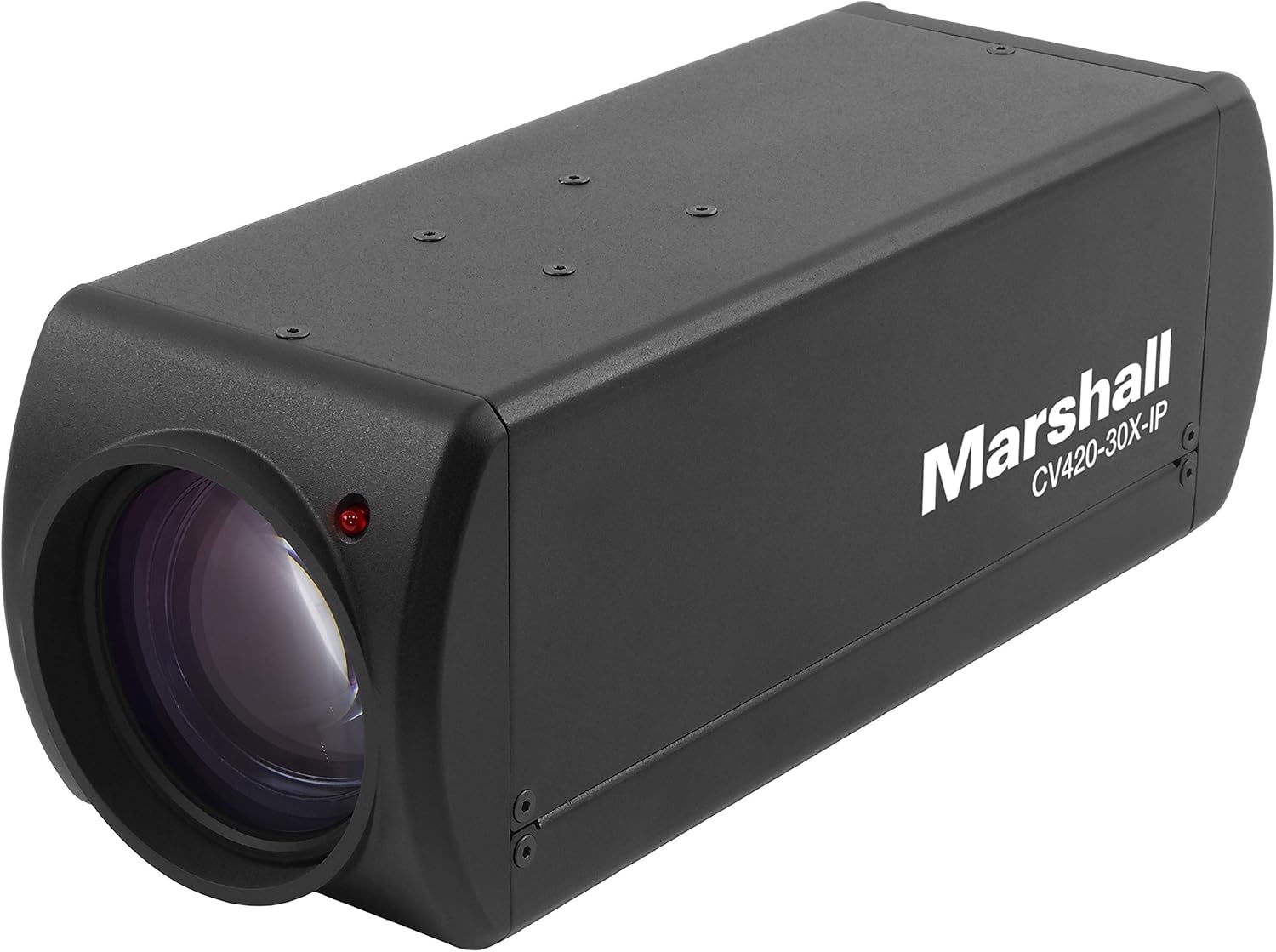
Figura 5.1: Angolat view of the camera, illustrating its form factor for installation purposes.
5.2. Konfigurazzjoni tan-Netwerk
The CV420-30X-IP is an IP camera, requiring network configuration for remote access and video streaming.
- Upon initial power-up, the camera will typically attempt to obtain an IP address via DHCP.
- Use the Marshall IP Camera Tool (available on the Marshall website) to discover the camera on your network and configure its IP settings (e.g., static IP, subnet mask, gateway).
- Ensure the camera's IP address is within the same subnet as your viewing device or NVR.
- Default login credentials (if any) will be provided in the Quick Start Guide or on the camera's label. Change these immediately after initial setup for security.
6. Joperaw
6.1. Operazzjoni Bażika
- Qawwa Mixgħul: Once connected to power, the camera will automatically power on. The status indicator light will illuminate.
- Accessing Video Stream: Aċċessa l-kamera web interface via its IP address in a web browser, or integrate it with compatible NVR/VMS software using ONVIF or RTSP protocols.
- Riżoluzzjoni tal-vidjo: The camera supports various resolutions including 1080p, 4K, and 720p. Adjust these settings through the camera's web interface or connected software.
6.2. Karatteristiċi Avvanzati
- Zoom ottiku: Utilize the 30x optical zoom feature to magnify distant subjects without loss of image quality. Control zoom via the web interface or integrated software.
- Fokus: The camera typically features auto-focus. Manual focus adjustments can be made through the web interface if needed.
- Rata tal-qafas: Adjust the frame rate (up to 60fps at 4K) to balance video smoothness and network bandwidth usage.
- Settings tal-Immaġni: Configure brightness, contrast, saturation, white balance, and other image parameters to optimize video quality for your specific environment.
7. Manutenzjoni
7.1. Tindif
- Gently wipe the camera body with a soft, dry cloth.
- For the lens, use a lens cleaning cloth and specialized lens cleaning solution. Do not use abrasive materials or harsh chemicals.
- Kun żgur li l-kamera tkun mitfija qabel ma tnaddafha.
7.2. Aġġornamenti tal-Firmware
Periodically check the Marshall Electronics websit għal aġġornamenti tal-firmware. L-aġġornamenti tal-firmware jistgħu jtejbu l-prestazzjoni, iżidu karatteristiċi ġodda, u jindirizzaw vulnerabbiltajiet tas-sigurtà. Segwi l-istruzzjonijiet ipprovduti mal-pakkett tal-aġġornament tal-firmware bir-reqqa.
8 Issolvi l-problemi
| Problema | Kawża Possibbli | Soluzzjoni |
|---|---|---|
| Ebda Qawwa | Power adapter disconnected or faulty outlet. | Check power connections. Try a different outlet. Ensure power adapter is functioning. |
| No Video Stream | Network connectivity issue, incorrect IP settings, or software configuration. | Verify Ethernet cable connection. Check IP address and network settings. Ensure firewall is not blocking ports. Restart camera and viewing apparat. |
| Kwalità Fqira tal-Immaġni | Dirty lens, improper focus, or low light conditions. | Clean the lens. Adjust focus settings. Ensure adequate lighting or adjust camera's low-light settings. |
| Camera Not Found on Network | Incorrect network segment, DHCP issue, or camera not powered on. | Confirm camera is powered. Use the Marshall IP Camera Tool to scan for devices. Check network cable. Ensure camera and discovery tool are on the same network segment. |
9. Speċifikazzjonijiet
| Karatteristika | Dettall |
|---|---|
| Numru tal-Mudell | CV420-30X-IP |
| Sensor | 8.5MP |
| Riżoluzzjoni tal-Qbid tal-Vidjo | 1080p, 4K (3840x2160p), 720p |
| Frame Rata | Up to 60 frames per second (at 4K) |
| Zoom ottiku | 30x |
| Tul Fokali Massimu | 135 Millimetru |
| Apertura massima | 2f |
| Tip ta' Lenti | Zoom |
| Teknoloġija tal-Konnettività | Wireless (IP) |
| Format tal-Qbid tal-Vidjo | MP4 |
| Dimensjonijiet tal-Prodott | 11 x 6.7 x 3.7 pulzieri |
| Piż tal-oġġett | 2 liri |
| Manifattur | Marshall |
| ASIN | B07YN5LKLD |
| Data L-Ewwel Disponibbli | 2 ta’ Ottubru, 2019 |
10. Garanzija u Appoġġ
For detailed warranty information and technical support, please refer to the official Marshall Electronics webis-sit jew ikkuntattja lis-servizz tal-konsumatur tagħhom direttament. Żomm l-irċevuta tax-xiri tiegħek bħala prova tax-xiri għal talbiet ta' garanzija.
Websit: www.marshall-usa.com
Kuntatt: Irreferi għall- website for contact numbers and support channels.


