Introduzzjoni
Thank you for choosing the Edifier TWS1 True Wireless Stereo Earbuds. This manual provides essential information for the proper use and maintenance of your device. The TWS1 earbuds offer a wire-free audio experience with dynamic stereo sound. They feature an impressive 32-hour total playtime with the charging case and are designed with an IPX5 rating for splash and sweat resistance, making them suitable for various activities.
Please read this manual thoroughly before operating the earbuds to ensure optimal performance and longevity.
Kontenut tal-Pakkett
Iċċekkja li l-oġġetti kollha elenkati hawn taħt huma inklużi fil-pakkett tiegħek:
- Edifier TWS1 True Wireless Stereo Earbuds (Left and Right)
- Kawża tal-Iċċarġjar
- Cable tal-Iċċarġjar tal-USB
- Daqsijiet Multipli ta' Ear Tips (Żgħar, Medji, Kbar)
- Manwal għall-Utent
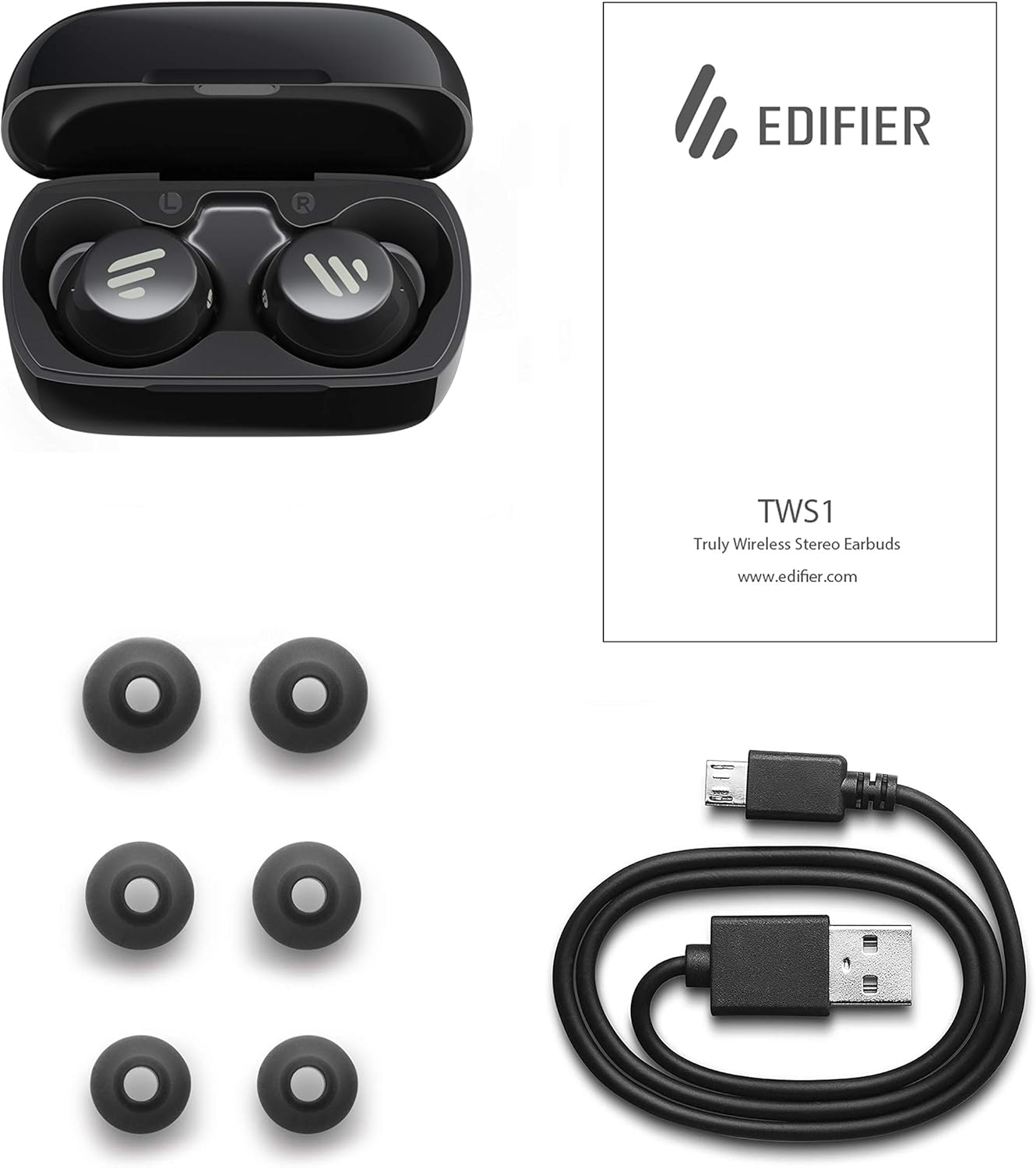
Image: The Edifier TWS1 earbuds, charging case, USB charging cable, and various sizes of ear tips are displayed alongside the user manual, illustrating the complete package contents.
Setup
1. Iċċarġjar tal-Earbuds u l-Kaxxa
Before first use, fully charge the earbuds and the charging case. Place the earbuds into the charging case. Connect the USB charging cable to the charging port on the case and a power source. The indicator light on the case will show charging status. Once fully charged, the indicator will change or turn off.
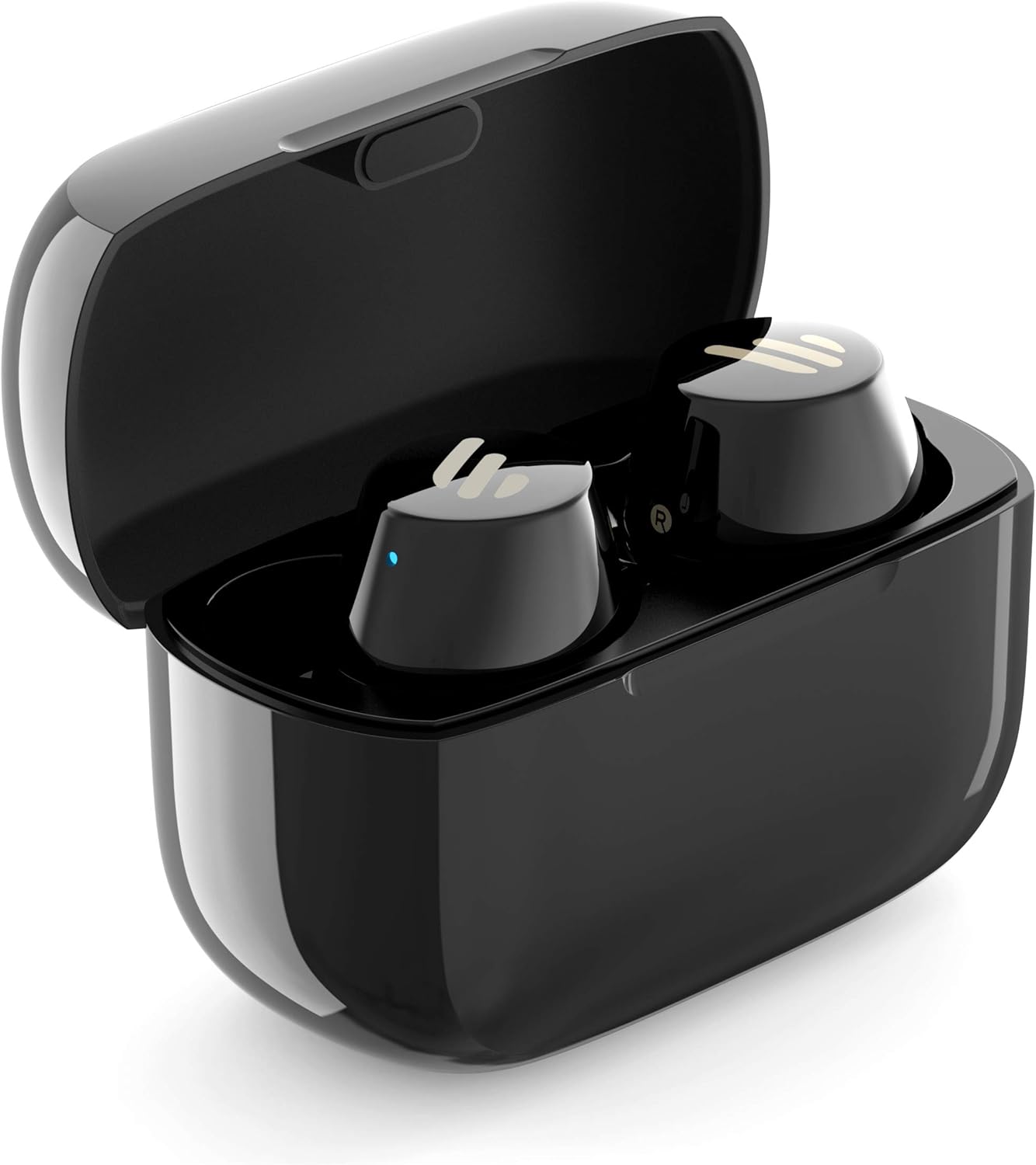
Image: The Edifier TWS1 earbuds are shown nestled within their open charging case, with a blue indicator light visible, signifying charging or power status.
2. Tqabbil ma' Apparat
- Kun żgur li l-earbuds huma ċċarġjati.
- Open the charging case. The earbuds will automatically enter pairing mode, and the indicator light on one earbud will flash rapidly.
- Fuq l-apparat tiegħek (smartphone, tablet, laptop), attiva l-Bluetooth u fittex apparati ġodda.
- Select "EDIFIER TWS1" from the list of available devices.
- Ladarba tkun imqabbad, id-dawl indikatur fuq il-earbuds jieqaf jteptep.
3. It-twaħħil tal-Earbuds
Choose the ear tips that provide the most comfortable and secure fit for your ears. Insert the earbuds into your ear canals and gently twist them until they feel snug and stable. A proper fit is crucial for optimal sound quality and noise isolation.
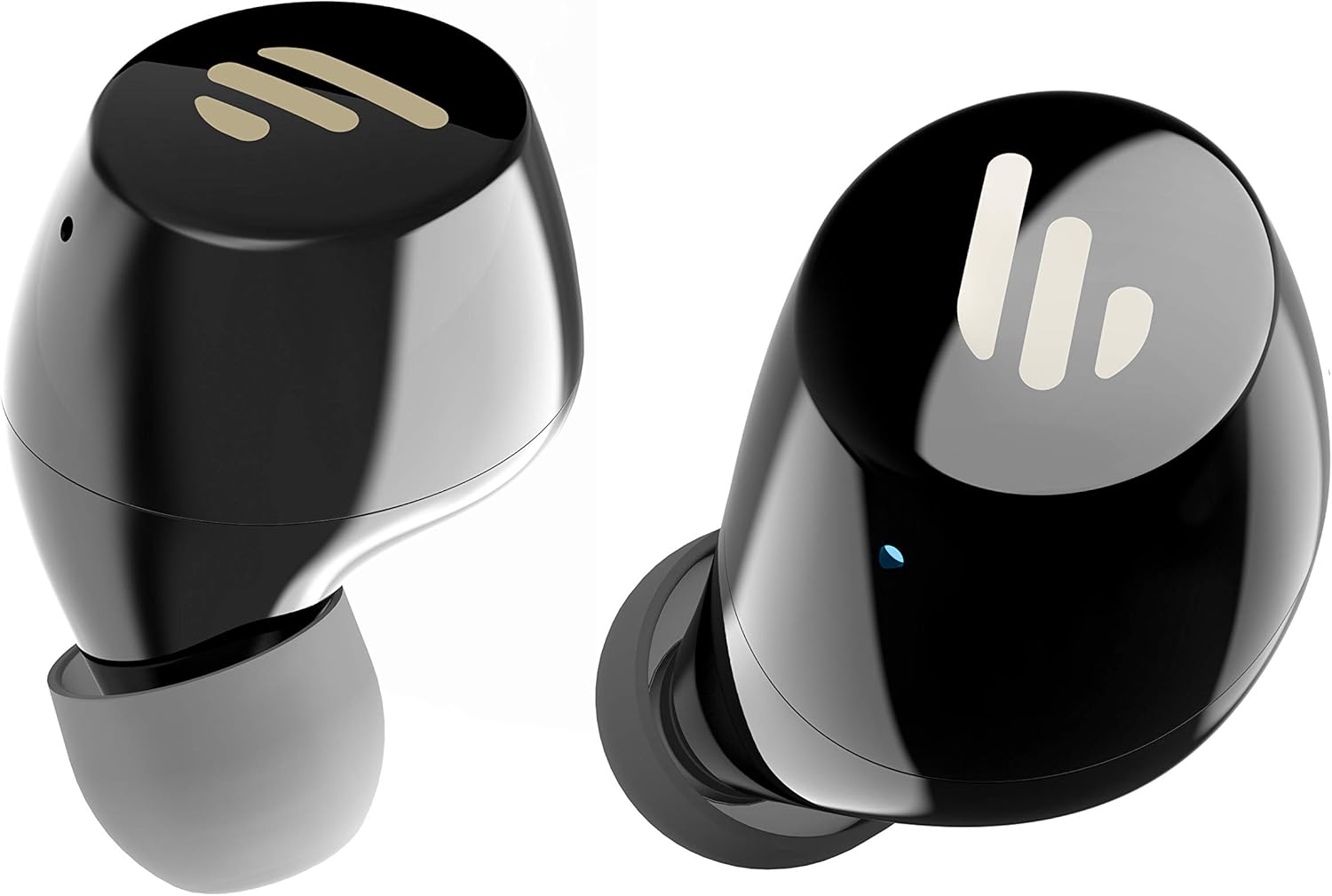
Immaġni: Dettaljata view of the Edifier TWS1 earbuds, highlighting their ergonomic shape and the silicone ear tips designed for a comfortable and secure in-ear fit.
Istruzzjonijiet Operattivi
The Edifier TWS1 earbuds feature touch controls for easy operation.
- Qawwa Mixgħul: Il-earbuds jinxtegħlu awtomatikament meta jitneħħew mill-kaxxa tal-iċċarġjar.
- Itfi: Place earbuds back into the charging case to power off automatically.
- Play/Pawsa: Tektek darbtejn il-pannell tat-touch fuq kwalunkwe earbud.
- Track li jmiss: Triple-tap the touch panel on the right earbud.
- Track preċedenti: Triple-tap the touch panel on the left earbud.
- Tweġiba/Tmiem Sejħa: Tektek darbtejn il-pannell tat-touch fuq kwalunkwe earbud.
- Irrifjuta Sejħa: Agħfas u żomm il-pannell tat-touch fuq kull earbud għal żewġ sekondi.
- Attiva l-Assistent tal-Vuċi: Press and hold the touch panel on the left earbud for 2 seconds.
Manutenzjoni
- Tindif: Regularly clean the earbuds and charging case with a soft, dry cloth. Do not use abrasive cleaners or solvents.
- Reżistenza għall-Ilma: The earbuds are IPX5 rated, meaning they are resistant to splashes and sweat. Do not submerge them in water or expose them to heavy rain. Ensure the charging port is dry before charging.
- Ħażna: Meta ma tkunx qed tużahom, aħżen il-earbuds fil-kaxxa tal-iċċarġjar tagħhom biex tipproteġihom u żżommhom iċċarġjati. Aħżen f'post frisk u niexef 'il bogħod minn temperaturi estremi.
- Kura tal-batterija: Biex tippreserva l-ħajja tal-batterija, evita li tiċċarġja kompletament il-earbuds u l-kaxxa tal-iċċarġjar ta' spiss. Iċċarġjahom regolarment, anke jekk ma tkunx qed tużahom kontinwament.
Issolvi l-problemi
If you encounter issues with your Edifier TWS1 earbuds, please refer to the following common solutions:
| Problema | Soluzzjoni |
|---|---|
| Il-earbuds ma jixegħlux. | Ensure the earbuds and charging case are fully charged. Place earbuds in the case and close it, then open to power on. |
| Ma tistax tqabbad mat-tagħmir. | Make sure Bluetooth is enabled on your device. Ensure earbuds are in pairing mode (flashing indicator). Try forgetting the device in your Bluetooth settings and re-pairing. |
| Earbud wieħed biss qed jaħdem. | Place both earbuds back into the charging case, close the lid, and then open it again. This should re-sync them. If the issue persists, try resetting the earbuds. |
| L-ebda ħoss jew volum baxx. | Check the volume level on both your device and the earbuds. Ensure earbuds are properly seated in your ears. Try cleaning the ear tips and speaker mesh. |
| Kwistjonijiet ta' ċċarġjar. | Ensure the charging cable is securely connected. Try a different USB port or power adapter. Clean the charging contacts on the earbuds and inside the case. |
Irrisettja l-Fabbrika
If problems persist, a factory reset may resolve them:
- Poġġi ż-żewġ earbuds fil-kaxxa tal-iċċarġjar.
- Press and hold the touch panel on both earbuds simultaneously for approximately 8 seconds until the indicator lights flash rapidly, then release.
- Remove the earbuds from the case and attempt to re-pair them with your device.
Speċifikazzjonijiet
| Karatteristika | Dettall |
|---|---|
| Isem tad-Ditta | Edifikatur |
| Isem tal-Mudell | TWS1 BK |
| Numru tal-Mudell tal-Oġġett | TWS1_BK |
| Kulur | Iswed |
| Materjali | Plastik |
| Teknoloġija tal-Konnettività | Wireless |
| Teknoloġija tal-Komunikazzjoni mingħajr Fili | Bluetooth |
| Fattur tal-Forma tal-Headphones | Fil-widnejn |
| Tqegħid tal-widnejn | Fil-widnejn |
| Jack tal-headphone | Bla Jack |
| Metodu ta' Kontroll | Mess |
| Livell ta 'Reżistenza għall-Ilma | Reżistenti għall-Ilma (IPX5) |
| Apparati Kompatibbli | Smartphones, Tablets, Laptops, Desktops |
| Użi Speċifiċi Għall-Prodott | Komunikazzjoni |
| Dimensjonijiet tal-Prodott | 2.32 x 1.72 x 2.04 ċm; 130 gramma |
| Komponenti Inklużi | TWS1 Earbuds |
| Deskrizzjoni tal-Firxa ta' Età | Adulti |
Garanzija u Appoġġ
Il-prodotti Edifier huma ddisinjati u manifatturati bl-ogħla standards ta’ kwalità. Għal informazzjoni dwar il-kopertura tal-garanzija, jekk jogħġbok irreferi għall-karta tal-garanzija inkluża mal-prodott tiegħek jew żur is-sit uffiċjali ta’ Edifier. website. For technical support or further assistance, please contact Edifier customer service through their official channels.


