1. Informazzjoni Importanti dwar is-Sigurtà
Please read all instructions carefully before using the Media-Tech MT6510 Sonic Electric Toothbrush. Keep this manual for future reference.
- Do not immerse the charging base in water or any other liquid.
- Ensure the charging port cover on the toothbrush handle is securely closed before rinsing the handle under water. The toothbrush handle is IPX7 waterproof, meaning it can withstand immersion in water up to 1 meter for 30 minutes.
- Dan l-apparat fih batteriji li ma jistgħux jinbidlu.
- Do not modify or repair the appliance yourself. Contact qualified service personnel for any repairs.
- Keep out of reach of children. This product is designed for adult use.
- If you have any medical concerns regarding oral health, consult your dentist before using this product.
2. Prodott Aktarview
The Media-Tech MT6510 Sonic Electric Toothbrush utilizes advanced sonic technology to provide effective oral hygiene. It features 36,000 vibrations per minute, two cleaning modes, a 2-minute timer with 30-second interval reminders, and a long-lasting battery.

Stampa 2.1: Quddiem view of the Media-Tech MT6510 Sonic Electric Toothbrush, showcasing id-disinn eleganti u l-buttuni ta' kontroll tiegħu.
2.1 Komponenti Inklużi
- 1 x Media-Tech MT6510 Sonic Toothbrush Handle
- 2 x DuPont Toothbrush Heads
- 1 x Bażi tal-Iċċarġjar
- 1 x Kawża tal-Ivvjaġġar
- 1 x Manwal għall-Utent

Image 2.2: The Media-Tech MT6510 toothbrush, two brush heads, and travel case, as included in the set.
3. Setup
3.1 Iċċarġjar inizjali
Before first use, fully charge the toothbrush for approximately 12-16 hours. A full charge provides up to 60 days of use based on twice-daily brushing for 2 minutes.
- Qabbad il-bażi tal-iċċarġjar ma' sokit tal-elettriku.
- Place the toothbrush handle onto the charging base. Ensure the handle is seated correctly.
- The charging indicator light will illuminate to show that the toothbrush is charging.
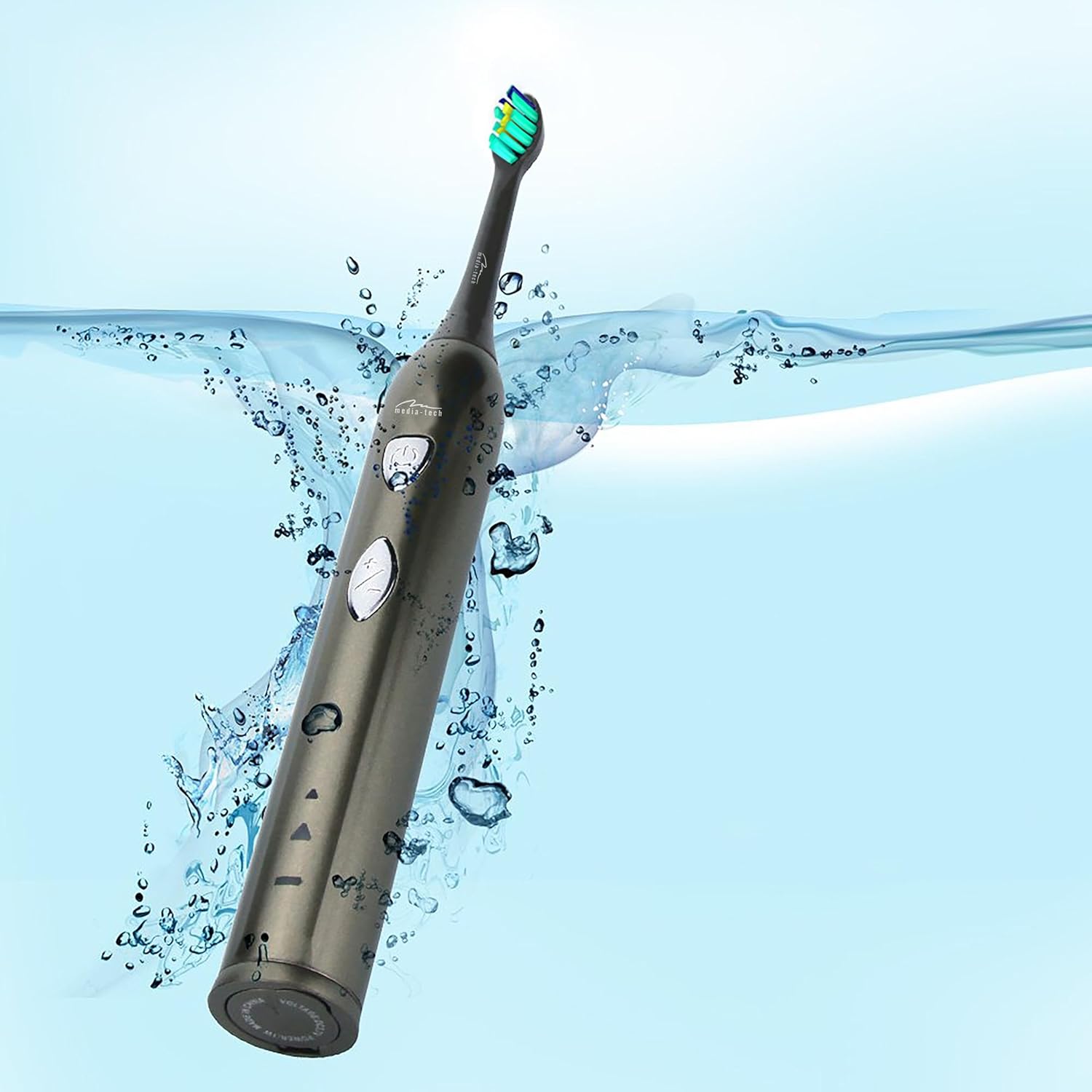
Image 3.1: The toothbrush handle placed on its charging base, indicating the charging process.
3.2 Twaħħil tar-Ras tal-Pinzell
Align the brush head with the metal shaft on the toothbrush handle and push it down firmly until it clicks into place. Ensure it is securely attached before use.
4. Istruzzjonijiet Operattivi
4.1 Mixgħul/Mitfi u Għażla tal-Modalità

Immaġni 4.1: Dettaljata view of the toothbrush handle, showing the power button and mode selection button.
- Qawwa Mixgħul: Press the power button (top button) once to turn on the toothbrush. It will start in the last used mode.
- Bidla Modalità: While the toothbrush is on, press the mode button (bottom button) to cycle through the available cleaning modes:
- Daily Cleaning Mode: For regular, thorough cleaning.
- Modalità li jbajdu: For deep cleaning and stain removal.
- Itfi: Agħfas il-buttuna tal-qawwa mill-ġdid biex titfi x-xkupilja tas-snien.
4.2 Teknika tal-Pinzell
- Xarrab ir-ras tal-pinzell u applika ammont żgħir ta’ toothpaste.
- Poġġi r-ras tal-pinzell kontra snienek f'angolu żgħir lejn il-linja tal-gomma.
- Agħfas il-buttuna tal-qawwa biex tibda tfarfar snienek.
- Gently move the brush head slowly from tooth to tooth, allowing the sonic vibrations to clean. Do not scrub.
- The toothbrush features a 2-minute timer and a 30-second interval reminder. It will briefly pause every 30 seconds to indicate when to move to a different quadrant of your mouth.
- After 2 minutes, the toothbrush will automatically turn off, signaling the completion of the recommended brushing time.

Image 4.2: The toothbrush positioned in a glass in a bathroom setting, ready for use.
5. Manutenzjoni
5.1 Tindif tar-Ras tal-Pinzell
After each use, rinse the brush head thoroughly under running water. Do not use harsh cleaning agents.
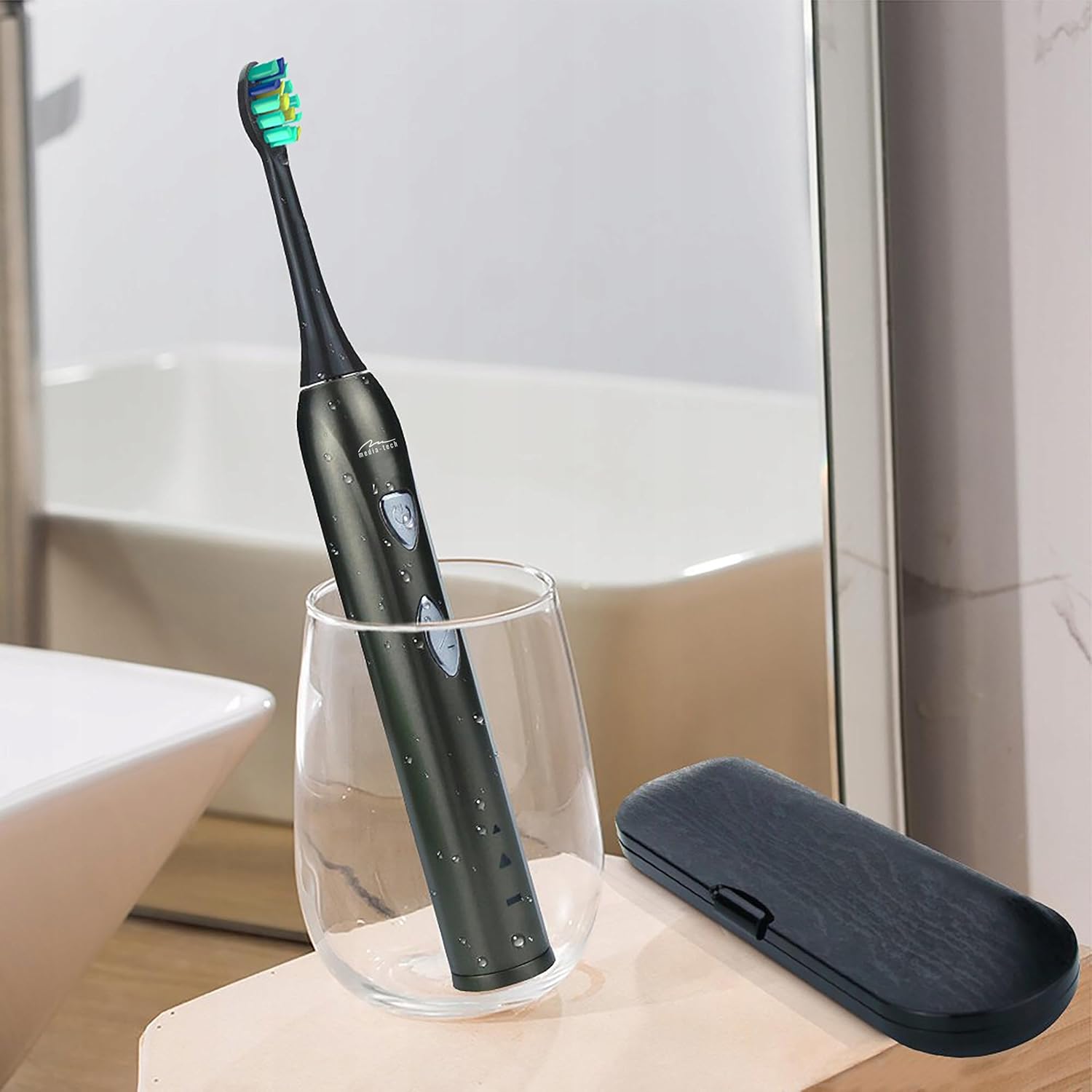
Image 5.1: A close-up of the brush head, showing bristles and water droplets after rinsing.
5.2 Cleaning the Handle
Imsaħ il-manku tax-xkupilja tas-snien b'adamp cloth. Ensure the charging port cover is closed before rinsing the handle under running water. Do not use abrasive cleaners or immerse the entire handle in water for extended periods.
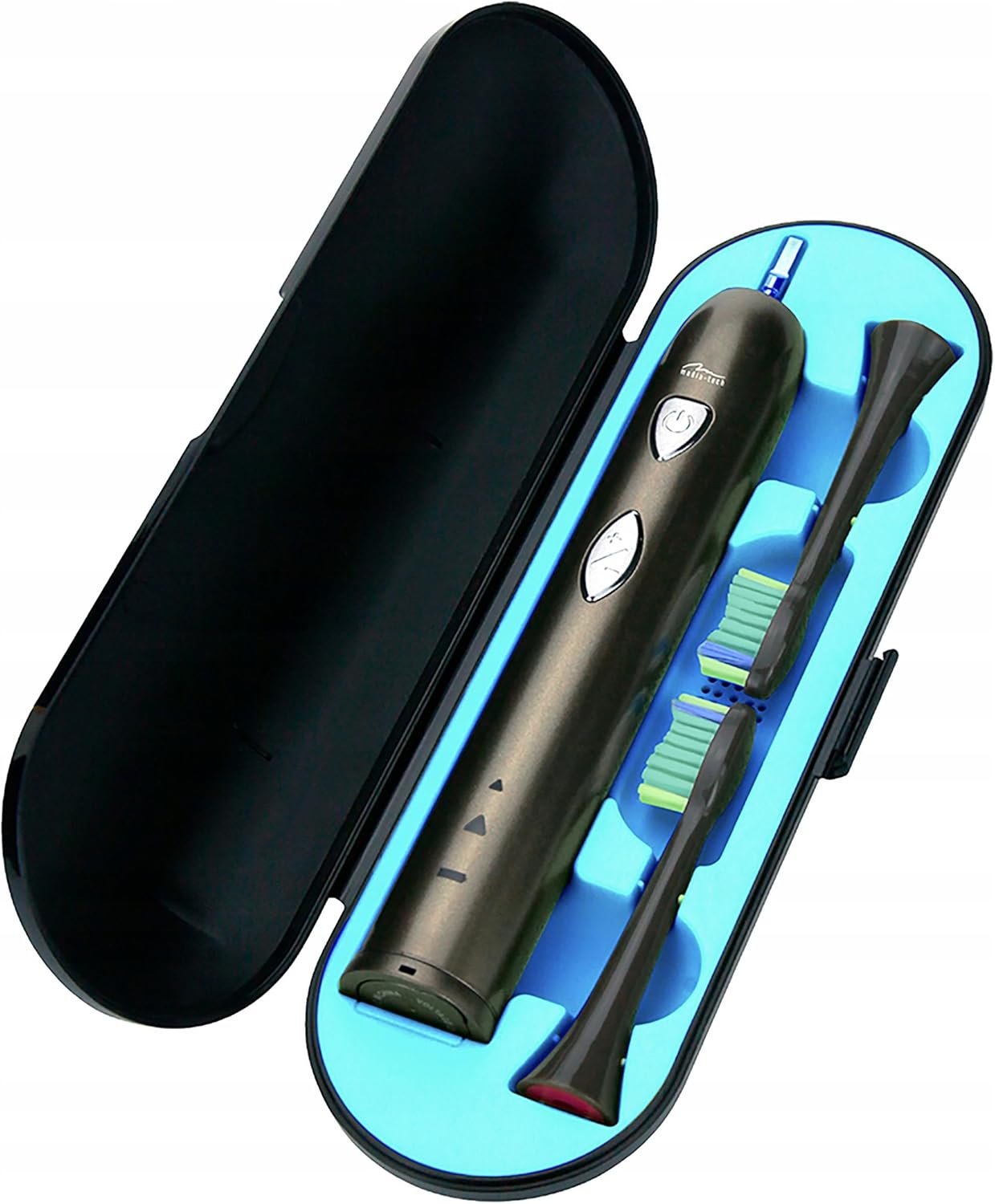
Image 5.2: The toothbrush handle partially submerged in water, demonstrating its IPX7 waterproof rating.
5.3 Sostituzzjoni tar-Ras tax-Xkupilji
Dentists recommend replacing brush heads every 3 months, or sooner if the bristles become frayed. To replace, simply pull the old brush head off the handle and push a new one on until it clicks.
5.4 Ħażna
When not in use, store the toothbrush and brush heads in a clean, dry place. The included travel case is ideal for hygienic storage and transport.
6 Issolvi l-problemi
| Problema | Kawża Possibbli | Soluzzjoni |
|---|---|---|
| Ix-xkupilja tas-snien ma tixgħelx. | Il-batterija hija eżawrita. | Charge the toothbrush for at least 12 hours. |
| Weak vibration or performance. | Batterija baxxa. | Erġa' ċċarġja x-xkupilja tas-snien. |
| Brush head feels loose. | Ir-ras tal-pinzell mhux imwaħħla sew. | Remove and re-attach the brush head, ensuring it clicks into place. |
| L-indikatur tal-iċċarġjar mhux jixgħel. | Charging base not connected or toothbrush not seated correctly. | Check power connection and ensure the toothbrush is properly placed on the charging base. |
7. Speċifikazzjonijiet
- Numru tal-Mudell: MT6510
- Ditta: Media-Tech
- Teknoloġija: Sonic
- Vibrazzjonijiet: 36,000 kull minuta
- Modi ta 'Tindif: 2 (Daily Cleaning, Whitening)
- Timer: 2-minute auto-off with 30-second interval reminder
- Klassifikazzjoni li ma jgħaddix ilma minnha: IPX7
- Tip ta 'batterija: Lithium-ion
- Ħajja tal-batterija: Up to 60 days (based on typical use)
- Dimensjonijiet tal-Prodott: 17.5 x 2.7 x 17.5 cm (approximate, as per packaging)
- Piż: 95 g (approssimattiv)
8. Garanzija u Appoġġ
For warranty information, please refer to the documentation provided at the time of purchase or contact your retailer. For technical support or further assistance, please contact Media-Tech customer service or visit their official websit.


