1. Introduzzjoni
Thank you for choosing the Cshidworld G33Pro-W Wireless Earbuds. This manual provides detailed instructions on how to set up, operate, and maintain your earbuds to ensure optimal performance and longevity. Please read this manual carefully before using the product and keep it for future reference.
2. Kontenut tal-Pakkett
- Cshidworld G33Pro-W Wireless Earbuds (Left and Right)
- Każ tal-Iċċarġjar li jinġarr
- Cable tal-Iċċarġjar tal-USB
- Manwal għall-Utent
3. Prodott Aktarview

Image: The Cshidworld G33Pro-W Wireless Earbuds resting inside their open charging case, showcasing their compact design and white finish.
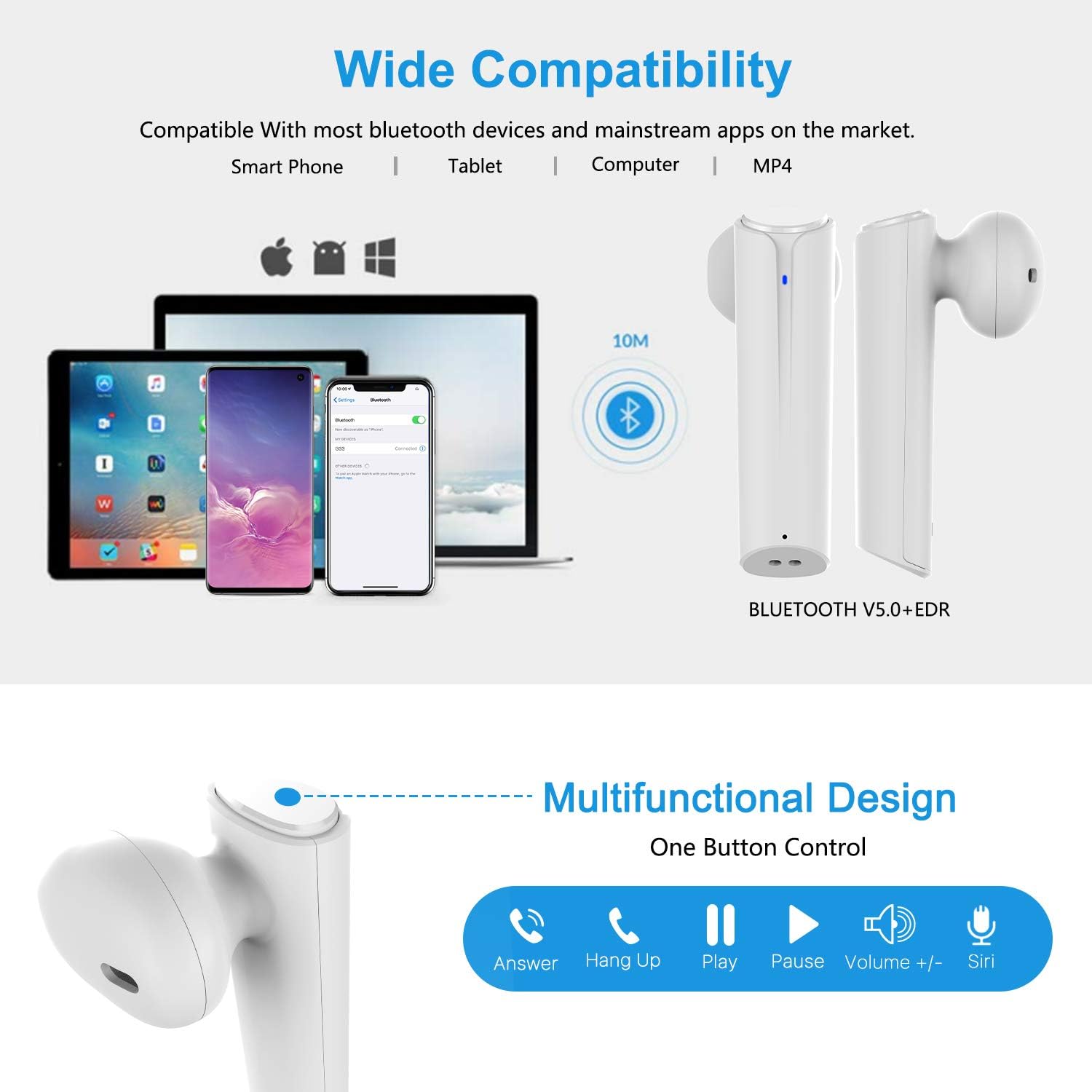
Image: A visual representation of the multi-function button on the earbud, detailing its various controls for answering calls, playing music, and activating voice assistants.
Komponenti tal-Earbud:
- Buttuna b'ħafna funzjonijiet: Jikkontrolla daqq, sejħiet, u assistent tal-vuċi.
- Indikatur LED: Shows pairing status and battery level.
- Mikrofonu: Għal sejħiet hands-free.
Komponenti tal-Kaxxa tal-Iċċarġjar:
- Portijiet tal-Iċċarġjar: For charging the case and earbuds.
- Indikaturi LED: Show charging status of the case.
4. Setup
4.1 Iċċarġjar tal-Earbuds u l-Kaxxa
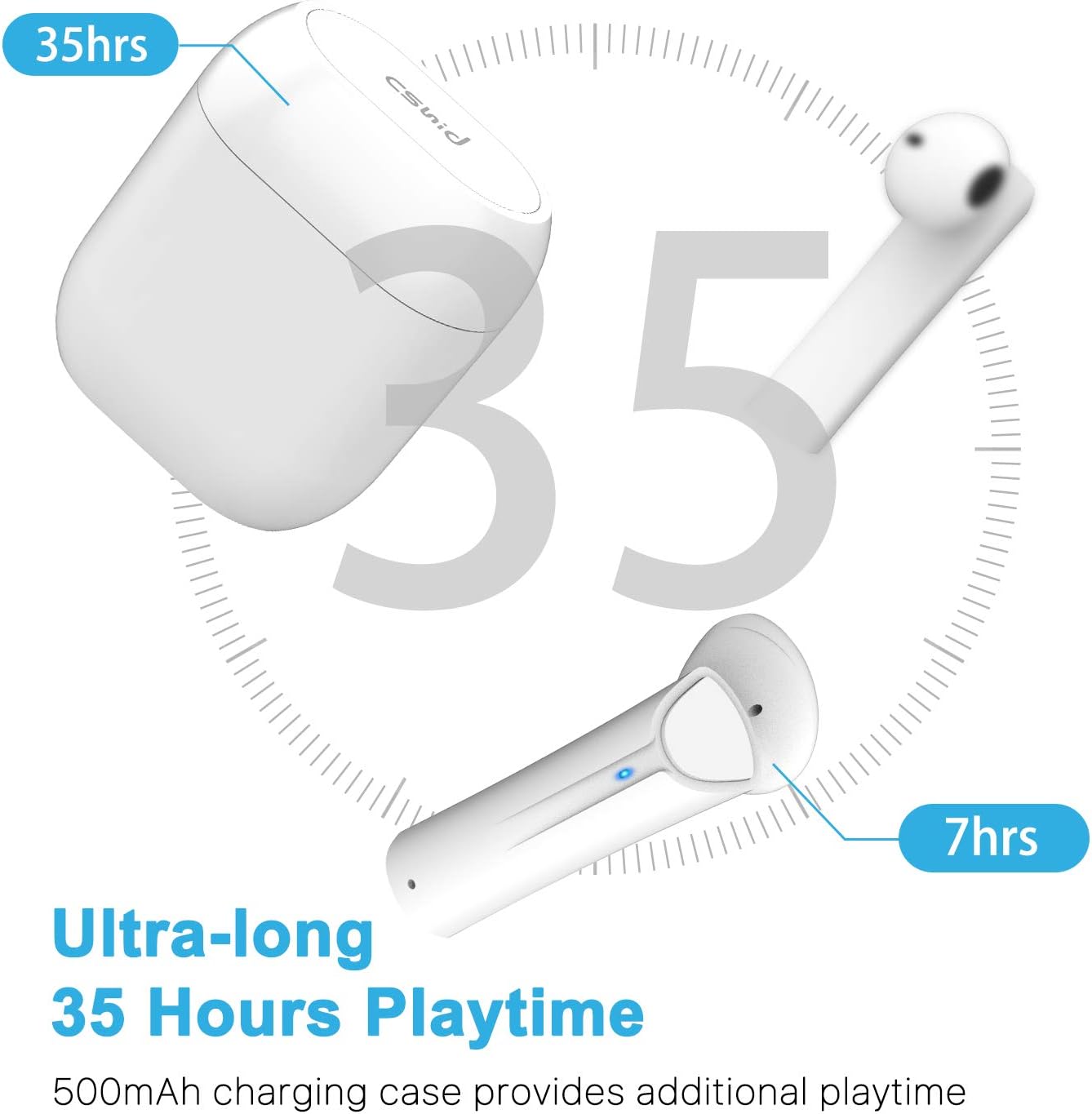
Image: An illustration highlighting the ultra-long 35 hours of total playtime, with 7 hours from a single earbud charge and additional charges from the case.
Before first use, ensure both the earbuds and the charging case are fully charged. The earbuds provide up to 7 hours of playtime on a single charge, and the charging case can provide an additional 5 full charges, extending the total playtime to up to 35 hours.
- Poġġi l-earbuds fil-kaxxa tal-iċċarġjar. Kun żgur li huma mqiegħda sew.
- Qabbad il-kejbil tal-iċċarġjar USB mal-port tal-iċċarġjar fuq il-kaxxa u ma' sors tal-enerġija.
- L-indikaturi LED fuq il-kaxxa juru l-istatus tal-iċċarġjar. Ladarba jkun iċċarġjat kompletament, l-indikaturi jinbidlu jew jintfew.
4.2 Initial Pairing (One-Step Pairing)

Image: A step-by-step guide showing how to pair the earbuds: simply take them out of the case and select 'G33' on your device's Bluetooth settings.
The G33Pro-W earbuds feature one-step pairing technology for quick and easy connection.
- Take both earbuds out of the charging case. They will automatically power on and enter pairing mode. The LED indicator on one earbud will flash, indicating it's ready to pair.
- Fuq l-apparat tiegħek (smartphone, tablet, eċċ.), attiva l-Bluetooth.
- Fittex għal "G33" in the list of available Bluetooth devices and select it to connect.
- Once connected, the LED indicators on both earbuds will stop flashing. You are now ready to use your earbuds.
4.3 Użu ta' Earbud Uniku
You can use either the left or right earbud independently. Simply take one earbud out of the charging case, and it will automatically enter pairing mode. Connect to "G33" on your device. To use both again, take the second earbud out, and they will automatically reconnect.
5. Istruzzjonijiet Operattivi
The G33Pro-W earbuds are controlled via a multi-function button on each earbud.
| Funzjoni | Azzjoni |
|---|---|
| Qawwa Mixgħul | Take earbuds out of charging case (automatic) |
| Qawwa Mitfi | Place earbuds back into charging case (automatic) |
| Ilgħab/Pawża Mużika | Press the multi-function button once on either earbud |
| Track li jmiss | Double-press the multi-function button on the Right earbud |
| Track Preċedenti | Double-press the multi-function button on the Left earbud |
| Tweġiba/Tmiem Sejħa | Press the multi-function button once on either earbud |
| Irrifjuta Sejħa | Press and hold the multi-function button for 2 seconds on either earbud |
| Attiva l-Assistent tal-Vuċi (Siri/Google Assistant) | Agħfas triplu l-buttuna multi-funzjoni fuq kull earbud |
| Volum Up | Press and hold the multi-function button on the Right earbud |
| Volum 'l isfel | Press and hold the multi-function button on the Left earbud |
6. Manutenzjoni

Image: Two scenarios demonstrating earbud use: one person driving safely with hands-free calling, and another person working out, highlighting the sweat-proof and cable-free design.
6.1 Tindif
Tindif regolari jgħin biex tinżamm il-kwalità tal-ħoss u l-iġjene.
- Uża drapp artab, niexef u mingħajr suf biex timsaħ il-earbuds u l-kaxxa tal-iċċarġjar.
- Għal ħmieġ iebes, neħħi ftitampmt id-drapp bl-ilma jew cleaner ħafif u li ma jobrox.
- Tużax kimiċi ħarxa jew materjali li joborxu.
- Kun żgur li l-kuntatti tal-iċċarġjar kemm fuq il-earbuds kif ukoll fuq il-kaxxa huma nodfa u niexfa.
6.2 Ħażna
Meta ma tkunx qed tużahom, aħżen il-earbuds fil-kaxxa tal-iċċarġjar tagħhom biex tipproteġihom u żżommhom iċċarġjati. Aħżen f'post frisk u niexef 'il bogħod minn temperaturi estremi.
6.3 Reżistenza għall-Ilma
The earbuds are designed to be waterproof, making them suitable for workouts and light rain. However, they are not intended for swimming or submersion in water. Ensure earbuds are dry before placing them back into the charging case to prevent damage.
7 Issolvi l-problemi
If you encounter issues with your earbuds, please refer to the following common problems and solutions:
- Il-earbuds mhux qed jingħaqdu mat-tagħmir:
Ensure Bluetooth is enabled on your device. Place earbuds back in the case, then take them out again to re-enter pairing mode. Try forgetting "G33" from your device's Bluetooth list and re-pairing. - Earbud wieħed biss jaħdem:
Place both earbuds back into the charging case. Close the lid for a few seconds, then open it and take both earbuds out simultaneously. They should automatically connect to each other. - Ebda ħoss:
Check the volume level on both your device and the earbuds. Ensure the earbuds are properly connected to your device. Try playing different audio sources. - Il-earbuds mhux qed jiċċarġjaw:
Kun żgur li l-kejbil tal-iċċarġjar huwa konness sew kemm mal-kaxxa kif ukoll mas-sors tal-enerġija. Iċċekkja jekk il-kuntatti tal-iċċarġjar fuq il-earbuds u ġewwa l-kaxxa humiex nodfa u ħielsa minn debris. - Kwalità tal-ħoss fqira:
Ensure the earbuds are properly seated in your ears. Check for any obstructions in the earbud speakers. Move closer to your connected device to avoid signal interference.
8. Speċifikazzjonijiet
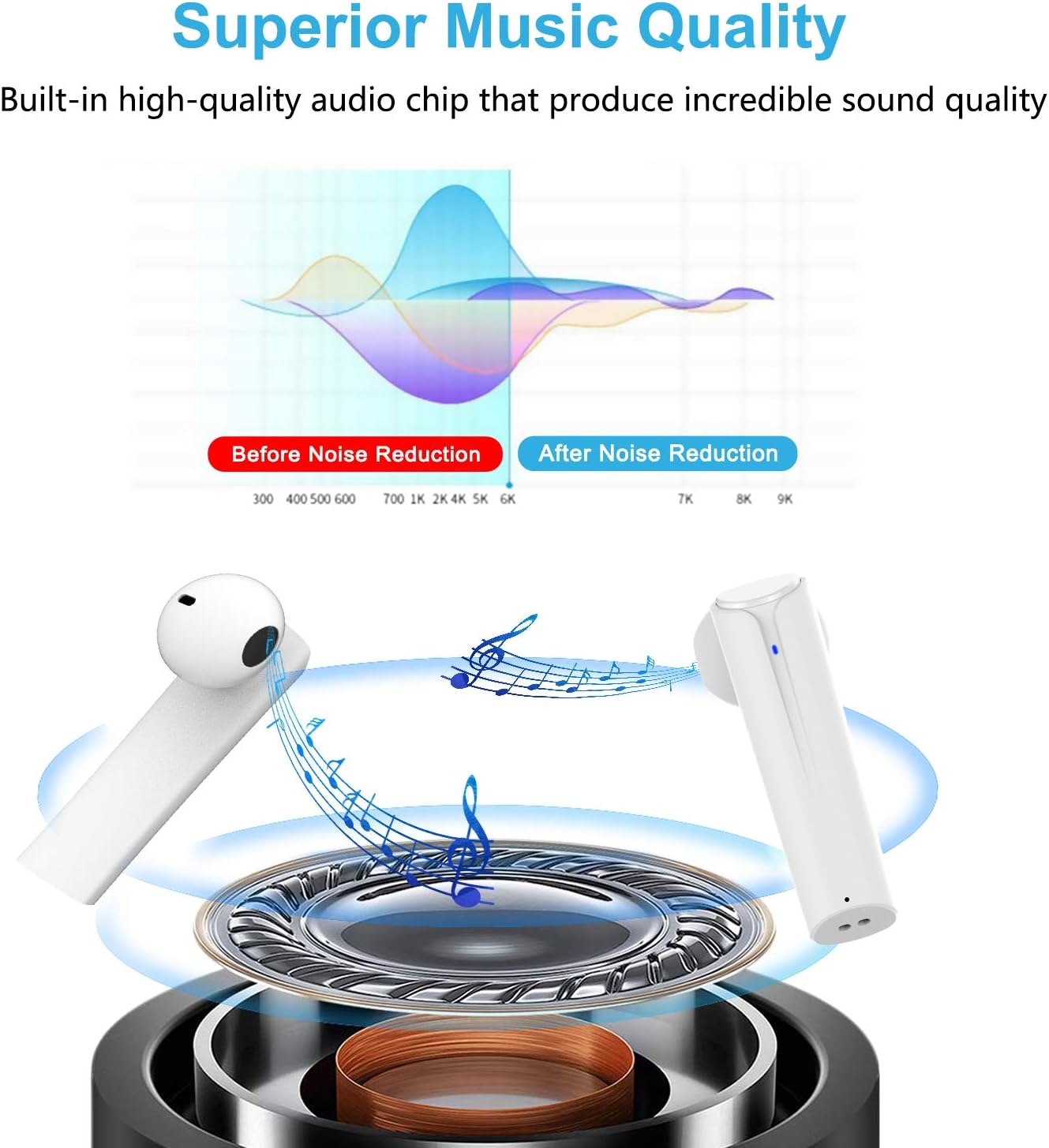
Image: A graph illustrating the effect of noise reduction on sound quality, accompanied by a detailed diagram of the earbud's internal audio components.
- Mudell: G33Pro-W
- Konnettività: Bluetooth 5.0
- Ħin tal-Logħob (Earbuds): Sa 7 sigħat għal kull ħlas
- Ħin Totali tal-Logħob (bil-Kaxxa tal-Iċċarġjar): Sa 35 sigħat
- Mikrofonu: Built-In Dual Microphones
- Tip ta' Kontroll: Buttuna b'ħafna funzjonijiet
- Materjal: Plastik
- Reżistenza għall-Ilma: Waterproof
- Kulur: Abjad
9. Informazzjoni dwar is-Sigurtà
Please observe the following safety guidelines for safe and proper use of your earbuds:
- Tesponix il-earbuds jew il-kaxxa tal-iċċarġjar għal temperaturi estremi, dawl tax-xemx dirett, jew umdità għolja.
- Avoid dropping, hitting, or disassembling the product.
- Tużax il-earbuds f'volumi għoljin wisq għal perjodi twal, għax dan jista' jikkawża ħsara fis-smigħ.
- Żomm il-prodott 'il bogħod mit-tfal u l-annimali domestiċi.
- Armi l-prodott u l-komponenti tiegħu b'mod responsabbli skont ir-regolamenti lokali.
10. Garanzija u Appoġġ
Cshidworld provides a Politika ta' ritorn mingħajr problemi ta' 30 jum u a garanzija ta 'sena for the G33Pro-W Wireless Earbuds. For any product-related inquiries, technical support, or warranty claims, please contact Cshidworld customer service through the platform where you purchased the product or refer to the contact information provided with your purchase.


