Introduzzjoni
This manual provides comprehensive instructions for the installation, operation, and maintenance of your Aerocool LUX RGB 650M semi-modular power supply. The LUX RGB 650M is designed to deliver stable power to your PC components while offering customizable RGB lighting effects. Please read this manual thoroughly before installation and use to ensure proper functionality and safety.

Immaġni: Angolata view of the Aerocool LUX RGB 650M Power Supply, showcasing its black finish and RGB lighting panel.
Informazzjoni dwar is-Sigurtà
- Kun żgur li l-provvista tal-enerġija hija skonnettjata mis-sokit tal-enerġija AC qabel l-installazzjoni jew il-manutenzjoni.
- Tiftaħx l-unità tal-provvista tal-enerġija. Volum għolitagĠewwa hemm elementi li jistgħu jikkawżaw xokk elettriku.
- Installa l-provvista tal-enerġija f'żona ventilata sew. Timblokkax il-fetħiet tal-ventilazzjoni.
- This product is designed for use in personal computers. Do not use it for any other purpose.
- Żomm il-provvista tal-enerġija 'l bogħod mill-ilma, l-umdità, u temperaturi estremi.
- Use only the cables provided with the power supply. Using third-party cables may cause damage.
Kontenut tal-Pakkett
Ivverifika li l-oġġetti kollha huma preżenti fil-pakkett:
- Aerocool LUX RGB 650M Power Supply Unit
- Modular Cable Set (PCIe, SATA, Peripheral)
- Main ATX 20+4 Pin Cable (fixed)
- CPU 4+4 Pin Cable (fixed)
- Kurdun tal-Enerġija AC
- Viti tal-Immuntar
- Manwal għall-Utent
Setup u Installazzjoni
Follow these steps to install your Aerocool LUX RGB 650M power supply:
- Ipprepara l-Kaxxa tal-PC tiegħek: Ensure your computer is powered off and unplugged from the wall outlet. Open your PC case to access the power supply mounting area.
- Immuntar il-Provvista tal-Enerġija: Carefully slide the LUX RGB 650M into the designated power supply bay in your PC case. Secure it with the provided mounting screws.
- Connect Fixed Cables:
- Qabbad il- 20+4 Pin ATX cable to your motherboard's main power connector.
- Qabbad il- 4+4 Pin CPU cable to your motherboard's CPU power connector.
- Qabbad il-Kejbils Modulari: Identify the necessary modular cables for your components (graphics card, SSDs/HDDs, optical drives).
- Qabbad il-meħtieġ Kejbils PCIe to your graphics card(s).
- Qabbad Kejbils tad-dawl SATA to your storage drives (SSDs, HDDs).
- Qabbad Peripheral (Molex) cables for any other components requiring them.

Immaġni: Angolata view of the Aerocool LUX RGB 650M Power Supply, illustrating the semi-modular design with fixed and detachable cables.
- Ġestjoni tal-Kejbil: Utilize the semi-modular design to manage cables efficiently, improving airflow and aesthetics within your PC case.
- Qabbad l-RGB:
- For motherboard synchronization, connect the power supply's Addressable RGB cable to a +5V Addressable RGB header on your compatible motherboard.
- If your motherboard does not have an Addressable RGB header, you can control the lighting effects directly via the LED control button on the power supply.
- Konnessjoni tal-Enerġija: Connect the AC power cord to the power supply's input socket and then to a wall outlet. Ensure the power switch on the PSU is in the OFF (0) position before plugging it in.
- System Configuration Note: For optimal performance and stability, ensure your system's power requirements do not exceed the PSU's capacity. A recommended maximum configuration for this 650W model is an Intel i5 processor, an RTX 3060 graphics card, and 16GB DDR4 RAM. For precise power calculations, consult online PSU calculators.
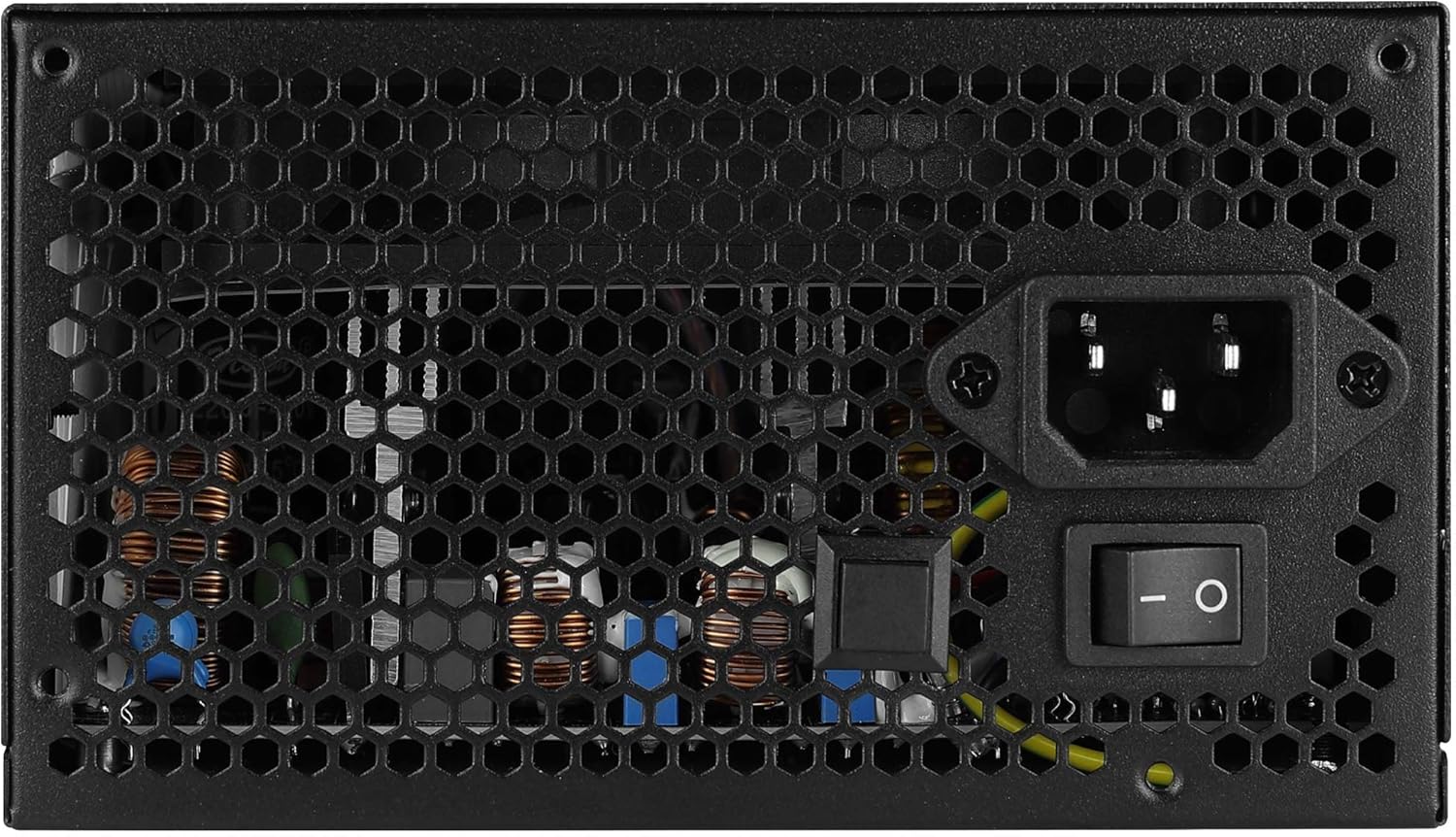
Immaġni: Wara view of the Aerocool LUX RGB 650M Power Supply, showing the AC power input, power switch, and ventilation grille.
Istruzzjonijiet Operattivi
After successful installation, follow these steps to operate your power supply:
- Qawwa Mixgħul: Flip the power switch on the rear of the power supply to the ON (I) position. Then, power on your computer using the case's power button.
- Kontroll tad-Dawl RGB:
- Permezz tal-Buttuna tal-Kontroll tal-LED: If not connected to a motherboard ARGB header, press the dedicated LED control button on the power supply to cycle through 13 predefined lighting effects.
- Via Motherboard Software: If connected to a +5V Addressable RGB header on your motherboard, you can control and synchronize the power supply's lighting effects using your motherboard's RGB software (e.g., ASUS Aura Sync, MSI Mystic Light Sync, Gigabyte RGB Fusion, ASRock Polychrome Sync).
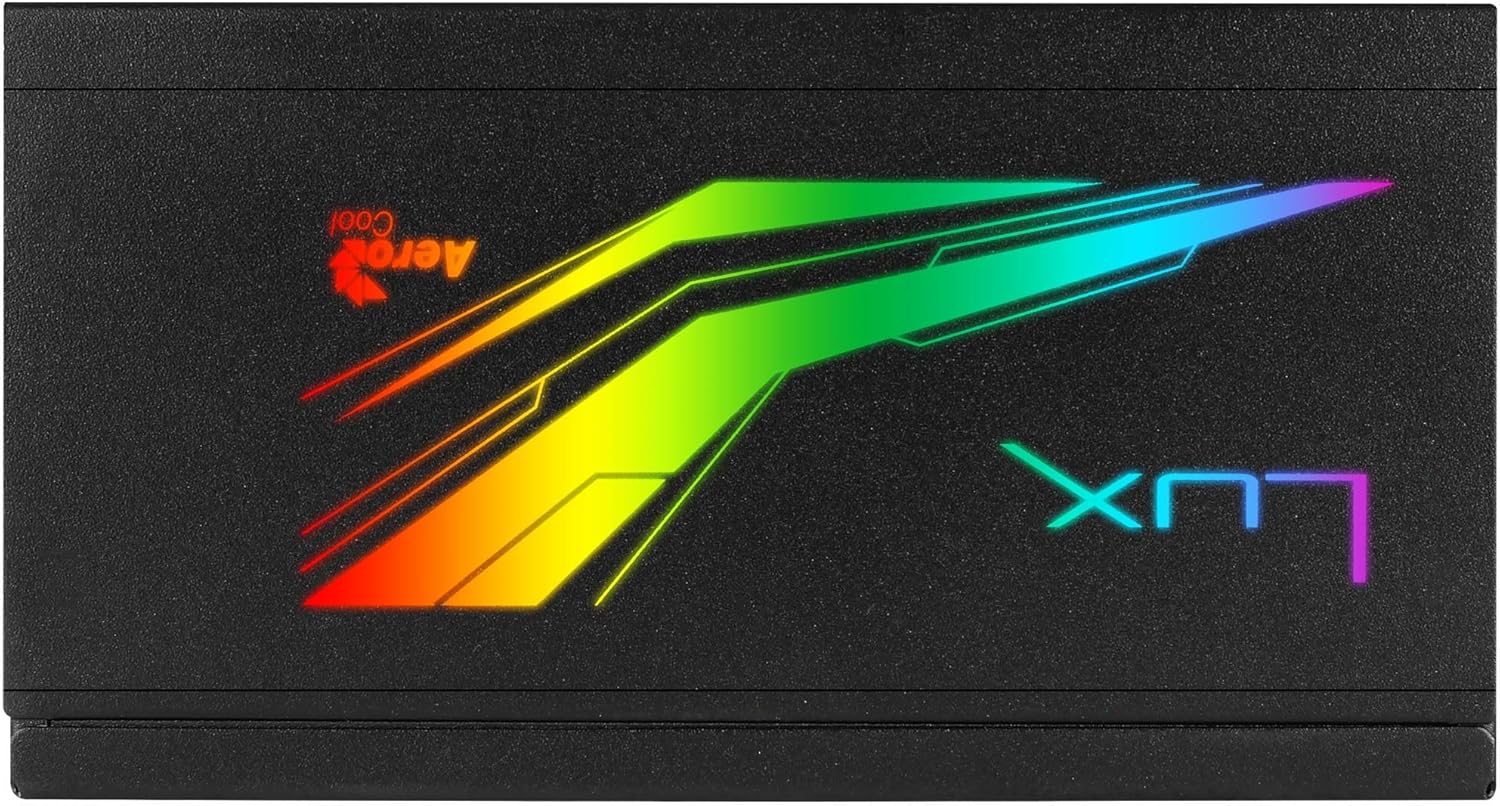
Immaġni: Fuq view of the Aerocool LUX RGB 650M Power Supply, highlighting the integrated RGB lighting panel with the "LUX" and "AeroCool" logos.
Manutenzjoni
Manutenzjoni xierqa tiżgura l-lonġevità u l-prestazzjoni ottimali tal-provvista tal-enerġija tiegħek:
- Tindif tat-Trab: Periodically clean the power supply's fan and ventilation grilles to prevent dust buildup, which can impede airflow and cooling. Use compressed air for best results. Ensure the power supply is off and unplugged before cleaning.
- Fluss tal-arja: The LUX RGB 650M features a 30% increased ventilation area for enhanced airflow. Ensure your PC case has adequate ventilation to support efficient heat dissipation from the power supply.
- Operazzjoni tal-Fann: The 12cm silent black fan operates with optimized thermal fan speed control, adjusting its speed based on temperature to maintain quiet operation and effective cooling.

Immaġni: Ġenb view of the Aerocool LUX RGB 650M Power Supply, highlighting the extensive honeycomb ventilation pattern for improved airflow.
Issolvi l-problemi
Jekk tiltaqa' ma' problemi bil-provvista tal-enerġija tiegħek, irreferi għall-problemi u s-soluzzjonijiet komuni li ġejjin:
- No Power to System:
- Iċċekkja jekk il-korda tal-enerġija AC hijiex imqabbda sew kemm mal-provvista tal-enerġija kif ukoll mas-sokit tal-ħajt.
- Ensure the power switch on the rear of the PSU is in the ON (I) position.
- Verify that all power cables (20+4 Pin ATX, 4+4 Pin CPU, PCIe, SATA) are correctly and firmly connected to their respective components.
- Ittestja s-sokit tal-ħajt b'apparat ieħor biex tikkonferma li għandu l-enerġija.
- Instabbiltà/Ħsarat tas-Sistema:
- Ensure your system's power draw does not exceed the 650W capacity of the PSU. Overloading can cause instability.
- Iċċekkja għal konnessjonijiet tal-kejbil maħlula.
- Ensure adequate ventilation within the PC case to prevent overheating.
- Dawl RGB Mhux Taħdim:
- If using the LED control button, ensure it is being pressed correctly to cycle effects.
- If connected to a motherboard ARGB header, verify the connection is secure and that your motherboard's RGB software is installed and configured correctly. Ensure it's a +5V ARGB header, not a +12V RGB header.
Speċifikazzjonijiet

Image: Electrical specifications label for the Aerocool LUX RGB 650M Power Supply, detailing voltage u outputs kurrenti.
| Karatteristika | Dettall |
|---|---|
| Numru tal-Mudell | LUXRGB650M |
| Brand | AeroCool |
| Output ta 'Qawwa | 650 Watts |
| Ċertifikazzjoni tal-Effiċjenza | 80Plus 230V EU Bronze (up to 88%+ efficiency) |
| Fattur tal-Formola | ATX |
| Cabling Design | Semi-Modulari |
| Metodu tat-tkessiħ | Air (12cm silent black fan with optimized thermal speed control) |
| Dawl RGB | Prism RGB (13 predefined effects via button, compatible with +5V Addressable RGB motherboards) |
| Input Voltage | 115-230 volt |
| Dimensjonijiet (L x W x H) | 16 x 15 x 8.6 ċm |
| Piż | 1.5 Kilogrammi |
| Apparati Kompatibbli | Kompjuter Personali |
Garanzija
The Aerocool LUX RGB 650M Power Supply comes with a garanzija ta 'sena on spare parts. Please retain your proof of purchase for warranty claims. The warranty covers defects in materials and workmanship under normal use. It does not cover damage caused by misuse, accident, modification, or unauthorized repair.
Appoġġ
For technical assistance, troubleshooting beyond this manual, or warranty inquiries, please contact AeroCool customer support. Visit the official AeroCool websit għal informazzjoni ta' kuntatt u riżorsi addizzjonali.
Riżorsi onlajn: www.aerocool.io


