1. Introduzzjoni
The Modecom Oberon Pro Midi Tower is a computer case designed for users seeking a functional and spacious interior with a modern aesthetic. This manual provides essential information for the proper installation, operation, and maintenance of your computer case, ensuring optimal performance and longevity of your components.
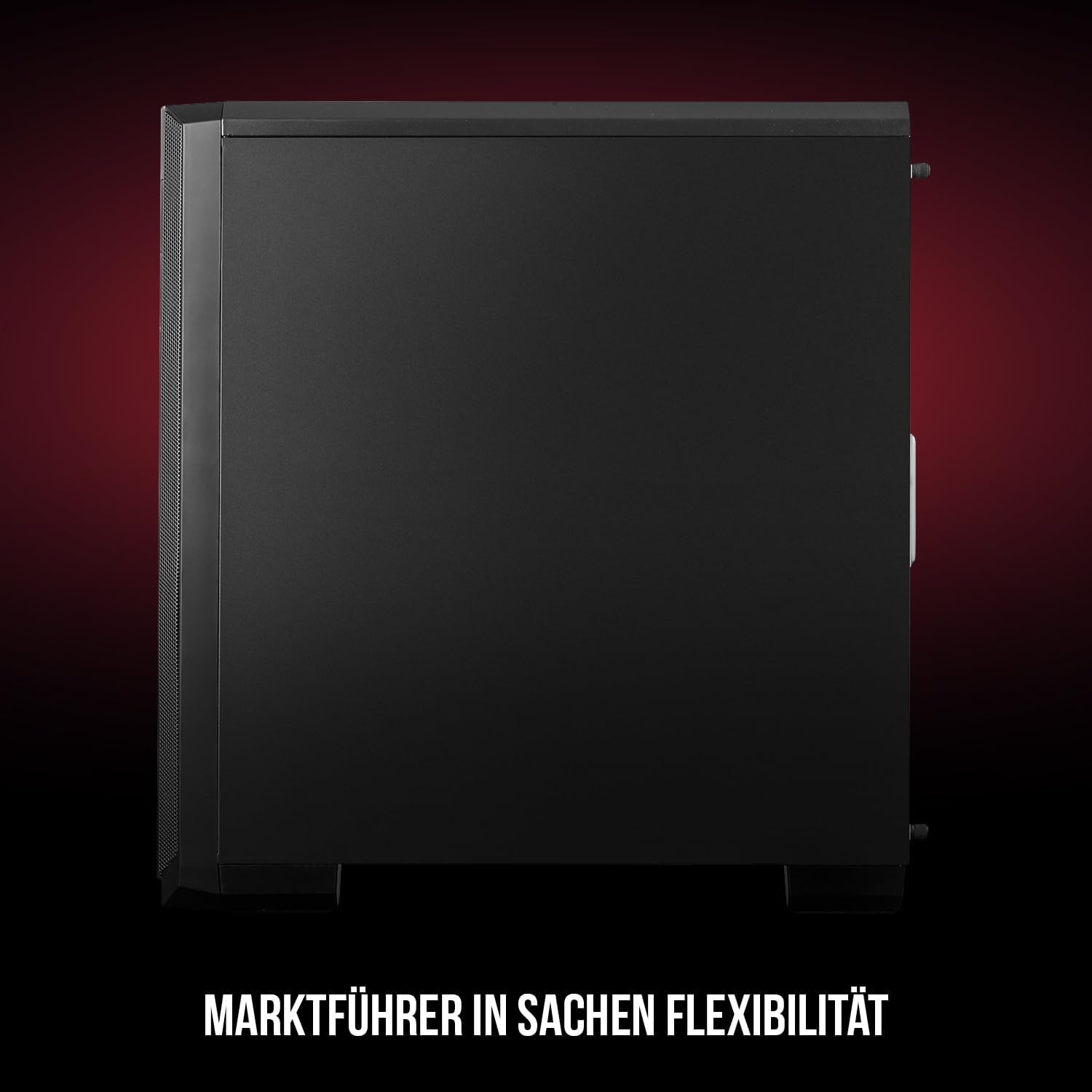
Figura 1: Quddiem u ġenb view of the Modecom Oberon Pro Midi Tower computer case.
2. Informazzjoni dwar is-Sigurtà
- Dejjem skonnettja l-provvista tal-enerġija mis-sokit tal-ħajt qabel ma tinstalla jew tneħħi xi komponenti.
- Immaniġġja l-komponenti b'attenzjoni biex tevita skariku elettrostatiku. Ikkunsidra li tuża ċinga tal-polz antistatika.
- Żomm partijiet żgħar u għodda 'l bogħod mit-tfal.
- Kun żgur li jkun hemm ventilazzjoni xierqa madwar il-kaxxa biex tevita li tissaħħan iżżejjed.
- Do not attempt to modify the case structure, as this may void your warranty and pose safety risks.
3. Kontenut tal-Pakkett
Verify that all the following items are present in your package:
- Modecom Oberon Pro Midi Tower Computer Case
- Kaxxa tal-aċċessorji (viti, standoffs, rabtiet tal-kejbil)
- Manwal għall-Utent (dan id-dokument)
4. Karatteristiċi ewlenin
- Intern Spazjuż: Designed to accommodate high-end components and facilitate good airflow.
- Tkessiħ Effiċjenti: Includes two pre-mounted 120mm fans (front and rear) to prevent component overheating.
- Installazzjoni mingħajr Għodda: Supports tool-free mounting for SSD/HDD drives and expansion cards.
- Filtrazzjoni tat-Trab: Features easily dismountable magnetic filters on the top, front, and bottom (under the power supply unit) to keep the interior clean.
- Optimized Cable Management: Provides a system for convenient wiring organization.
- Long PSU Tunnel: Offers a 240mm space for power supplies, simplifying installation and cable arrangement.
5. Setup u Installazzjoni
5.1. Tħejjija tal-Każ
Before installation, remove the side panels of the case. The Oberon Pro features sound-dampening mats on the side panels to reduce noise.

Figura 2: Intern view showing sound-dampening mats on the side panel.
5.2. Installazzjoni tal-Motherboard
Install the necessary standoffs for your motherboard form factor (ATX, Micro ATX, ITX). Carefully place your motherboard into the case, aligning it with the standoffs, and secure it with screws.

Figure 3: Interior layout with pre-installed rear fan and motherboard tray.
5.3. Drive Installation (SSD/HDD)
The Oberon Pro supports tool-free installation for three 2.5" SSDs and two 3.5" HDDs. The 3.5" HDD bays are located in the power supply tunnel at the bottom of the case. 2.5" SSDs can be mounted on both sides of the motherboard tray.

Figure 4: Dedicated bays for HDD and SSD storage devices.
5.4. Installazzjoni ta 'Provvista ta' Enerġija
The case features a long PSU tunnel (240mm) at the bottom. Install your power supply unit into this tunnel and secure it. This design aids in cable management and airflow.
5.5. Expansion Card Installation (PCI/PCIe)
Install your graphics card or other expansion cards into the PCI/PCIe slots. The case supports tool-free mounting for these cards, allowing for easy installation and removal.
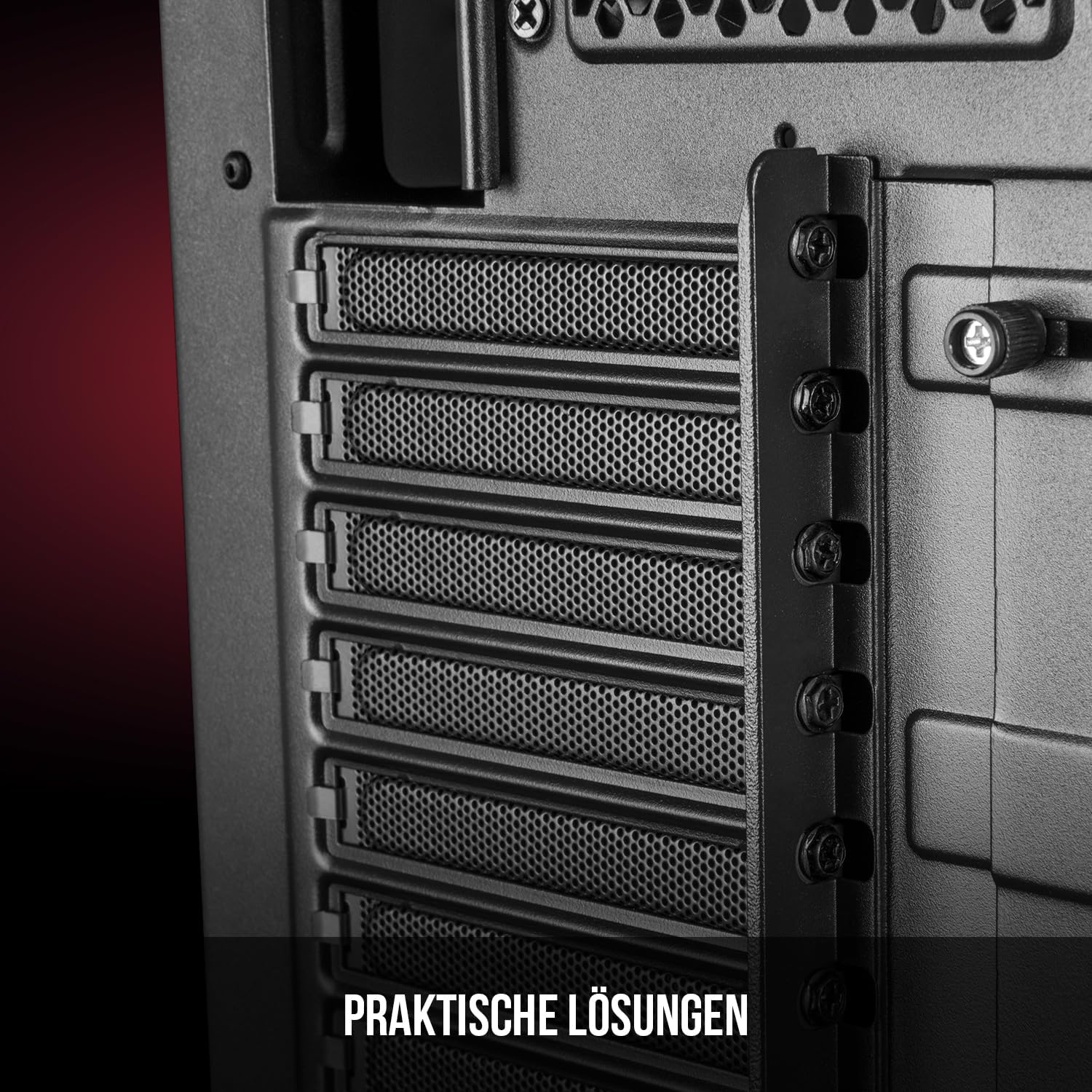
Figura 5: Intern ta' wara view highlighting the expansion card slots.
5.6. Ġestjoni tal-Kejbil
Utilize the provided cable routing options and tie-down points behind the motherboard tray to organize cables. This improves airflow and maintains a tidy interior.
6. Sistema ta 'tkessiħ
The Oberon Pro comes with two pre-installed 120mm fans, one at the front and one at the rear, to ensure adequate airflow. The maximum height for a CPU cooler is 163mm, and the maximum length for a video card is 395mm, allowing for compatibility with a wide range of components.
7. Manutenzjoni
To maintain optimal performance and prevent dust buildup, regularly clean the dust filters. The magnetic filters on the top, front, and bottom of the case are easily dismountable for cleaning. Use compressed air or a soft brush to remove accumulated dust.
8 Issolvi l-problemi
- Ebda Qawwa: Ensure all power cables are securely connected to the motherboard, power supply, and wall outlet. Check the power button connection to the motherboard.
- Is-sħana żejda: Verify that all fans are spinning correctly and that dust filters are clean. Ensure proper cable management to avoid obstructing airflow.
- Il-Portijiet tal-Panel ta' Quddiem Mhux Jaħdmu: Check that the front panel connectors (USB, audio) are correctly plugged into the motherboard headers.
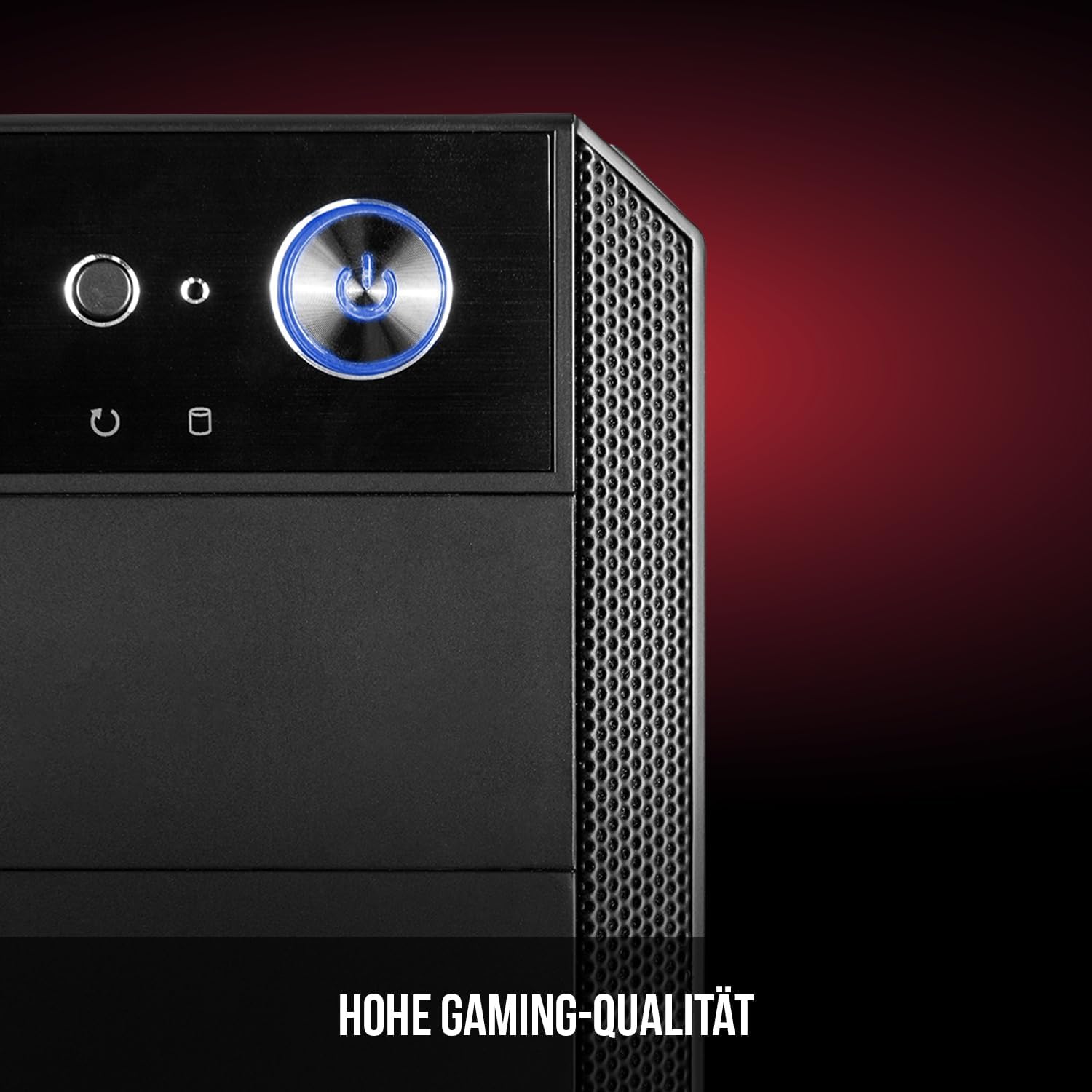
Figure 6: Front panel I/O ports for connectivity.
9. Speċifikazzjonijiet
| Karatteristika | Speċifikazzjoni |
|---|---|
| Brand | Modecom |
| Isem tal-Mudell | Oberon Pro |
| Numru tal-Mudell | AT-OBERON-PS-10-000000-0002 |
| Kulur | Iswed |
| Tip ta' Każ | Torri tal-Midi |
| Kompatibbiltà tal-motherboard | ATX, Mikro ATX, ITX |
| Materjal | Azzar Liga |
| Metodu tat-tkessiħ | Arja |
| Fannijiet installati minn qabel | 2 x 120mm (Front, Rear) |
| Max CPU Cooler Għoli | 163 mm |
| Max GPU Tul | 395 mm |
| Drive Bays | 3 SSDs ta' 2.5", 2 HDDs ta' 3.5" |
| Portijiet USB totali | 4 |
| Karatteristiċi Speċjali | Reset Button, Dust Filter, LED Indicators, Side Window |
| Piż tal-oġġett | 5270 Gramm |

Figure 7: Rear exterior view of the computer case.
10. Garanzija u Appoġġ
For warranty information and technical support, please refer to the official Modecom webis-sit jew ikkuntattja lill-bejjiegħ tiegħek. Żomm il-prova tax-xiri tiegħek għal kwalunkwe talba ta' garanzija.