1. Introduzzjoni
Welcome to the SteelSeries QcK Gaming Mouse Pad instruction manual. The QcK Edge mouse pad is designed for optimal gaming performance, featuring a micro-woven cloth surface and durable stitched edges. This manual provides essential information for setup, maintenance, and specifications.
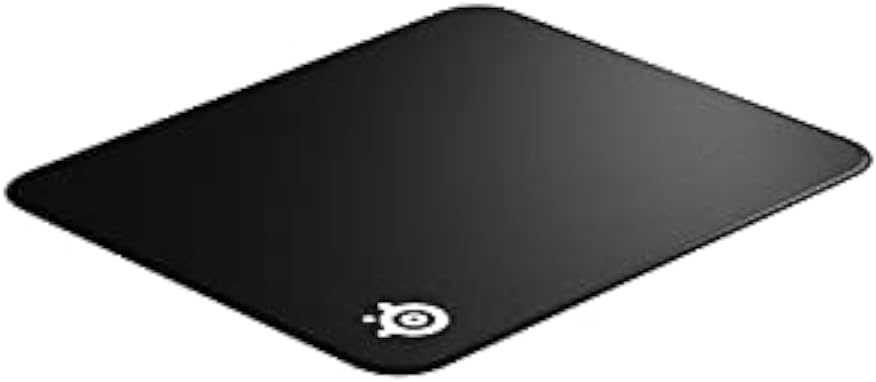
Figure 1: SteelSeries QcK Gaming Mouse Pad (top-down view).
2. Karatteristiċi ewlenin
- Exclusive QcK Micro-Woven Cloth: Optimized for both low and high DPI tracking movements, providing a smooth and consistent glide for optical and laser sensors.
- Truf Meħjutin: Enhanced durability prevents fraying and extends the lifespan of the mouse pad.
- Bażi tal-Lastiku li ma jiżloqx: Ensures the mouse pad stays firmly in place during intense gaming sessions.
- Jinħasel bil-Magni: Easy to clean and maintain for long-lasting performance.

Figure 2: Gaming setup featuring the SteelSeries QcK mouse pad.
3. Setup
Setting up your SteelSeries QcK Gaming Mouse Pad is straightforward:
- Iftaħ il-Maws Pad: Carefully unroll the mouse pad onto a clean, flat surface.
- Iċċattja: Allow some time for the mouse pad to flatten completely. Gentle pressure or placing heavy, flat objects on the corners overnight can help.
- Pożizzjoni: Place your gaming mouse and keyboard on the pad as desired. The non-slip rubber base will keep it secure.

Figure 3: The QcK mouse pad unrolled and ready for use.
4. Istruzzjonijiet Operattivi
The SteelSeries QcK Gaming Mouse Pad is designed for immediate use with any optical or laser gaming mouse. Its optimized surface ensures precise tracking and smooth movement, enhancing your gaming and computing experience.
Simply place your mouse on the pad and enjoy the consistent glide and control it provides.

Figura 4: Close-up view of mouse tracking on the QcK surface.
5. Manutenzjoni u Tindif
To maintain the performance and appearance of your QcK Gaming Mouse Pad:
- Tindif regolari: For light dust or debris, gently wipe the surface with a soft, damp drapp.
- Ħasil bil-Magni: The QcK Edge is machine washable. Use cold water and a gentle cycle. Do not use bleach or harsh detergents. Air dry completely; do not tumble dry.
- Evita li jintwew: To prevent creases, store the mouse pad rolled up rather than folded.
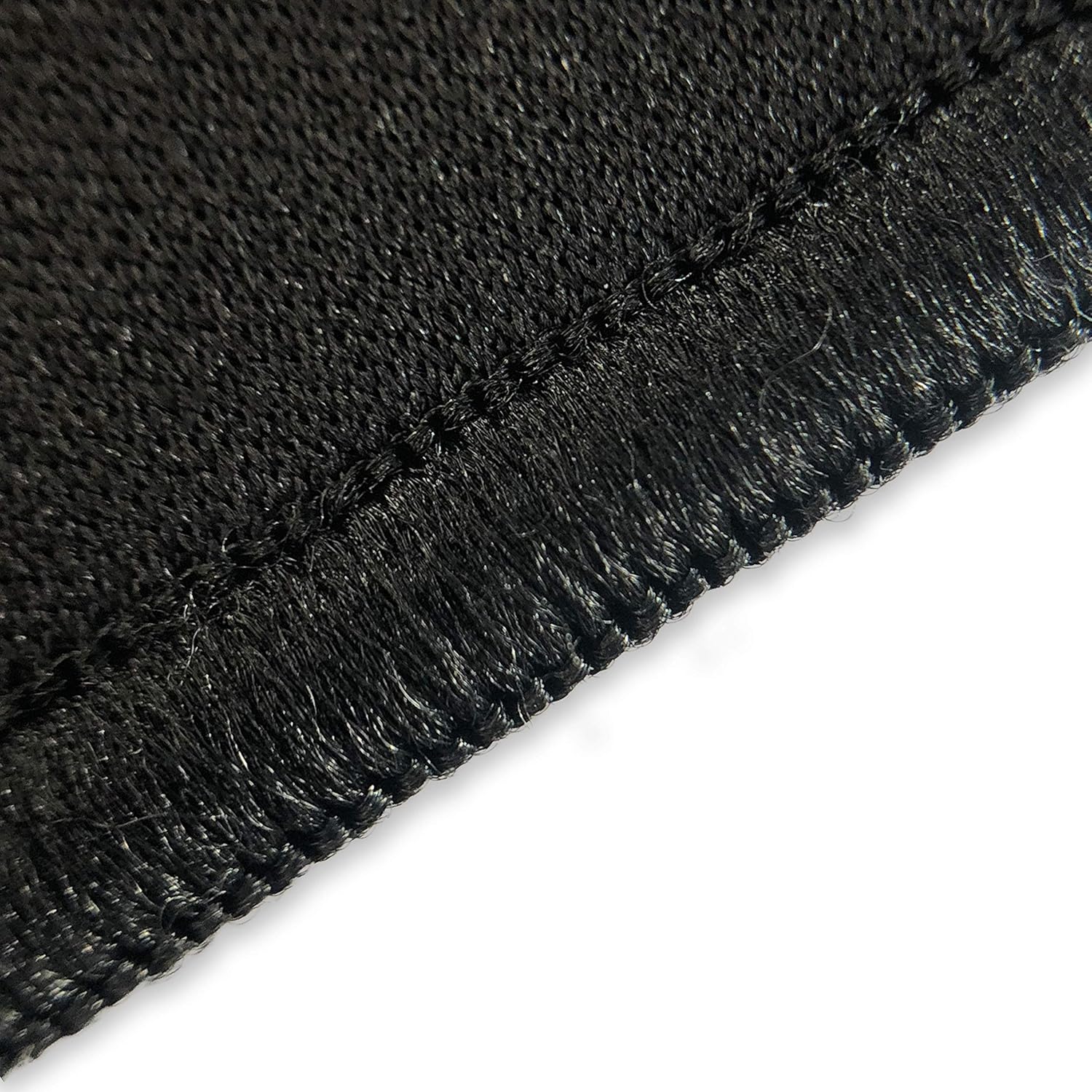
Figure 5: The QcK mouse pad can be rolled for easy storage and transport.

Figure 6: Durable stitched edges prevent fraying.
6 Issolvi l-problemi
Most issues with a mouse pad are minor. Here are some common concerns:
| Problema | Soluzzjoni |
|---|---|
| Mouse pad not lying flat | Unroll and place heavy, flat objects on it overnight. Over time, it will naturally flatten. |
| Problemi ta' traċċar tal-ġrieden | Ensure the mouse pad surface is clean. Check your mouse's sensor for debris. |
| Mouse pad slipping | Ensure the surface beneath the mouse pad is clean and dry. The non-slip rubber base requires a clean surface for optimal grip. |
7. Speċifikazzjonijiet
| Attribut | Dettall |
|---|---|
| Isem tal-Mudell | QcK Edge |
| Numru tal-Mudell | 63823 |
| Dimensjonijiet (L x W x H) | 15.7 x 17.7 x 0.1 pulzieri |
| Materjal tal-wiċċ | Micro-woven Cloth |
| Materjal Bażi | Gomma li ma jiżloqx |
| Kulur | Iswed |
| Karatteristiċi Speċjali | Stitched Edges, Machine Washable |
| Użu Rakkomandat | Logħob |
8. Garanzija u Appoġġ
For warranty information and customer support, please visit the official SteelSeries webis-sit jew ikkuntattja lid-dipartiment tas-servizz tal-konsumatur tagħhom. Żomm l-irċevuta tax-xiri tiegħek għal talbiet ta’ garanzija.


