1. Introduzzjoni
This manual provides essential information for the installation, operation, and maintenance of the Simplex 4010-9922 4010ES Network Interface Card. This card is designed to integrate with compatible Simplex fire alarm systems, facilitating network communication.

Figure 1: Simplex 4010-9922 4010ES Network Interface Card. This image shows the green circuit board with various electronic components, connectors, and integrated circuits.
2. Setup u Installazzjoni
Proper installation is crucial for the reliable operation of the 4010ES Network Interface Card. Please follow these guidelines carefully.
2.1 Tneħħija tal-kaxxa u Spezzjoni Inizjali
Upon receiving your 4010ES Network Interface Card, carefully inspect the packaging and its contents for any signs of damage. Ensure all components are present.
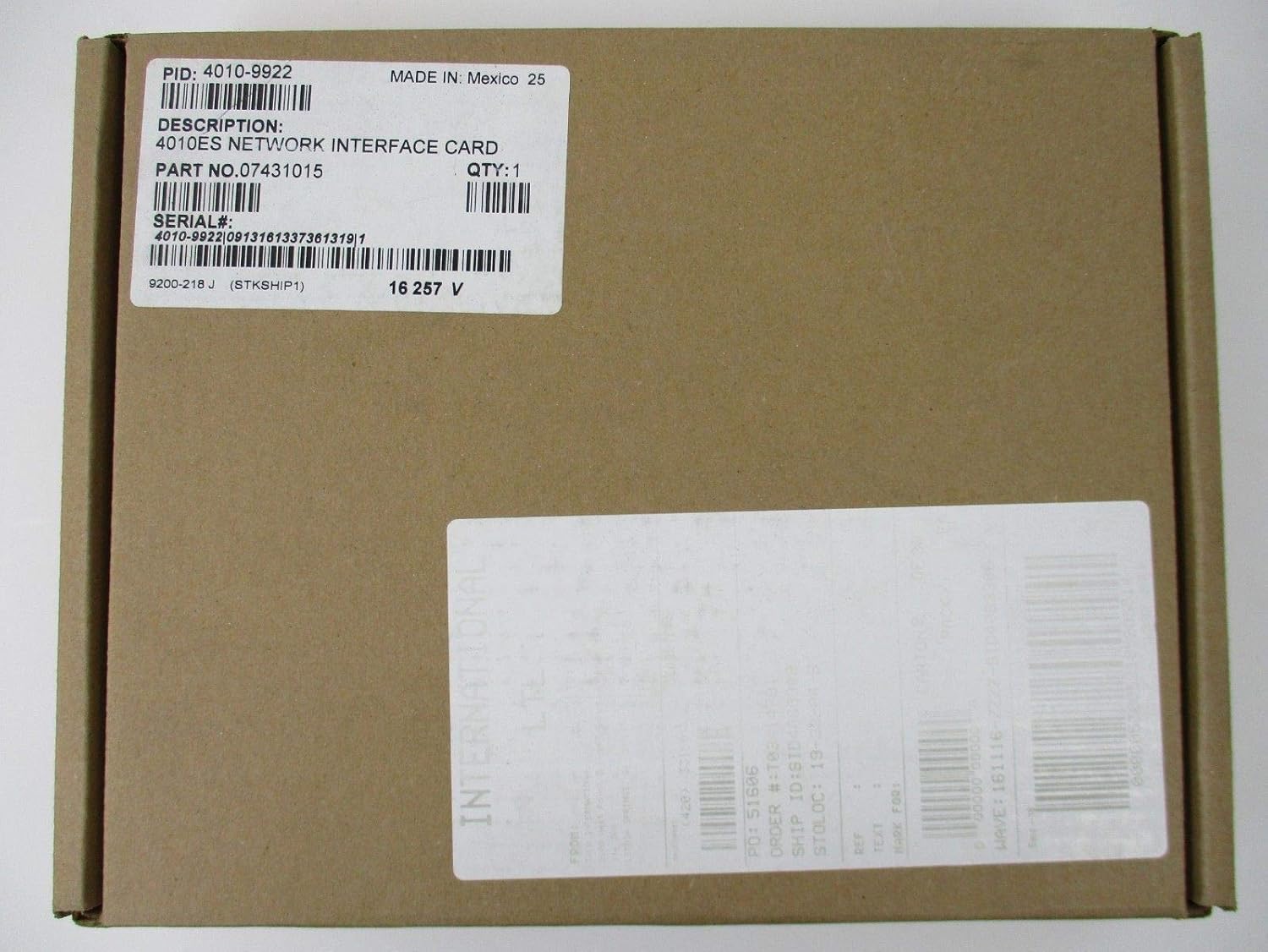
Figure 2: Product packaging box. The label on the box indicates "PID: 4010-9922", "DESCRIPTION: 4010ES NETWORK INTERFACE CARD", "PART NO. 07431015", and "SERIAL#: 4010-9922 0913161337361319".
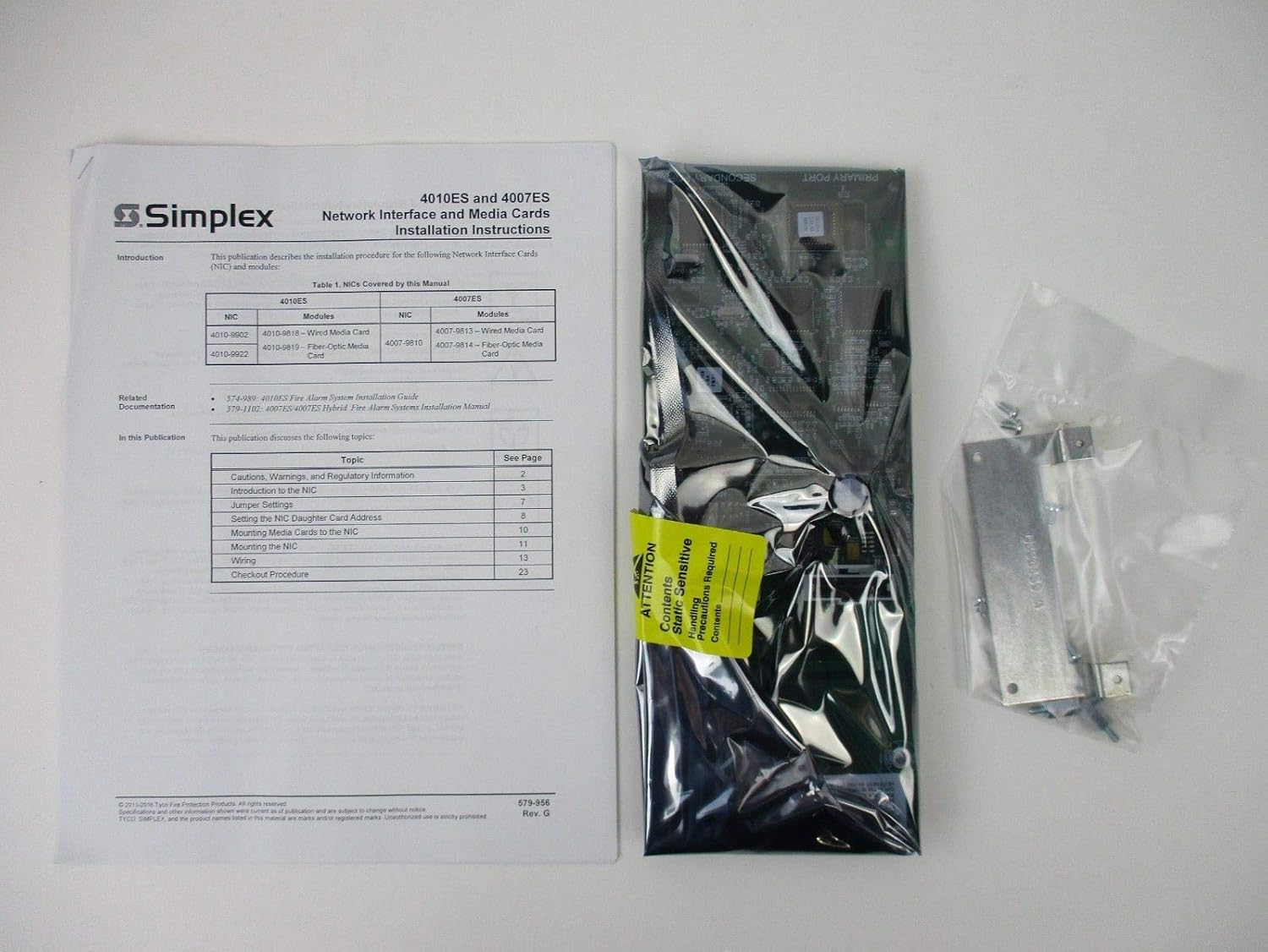
Figure 3: Contents of the package, including the 4010ES Network Interface Card sealed in an anti-static bag and the accompanying installation instructions manual. The manual cover is visible, titled "4010ES and 4007ES Network Interface and Media Cards Installation Instructions".
2.2 Prekawzjonijiet għall-Immaniġġjar
The network interface card is a static-sensitive device. Always handle the card by its edges and wear an anti-static wrist strap connected to a grounded surface to prevent electrostatic discharge (ESD) damage.
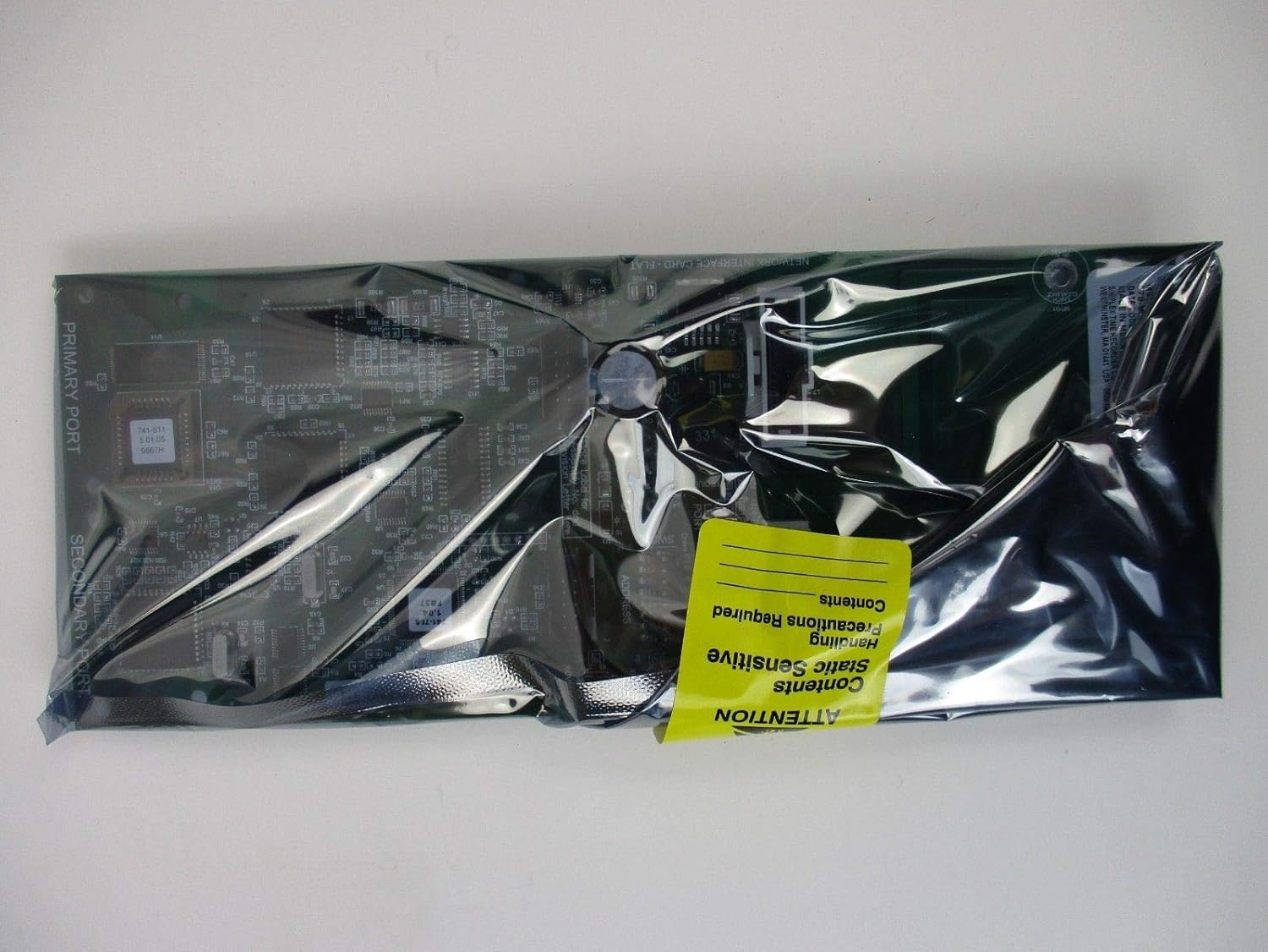
Figure 4: The network interface card sealed in its anti-static bag, featuring a yellow "ATTENTION Static Sensitive" label, emphasizing the need for careful handling to prevent damage from electrostatic discharge.

Figura 5: Ġenb view of the network interface card still sealed within its protective anti-static packaging.
2.3 Passi ta' Installazzjoni (Ġenerali)
Refer to the specific installation instructions provided with your product for detailed steps on:
- Introduction to the NIC
- Settings tal-Jumper
- Setting the NIC Daughter Card Address
- Mounting the NIC Daughter Card
- Mounting the NIC
- Wiring
- Proċedura ta' Checkout
Always ensure the system is powered off before beginning any installation or wiring procedures.
3. Prinċipji Operattivi
The Simplex 4010ES Network Interface Card enables communication between various components of a fire alarm system. Once properly installed and configured, it facilitates data exchange for monitoring, control, and reporting functions within the network.
Operation is typically managed through the main fire alarm control panel, which utilizes the network card to send and receive signals across the system's network infrastructure.
4. Manutenzjoni
The 4010ES Network Interface Card is designed for long-term reliability with minimal maintenance. However, periodic checks of the overall system are recommended.
- Spezzjoni Viżwali: Periodically inspect the card and its connections for any signs of physical damage, corrosion, or loose wiring.
- Kontroll Ambjentali: Ensure the operating environment remains within specified temperature and humidity ranges to prevent component degradation.
- Dijanjostiċi tas-Sistema: Regularly run system diagnostic tests as recommended by the fire alarm control panel's manual to ensure all network components, including the NIC, are functioning correctly.
Any maintenance or repair should only be performed by qualified personnel.
5 Issolvi l-problemi
If you encounter issues with the network interface card, consider the following basic troubleshooting steps:
- Iċċekkja l-Konnessjonijiet: Verify that all cables connected to the NIC are securely seated and free from damage.
- Ċiklu tal-Enerġija: If safe to do so and in accordance with system procedures, power cycle the fire alarm control panel to reset the network components.
- Dijanjostiċi tas-Sistema: Consult the fire alarm control panel's manual for specific diagnostic procedures related to network communication errors.
- Kodiċi ta' Żball: Note any error codes or messages displayed on the control panel, as these can provide valuable information for diagnosis.
For persistent issues, contact qualified technical support.
6. Speċifikazzjonijiet
Key technical specifications for the Simplex 4010-9922 4010ES Network Interface Card:
| Attribut | Dettall |
|---|---|
| Manifattur | SEMPLIĊI |
| Numru tal-Parti | S40109922 |
| Numru tal-Mudell tal-Oġġett | 4010 9922 4010ES |
| Piż tal-oġġett | 1 liri |
| ASIN | B07K7Y8Z66 |
| UPC | 734038304273 |
| Sors tal-Enerġija | Imħaddem bil-batterija (Note: Refers to the system it integrates with, not the card itself) |
| Data L-Ewwel Disponibbli | 6 ta’ Novembru, 2018 |
7. Garanzija u Appoġġ
For information regarding product warranty, please refer to the documentation provided with your purchase or contact Simplex customer service directly. Simplex is committed to providing support for its products.
If you have any questions or require technical assistance, please reach out to the dedicated customer service team. Contact information can typically be found on the manufacturer's official webis-sit jew fl-imballaġġ tal-prodott.


