1. Introduzzjoni
The Alphacool Eisbaer LT240 Aurora is an All-In-One (AIO) liquid cooling system designed for efficient CPU temperature management. This unit features a 240mm full copper radiator and integrated digital RGB lighting for aesthetic customization. The design incorporates high-quality components from Alphacool's custom water cooling range, ensuring reliable performance. This manual provides essential information for the proper installation, operation, and maintenance of your Eisbaer LT240 Aurora.
Karatteristiċi ewlenin:
- All-In-One CPU water cooler
- Compatible with Intel and AMD sockets
- 240mm full copper radiator for superior heat dissipation
- Integrated digital RGB lighting for customizable aesthetics
- Expandable design with quick-release fasteners for future upgrades

Immaġni 1.1: Fuqview of the Alphacool Eisbaer LT240 Aurora AIO liquid cooler, showing the radiator, fans, and CPU block with tubing.
2. Informazzjoni dwar is-Sigurtà
Please read all safety instructions before installing or operating the product. Failure to follow these instructions may result in product damage, personal injury, or voiding of your warranty.
- Sigurtà Elettrika: Dejjem skonnettja l-enerġija mill-kompjuter tiegħek qabel l-installazzjoni jew il-manutenzjoni.
- Immaniġġjar tal-Likwidi: While the system is sealed, handle with care to prevent leaks. Do not open the sealed loops unless performing an authorized expansion.
- Kwittanza Statika: Take precautions against electrostatic discharge (ESD) when handling internal computer components.
- Kompatibilità tal-komponenti: Ensure all components are compatible with your system before installation.
- Ventilazzjoni: Ensure adequate airflow within your computer case for optimal cooling performance.
- Tfal u Pets: Żomm il-materjali tal-ippakkjar u l-komponenti żgħar 'il bogħod mit-tfal u l-annimali domestiċi.
3. Kontenut tal-Pakkett
Verify that all items are present in the package before beginning installation. If any components are missing or damaged, contact Alphacool support.
- Alphacool Eisbaer LT240 Aurora CPU AIO Unit (Radiator, Fans, Pump/CPU Block, Tubing)
- Mounting hardware for Intel sockets (LGA 115x, 1200, 1700, 2011, 2066)
- Mounting hardware for AMD sockets (AM4, AM5)
- Pejst termali
- Digital RGB controller and cables
- Cable splitter tal-fann
- Manwal għall-Utent (dan id-dokument)

Immaġni 3.1: Minn fuq għal isfel view of the Eisbaer LT240 Aurora, highlighting the two fans mounted on the radiator and the CPU block.
4. Setup u Installazzjoni
This section guides you through the installation process. Ensure your system is powered off and unplugged before proceeding.
4.1 Qabel l-Installazzjoni
- Iftaħ il-komponenti kollha mill-pakkett u vverifika mal-lista tal-kontenut tal-pakkett.
- Prepare your computer case by removing the side panel and clearing any obstructions for radiator mounting.
- Identifika t-tip ta' sokit tas-CPU tiegħek (Intel jew AMD) biex tagħżel il-ħardwer korrett tal-immuntar.
4.2 CPU Block Mounting
Follow the specific instructions for your CPU socket type.
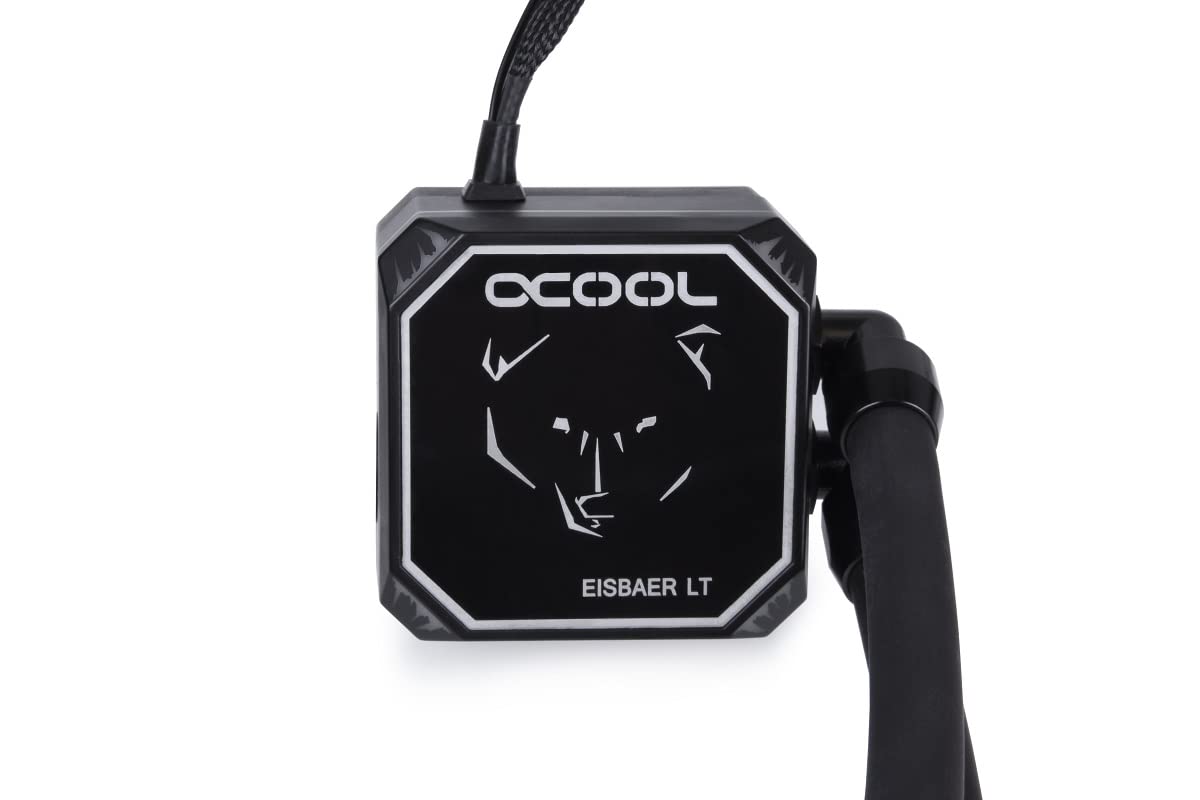
Image 4.2.1: Close-up of the Eisbaer LT CPU block, featuring the Alphacool logo and bear design.
- Apply a small amount of thermal paste to the center of your CPU's integrated heat spreader (IHS).
- Attach the appropriate mounting brackets to the CPU block.
- Carefully place the CPU block onto the CPU, aligning the mounting holes.
- Secure the CPU block with the provided screws, tightening them in a cross pattern until snug. Do not overtighten.
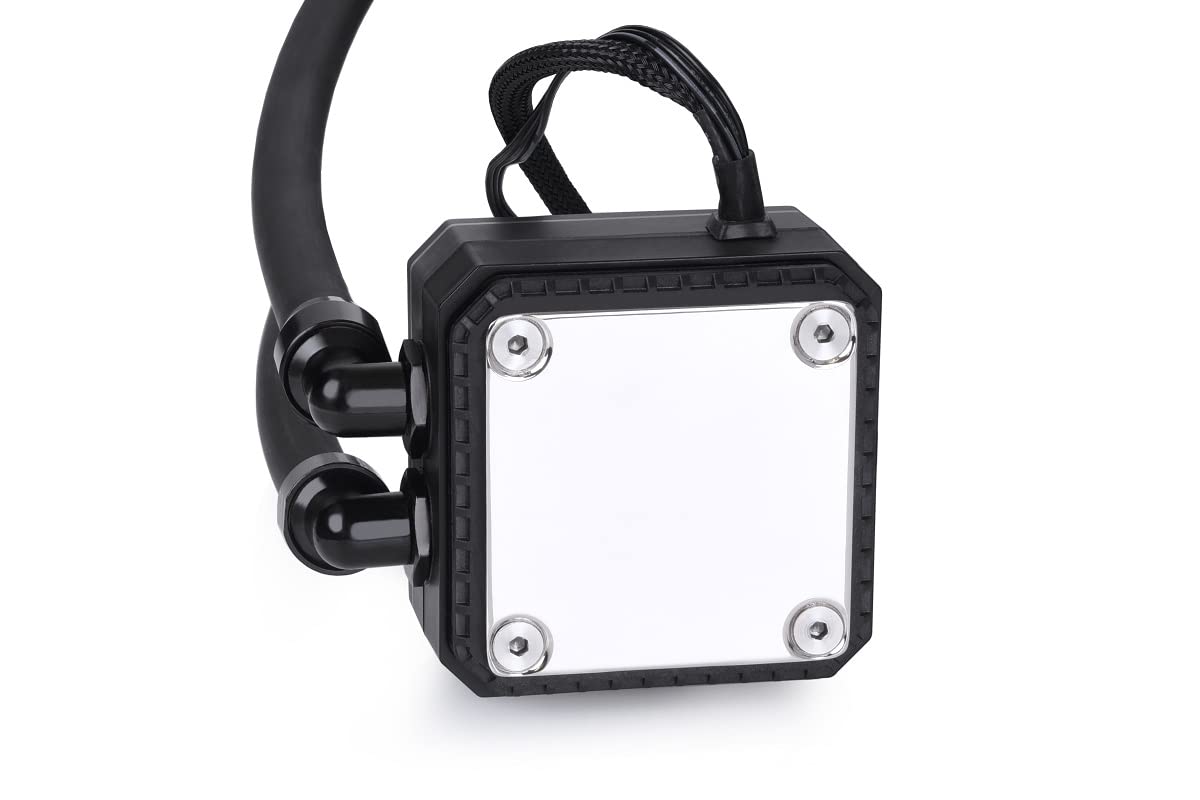
Immaġni 4.2.2: Il-qiegħ view of the CPU block, showing the polished cold plate surface.
4.3 Immuntar tar-Radjatur u l-Fann
Mount the radiator and fans in a suitable location within your computer case, typically at the top or front.

Immaġni 4.3.1: Angolata view of the Eisbaer LT240 Aurora, showing the radiator with two fans attached.
- Attach the two 120mm fans to the radiator using the longer screws provided. Ensure the fan orientation is correct for desired airflow (intake or exhaust).
- Mount the radiator assembly to your case using the shorter screws.

Image 4.3.2: Detail of the radiator and fan mounting, showing the connection points and tubing.
4.4 Konnessjonijiet tal-Cable
Connect all necessary cables to your motherboard and power supply.
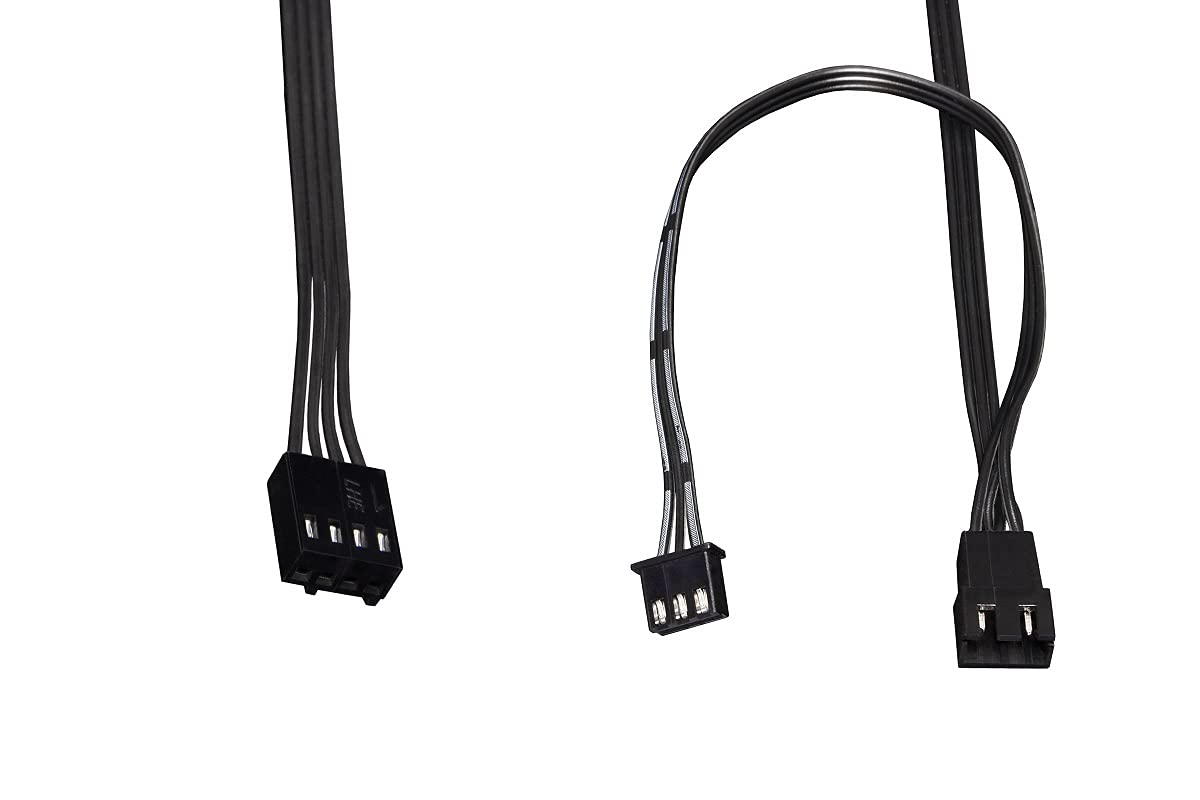
Image 4.4.1: Various cables included with the AIO for power and RGB connections.
- Connect the pump's 3-pin or 4-pin power cable to a CPU_FAN or AIO_PUMP header on your motherboard. Ensure it receives full power (DC mode or PWM at 100% duty cycle) for optimal pump performance.
- Connect the fan cables to the provided fan splitter, then connect the splitter to a CPU_FAN or SYS_FAN header on your motherboard.
- Connect the digital RGB cables from the fans and CPU block to the included digital RGB controller, then connect the controller to a compatible 3-pin 5V addressable RGB header on your motherboard or a separate RGB controller.
5. Istruzzjonijiet Operattivi
Once installed, the Eisbaer LT240 Aurora operates automatically. The pump and fans will adjust their speed based on CPU temperature, controlled by your motherboard's BIOS/UEFI settings or dedicated software.
5.1 Tixgħel Inizjali
- Iċċekkja darbtejn il-konnessjonijiet kollha qabel ma tixgħel is-sistema tiegħek.
- Power on your computer. Listen for any unusual noises and visually inspect for leaks.
- Enter your motherboard's BIOS/UEFI to ensure the CPU fan/pump header is set to PWM or DC mode for proper control and that the pump is running at its intended speed.
5.2 Digital RGB Control
The digital RGB lighting can be controlled via your motherboard's RGB software (e.g., ASUS Aura Sync, MSI Mystic Light, Gigabyte RGB Fusion, ASRock Polychrome Sync) if connected to a compatible 3-pin 5V addressable RGB header. Alternatively, the included controller may offer basic lighting modes.
6. Manutenzjoni
Regular maintenance ensures optimal performance and longevity of your Eisbaer LT240 Aurora.
- Tneħħija tat-Trab: Periodically clean the radiator fins and fan blades using compressed air to remove dust buildup. This should be done every 3-6 months, depending on your environment.
- Tubing and Fittings: Inspect tubing and fittings for any signs of wear, kinks, or leaks. While the system is designed to be maintenance-free in terms of coolant, the quick-release fasteners allow for expansion or servicing by qualified users.
- Storbju tal-Pompa: Monitor the pump for unusual noises. A slight hum is normal, but grinding or rattling may indicate an issue.
7 Issolvi l-problemi
Jekk tiltaqa' ma' problemi, irreferi għall-passi komuni li ġejjin għas-soluzzjoni tal-problemi.
| Problema | Kawża Possibbli | Soluzzjoni |
|---|---|---|
| Temperaturi Għolja tas-CPU |
|
|
| No RGB Lighting |
|
|
| Storbju mhux tas-soltu tal-pompa |
|
|
8. Speċifikazzjonijiet
Detailed technical specifications for the Alphacool Eisbaer LT240 Aurora.
| Karatteristika | Dettall |
|---|---|
| Numru tal-Mudell | 11678 |
| Daqs tar-Radjatur | 240mm |
| Dimensjonijiet tar-Radjatur (T x W x H) | 274 x 120 x 25 mm |
| Dimensjonijiet tal-Prodott (Ġenerali) | 10.79"T x 4.72"W x 4.72"Għ |
| Materjal | Copper (Radiator) |
| Metodu tat-tkessiħ | Likwidu (Ilma) |
| Sokits Kompatibbli | Intel (LGA 115x, 1200, 1700, 2011, 2066), AMD (AM4, AM5) |
| Veloċità tal-fann (Mass) | 1500 RPM |
| Livell ta' Storbju | 31 Deċibel |
| Tip ta 'Konnettur tal-Enerġija | 4-Pin (PWM) |
| Tip RGB | Digital RGB (3-pin, 5V Addressable) |
| Piż tal-oġġett | 2.2 liri |
9. Garanzija u Appoġġ
Alphacool products are manufactured to the highest quality standards. This product comes with a manufacturer's warranty against defects in materials and workmanship. The specific warranty period may vary by region and retailer. Please retain your proof of purchase for warranty claims.
For technical support, warranty inquiries, or to report missing/damaged parts, please visit the official Alphacool website or contact their customer service department. You can find contact information and FAQs at:
Meta tikkuntattja l-appoġġ, jekk jogħġbok żomm in-numru tal-mudell tal-prodott tiegħek (11678) u l-prova tax-xiri faċilment disponibbli.