Introduzzjoni
The Soehnle Page Compact 200 digital kitchen scale is designed for precise weighing in any kitchen environment. Its compact and extra-flat design ensures it takes up minimal space, making it ideal for smaller kitchens. This manual provides detailed instructions for the proper setup, operation, and maintenance of your new kitchen scale.

Image: The Soehnle Page Compact 200 Digital Kitchen Scale, showcasing its sleek, white, and compact design.
Prodott Overview
The Page Compact 200 is equipped with several features to enhance your cooking and baking experience:
- Kapaċità ta' Tagħbija Għolja: Weighs up to 5 kg (11 lbs) with precise 1 g (0.05 oz) increments.
- Display LCD faċli biex jinqara: Provides clear weight readings.
- Funzjoni tat-tara: Allows for weighing multiple ingredients in the same bowl.
- Sensor Touch Operation: Two patented sensor touch fields for comfortable operation and easy cleaning.
- Itfi Awtomatiku: Jikkonserva l-ħajja tal-batterija.
- Compact and Flat Design: For space-saving storage, including a practical hanging function.

Immaġni: Naħa waħda view of the Soehnle Page Compact 200, highlighting its ultra-slim profile għal ħażna konvenjenti.
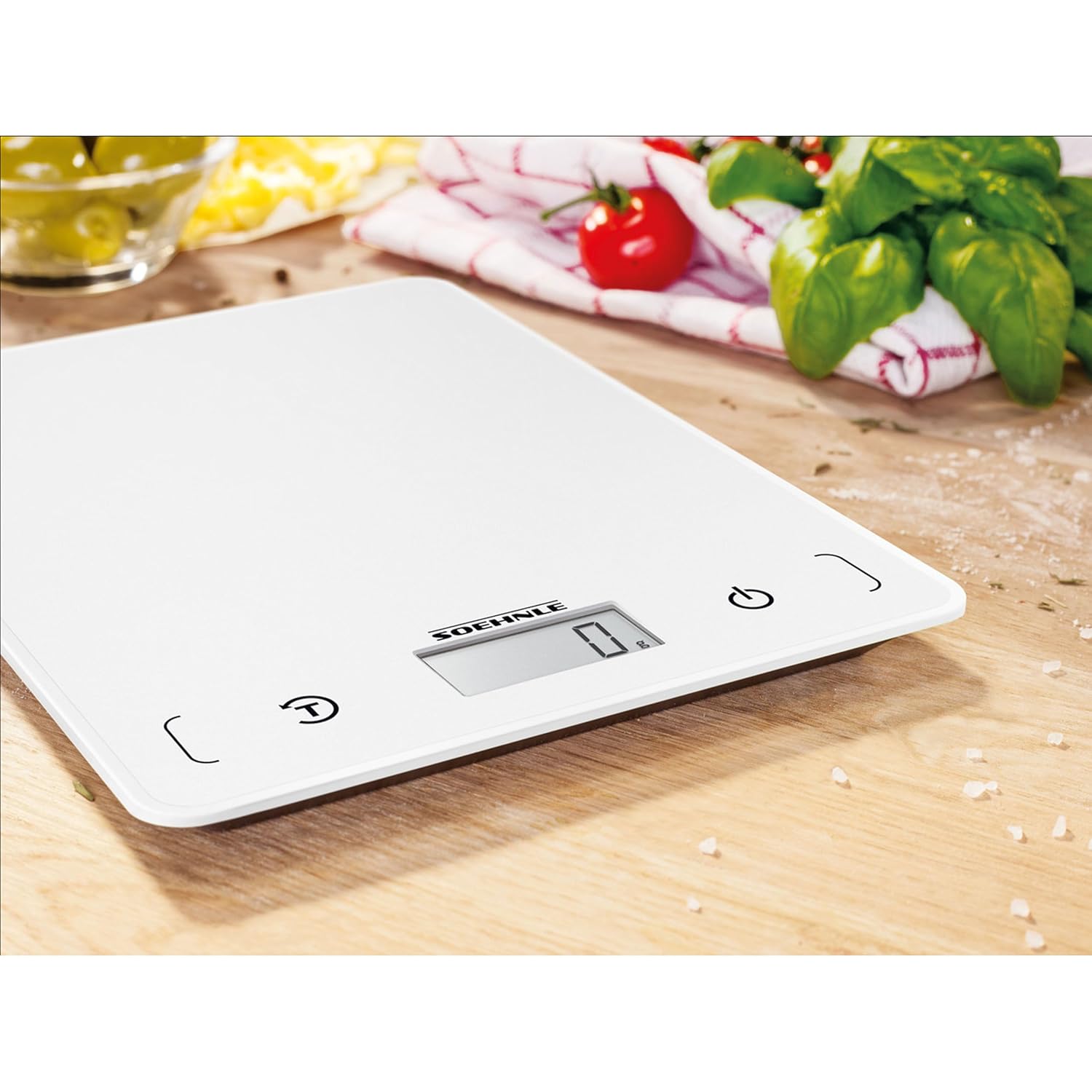
Immaġni: Close-up view of the Soehnle Page Compact 200's LCD display and sensor touch buttons, showing the power and tare functions.
Setup
Installazzjoni tal-batterija
- Sib il-kompartiment tal-batterija fuq in-naħa ta' taħt tal-iskala.
- Iftaħ l-għatu tal-kompartiment tal-batterija.
- Insert the included 1 Lithium Metal battery, ensuring correct polarity (+/-).
- Agħlaq l-għatu tal-kompartiment tal-batterija sew.
Qawwa Inizjali Mixgħula
After installing the battery, place the scale on a flat, stable surface. Press the power button (usually marked with a power symbol ⏻) to turn on the scale. The LCD display will illuminate and show '0 g' or '0.0 oz', indicating it is ready for use.

Image: A hand pressing the power button on the Soehnle Page Compact 200, initiating the scale for use.
Istruzzjonijiet Operattivi
Użin Bażiku
- Ensure the scale is on a flat, stable surface and powered on, displaying '0'.
- Place the item you wish to weigh directly onto the weighing surface.
- Il-piż se jintwera fuq l-iskrin LCD fl-unità magħżula.

Image: The Soehnle Page Compact 200 scale positioned on a wooden surface, surrounded by fresh ingredients, ready for weighing.
Unitajiet li Jibdlu
The scale supports multiple units of measurement (g, oz, lb:oz, ml). To change the unit, press the 'UNIT' button (usually marked with a 'UNIT' or 'U' symbol) repeatedly until your desired unit is displayed.
Tare Function (Add & Weigh)
The tare function allows you to weigh multiple ingredients consecutively without removing the previous ones, or to weigh ingredients in a container by subtracting the container's weight.
- Place an empty container (or the first ingredient) on the scale.
- Press the 'TARA' button (usually marked with a 'T' or '⏻/TARA' symbol). The display will reset to '0'.
- Add the next ingredient to the container. The scale will display only the weight of the newly added ingredient.
- Repeat step 2 and 3 for additional ingredients.

Image: A hand pressing the tare button on the Soehnle Page Compact 200, with an empty glass bowl on the weighing surface, demonstrating the tare function.

Image: A wooden bowl filled with flour placed on the Soehnle Page Compact 200 scale, showing an ingredient being weighed after using the tare function.
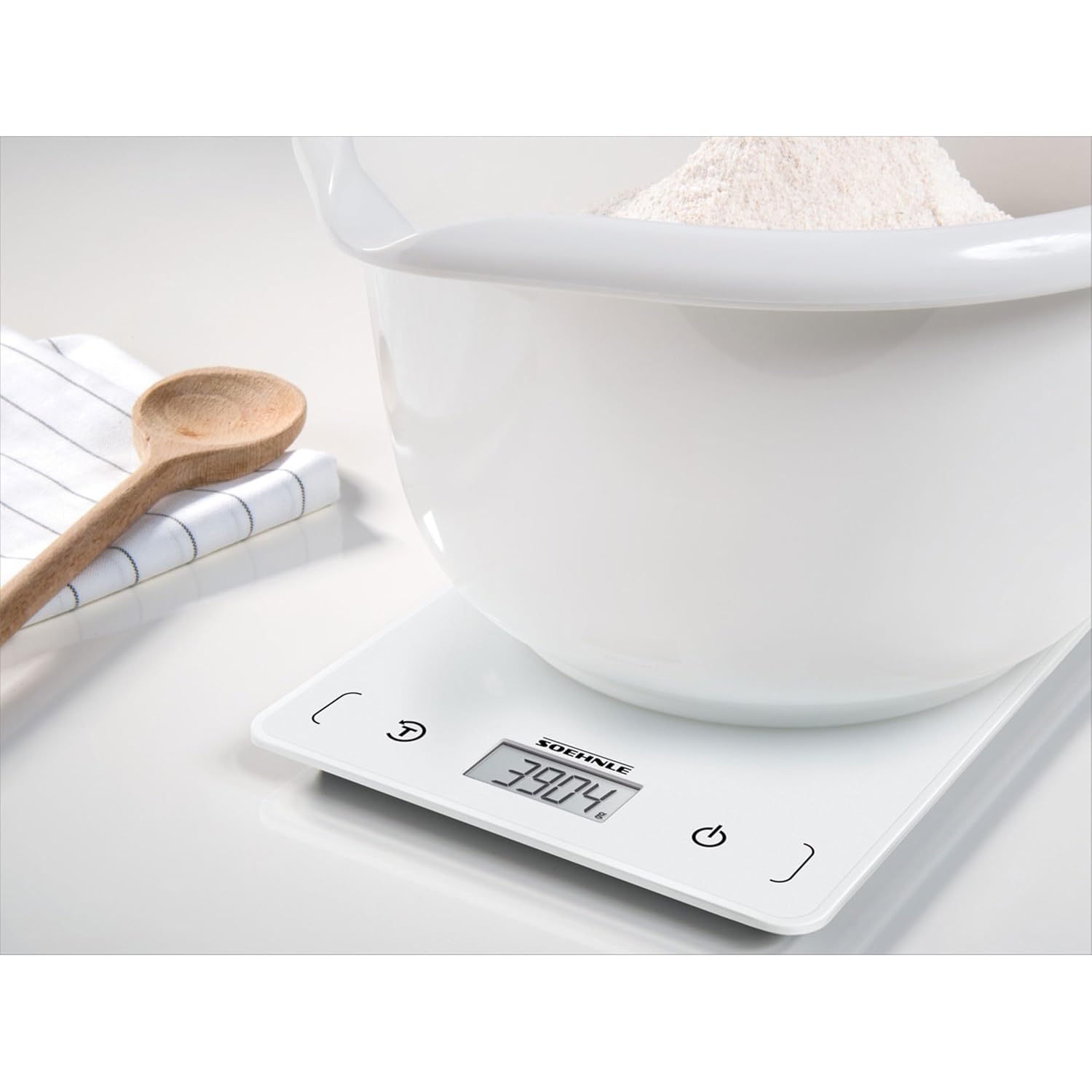
Image: The Soehnle Page Compact 200 display showing a precise weight measurement, indicating the scale's accuracy.
Manutenzjoni u Kura
To ensure the longevity and accuracy of your Soehnle Page Compact 200 kitchen scale, follow these care guidelines:
- Tindif: The weighing surface is designed for easy cleaning. Wipe the scale with a damp cloth and mild detergent. Do not immerse the scale in water or use abrasive cleaners.
- Ħażna: Thanks to its extra-flat design, the scale can be stored in a drawer or hung on a wall using its integrated hanging function. Store in a dry place away from extreme temperatures.
- Sostituzzjoni tal-batterija: Replace the battery when the low battery indicator appears on the display.
Issolvi l-problemi
If you encounter issues with your scale, please refer to the following common solutions:
- L-iskala ma tixgħelx: Iċċekkja jekk il-batterija hijiex installata sew u għandha biżżejjed ċarġ. Ibdel il-batterija jekk meħtieġ.
- Qari mhux preċiż: Ensure the scale is placed on a flat, stable, and level surface. Avoid placing it near strong electromagnetic fields or vibrations. Recalibrate by turning off and on if needed.
- Id-displej juri 'Err': This usually indicates an overload. Remove items from the scale immediately to prevent damage.
Speċifikazzjonijiet
| Numru tal-Mudell | 61508 |
| Brand | Soehnle |
| Kapaċità massima tat-Tagħbija | 5 Kilogramma (11 lbs) |
| Żidiet fil-Kejl | 1 gramma (0.05 oz) |
| Tip ta 'Wiri | LCD, touchscreen |
| Karatteristiċi Speċjali | Auto Shut Off, Sensor Touch, Tare Function |
| Sors tal-Enerġija | 1 batterija tal-Lithium Metal (inkluża) |
| Dimensjonijiet tal-Prodott | 7.87 x 5.91 x 0.51 pulzieri |
| Piż tal-oġġett | 7.76 uqija |

Image: The Soehnle Page Compact 200 scale with its key dimensions (length, width, height) clearly indicated.
Garanzija u Appoġġ
For warranty information or technical support, please refer to the documentation included with your purchase or visit the official Soehnle websit. Żomm il-prova tax-xiri tiegħek għal talbiet ta' garanzija.


