1. Introduzzjoni
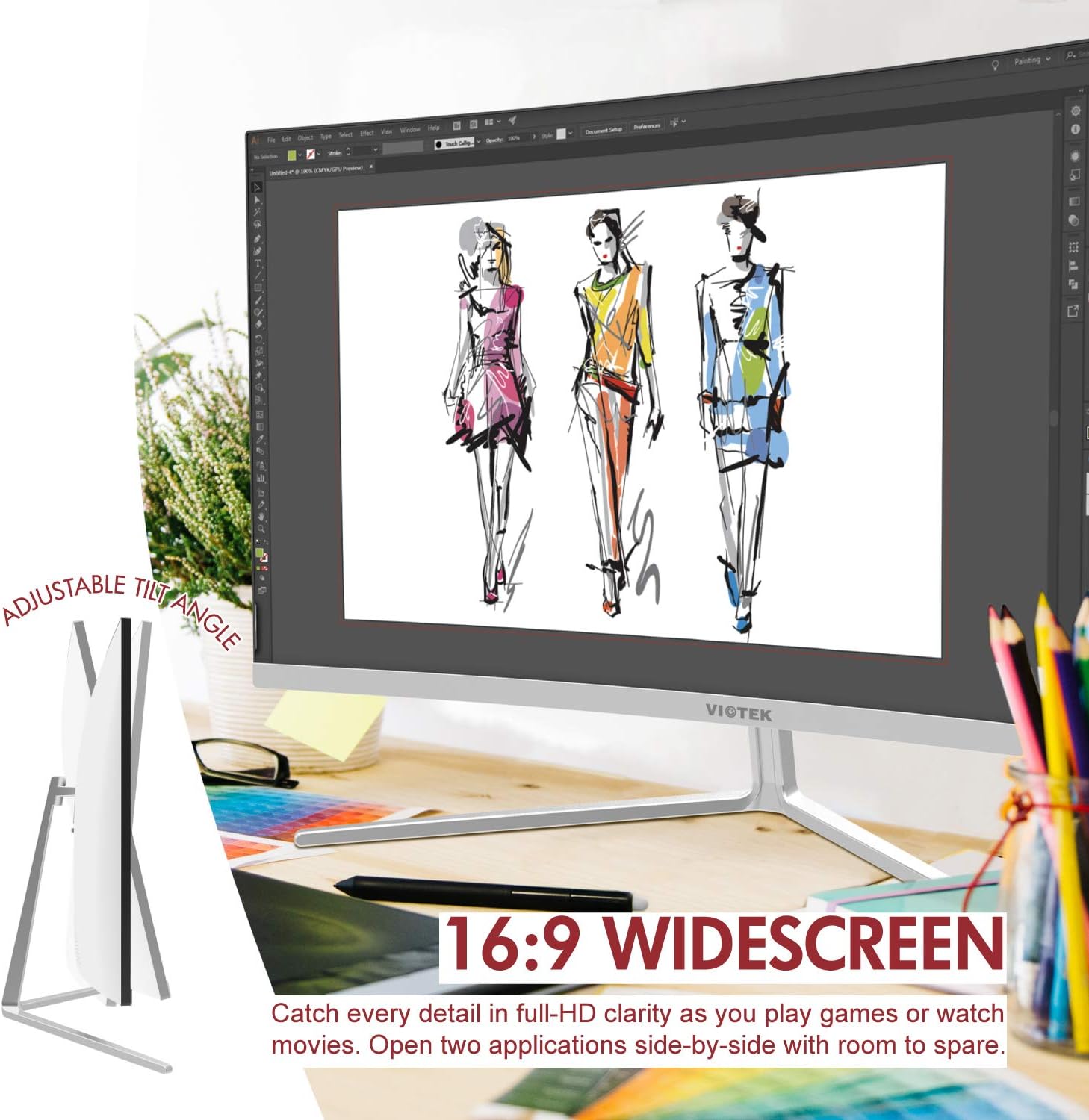
Thank you for choosing the Viotek NB27CB 27-Inch LED Curved Monitor. This monitor is designed to provide a vibrant and immersive visual experience for both work and entertainment. Featuring a bezel-less Samsung VA panel, 75Hz refresh rate, 1080P Full-HD resolution, and FreeSync technology, it offers exceptional clarity and smooth performance. This manual provides detailed instructions for setting up, operating, maintaining, and troubleshooting your new monitor.

2. Setup
2.1. Kif tneħħi l-monitor mill-pakkett
Carefully remove all components from the packaging. Ensure all items listed in the 'What's in the Box' section are present. Retain the original packaging for future transport or storage.
2.2. Armar tal-Istand
- Attach the stand neck to the monitor panel by aligning the grooves and gently pushing until it clicks into place.
- Secure the base to the stand neck using the provided screw.
- Poġġi l-monitor immuntat fuq wiċċ stabbli u ċatt.
2.3. Konnessjoni ma 'Apparat
The NB27CB monitor supports both VGA and HDMI 1.4 connections. Choose the appropriate cable for your device and connect it to the corresponding port on the monitor. An HDMI cable is included with your purchase.
- Konnessjoni HDMI: Connect one end of the HDMI cable to the HDMI port on your computer or gaming console, and the other end to the HDMI port on the monitor.
- Konnessjoni VGA: Connect one end of the VGA cable to the VGA port on your computer, and the other end to the VGA port on the monitor.
- Konnessjoni tal-Enerġija: Qabbad l-adapter tal-enerġija mad-dħul tal-enerġija tal-monitor u mbagħad waħħalha f'sokit tal-enerġija.

2.4. VESA Mounting (Optional)
The NB27CB is VESA compatible (75x75mm), allowing you to mount it to a wall or a compatible monitor arm. Ensure you use appropriate VESA screws and mounting hardware (not included) that can support the monitor's weight.
3. It-tħaddim tal-Monitor
3.1. Power On/Off
Agħfas il-buttuna tal-qawwa li tinsab fuq il-monitor biex tixgħelu jew titfih. Id-dawl indikatur tal-qawwa jixgħel meta l-monitor ikun attiv.
3.2. Menu tal-Wiri fuq l-Iskrin (OSD).
Use the buttons on the monitor's bezel to navigate the OSD menu. This menu allows you to adjust various display settings such as brightness, contrast, color temperature, input source, and more.
3.3. Karatteristiċi ewlenin
- Rata ta' Riffriskar ta' 75Hz u Ħin ta' Rispons ta' 5ms: Experience smoother visuals with a 75Hz refresh rate and a rapid 5ms response time, ideal for gaming and fast-paced content.
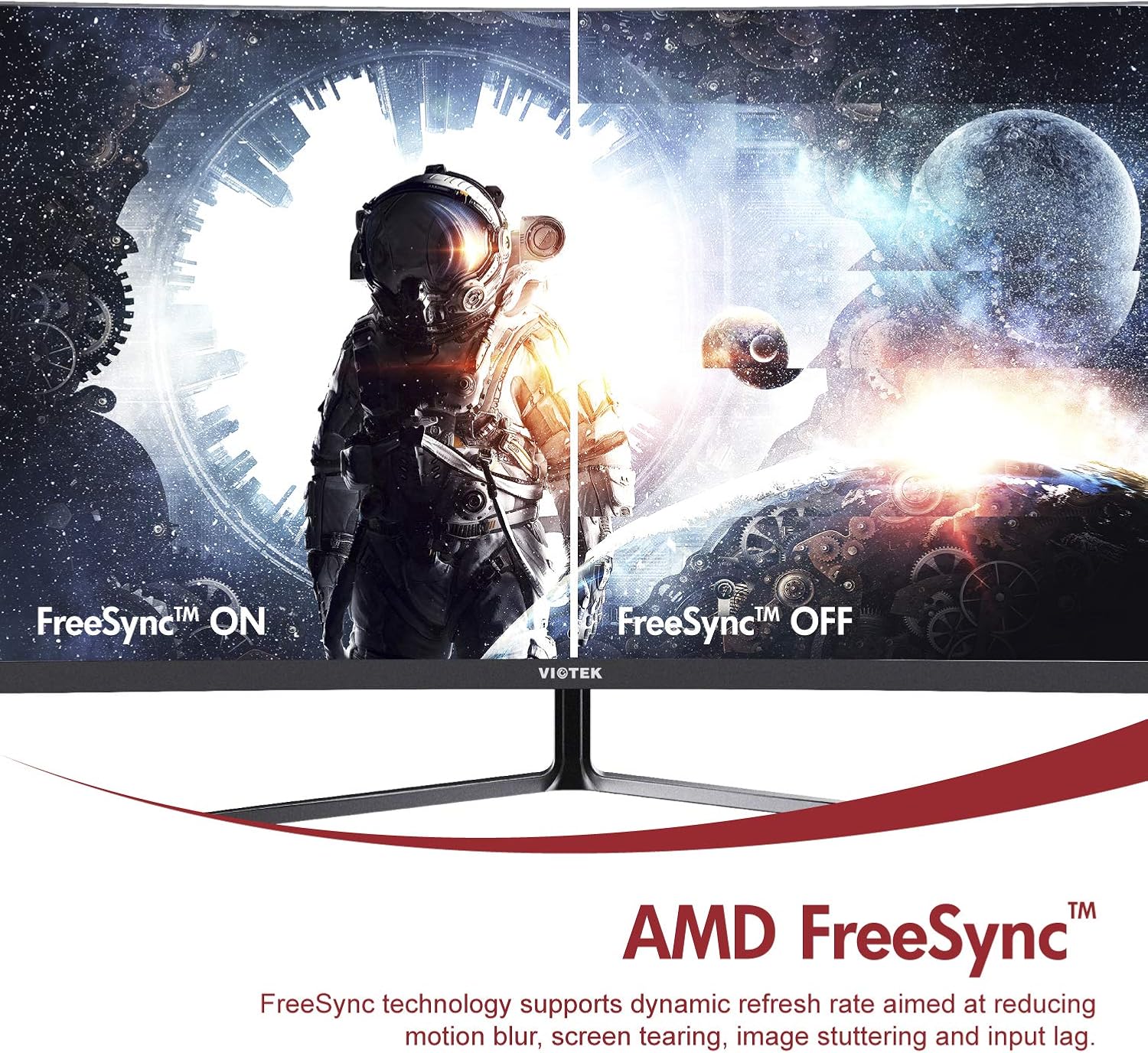
- AMD FreeSync™: Activate FreeSync to synchronize the monitor's refresh rate with your graphics card's frame rate, reducing screen tearing and stuttering for a seamless gaming experience.
- Dawl Blu Baxx: Reduce eye strain during prolonged use by enabling the Low Blue Light setting in the OSD menu. This filters out harmful blue light emissions.
- GamePlus Crosshair Functionality: For competitive gaming, activate the GamePlus crosshair overlay to improve aiming accuracy in FPS/RTS games.
- Kelliema Mibnija: The monitor includes integrated speakers for audio output.



4. Manutenzjoni
Manutenzjoni xierqa tiżgura l-lonġevità u l-prestazzjoni ottimali tal-monitor tiegħek.
- Tindif tal-Iskrin: Imsaħ l-iskrin bil-mod b'ċarruta ratba u mingħajr suf. Għal marki iebsa, uża soluzzjoni tat-tindif speċifika għall-monitor applikata fuq iċ-ċarruta, mhux direttament fuq l-iskrin.
- Tindif tas-Casing: Uża drapp artab u niexef biex tnaddaf il-parti ta' fuq tal-monitor.asing. Evita li tuża prodotti tat-tindif jew solventi li joborxu.
- Ventilazzjoni: Kun żgur li l-fetħiet tal-ventilazzjoni tal-monitor mhumiex imblukkati biex tevita li jisħon iżżejjed.
- Ħażna: If storing the monitor for an extended period, use the original packaging to protect it from dust and damage.
5 Issolvi l-problemi
Jekk tiltaqa' ma' problemi bil-monitor tiegħek, irreferi għall-problemi u s-soluzzjonijiet komuni li ġejjin:
| Problema | Kawża Possibbli | Soluzzjoni |
|---|---|---|
| L-ebda immaġni fuq l-iskrin | Power cable disconnected; Video cable disconnected; Incorrect input source. | Kun żgur li l-kejbils tal-enerġija u tal-vidjo huma konnessi sew. Agħżel is-sors tad-dħul korrett permezz tal-menù OSD. |
| L-immaġni hija mċajpra jew distorta | Riżoluzzjoni mhux korretta; Kejbil tal-vidjo maħlul. | Issettja r-riżoluzzjoni tal-wiri għal 1920x1080. Iċċekkja l-konnessjoni tal-kejbil tal-vidjo. |
| L-ebda ħoss mill-kelliema | Volume too low; Audio output not set to monitor; Faulty cable. | Increase monitor volume. Ensure your computer's audio output is set to the monitor. Check HDMI cable. |
| Teptip tal-iskrin | FreeSync not enabled (if applicable); Graphics driver issues; Faulty cable. | Enable FreeSync in OSD and graphics card settings. Update graphics drivers. Try a different video cable. |
6. Speċifikazzjonijiet
Detailed technical specifications for the Viotek NB27CB monitor:
| Karatteristika | Speċifikazzjoni |
|---|---|
| Daqs tal-Iskrin | 27 Pulzier |
| Riżoluzzjoni tal-Iskrin | 1920x1080 (Full HD) |
| Riżoluzzjoni Massima tal-Iskrin | 1920 x 1080 |
| Riffriskar Rata | 75Hz Max. |
| Ħin ta' Rispons | 5ms |
| Tip ta' Panel | Panel VA |
| Kurvatura | 1800R |
| Proporzjon ta' l-aspett | 16:9 |
| Wiri Kuluri | 16.7M Kuluri |
| Proporzjon ta' Kuntrast Dinamika | 1000000:1 |
| Kompatibilità VESA | 75x75mm |
| Portijiet | 1x VGA / 1x HDMI 1.4 |
| Kelliema | Yes, 2x 4Ω/3W |
| Mejjel Aġġustabbli | Yes, -5° ~ 15° |
| Piż tal-oġġett | 10.36 liri |
| Dimensjonijiet tal-Prodott | 24.13 x 8.38 x 17.67 pulzieri |
7. Garanzija u Appoġġ
7.1. Garanzija tal-Prodott
The Viotek NB27CB monitor comes with a 3-Sena Garanzija covering parts and labor. This includes Viotek's industry-leading Zero-Tolerance Dead Pixel Policy, ensuring a high-quality display experience.

7.2. Appoġġ għall-Klijent
Viotek provides 100% U.S.-based customer support, available 7 days a week via live-chat, email, and social media. For assistance, please visit the official Viotek website or refer to the contact information provided with your product documentation.


