1. Introduzzjoni
Grazzi tax-xiriasing the Fenton FT10LED Portable Battery-Powered DJ Music System. This versatile 10-inch 450W Bluetooth speaker is designed for portable audio entertainment, featuring integrated LED party lights and a wireless microphone. This manual provides essential information for safe operation, setup, and maintenance of your device.

Figure 1: Fenton FT10LED Portable DJ Music System, including the main speaker unit, a wireless microphone, and a remote control.
2. Istruzzjonijiet tas-Sigurtà
- Aqra l-istruzzjonijiet kollha bir-reqqa qabel l-użu.
- Żomm l-apparat 'il bogħod mill-ilma, umdità, u temperaturi estremi.
- Tiftaħx is-casing; irreferi s-servizz kollu lil persunal kwalifikat.
- Uża biss l-adapter tal-enerġija speċifikat għall-iċċarġjar.
- Evita smigħ għal żmien twil b'volum għoli biex tevita ħsara fis-smigħ.
- Kun żgur li jkun hemm ventilazzjoni xierqa madwar l-unità waqt it-tħaddim.
3. Kontenut tal-Pakkett
Jekk jogħġbok iċċekkja li l-oġġetti kollha huma preżenti meta tiftaħ il-pakkett:
- Fenton FT10LED Portable Speaker Unit
- Mikrofonu bla fili
- Kontroll mill-bogħod
- Adapter tal-Enerġija
- Manwal għall-Utent (dan id-dokument)
4. Prodott Aktarview
4.1. Karatteristiċi tal-Unità Prinċipali
The FT10LED is designed for portability and ease of use, featuring a retractable handle and wheels for transport.

Figure 2: The FT10LED features a retractable handle and wheels for easy portability, allowing it to be transported like a trolley.
4.2. Control Panel and Connections
The rear panel houses all controls and input/output connections. Familiarize yourself with these components before operation.
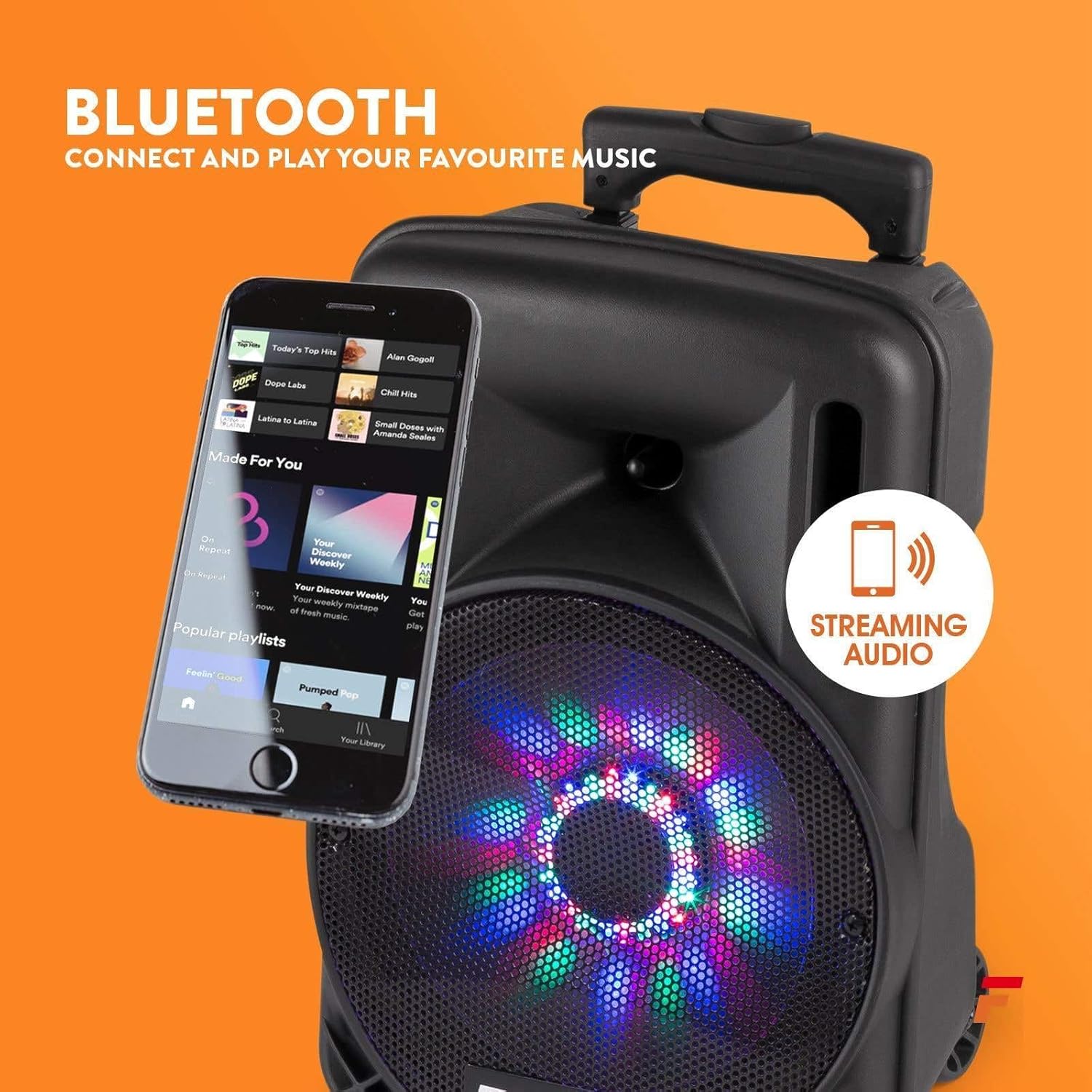
Figura 3: Dettaljat view of the rear control panel, including media player controls, volume knobs, input ports, and power switches.
- Wiri tal-Plejer tal-Midja: Juri l-modalità attwali u l-informazzjoni dwar it-trakka.
- Buttuna tal-Modalità: Switches between Bluetooth, USB, SD, and AUX input.
- Kontrolli tal-Plejer tal-Midja: Play/Pause, Skip Forward/Backward, Record.
- Volum Master: Jaġġusta l-volum ġenerali tal-ħruġ.
- Volum tal-Mic: Jaġġusta l-volum tal-mikrofonu konness.
- Kontroll tal-Eku: Jaġġusta l-effett tal-eku għall-mikrofonu.
- Input AUX: Jack ta' 3.5mm għall-konnessjoni ta' apparati awdjo esterni.
- Slott tal-USB/SD: Għad-daqq tal-awdjo files minn drives USB jew kards SD.
- Input tal-Mikrofonu: 6.3mm jack for connecting a wired microphone (if applicable).
- Charge/Full Indicator: LED li jindika l-istat tal-iċċarġjar tal-batterija.
- Swiċċ tal-Enerġija: Dawwar l-unità ON / OFF.
- Swiċċ LED: Turns the front LED lights ON/OFF.
- Input ta' Enerġija: Għall-konnessjoni tal-adapter tal-enerġija.
5. Setup
5.1. Iċċarġjar Inizjali
Before first use, fully charge the speaker's internal battery. Connect the power adapter to the unit's power input and plug it into a suitable power outlet. The "Charge" indicator will illuminate. It will turn "Full" when charging is complete.
5.2. Tixgħil / Mitfi
Sib il- Swiċċ tal-Qawwa on the rear panel. Flip it to the "ON" position to power on the speaker. Flip it to "OFF" to power off.
5.3. Konfigurazzjoni tal-Mikrofonu Wireless
The included wireless microphone is pre-paired with the speaker. Ensure the microphone has fresh batteries and is switched on. The speaker will automatically detect it.
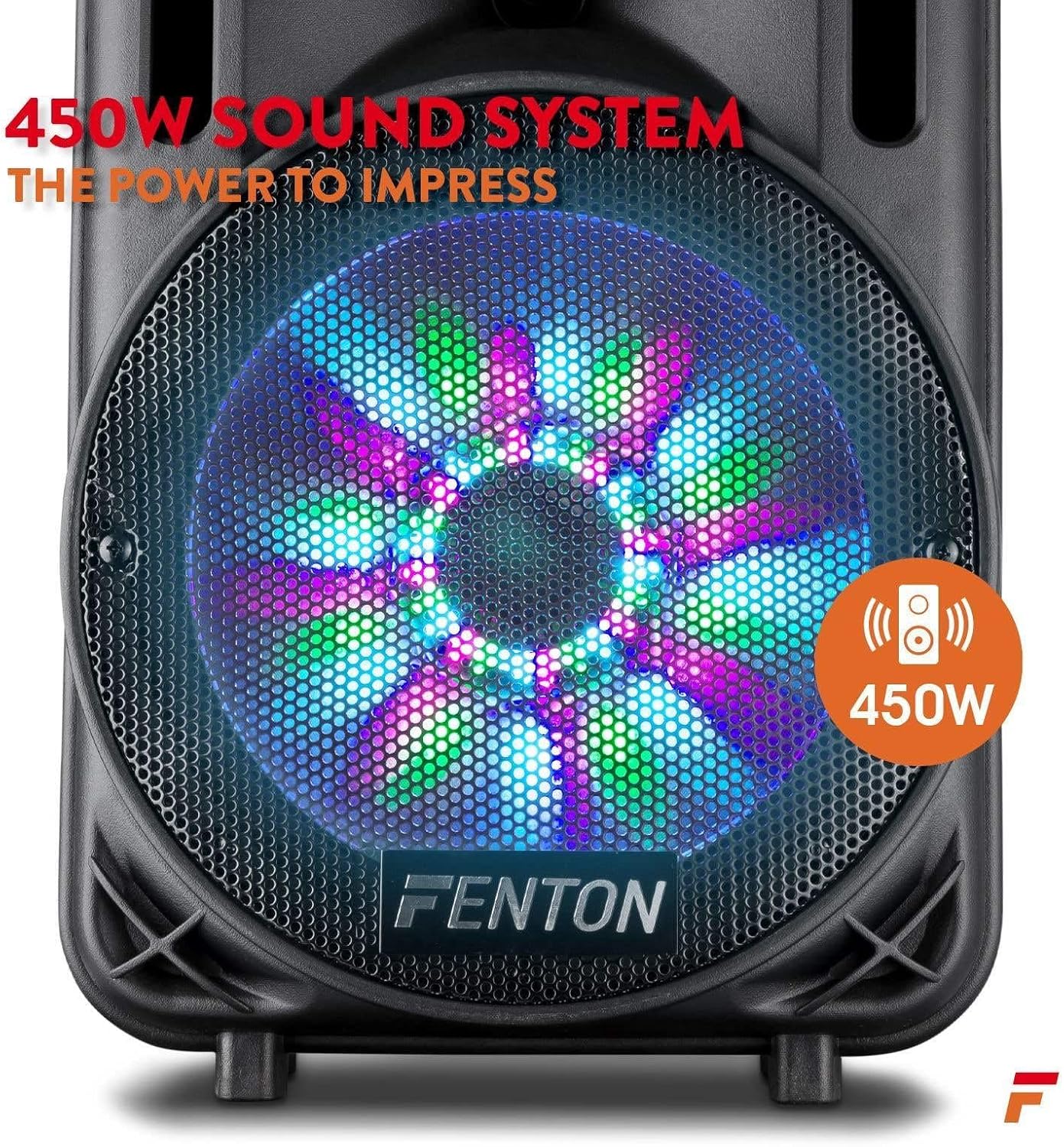
Figure 4: The wireless microphone is ready for use once powered on. The image also shows the USB/SD slot for media playback.
6. Istruzzjonijiet Operattivi
6.1. L-Għażla tal-Modalità tad-Dħul
Agħfas il- Buttuna tal-Modalità repeatedly to cycle through available input sources: Bluetooth, USB, SD, and AUX. The selected mode will be displayed on the media player screen.
6.2. Tqabbil tal-Bluetooth
- Turn on the speaker and select Bluetooth mode using the Buttuna tal-Modalità. The display will show "BLUE" or a similar indicator.
- Ippermetti l-Bluetooth fuq l-ismartphone, it-tablet, jew apparat awdjo ieħor tiegħek.
- Fittex għal "Fenton FT10LED" (or similar name) in your device's Bluetooth settings.
- Select the speaker to pair. Once connected, a confirmation sound may play.
- Issa tista' tixxandar l-awdjo mingħajr fili mit-tagħmir tiegħek għall-ispiker.

Figure 5: Wirelessly stream music from your Bluetooth-enabled device to the FT10LED speaker.
6.3. Daqq tal-Karta USB/SD
Insert a USB flash drive or SD card (with audio files in MP3 format) into the corresponding slot. The speaker will automatically switch to USB/SD mode and begin playback. Use the media player controls (Play/Pause, Skip) to manage your music.
6.4. Input AUX
Connect an external audio source (e.g., CD player, laptop) to the Input AUX using a 3.5mm audio cable. Select AUX mode using the Buttuna tal-Modalità. Control playback from your external device.
6.5. Użu tal-mikrofonu
Ensure the wireless microphone is powered on. Adjust the microphone's volume using the Volum tal-Mic knob on the rear panel. Use the Kontroll tal-Echo knob to add an echo effect to your voice.
6.6. LED Party Lights
The speaker features integrated LED lights on the woofer that react to the music. To turn these lights ON or OFF, use the Swiċċ LED fuq il-pannell ta’ wara.

Figure 6: The speaker's woofer features dynamic LED lights that synchronize with the audio.
7. Manutenzjoni
- Tindif: Uża drapp artab u niexef biex tnaddaf il-barra tal-ispiker. Tużax prodotti tat-tindif jew solventi li joborxu.
- Kura tal-batterija: For optimal battery life, avoid fully discharging the battery frequently. Recharge the unit regularly, especially if stored for extended periods.
- Ħażna: Aħżen l-ispiker f'post frisk u niexef 'il bogħod mix-xemx diretta u minn temperaturi estremi.
8 Issolvi l-problemi
| Problema | Kawża Possibbli | Soluzzjoni |
|---|---|---|
| Ebda qawwa | Battery discharged; Power switch OFF; Power adapter not connected. | Iċċarġja l-batterija; Ixgħel is-swiċċ tal-enerġija; Qabbad l-adapter tal-enerġija sew. |
| L-ebda ħoss | Volume too low; Incorrect input mode; Device not paired (Bluetooth); Cable not connected (AUX). | Increase Master Volume; Select correct input mode; Pair Bluetooth device; Check AUX cable connection. |
| Mikrofonu mhux qed jaħdem | Microphone OFF; Low microphone battery; Mic Volume too low. | Turn microphone ON; Replace microphone batteries; Increase Mic Volume. |
| Konnessjoni Bluetooth instabbli | Apparat wisq 'il bogħod; Ostakli; Interferenza. | Move device closer to speaker; Remove obstructions; Avoid other wireless devices. |
9. Speċifikazzjonijiet
| Karatteristika | Dettall |
|---|---|
| Brand | Fenton |
| Mudell | FT10LED |
| Output ta 'Qawwa | 450W |
| Teknoloġija tal-Konnettività | AUX, Bluetooth, USB |
| Apparati Kompatibbli | Television, Laptop, Smartphone, Tablet |
| Sors tal-Enerġija | Mħaddma bil-batterija |
| Dimensjonijiet (L x W x H) | 31.5 x 30 x 50 ċm (12.4 x 11.8 x 19.7 pulzieri) |
| Piż | 4.8 Kilogramma (10.6 lbs) |
| Materjal | Injam |
| Kulur | Iswed jew Griż |
10. Garanzija u Appoġġ
Għal informazzjoni dwar il-garanzija u appoġġ tekniku, jekk jogħġbok irreferi għad-dokumentazzjoni pprovduta max-xiri tiegħek jew ikkuntattja lill-bejjiegħ tiegħek. Żomm il-prova tax-xiri tiegħek għal kwalunkwe talba dwar il-garanzija.


