1. Introduzzjoni
The Blackstar ID:CORE V2 series represents a significant advancement in digital guitar amplification, built upon extensive technical research and development. These amplifiers combine an intuitive control layout, similar to traditional amplifiers, with advanced programmability. The unique controls enable users to craft personalized sounds. The enhanced Voice control offers six distinct channels: Clean Warm, Clean Bright, Crunch, Super Crunch, OD 1, and OD 2. When utilized with Blackstar's patented ISF control, precise tonal shaping is achievable. The integrated effects section provides studio-quality modulation, delay, and reverb effects that can be used simultaneously and stored with custom sounds. ID:CORE V2 products also feature a re-voiced MP3/Line Input with Dynamic EQ for improved music playback and include PreSonus Studio One Digital Audio Workstation software.
2. Karatteristiċi ewlenin
- 40W programmable combo amplifier with enhanced functionalities.
- Six distinct Voice channels: Clean Warm, Clean Bright, Crunch, Super Crunch, OD 1, OD 2.
- 12 Super Wide Stereo effects for diverse sound textures.
- USB audio connectivity for professional recording.
- Stereo MP3/Line In with Dynamic EQ for optimized music playback.
- Includes PreSonus Studio One Blackstar Edition DAW Software.
3. Kontrolli u Konnessjonijiet
The ID:CORE40V2 features an intuitive control panel for easy sound shaping. Refer to the image below for a visual guide to the controls.

Figura 1: Minn fuq għal isfel view of the Blackstar ID:CORE40V2 amplifier's control panel, showing knobs for Voice, Gain, Volume, EQ, ISF, Effects, and Power switch, along with input jacks.
3.1 Kontrolli ta' Front Panel
- Kontroll tal-Vuċi: Selects one of six distinct amplifier voices (Clean Warm, Clean Bright, Crunch, Super Crunch, OD 1, OD 2).
- Qligħ: Jaġġusta l-ammont ta' overdrive jew distorsjoni.
- Volum: Jikkontrolla l-livell tal-output ġenerali tal- ampaktar ħaj.
- EQ (ISF Control): Blackstar's patented Infinite Shape Feature (ISF) allows for continuous adjustment between a British-style amprispons tal-lifer (kontra l-arloġġ) u stil Amerikan amprispons tal-lifer (lemin).
- Taqsima tal-Effetti: Provides controls for Modulation, Delay, and Reverb effects. Includes a 'Type' knob to select different effect variations and a 'Level' knob to adjust the effect intensity.
- Swiċċ tal-Enerġija: Dawwar il- amplifier mixgħul jew mitfi.
- Jack tal-Input: Standard 1/4" input for your guitar.
- MP3/Line In: Stereo 3.5mm input for connecting external audio devices.
- Em. Out & Phones: Emulated output and headphone jack for silent practice or direct recording.
- USB: USB port for connecting to a computer for recording and software integration.
4. Twaqqif u Użu Inizjali
4.1 Tixgħel
- Tiżgura l- amplifier is connected to a suitable power source using the provided power adapter.
- Connect your guitar to the 'Input' jack.
- Turn the 'Volume' knob to a low setting.
- Flip the 'Power' switch to the ON position. The power indicator light will illuminate.
4.2 Konnessjoni ta' Apparati Esterni
- MP3/Line In: Use a 3.5mm stereo cable to connect your MP3 player, phone, or other audio device to the 'MP3/Line In' jack. Adjust the volume on your external device.
- Headphones: For silent practice, plug headphones into the 'Em. Out & Phones' jack. This output also provides speaker-emulated sound for direct recording.
- Awdjo USB: Qabbad il- amplifier to your computer using a USB cable. This allows for direct recording and access to the PreSonus Studio One software.
5. Istruzzjonijiet Operattivi
5.1 Selecting a Voice
Rotate the 'Voice' control to select from the six available amplifier voices. Experiment with each voice to find the desired character for your guitar tone.
5.2 Adjusting Gain and Volume
Use the 'Gain' knob to control the amount of drive. Higher gain settings will produce more distorted tones. The 'Volume' knob controls the overall loudness of the ampaktar ħaj.
5.3 Using the ISF Control
The ISF (Infinite Shape Feature) control allows you to continuously shift the tone stack response. Turning it counter-clockwise provides a more British-style sound with a woody, resonant character. Turning it clockwise shifts towards an American-style sound, which is tighter with more bass and treble.
5.4 Applying Effects
The effects section includes Modulation, Delay, and Reverb. Use the 'Type' knob to select different variations within each effect category. The 'Level' knob adjusts the intensity or mix of the selected effect.
6. Speċifikazzjonijiet
| Karatteristika | Dettall |
|---|---|
| Brand | Blackstar |
| Numru tal-Mudell | IDCORE40V2 |
| Output Wattage | 40 Watts |
| Piż tal-oġġett | 10.58 liri |
| Dimensjonijiet tal-Prodott | 21.3 x 9.4 x 17.2 pulzieri |
| Kulur | Iswed |
| Apparati Kompatibbli | Kitarra |
| Tip ta' Konnettur | USB |
| Sors tal-Enerġija | Corded Elettriku |
7. Viżwali u Dimostrazzjonijiet tal-Prodott
7.1 Stampi tal-Prodott

Figura 2: Quddiem view of the Blackstar ID:CORE40V2 40W Digital Stereo Combo amplifier, wirjaasing its black finish and speaker grille.

Figura 3: Quddiem view of the Blackstar ID:CORE40V2 amplifier, highlighting its integrated carry handle for portability.
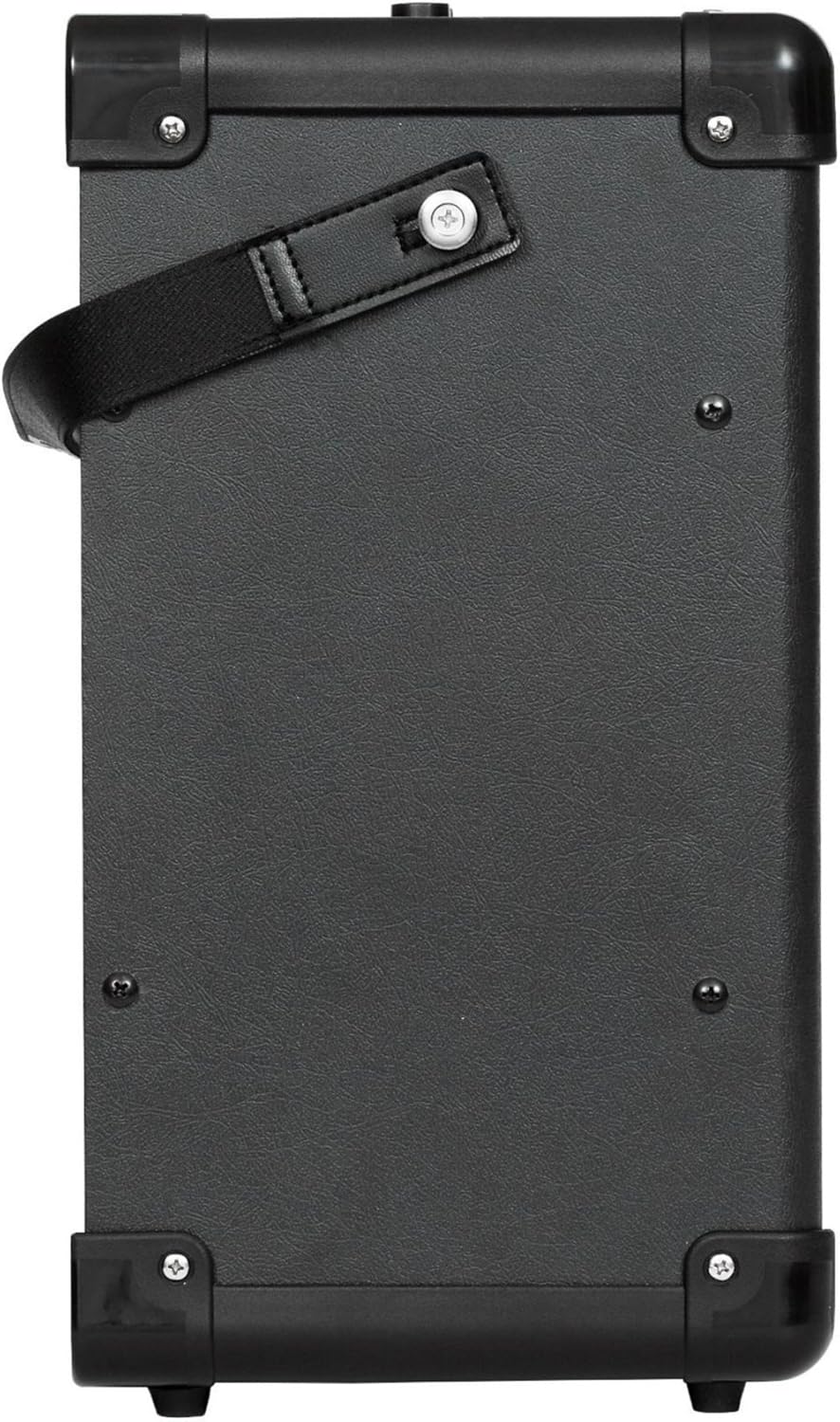
Figura 4: Ġenb view of the Blackstar ID:CORE40V2 amplifier, showing its compact design and textured finish.
7.2 Vidjows Uffiċjali tal-Prodott
The following video demonstrates the features and sound of the AZOR Guitar amp, which is a similar portable amplifier. This video is provided by the seller.
Video 1: AZOR Guitar amp demonstration. This video showcases the sound and functionality of a portable guitar amplifier, similar in concept to the Blackstar ID:CORE40V2, demonstrating its clean and drive channels.
8. Manutenzjoni
- Żomm il- amplifier clean by wiping it with a soft, dry cloth. Avoid using abrasive cleaners or solvents.
- Ensure proper ventilation to prevent overheating. Do not block the amplifier's vents.
- Aħżen il- amplifier in a dry environment, away from extreme temperatures and humidity.
- Iċċekkja regolarment il-konnessjonijiet tal-kejbil kollha għal twaħħil sikur u sinjali ta' xedd.
9 Issolvi l-problemi
| Problema | Kawża Possibbli | Soluzzjoni |
|---|---|---|
| Ebda ħoss minn ampaktar ħaj | Power not connected, volume too low, guitar cable faulty, guitar volume off. | Check power connection, increase volume, test with a different cable/guitar, ensure guitar volume is up. |
| Storbju distort jew mhux mixtieq | High gain setting, faulty cable, interference. | Reduce gain, try a different cable, move away from electronic devices. |
| MP3/Line In not working | Cable not connected properly, external device volume too low. | Ensure 3.5mm cable is fully inserted, increase volume on external device. |
10. Garanzija u Appoġġ
Għal informazzjoni dwar il-garanzija u appoġġ tekniku, jekk jogħġbok irreferi għall-websajt uffiċjali ta' Blackstar. Amplifikazzjoni webis-sit jew ikkuntattja lin-negozjant lokali tiegħek. Żomm il-prova tax-xiri tiegħek għal talbiet ta' garanzija.


