Manwal tal-Utent tal-Multimetru Diġitali li jinżamm fl-idejn KEYSIGHT U1242C
Mudell: U1242C
1. Introduzzjoni
The KEYSIGHT U1242C is a robust and reliable handheld digital multimeter (DMM) designed for professional and industrial use. It offers high accuracy, durability, and advanced features for various electrical measurements. This manual provides essential information for the safe and efficient operation, maintenance, and troubleshooting of your U1242C DMM.
Il-karatteristiċi ewlenin jinkludu:
- 50,000 counts resolution on dual display
- 0.03% basic DC voltageżattezza
- True RMS AC measurement
- Data logging to DMM (max. 200 points) & PC with software bundle
- IP 67 certified for dust and water resistance
- Withstands up to 3-meter (10 feet) drop
- Flashlight LED inkorporat
2. Informazzjoni dwar is-Sigurtà
WARNING: Read and understand all safety instructions before operating this device. Failure to follow these instructions may result in injury or damage to the meter.
- Dan il-prodott huwa maħsub għal użu professjonali biss.
- Dejjem żomm mal-kodiċijiet tas-sigurtà lokali u nazzjonali.
- Tużax il-miter jekk jidher li hu bil-ħsara jew jekk l-insulazzjoni tkun kompromessa.
- Kun żgur li l-wajers tat-test ikunu f'kundizzjoni tajba u konnessi sew qabel ma tieħu l-kejl.
- Teċċedix il-limiti massimi tad-dħul għal kwalunkwe funzjoni.
- Oqgħod attent meta taħdem bil-voltag'il fuq minn 30V AC RMS, 42V peak, jew 60V DC. Dawn il-volumitages joħolqu periklu ta' xokk.
- Always turn off the circuit power and discharge all high-voltage capacitors before performing resistance, continuity, or diode tests.
- Replace the battery and fuses only with the specified type and rating.
3. Prodott Aktarview
3.1 Quddiem View

This image displays the front of the KEYSIGHT U1242C Digital Multimeter, showing its large orange casing, the dual display screen, the rotary dial for function selection, and the input jacks for test leads. Various buttons for functions like Max/Min, Hz, Log, Hold, and Range are visible around the display.
3.2 Ġenb View
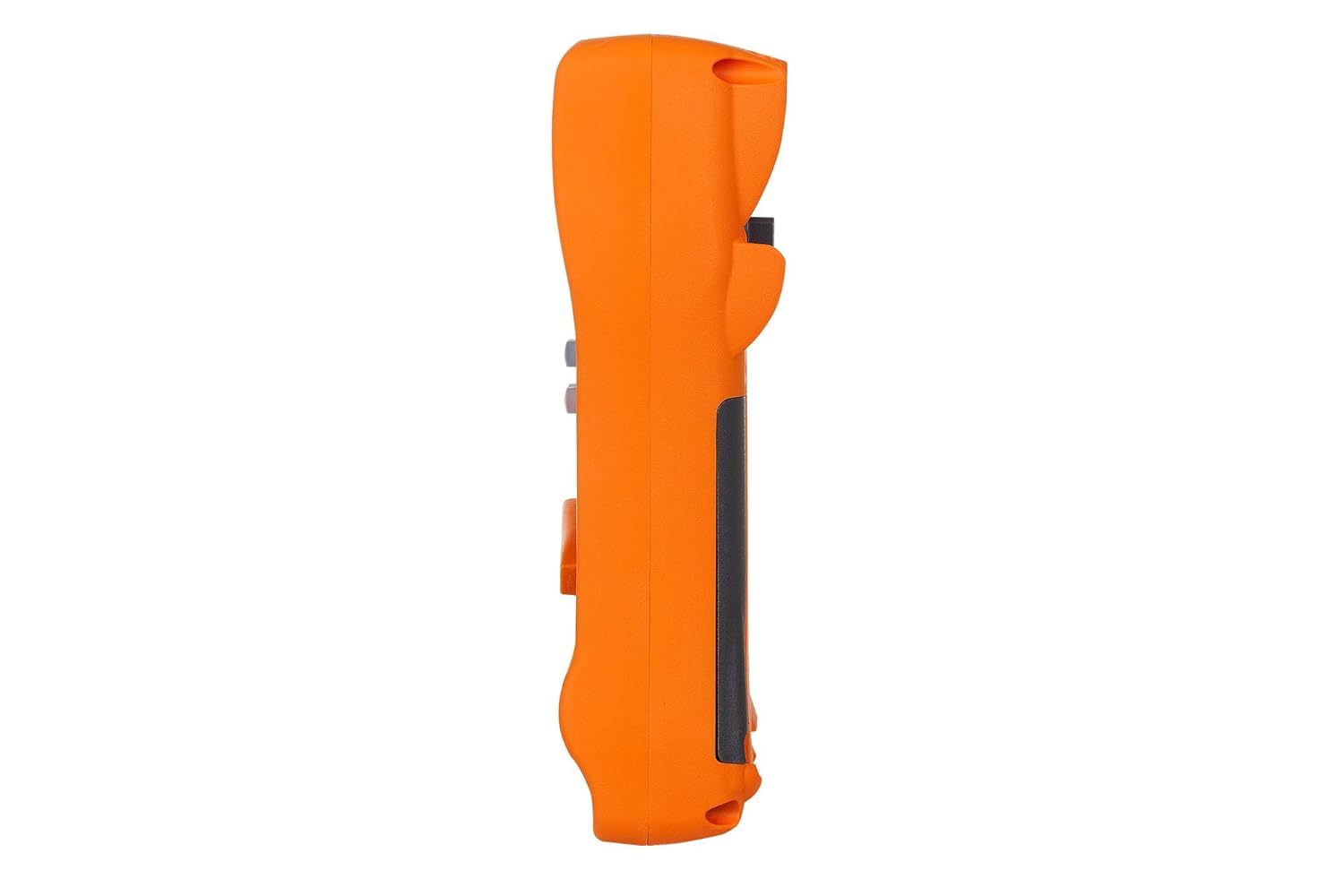
Din l-immaġni turi l-ġenb profile of the KEYSIGHT U1242C Digital Multimeter, highlighting its ergonomic design and the textured grip on the orange casing. The side view emphasizes the compact and robust build of the device.
3.3 Lura View

This image presents the back of the KEYSIGHT U1242C Digital Multimeter, revealing the battery compartment cover, the kickstand for hands-free operation, and the product label with model and serial number information. The robust construction of the casing is also evident.
3.4 Kontrolli u Konnetturi
- Wiri: Large dual display for primary and secondary readings.
- Swiċċ li jdur: Selects measurement functions (Voltage, Current, Resistance, etc.).
- Buttuni tal-Funzjoni: Max/Min, Hz, Log, Hold, Range, View, Shift.
- Ġakkijiet tad-dħul:
- VΩHz: Input għal voltage, resistance, frequency, capacitance, and diode tests.
- COM: Common input for all measurements.
- mAµA: Input għal milliampere u mikroampkejl tal-kurrent ere.
- 10A MAX FUSED: Input for high current measurements (up to 10A).
4. Setup
4.1 Installazzjoni tal-batterija
- Kun żgur li l-multimetru huwa MITFI.
- Sib il-kompartiment tal-batterija fuq wara tal-miter.
- Uża tornavit biex tħoll il-kamin li jżomm l-għatu tal-batterija.
- Neħħi l-għatu tal-batterija.
- Insert the specified batteries (e.g., 4 x AAA batteries) observing the correct polarity (+/-).
- Ibdel l-għatu tal-batterija u issikka l-kamin sew.
4.2 Konnessjoni tal-wajer tat-test
Always connect the test leads to the appropriate input jacks for the measurement you intend to perform. Incorrect connection can lead to damage to the meter or personal injury.
- Għal ħafna kejl (Voltage, Resistance, Continuity, Diode, Capacitance, Frequency), connect the black test lead to the COM jack u l-wajer tat-test aħmar għall- VΩHz jack.
- For current measurements (mA/µA), connect the black test lead to the COM jack u l-wajer tat-test aħmar għall- mAµA jack.
- For high current measurements (up to 10A), connect the black test lead to the COM jack u l-wajer tat-test aħmar għall- 10A MAX FUSED jack.
5. Istruzzjonijiet Operattivi
This section outlines the basic steps for performing common measurements with your U1242C DMM.
5.1 Kejl AC/DC Voltage
- Dawwar is-swiċċ li jdur għall-vol mixtieqtage range (V~ for AC, V- for DC). The meter may have an auto-ranging feature.
- Qabbad iċ - ċomb iswed tat - test mal - COM jack u l-wajer tat-test aħmar għall- VΩHz jack.
- Qabbad il-probi tat-test b'mod parallel madwar iċ-ċirkwit jew il-komponent li għandu jitkejjel.
- Aqra l-voltagIl-valur fuq il-wiri.
5.2 Measuring AC/DC Current
CAUTION: Never connect the meter in parallel with a voltage source when measuring current. This can blow the fuse or damage the meter.
- Turn the rotary switch to the desired current range (A~ for AC, A- for DC, or mA/µA ranges).
- Qabbad iċ - ċomb iswed tat - test mal - COM jack.
- For mA/µA measurements, connect the red test lead to the mAµA jack. For 10A measurements, connect the red test lead to the 10A MAX FUSED jack.
- Open the circuit where current is to be measured and connect the meter in series with the circuit.
- Aqra l-valur attwali fuq id-displej.
5.3 Kejl tar-Reżistenza
- Turn the rotary switch to the Ω (Ohms) range.
- Qabbad iċ - ċomb iswed tat - test mal - COM jack u l-wajer tat-test aħmar għall- VΩHz jack.
- Kun żgur li ċ-ċirkwit jew il-komponent ma jkollux l-enerġija qabel ma tkejjel ir-reżistenza.
- Qabbad il-probi tat-test mal-komponent li għandu jitkejjel.
- Aqra l-valur tar-reżistenza fuq il-wiri.
5.4 Test ta' Kontinwità
- Turn the rotary switch to the continuity symbol (speaker icon).
- Qabbad iċ - ċomb iswed tat - test mal - COM jack u l-wajer tat-test aħmar għall- VΩHz jack.
- Kun żgur li ċ-ċirkwit ma jkollux l-enerġija.
- Qabbad il-probi tat-test madwar iċ-ċirkwit jew il-komponent.
- The meter will beep if continuity is detected (resistance below a certain threshold).
5.5 Ir-Reġistrazzjoni tad-Dejta
The U1242C supports data logging. Refer to the detailed user manual for specific instructions on activating and managing data logging functions, including connecting to a PC with the software bundle for extended logging capabilities.
6. Manutenzjoni
6.1 Tindif
Wipe the meter's casing b'reklamaramp drapp u deterġent ħafif. Tużax abrażivi jew solventi. Kun żgur li l-miter ikun niexef għalkollox qabel l-użu.
6.2 Sostituzzjoni tal-batterija
When the battery indicator appears on the display, replace the batteries as described in Section 4.1. Prompt battery replacement ensures accurate readings and proper operation.
6.3 Sostituzzjoni tal-Fjus
WARNING: Always replace blown fuses with fuses of the exact same type and rating to maintain safety and performance.
- Ensure the multimeter is turned OFF and all test leads are disconnected.
- Iftaħ il-kompartiment tal-batterija kif deskritt fit-Taqsima 4.1.
- Locate the fuse(s) inside the compartment.
- Gently remove the blown fuse.
- Insert a new fuse of the correct rating (e.g., 10A/1000V for the 10A input).
- Ibdel l-għatu tal-batterija u issikka l-kamin sew.
6.4 Kalibrazzjoni
The U1242C is factory calibrated. For continued accuracy, periodic calibration by a qualified service center is recommended. Refer to KEYSIGHT's official support channels for calibration services.
7 Issolvi l-problemi
| Problema | Kawża Possibbli | Soluzzjoni |
|---|---|---|
| Il-miter ma jixgħelx | Batteriji mejta jew installati ħażin | Ibdel il-batteriji, iċċekkja l-polarità |
| No reading or "OL" (Overload) displayed | Incorrect function selected; Open circuit; Input exceeds range | Select correct function; Check circuit continuity; Select higher range or auto-range |
| Qari mhux eżatt | Low battery; Dirty test leads; Environmental interference; Needs calibration | Replace battery; Clean leads; Move away from interference; Consider calibration |
| Il-kejl tal-kurrent mhux qed jaħdem | Blown fuse; Incorrect lead connection; Meter not in series | Check/replace fuse; Verify lead connection; Ensure meter is in series with circuit |
8. Speċifikazzjonijiet
| Karatteristika | Speċifikazzjoni |
|---|---|
| Numru tal-Mudell | U1242C |
| Wiri Għadd | 50,000 |
| Basic DC Voltage Preċiżjoni | 0.03% |
| Kejl AC | RMS Veru |
| Klassifikazzjoni tal-Protezzjoni tad-Dħul (IP). | IP 67 |
| Protezzjoni tal-qatra | Sa 3 metri (10 pied) |
| Sors tal-Enerġija | Mħaddma bil-batterija |
| Piż tal-oġġett | 1 Pound (16 ounces) |
| Manifattur | KEYSIGHT |
| Data L-Ewwel Disponibbli | 22 ta’ Mejju, 2018 |
9. Garanzija u Appoġġ
9.1 Ċaħda Legali
Keysight Technologies products are classified as industrial monitoring and control equipment designed exclusively for professional or industrial use and related training programs. Keysight products are designed and certified to meet national industrial safety standards (such as Electrical Equipment for Measurement, Control and Laboratory Use) where products are sold solely for use by trained professionals. Keysight products are not intended for consumer use in a residential setting and may not meet consumer level standards for EMC and other regulated radiated emissions. Keysight products are intended for use in the country where the product was originally sold.
9.2 Appoġġ Tekniku
For technical assistance, service, or warranty claims, please contact KEYSIGHT customer support through their official website or authorized service centers. Provide your product model number (U1242C) and serial number when seeking support.


