1. Introduzzjoni u Fuqview
Il-Panduit TX6-28 Cat 6 UTP Patch Cord huwa ddisinjat għal konnettività tan-netwerk ta' prestazzjoni għolja. Dan il-korda sewda ta' 25 pied, b'dijametru ta' 0.150 pulzier (3.8mm) għandha kejbil tar-ram stranded ta' 28 AWG mingħajr protezzjoni, par mibrum, u CM/LSZH bi plugs modulari ta' prestazzjoni għolja. Id-disinn kompatt tiegħu ta' 28 AWG jiffaċilita installazzjoni u ġestjoni tal-kejbil aktar faċli f'ambjenti densi. Il-korda hija mgħammra b'lukkett li ma jitħabbilx għal konnessjonijiet siguri u rilaxx rapidu, li jissimplifika l-modifiki tan-netwerk. Barra minn hekk, hija abilitata għal RapidID, b'barcodes installati minn qabel għal mappaġġ tal-portijiet simplifikat bl-użu tas-softwer RapidID.
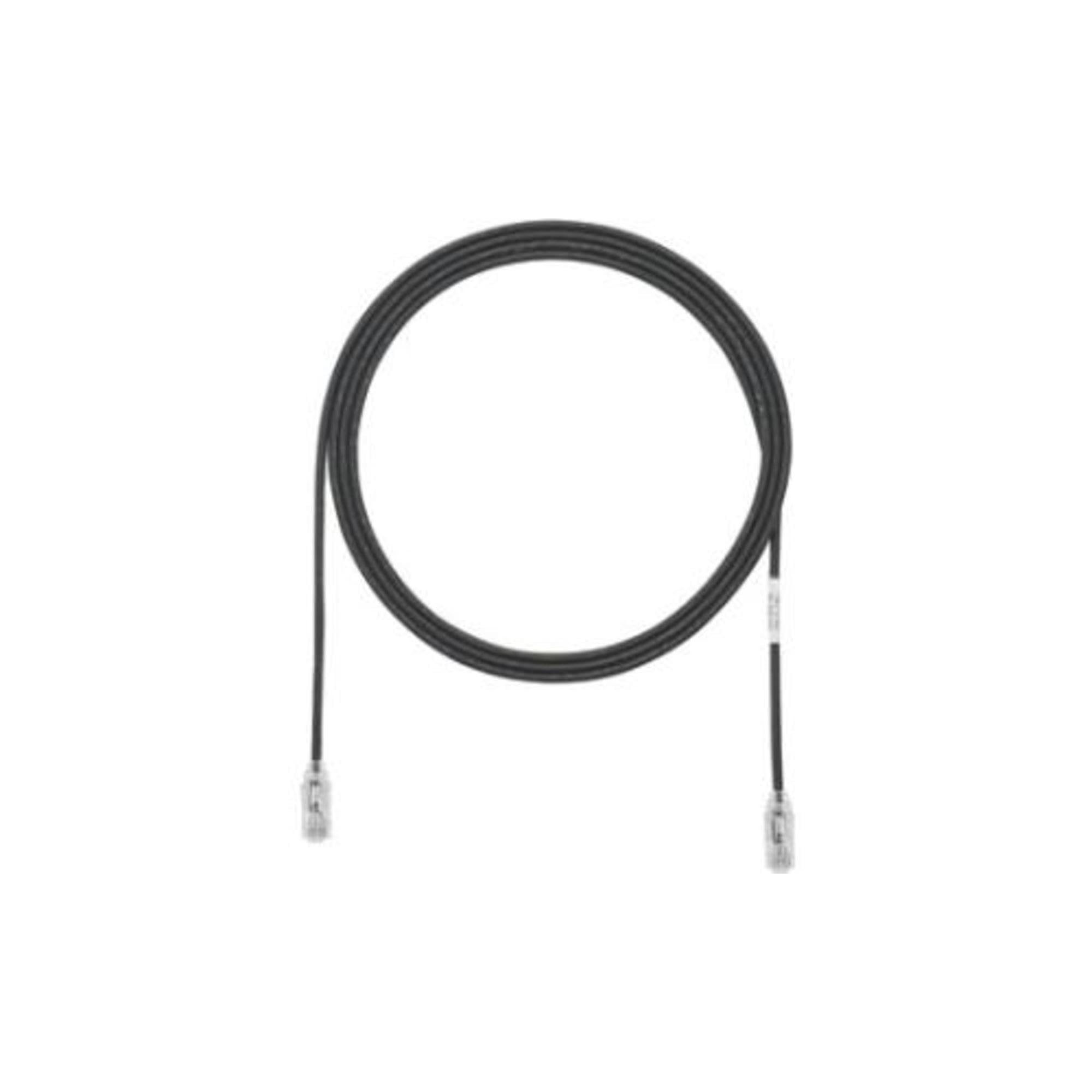
Figura 1: Panduit TX6-28 Cat 6 Patch Cord. Din l-immaġni turi l-garża cord iswed imkebba, b'konnettur RJ45 viżibbli f'kull tarf.
2. Karatteristiċi ewlenin
- Prestazzjoni ttestjata: Prestazzjoni ta' 100% ittestjata għall-mappa tal-wajers, Near-End Crosstalk (NEXT), u telf ta' ritorn biex tiġi żgurata trażmissjoni affidabbli tad-dejta.
- Plug Ċentrat De-embedded: Iddisinjat għal integrità ottimali tas-sinjal u interferenza mnaqqsa.
- Maniġer tal-Par Integrali: Ittejjeb il-prestazzjoni u l-konsistenza tal-kejbil.
- Lukkett Brevettat Mingħajr Tħabbil: Jipprevjeni l-intoppi waqt l-installazzjoni u t-tneħħija, u jiżgura rilaxx faċli u veloċi.
- Dijametru iżgħar, Disinn tal-Kejbil Flessibbli: Il-kostruzzjoni ta' 28 AWG toffri aktar flessibbiltà u footprint iżgħar, ideali għal installazzjonijiet ta' densità għolja.
- RapidID Attivat: Jinkludi barcodes installati minn qabel għal mappaġġ simplifikat tal-portijiet u ġestjoni tal-assi bis-softwer RapidID.
3. Setup u Installazzjoni
- Identifika l-Portijiet: Sib il-portijiet Ethernet RJ45 fuq l-apparati li biħsiebek tikkonnettja (eż., kompjuter, router, swiċċ, jack tal-ħajt).
- Qabbad l-Ewwel Tarf: Daħħal bil-mod tarf wieħed tal-Panduit TX6-28 Cat 6 Patch Cord fil-port RJ45 tal-ewwel apparat sakemm il-lukkett jikklikkja f'postu. Kun żgur li l-konnessjoni hija sigura.
- Qabbad it-Tieni Tarf: Daħħal it-tarf l-ieħor tal-korda tal-garża fil-port RJ45 tat-tieni apparat, waqt li tiżgura li tikklikkja sew.
- Ġestjoni tal-Kejbil: Uża d-dijametru iżgħar u l-flessibbiltà tal-kejbil ta' 28 AWG biex tgħaddih b'mod pulit, filwaqt li tevita liwjiet qawwija jew tensjoni eċċessiva.
- Integrazzjoni RapidID (Mhux obbligatorja): Jekk qed tuża s-softwer RapidID, skennja l-barcodes installati minn qabel fuq it-truf tal-kejbil biex tiffaċilita l-immappjar u d-dokumentazzjoni awtomatizzati tal-portijiet.
- Ivverifika l-Konnessjoni: Iċċekkja l-indikaturi tal-istatus tan-netwerk fuq l-apparati tiegħek biex tikkonferma li konnessjoni rnexxiet.
4. Operazzjoni
Ladarba jkun imqabbad sew, il-Panduit TX6-28 Cat 6 Patch Cord jopera b'mod passiv biex jiffaċilita l-komunikazzjoni tan-netwerk bejn apparati konnessi. Jittrażmetti sinjali tad-dejta skont l-istandard Cat 6 Ethernet, u jappoġġja veloċitajiet sa 1 Gigabit Ethernet fuq it-tul speċifikat tiegħu. L-ebda interazzjoni mill-utent mhi meħtieġa għall-operazzjoni tiegħu lil hinn mill-konnessjoni inizjali.
5. Manutenzjoni
- Spezzjoni Fiżika: Spezzjona l-kejbil perjodikament għal kwalunkwe sinjal ta’ ħsara, bħal qatgħat, brim, jew insulazzjoni mqaxxra.
- Kura tal-Konnettur: Żomm il-konnetturi RJ45 nodfa u ħielsa mit-trab jew mill-fdalijiet. Uża drapp mingħajr suf jekk it-tindif ikun meħtieġ. Evita li tmiss il-kuntatti tal-metall direttament.
- Evita l-Istress: Tgħawwiġx il-kejbil f'daqqa jew tpoġġix oġġetti tqal fuqu, għax dan jista' jagħmel ħsara lill-kondutturi interni u jfixkel il-prestazzjoni.
- Ħażna xierqa: Meta ma tkunx qed tuża l-kejbil, aħżen il-kejbil f'ambjent nadif u niexef, preferibbilment imkebba' laxk biex tevita li jitgħawweġ.
6 Issolvi l-problemi
- L-ebda Konnessjoni man-Netwerk:
- Kun żgur li ż-żewġt itruf tal-korda tal-garża huma mdaħħla sew fil-portijiet RJ45 rispettivi tagħhom. Isma' għal klikk.
- Ivverifika li l-apparati tan-netwerk (eż., router, switch) huma mixgħula u qed jaħdmu sew.
- Ittestja b'kejbil Ethernet differenti, magħruf li hu tajjeb, biex teskludi problemi bil-kejbil innifsu.
- Iċċekkja s-settings tan-netwerk tal-apparat.
- Veloċità baxxa tan-Netwerk:
- Kun żgur li l-apparati kollha konnessi jappoġġjaw veloċitajiet tal-Kat 6.
- Iċċekkja għal ħsara fiżika fil-kejbil li tista' tnaqqas il-prestazzjoni.
- Imminimizza l-interferenza elettromanjetika billi tgħaddi l-kejbil 'il bogħod mil-linji tal-elettriku jew minn sorsi oħra ta' interferenza.
- Konnessjoni intermittenti:
- Spezzjona l-konnetturi għal pinnijiet mgħawġa jew debris.
- Kun żgur li l-kejbil mhux taħt tensjoni jew li qed jiġi mgħawweġ ripetutament fil-punti ta' konnessjoni.
7. Speċifikazzjonijiet
| Speċifikazzjoni | Valur |
|---|---|
| Brand | Panduit |
| Numru tal-Mudell | UTP28SP25BL |
| Tip ta' Cable | Ethernet UTP tal-Kategorija 6 |
| Kejl tal-Konduttur | Ram Stranded ta' 28 AWG |
| Tul | 25 pied |
| Kulur | Iswed |
| Tip ta' Konnettur | RJ45 Raġel għal Raġel |
| Karatteristika Speċjali | Lukkett Mingħajr Tħabbil, RapidID Lest |
| Klassifikazzjoni tal-Ġakketta | CM/LSZH |
| Dimensjonijiet tal-Prodott | 17.5 x 10.3 x 4.5 pulzieri (ippakkjar); 6.4 uqija |
8. Garanzija u Appoġġ
Il-prodotti Panduit huma manifatturati skont standards ta’ kwalità għolja. Għal informazzjoni speċifika dwar il-garanzija relatata mat-TX6-28 Cat 6 Patch Cord tiegħek, jekk jogħġbok irreferi għad-dokumentazzjoni inkluża max-xiri tiegħek jew żur is-sit uffiċjali ta’ Panduit. websit. Għal appoġġ tekniku jew aktar assistenza, jekk jogħġbok ikkuntattja lis-servizz tal-klijenti ta' Panduit permezz tal-kanali uffiċjali tagħhom.


