Prodott Overview
The Easy@Home EBP-095L is an automatic digital upper arm blood pressure monitor designed for convenient home use. It features a large backlit display, a 3-color hypertension indicator, and memory functions for two users.

Image: Easy@Home EBP-095L Blood Pressure Monitor with its large display, cuff, and a smartphone showing the MyHeartPal app interface.
Setup
1. Installazzjoni tal-batterija
The monitor operates on 4 AA batteries (included). To install:
- Iftaħ l-għatu tal-kompartiment tal-batterija fuq wara tal-apparat.
- Daħħal 4 batteriji AA, filwaqt li tiżgura polarità korretta (+/-).
- Agħlaq l-għatu tal-kompartiment tal-batterija sew.
Alternatively, the device can be powered via an AC adapter (not included with this model, but can be purchased separately).
2. Twaħħil tal-Maniċċa
Connect the air tube from the upper arm cuff to the air jack on the side of the monitor unit. Ensure the connection is secure.
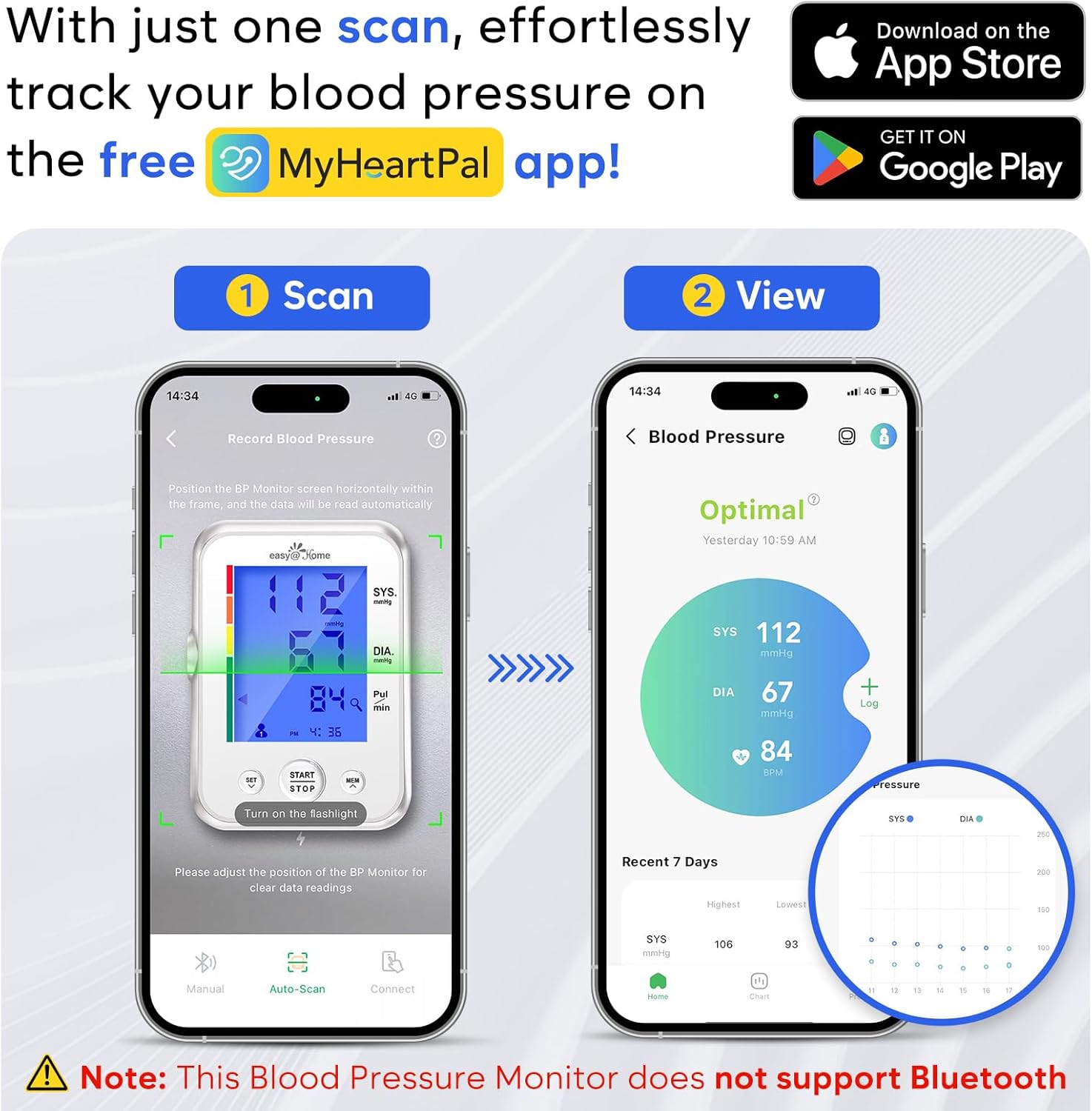
Image: The Easy@Home EBP-095L monitor with the upper arm cuff connected to the side port.
The large cuff is adjustable and fits arm circumferences of 8.7 to 16.5 inches (22-42 cm).

Image: A person measuring their arm circumference with a tape measure to ensure proper cuff fit. The text indicates the cuff fits 22-42 cm (8.66-16.53 inches).
3. Setting User ID and Time/Date
The monitor supports two users (User 1 and User 2) and stores up to 60 records per user. To set the user ID and time/date:
- Agħfas il- SET button to enter settings mode.
- Uża l- MEM button to toggle between User 1 and User 2. Confirm with SET.
- Follow the on-screen prompts to set the year, month, day, hour, and minute using the MEM buttuna biex taġġusta l-valuri u SET biex tikkonferma.
Istruzzjonijiet Operattivi
1. Tieħu Kejl
- Preparazzjoni: Rest for at least 15 minutes before measurement. Avoid excitement, exercise, drinking tea, coffee, or smoking. Sit comfortably with your feet flat on the ground and do not cross your legs.
- Poġġiment tal-pulzieri: Apply the cuff to your left upper arm, 1-2 cm above the elbow joint. Ensure your palm is upturned and the cuff is at heart level. You should be able to insert 1 or 2 fingers between the cuff and your arm.
- Ibda l-Kejl: Agħfas il- BIDU/WAQQF button. The cuff will automatically inflate and then slowly deflate to take the reading. Keep your arm relaxed and do not move your body during the measurement.
- Riżultati: Your systolic pressure (SYS), diastolic pressure (DIA), and pulse rate (Pul/min) will be displayed on the large backlit screen.

Image: Step 1 of cuff application, showing the cuff being placed on the left upper arm, 1-2 cm above the elbow joint.

Image: Step 2 of cuff application, illustrating proper arm and hand position, and checking for correct cuff tightness.

Image: Step 3, showing a finger pressing the START/STOP button on the monitor while the arm is in a relaxed position.
For more accurate measurements:
- Wait at least 3 minutes between measurements to allow your circulation to return to normal.
- For best accuracy, it is recommended to take the average of 3 measurements.
- Not for use in pregnant women.
2. Interpreting Readings with 3-Color Hypertension Indicator
The monitor features a 3-color backlit display and a hypertension indicator to help interpret your readings:
- Aħdar: Normal blood pressure.
- Oranġjo: Prehypertension.
- Aħmar: Pressjoni għolja.
The display also indicates irregular heartbeats during measurements.

Image: Three monitor displays illustrating different blood pressure statuses: Normal (blue background), High Blood Pressure (orange background), and Hypertensive Crisis (red background).
3. Funzjoni tal-Memorja
The monitor automatically stores up to 60 measurements for each of the two users. To review qari tal-passat:
- Agħfas il- MEM button when the device is off.
- Uża l- MEM button to scroll through the stored readings.
- The monitor intelligently averages the past 3 measurements for a more accurate trend over time.
4. MyHeartPal App Integration (Manual Data Entry)
This blood pressure monitor is not Bluetooth enabled. However, you can manually record your blood pressure data into the free MyHeartPal app to track your health trends.
- Download the MyHeartPal app from the App Store or Google Play.
- Irreġistra l-kont tiegħek fl-app.
- In the app, choose the User ID that matches your monitor.
- Manually input your blood pressure data (SYS, DIA, Pulse) into the app.
- The app allows you to track your health at a glance, view trend tracking and interactive graphs, and export data for sharing.
Video: Official Easy@Home video demonstrating how to manually record blood pressure data into the MyHeartPal app.
Manutenzjoni
1. Tindif
Wipe the monitor unit and cuff with a soft, dry cloth. Do not use abrasive cleaners or immerse the device in water.
2. Ħażna
Store the blood pressure monitor in its provided storage case in a cool, dry place, away from direct sunlight and extreme temperatures.
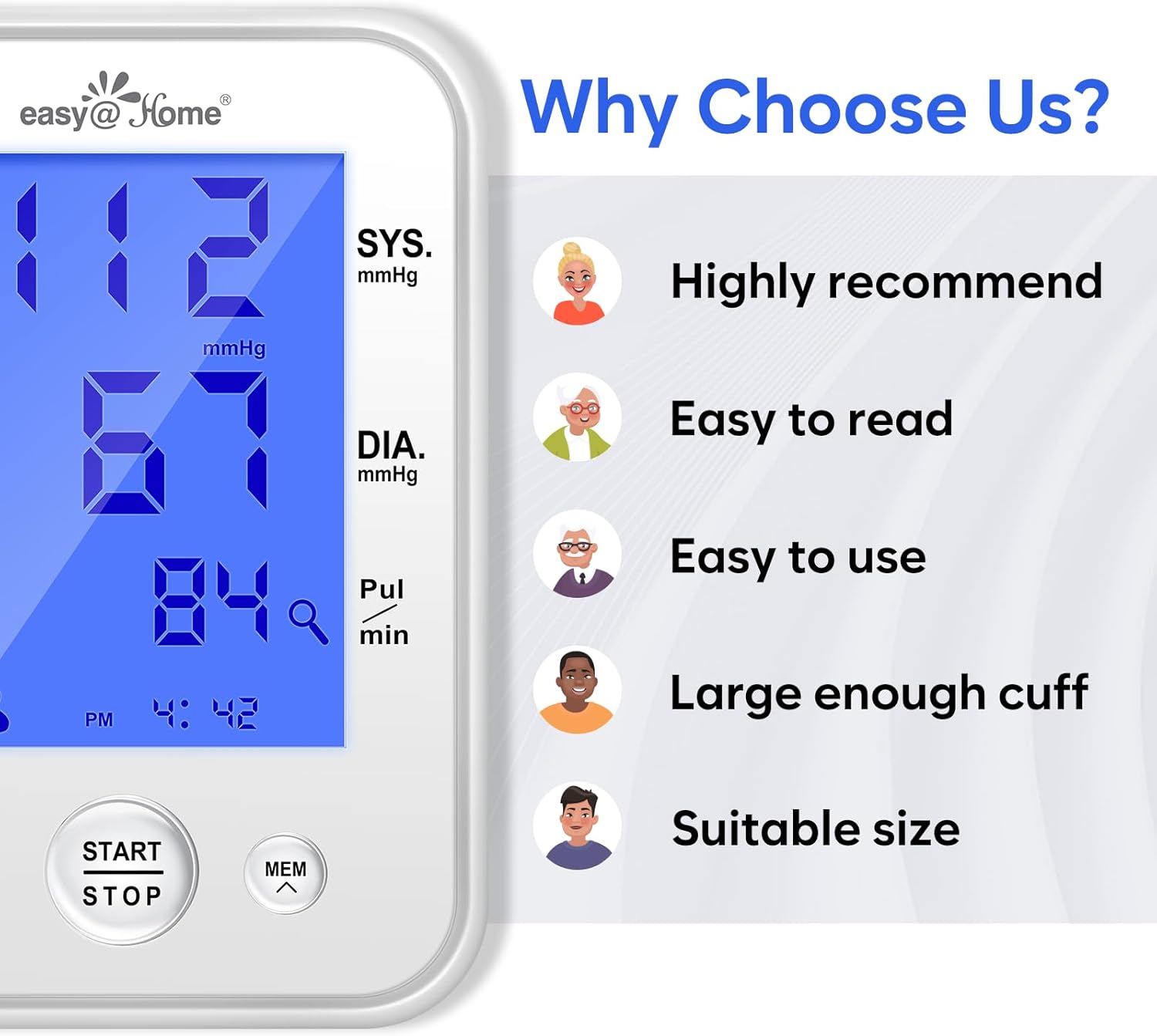
Image: The Easy@Home EBP-095L Blood Pressure Monitor shown with its included storage case.
Issolvi l-problemi
If you encounter issues with your Easy@Home Blood Pressure Monitor, please refer to the following common problems and solutions:
- "E3" Error Message: This error typically indicates a cuff pressure error or improper cuff placement. Ensure the cuff is correctly applied, not too loose or too tight, and the air tube is securely connected.
- Qari mhux eżatt: Ensure proper measurement technique (resting before measurement, correct arm position, no movement during measurement). Compare readings with a healthcare professional's device if concerns persist.
- Ebda Wiri/Qawwa: Check if the batteries are correctly installed and not depleted. Replace batteries if necessary. If using an AC adapter, ensure it is properly connected and functioning.
Video: A user demonstrating a "Problem" with the device, showing an "E3" error message on the display, indicating a potential cuff or pressure issue.
Speċifikazzjonijiet
| Isem tal-Mudell | EBP-095L |
| Brand | Easy@Home |
| Tip ta 'Wiri | LCD (3-Color Backlit) |
| Daqs tal-pulzieri | 8.7 - 16.5 pulzier (22-42 ċm) |
| Kapaċità tal-Memorja | 2 Users, 60 records/user (Total 120) |
| Sors tal-Enerġija | 4 AA Batteries (included) or AC Adapter (not included) |
| Dimensjonijiet tal-Prodott | 7.01"T x 3.78"W x 5"Ħ |
| Piż tal-oġġett | 1.46 Libbra (660 Grammi) |
Garanzija u Appoġġ
For warranty information, technical support, or any inquiries regarding your Easy@Home Blood Pressure Monitor, please contact Easy@Home customer service directly. Refer to the product packaging or the official Easy@Home websit għad-dettalji tal-kuntatt.
Manufacturer: Easy@Home


