1. Introduzzjoni
The CHERRY DC 2000 Corded Desktop is a reliable and efficient keyboard and mouse combo designed for everyday office and home use. This set includes a full-size corded keyboard with additional function keys and a symmetrical 3-button corded mouse, suitable for both left and right-handed users. Its robust design ensures quiet and tactile keystrokes for comfortable and concentrated work.
Kontenut tal-Pakkett:
- CHERRY DC 2000 Corded Keyboard
- CHERRY DC 2000 Corded Mouse
- Manwal għall-Utent (dan id-dokument)

Figure 1.1: The CHERRY DC 2000 keyboard and mouse combo, showcasing the full layout of the keyboard and the ergonomic design of the mouse.
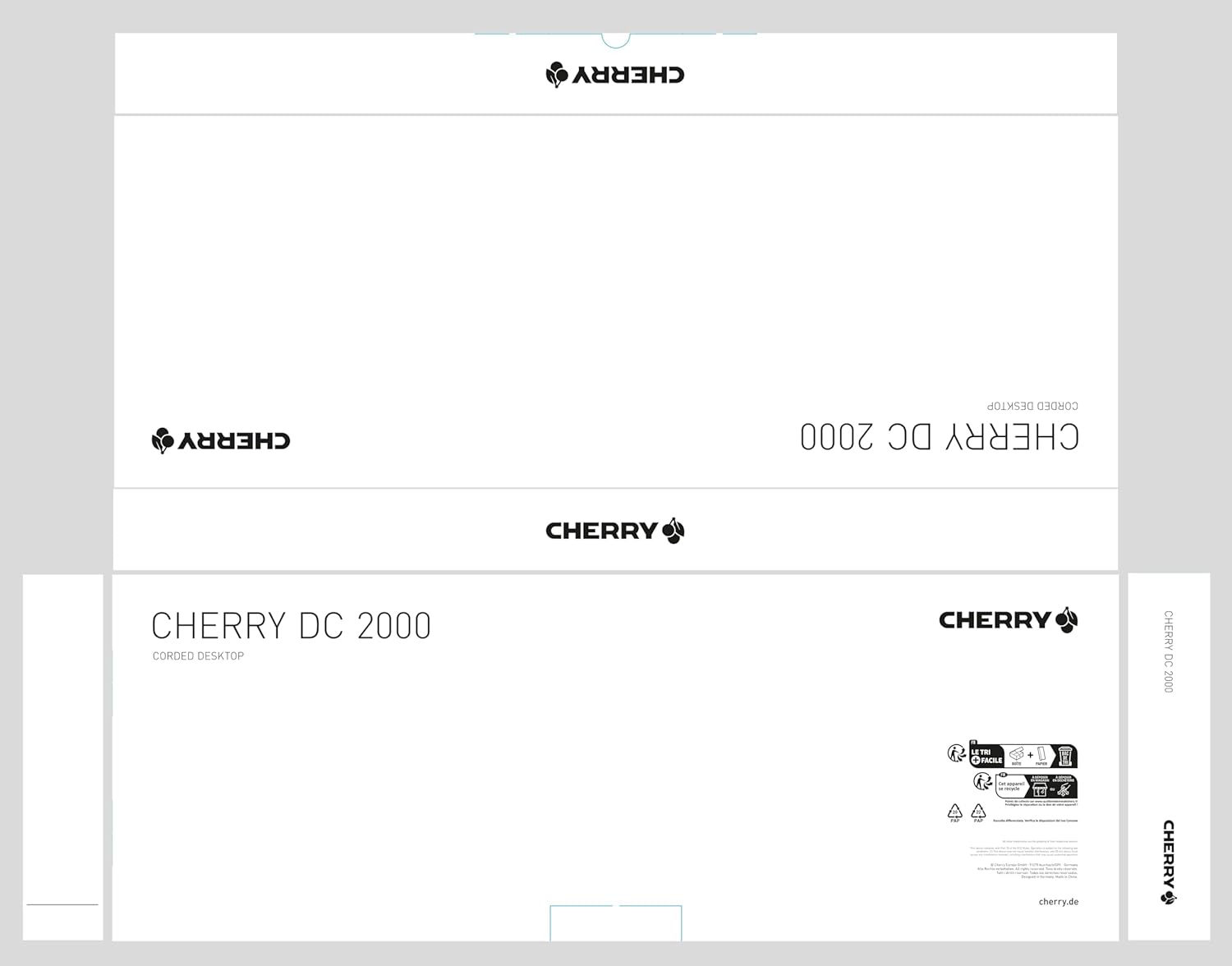
Figure 1.2: The packaging for the CHERRY DC 2000 Corded Desktop, indicating the product name and brand logo.
2. Setup
The CHERRY DC 2000 keyboard and mouse combo is designed for simple plug-and-play installation. No additional drivers are typically required for basic functionality on supported operating systems.
2.1 Rekwiżiti tas-Sistema
- Sistema Operattiva: Windows 10, Windows 8, Windows 7
- Hardware Platform: PC, Laptop
- Port USB Disponibbli
2.2 Konnessjoni tal-Apparati
- Sib port USB disponibbli fuq il-kompjuter tiegħek (PC jew Laptop).
- Plug the USB connector of the CHERRY DC 2000 keyboard into the USB port.
- Plug the USB connector of the CHERRY DC 2000 mouse into another available USB port.
- Is-sistema operattiva tiegħek għandha tiskopri u tinstalla awtomatikament id-drajvers meħtieġa. Dan il-proċess jista' jieħu ftit mumenti.
- Once installation is complete, the keyboard and mouse are ready for use.

Figure 2.1: The CHERRY DC 2000 keyboard and mouse connected and positioned on a desk, ready for use.
3. Istruzzjonijiet Operattivi
3.1 Funzjonijiet tat-Tastiera
The CHERRY DC 2000 keyboard features a standard QWERTY layout with additional keys designed to enhance productivity in office applications.
- Disinn Standard: Full-size keyboard with numeric keypad for comprehensive data entry.
- Ċwievet addizzjonali: Four dedicated keys provide quick access to frequently used office functions. These keys are typically located above the numeric keypad and may include functions like Calculator, Email, Browser Home, and Sleep. Refer to your operating system's settings for potential customization of these keys.
- Tastiera tattili: Designed for quiet and comfortable typing, reducing noise in shared workspaces.

Figure 3.1: A user's hands positioned on the CHERRY DC 2000 keyboard and mouse, demonstrating active use.
3.2 Funzjonijiet tal-Maws
The CHERRY DC 2000 mouse is a symmetrical 3-button design, ensuring comfortable use for both left and right-handed individuals.
- Disinn b'3 Buttuni: Includes left-click, right-click, and a scroll wheel that also functions as a middle-click button.
- Symmetrical Shape: Ergonomically designed to fit comfortably in either hand.
- Precise Tracking: Provides accurate cursor control for various tasks.

Figura 3.2: Close-up view of a user's hand comfortably resting on the CHERRY DC 2000 mouse, highlighting its symmetrical design.

Figura 3.3: Dettaljata view of the CHERRY DC 2000 mouse, showing its smooth finish and the CHERRY logo.
4. Manutenzjoni u Kura
Proper care and maintenance will extend the lifespan of your CHERRY DC 2000 keyboard and mouse combo.
- Tindif:
- Skonnettja l-apparati mill-kompjuter tiegħek qabel ma tnaddafhom.
- Uża drapp ratba u mingħajr ħelu ftit dampmaħsul bl-ilma jew b'soluzzjoni tat-tindif ħafifa u mhux abrażiva.
- Evita li tisprejja likwidi direttament fuq l-apparati.
- For dust and debris between keyboard keys, use compressed air.
- Ħażna: Aħżen l-apparati f'post frisk u niexef 'il bogħod mix-xemx diretta u minn temperaturi estremi.
- Immaniġġjar: Avoid dropping the devices or exposing them to excessive force, which could damage internal components.
5 Issolvi l-problemi
If you encounter issues with your CHERRY DC 2000 combo, try the following troubleshooting steps:
- Apparat Mhux Rikonoxxut:
- Ensure the USB connectors are fully inserted into the USB ports.
- Ipprova qabbad l-apparati f'portijiet USB differenti fuq il-kompjuter tiegħek.
- Ibda mill-ġdid il-kompjuter tiegħek.
- Check your operating system's Device Manager to see if the devices are listed and if there are any driver issues.
- Iċ-Ċwievet Ma Jirrispondux / Il-Maws Ma Jiċċaqlaqx:
- Verify the USB connection.
- Ittestja l-apparati fuq kompjuter ieħor biex tiddetermina jekk il-problema hijiex fl-apparati jew fis-sistema tiegħek.
- Ensure no debris is obstructing the mouse sensor or keyboard keys.
- Dewmien jew Rispons Imdewwem:
- Kun żgur li d-drajvers tal-USB tal-kompjuter tiegħek huma aġġornati.
- Avoid connecting the devices through unpowered USB hubs if possible.
Jekk dawn il-passi ma jsolvux il-problema, jekk jogħġbok irreferi għat-taqsima tal-Garanzija u l-Appoġġ għal aktar assistenza.
6. Speċifikazzjonijiet
| Karatteristika | Dettall |
|---|---|
| Brand | Ċirasa |
| Serje tal-Mudell | DC 2000 |
| Numru tal-Mudell tal-Oġġett | JD-0800EU-2 |
| Teknoloġija tal-Konnettività | USB (Elettriku bil-Fili) |
| Apparati Kompatibbli | Laptop, PC |
| Kompatibilità tas-Sistema Operattiva | Windows 10, Windows 8, Windows 7 |
| Deskrizzjoni tat-Tastiera | QWERTY, Wired Keyboard and Mouse Combo |
| Kulur | Iswed |
| Piż tal-oġġett | 1.37 liri (madwar 0.62 kg) |
| Dimensjonijiet tal-Prodott (LxWxH) | 18.03 x 6.69 x 0.79 pulzieri (madwar 45.8 x 17.0 x 2.0 ċm) |

Figura 6.1: Proġett tal-ġenbfile view of the CHERRY DC 2000 keyboard, illustrating its slim and flat design.
7. Garanzija u Appoġġ
Cherry products are manufactured to high quality standards. For information regarding warranty coverage and terms, please refer to the warranty card included with your product or visit the official Cherry websit.
7.1 Appoġġ għall-Klijent
If you require technical assistance or have questions not covered in this manual, please contact Cherry customer support. Contact information can typically be found on the Cherry webis-sit jew fuq l-imballaġġ tal-prodott.
Għall-aktar informazzjoni ta' appoġġ aġġornata, jekk jogħġbok żur: www.cherry.de


