1. Introduzzjoni
Thank you for choosing the iHome IH-M391C Comfort Wireless Optical Mouse. This device offers reliable wireless connectivity and precise optical tracking for an enhanced computing experience. Designed for comfort and ease of use, it requires no complex installation or synchronization, allowing for immediate plug-and-play functionality.
This manual provides essential information on setting up, operating, and maintaining your wireless mouse to ensure optimal performance.
2. Kontenut tal-Pakkett
Jekk jogħġbok iċċekkja l-kontenut tal-pakkett biex tiżgura li l-oġġetti kollha huma preżenti:
- iHome IH-M391C Comfort Wireless Optical Mouse
- Riċevitur Nano USB
- 2 x Batteriji AAA
3. Setup
Follow these steps to set up your iHome wireless mouse:
- Installa Batteriji: Locate the battery compartment on the underside of the mouse. Open the cover and insert the two AAA batteries, ensuring correct polarity (+/-). Close the battery compartment cover.
- Daħħal ir-Riċevitur Nano tal-USB: Plug the USB nano receiver into an available USB port on your computer. Your computer will automatically detect and install the necessary drivers.
- Qawwa Mixgħul: Ixgħel il-maws billi tuża s-swiċċ tal-enerġija, li ġeneralment jinsab fuq in-naħa ta' taħt.
The mouse is designed for plug-and-play operation and does not require manual synchronization or software installation.
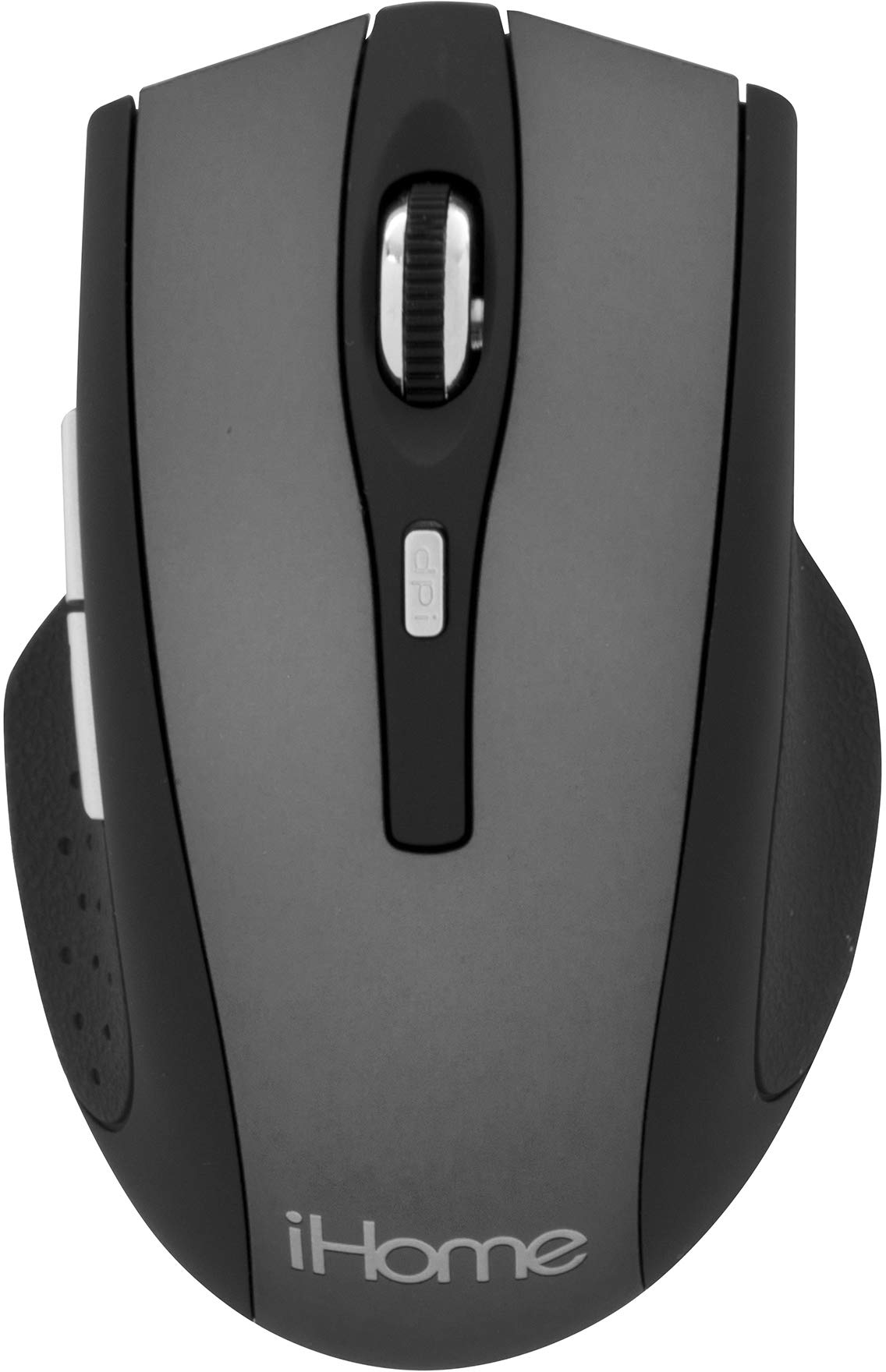
Image: The iHome IH-M391C Comfort Wireless Optical Mouse, showing its ergonomic design, along with the compact USB nano receiver and AAA batteries, ready for installation.
4. Istruzzjonijiet Operattivi
The iHome IH-M391C mouse provides standard functionality for navigation and interaction with your computer:
- Ikklikkja Xellug: Agħfas il-buttuna tax-xellug biex tagħżel oġġetti, tiftaħ links, jew tattiva funzjonijiet.
- Ikklikkja bil-lemin: Agħfas il-buttuna tal-lemin biex tiftaħ menus tal-kuntest jew taċċessa għażliet addizzjonali.
- Scroll Wheel: Dawwar ir-rota tal-iscroll 'il fuq jew 'l isfel biex tinnaviga fid-dokumenti u web pages. The scroll wheel may also function as a middle click button for specific applications.
- Traċċar Ottiku: The 1000 DPI optical sensor provides smooth and precise cursor control on most surfaces. For best performance, use on a clean, non-reflective surface.
- Libertà mingħajr fili: Enjoy a clutter-free workspace with reliable wireless connectivity. The effective range may vary depending on environmental factors.
5. Manutenzjoni
Biex tiżgura l-lonġevità u l-aħjar prestazzjoni tal-maws tiegħek, segwi dawn il-linji gwida ta' manutenzjoni:
- Tindif: Uża drapp artab u niexef biex tnaddaf il-barra tal-maws. Għas-sensor ottiku, uża swab tal-qoton imxarrab ħafif.ampened with isopropyl alcohol to gently wipe away any dust or debris. Ensure the mouse is powered off before cleaning.
- Sostituzzjoni tal-batterija: When the mouse performance degrades or it stops responding, replace the AAA batteries. Always use fresh batteries and dispose of old ones responsibly.
- Ħażna: When not in use for extended periods, turn off the mouse to conserve battery life. Store the mouse and USB nano receiver in a dry, cool place.
- Evita Kundizzjonijiet Estremi: Do not expose the mouse to extreme temperatures, humidity, or direct sunlight. Avoid dropping the mouse or subjecting it to strong impacts.
6 Issolvi l-problemi
If you encounter issues with your iHome wireless mouse, refer to the following troubleshooting tips:
| Problema | Soluzzjoni Possibbli |
|---|---|
| Il-ġurdien ma jirrispondix |
|
| Kursur erratiku jew jaqbeż |
|
| Short wireless range or intermittent connection |
|
7. Speċifikazzjonijiet
- Mudell: IH-M391C
- Konnettività: Wireless (Riċevitur Nano USB)
- Teknoloġija tas-Sensor: Ottiċi
- DPI: 1000
- Batteriji: 2 x AAA (inklużi)
- Dimensjonijiet: Madwar 10.16 x 4.06 x 21.59 ċm (4.0 x 1.6 x 8.5 pulzieri)
- Piż: Madwar 113.4 g (4 oz)
- Kulur: Griż
- Karatteristika Speċjali: Wireless
8. Garanzija u Appoġġ
For warranty information or technical support, please refer to the documentation provided with your purchase or visit the official iHome websit. Żomm il-prova tax-xiri tiegħek għal talbiet ta' garanzija.


