1. Introduzzjoni
This manual provides essential information for the safe and efficient operation of your Haier 40E3500 40-inch 1080P LED HDTV. Please read these instructions thoroughly before using your television and retain them for future reference.
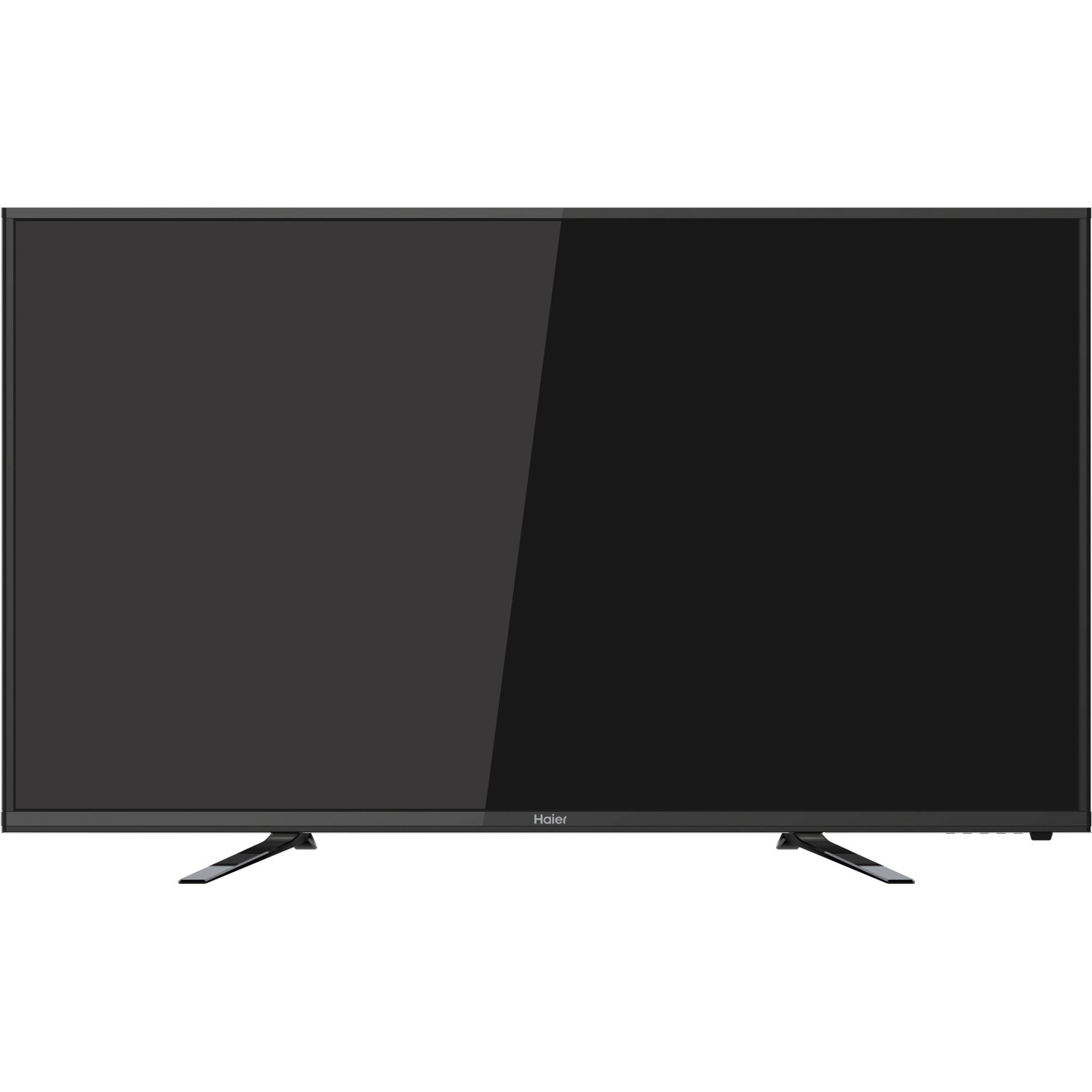
Immaġni: Quddiem view of the Haier 40E3500 40-inch LED HDTV, showcasing its slim frame and display.
2. Setup
2.1 Żpakkjar u Kontenut
Carefully remove the television from its packaging. Ensure all components are present:
- Haier 40E3500 Television Unit
- Stand tat-TV
- Kontroll mill-bogħod (bil-batteriji)
- Korda tal-Enerġija
- Manwal għall-Utent (dan id-dokument)
2.2 It-twaħħil tal-Istand
Place the TV screen face down on a soft, clean surface to prevent scratches. Align the stand with the mounting holes on the bottom of the television. Secure the stand using the provided screws. Ensure the stand is firmly attached before placing the TV upright.
2.3 Immuntar mal-Ħajt (Mhux obbligatorju)
If wall mounting, consult a professional installer. Note that this TV model may use smaller mounting screws than some other TV sets of similar size. Ensure compatible mounting hardware is used.
2.4 Qawwa tal-Konnessjoni
Connect the power cord to the TV's power input, then plug the other end into a standard AC outlet.
2.5 Konnessjoni ta' Apparati Esterni
Your Haier 40E3500 HDTV offers multiple connectivity options:
- Portijiet HDMI (x3): For high-definition audio and video sources such as Blu-ray players, game consoles, and cable/satellite boxes. One HDMI port is MHL (Mobile High-Definition Link) enabled, allowing connection of compatible smartphones, tablets, or streaming sticks.
- Port tal-USB (x1): Għall-konnessjoni ta' apparati tal-ħażna USB biex tilgħab il-midja files.
- Input tal-Komponent tal-Vidjo: Għall-konnessjoni ta' apparati bl-użu ta' kejbils tal-vidjow komponent.
- Input tal-Vidjo Kompost: Għall-konnessjoni ta' apparati bl-użu ta' kejbils tal-vidjo kompost.
- Input RF: Għall-konnessjoni ta' antenna jew provvista ta' kejbil tat-TV.
Ensure the TV is powered off before connecting or disconnecting any devices.
3. Istruzzjonijiet Operattivi
3.1 Wizard tas-Setup Inizjali
Malli tixgħel it-TV għall-ewwel darba, dan jiggwidak permezz ta' proċess inizjali ta' setup. Dan tipikament jinkludi:
- Għażla tal-lingwa
- Time zone and clock settings
- Channel scan (for antenna/cable connections)
3.2 Funzjonijiet Bażiċi
- Power On/Off: Agħfas il-buttuna tal-Qawwa fuq il-kontroll remot jew fuq it-TV.
- Kontroll tal-Volum: Uża l-buttuni Volume Up/Down fuq ir-remote.
- Għażla tal-Kanal: Uża l-buttuni Channel 'il fuq/'l isfel jew it-tastiera tan-numri fuq ir-remote.
- Għażla tal-Input: Press the 'Input' or 'Source' button on the remote to cycle through available input sources (HDMI 1, HDMI 2, HDMI 3, USB, Component, Composite, TV).
3.3 Settings tal-Istampa
Access the Picture menu to adjust settings such as Brightness, Contrast, Color, Tint, and Sharpness. Pre-set picture modes (e.g., Standard, Dynamic, Movie) are available for quick adjustments.
3.4 Settings tal-Ħoss
Access the Sound menu to adjust settings such as Bass, Treble, and Balance. The TV features two dedicated sound chambers designed to produce enhanced sound quality with improved mid-range response and richer overall sound texture.
3.5 MHL Functionality
Connect MHL-compatible devices (smartphones, tablets, Roku Streaming Stick) to the designated HDMI/MHL port using an MHL cable. This allows you to display content from your mobile device directly on the TV screen and often charges the device simultaneously.
4. Manutenzjoni
4.1 Tindif tal-Iskrin
Imsaħ l-iskrin bil-mod b'ċarruta ratba u mingħajr suf. Għal marki persistenti, nixxef ftit.ampLaħlaħ id-drapp bl-ilma jew b'prodott speċjalizzat għat-tindif tal-iskrin. Tisprejjax likwidu direttament fuq l-iskrin.
4.2 Kura Ġenerali
- Evita li tesponi t-TV għax-xemx diretta jew għal temperaturi estremi.
- Żomm it-TV 'il bogħod minn sorsi ta' umdità.
- Żgura ventilazzjoni xierqa madwar it-TV biex tevita sħana żejda.
- Skonnettja t-TV mill-plagg tal-elettriku waqt maltempati bis-sajjetti jew meta jitħalla waħdu għal perjodi twal.
5 Issolvi l-problemi
Qabel ma tikkuntattja l-appoġġ għall-klijenti, ipprova s-soluzzjonijiet li ġejjin għal problemi komuni:
- Ebda Qawwa: Ensure the power cord is securely plugged into both the TV and the wall outlet. Try a different outlet.
- L-ebda Stampa, Iżda Ħoss: Check the input source selection. Ensure the connected device is powered on and functioning correctly.
- L-ebda ħoss, iżda stampa: Check the volume level and mute setting. Ensure external audio devices are connected correctly.
- Il-Kontroll mill-bogħod Mhux Jaħdem: Ibdel il-batteriji. Kun żgur li m'hemm l-ebda ostaklu bejn ir-remote u s-senser IR tat-TV.
- Kwalità tal-Ħoss Fqira: While the TV has dedicated sound chambers, some users may prefer external audio solutions. Adjust sound settings in the menu.
- HDMI Input Issues: If an HDMI input is not functioning, try connecting the device to a different HDMI port. Ensure the HDMI cable is not damaged.
6. Speċifikazzjonijiet
| Numru tal-Mudell | 40E3500 |
| Daqs tal-Iskrin | 40 Pulzier |
| Teknoloġija tal-Wiri | LED |
| Riżoluzzjoni | 1080p (Full HD) |
| Riffriskar Rata | 60 Hz |
| Dimensjonijiet tal-Prodott (L x W x H) | 8.3 x 35.6 x 21.8 pulzieri |
| Piż tal-oġġett | 14.84 liri |
| Teknoloġija tal-Konnettività | HDMI (x3, one MHL enabled), USB (x1) |
| Kulur | Iswed |
7. Garanzija u Appoġġ
Għal informazzjoni dwar il-garanzija, jekk jogħġbok irreferi għall-karta tal-garanzija inkluża mal-prodott tiegħek jew żur is-sit uffiċjali ta' Haier. websit. Żomm l-irċevuta tax-xiri tiegħek bħala prova tax-xiri għal talbiet ta' garanzija.
For technical support or service inquiries, please contact Haier customer service. Contact details can typically be found on the manufacturer's websit jew fl-ippakkjar tal-prodott.


