1. Introduzzjoni
Thank you for choosing the Chamberlain 128REV Wireless Wall Button. This device is designed to provide convenient, wireless control for up to two separate garage door or gate openers from inside your garage. Its two-channel functionality allows for versatile operation without the need for complex wiring.

Immaġni: Quddiem view of the Chamberlain 128REV Wireless Wall Button.
2. Prodott Aktarview
2.1 Komponenti
- Chamberlain 128REV Wireless Wall Button
- 1 x Batterija tal-jone tal-litju (installata minn qabel jew inkluża)
- Fastening Screws (for mounting)
2.2 Karatteristiċi
- Wireless wall transmitter for convenient indoor use.
- Two-channel operation to control up to two separate garage doors or gates.
- Operates on 433 MHz frequency.
- Surface-mounted design for easy installation.
- No wiring necessary, simplifying installation.
- Compatible with a wide range of Chamberlain Evolution series garage door openers including ML510EV, ML700EV, ML1000EV, ML550EV, ML800EV, ML800EV-SMART, ML1000EV-S, ML1000EV-F, ML580EV, ML810EV, ML1040EV, ML810EV-SMART, ML1040EV-SMART.
- Also compatible with Chamberlain gate openers: CHLA250EVC, CHAA250EVC, CHSL400EVC.
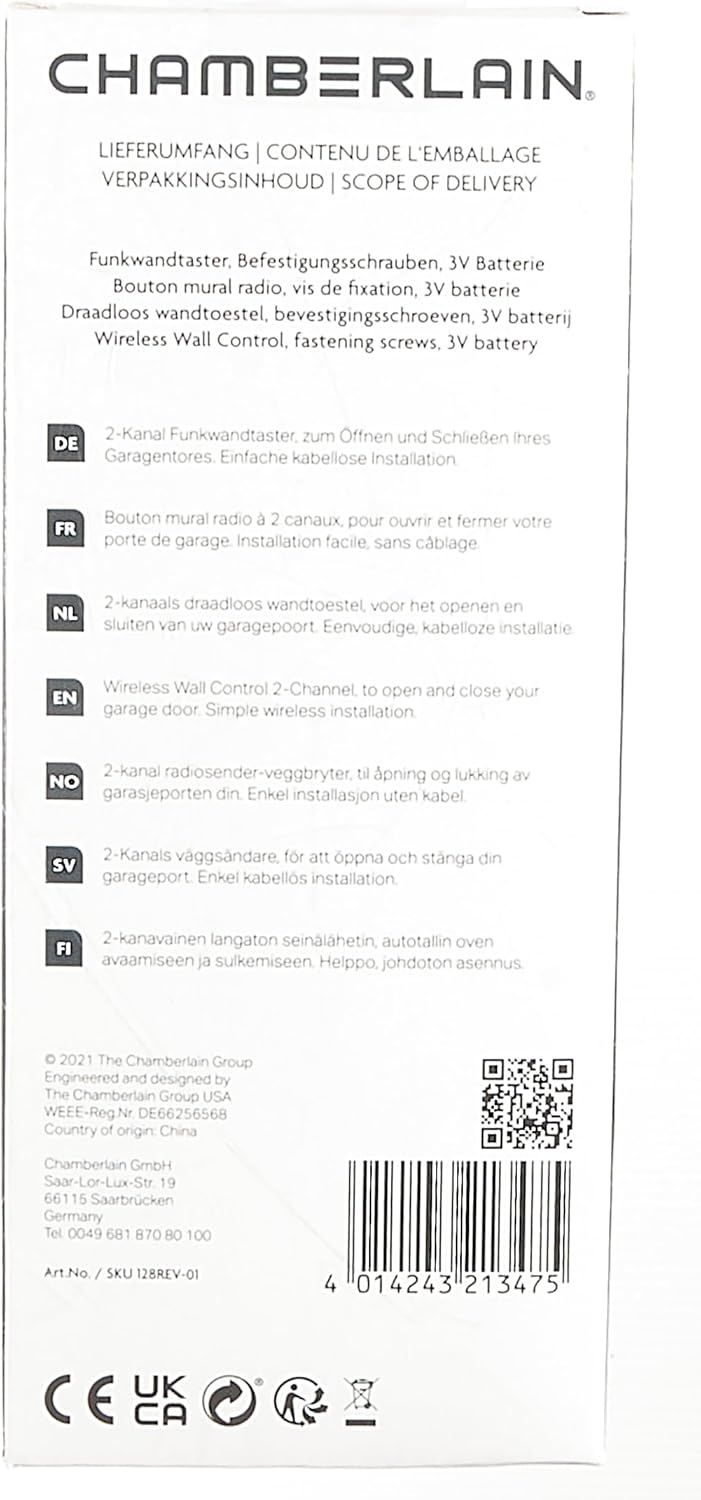
Image: Back of the product packaging detailing compatibility and features.
3. Setup
3.1 Installazzjoni tal-batterija
The Chamberlain 128REV typically comes with a Lithium Ion battery pre-installed. If not, or if replacement is needed, carefully open the battery compartment (usually on the back or side) and insert the 3V Lithium Ion battery, ensuring correct polarity.
3.2 Mounting the Wall Button
Choose a convenient indoor location within range of your garage door or gate opener. Use the provided fastening screws to securely mount the wall button to a flat surface. Since it is wireless, no electrical wiring is required.
3.3 Programming the Wall Button
To program the wall button to your opener, follow the specific programming instructions for your Chamberlain garage door or gate opener model. Generally, this involves:
- Locating the 'Learn' button on your opener's motor unit.
- Ippressar u rilaxxasing the 'Learn' button. The LED indicator on the opener will illuminate.
- Within 30 seconds, press and hold the desired button on your 128REV wall button until the opener's light flashes or you hear a click, indicating successful programming.
- Repeat the process for the second channel if you wish to control another opener.
Refer to your opener's manual for detailed programming steps, as procedures may vary slightly between models.
4. Istruzzjonijiet Operattivi
Once programmed, operating the Chamberlain 128REV Wireless Wall Button is straightforward:
- To open or close the first programmed garage door/gate, press the upper button.
- To open or close the second programmed garage door/gate, press the lower button.
The button sends a signal to your opener, initiating the open or close cycle. Ensure the path of the door/gate is clear before activation.

Image: A user demonstrating the operation of the wall button.
5. Manutenzjoni
The Chamberlain 128REV Wireless Wall Button requires minimal maintenance.
- Sostituzzjoni tal-batterija: When the button's range decreases or it becomes unresponsive, it may be time to replace the 3V Lithium Ion battery. Refer to section 3.1 for battery installation.
- Tindif: Wipe the surface of the button with a soft, dry cloth. Avoid using abrasive cleaners or solvents, as these can damage the finish.
6 Issolvi l-problemi
If you encounter issues with your Chamberlain 128REV Wireless Wall Button, consider the following:
| Problema | Kawża Possibbli | Soluzzjoni |
|---|---|---|
| Button does not activate opener. | Batterija baxxa jew mejta. Button not programmed correctly. Barra mill-firxa. | Ibdel il-batterija. Reprogram the button (see Section 3.3). Move closer to the opener's motor unit. |
| Firxa operattiva mnaqqsa. | Batterija baxxa. Interferenza minn apparati oħra. | Ibdel il-batterija. Identifika u neħħi sorsi ta' interferenza (eż., apparati oħra mingħajr fili). |
| Button activates wrong opener. | Programmazzjoni mhux korretta. | Clear all codes from the opener and reprogram the button (see Section 3.3). |
7. Speċifikazzjonijiet
| Attribut | Valur |
|---|---|
| Manifattur | Chamberlain |
| Numru tal-Mudell | 128REV |
| Numru tal-Parti | 128REV |
| Piż tal-oġġett | 10 gramma |
| Dimensjonijiet tal-Prodott | 19.5 x 8.5 x 4.5 ċm |
| Tip ta 'batterija | 1 x Lithium Ion (3V) |
| Batteriji Inklużi | Iva |
| Frekwenza | 433 MHz |
| Tip ta 'Immuntar | Immuntat tal-wiċċ |
8. Garanzija u Appoġġ
For detailed warranty information and customer support, please visit the official Chamberlain website. You can find comprehensive resources, FAQs, and contact information there.
Visit Chamberlain Official Websit
For any technical assistance or inquiries not covered in this manual, please contact Chamberlain customer service.


