1. Introduzzjoni
This manual provides instructions for the installation, operation, and maintenance of your DIGITUS DN-70542 Wireless LAN USB 2.0 Adapter. This device allows your computer to connect to a wireless network using the 802.11n standard, offering data transfer rates of up to 300 Mbps.
The adapter is backward compatible with IEEE 802.11g and 802.11b standards and operates within the 2.4-2.4835GHz frequency range. It also features a Wireless Protected Setup (WPS) function for easy and secure network connection.

Figura 1.1: Fuq view of the DIGITUS DN-70542 Wireless LAN USB 2.0 Adapter.

Figura 1.2: Angolat view of the DIGITUS DN-70542 adapter, highlighting its compact design.

Figura 1.3: Dettaljat view of the USB 2.0 connector of the DIGITUS DN-70542 adapter.
2. Kontenut tal-Pakkett
Jekk jogħġbok ivverifika li l-oġġetti kollha huma preżenti fil-pakkett:
- 1 x DIGITUS DN-70542 Mini USB WiFi Adapter
- 1 x Product Support CD-ROM (containing drivers and utilities)
- 1 x Manwal tal-Utent (dan id-dokument)
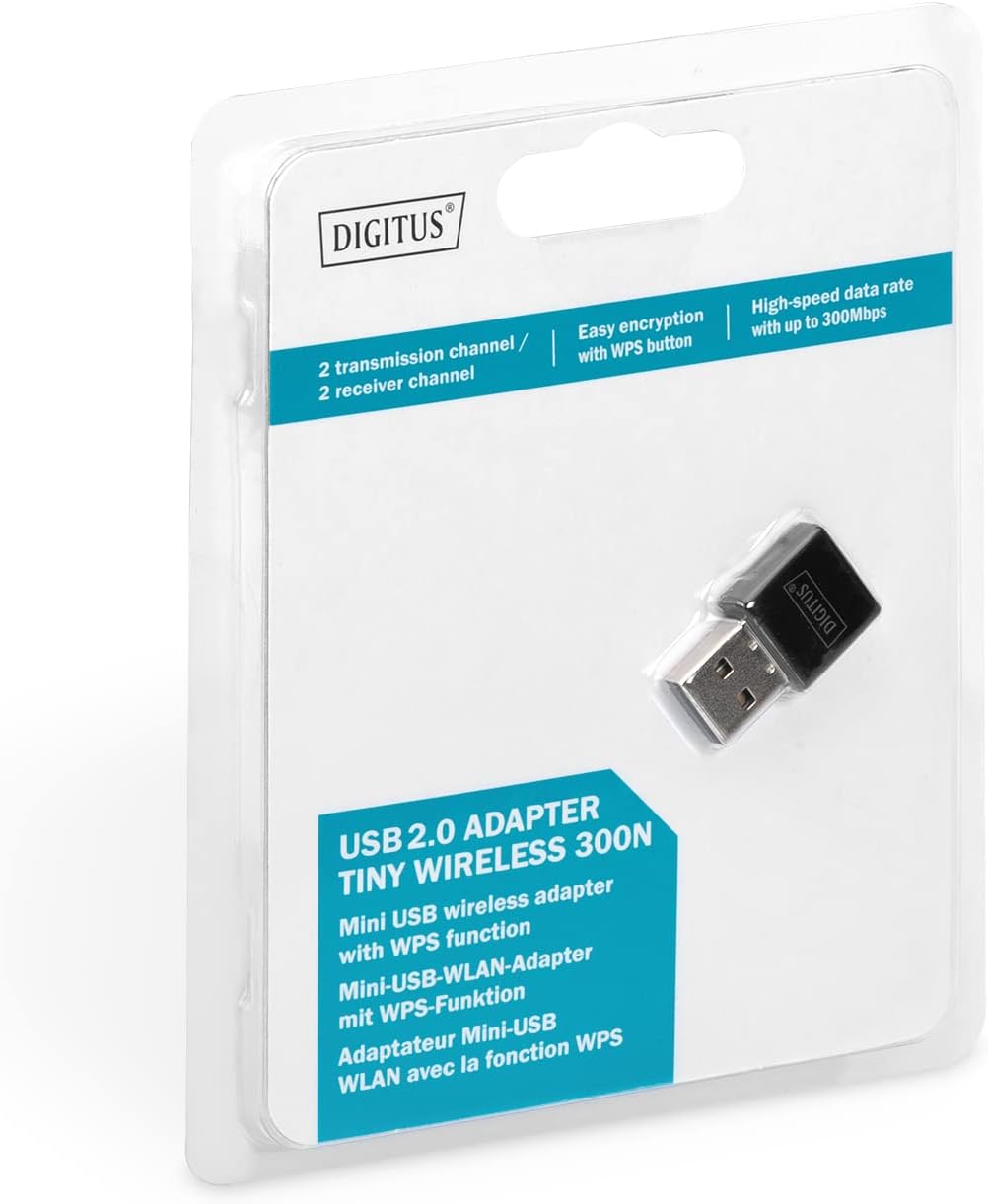
Figure 2.1: Retail packaging of the DIGITUS DN-70542 adapter, showing the adapter and its key features.
3. Gwida ta' Setup
Follow these steps to install your Wireless LAN USB Adapter:
- Installa Sewwieqa: Before connecting the adapter, insert the included Product Support CD-ROM into your computer's optical drive. Follow the on-screen instructions to install the necessary drivers. If your computer does not have an optical drive, or if you encounter issues, please visit the official DIGITUS website to download the latest drivers for your operating system (Windows).
Note: Some operating systems, particularly older versions of Windows, may require driver installation prior to connecting the device. Refer to the Troubleshooting section if you encounter issues during this step.
- Qabbad l-Adapter: Locate an available USB 2.0 port on your computer. Carefully insert the DIGITUS DN-70542 Wireless LAN USB 2.0 Adapter into the USB port.
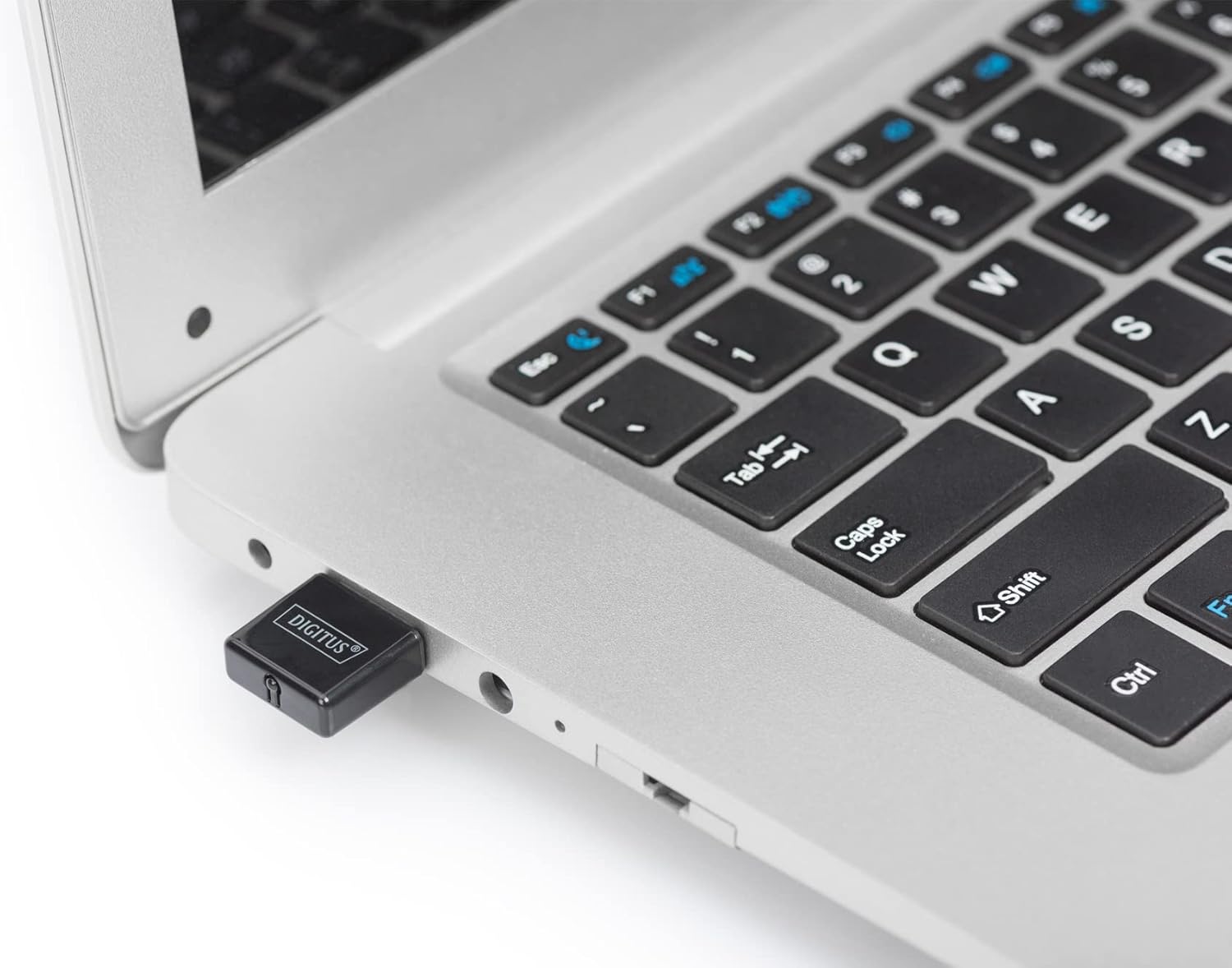
Figure 3.1: The DIGITUS DN-70542 adapter inserted into a laptop's USB port.

Figura 3.2: Egħluq view of the adapter connected to a laptop, showing its compact size.
- Ivverifika l-Installazzjoni: After connecting, your operating system should detect the new hardware and complete the installation. You can verify the installation by checking your computer's Device Manager (for Windows) to ensure the wireless adapter is listed and functioning correctly.
4. Istruzzjonijiet Operattivi
Once the adapter is successfully installed, you can connect to a wireless network.
- Konnessjoni ma' Netwerk Wireless:
- Open your computer's wireless network settings.
- Skennja għal netwerks mingħajr fili disponibbli.
- Agħżel in-netwerk mixtieq tiegħek (SSID) mil-lista.
- Daħħal iċ-ċavetta tas-sigurtà tan-netwerk (password) jekk tintalab.
- Click "Connect" to establish the wireless connection.
- Using WPS (Wi-Fi Protected Setup):
The adapter supports WPS for a simplified and secure connection to compatible routers.
- Agħfas il-buttuna WPS fuq ir-router mingħajr fili tiegħek.
- Within two minutes, press the WPS button on the DIGITUS DN-70542 adapter. The WPS button is a small, recessed button on the side of the adapter.
- The adapter and router will automatically establish a secure connection.

Figure 4.1: The WPS button located on the side of the adapter.
5. Manutenzjoni
To ensure optimal performance and longevity of your DIGITUS DN-70542 adapter, follow these guidelines:
- Żomm l-adapter nadif u ħieles mit-trab. Uża drapp artab u niexef għat-tindif.
- Evita li tesponi l-adapter għal temperaturi estremi, umdità, jew dawl tax-xemx dirett.
- Do not attempt to disassemble or repair the adapter yourself. This will void the warranty.
- Aħżen l-adapter f'post sigur meta ma tkunx qed tużah biex tevita ħsara fiżika.
6 Issolvi l-problemi
If you encounter issues with your DIGITUS DN-70542 Wireless LAN USB 2.0 Adapter, refer to the following common problems and solutions:
- Adapter Not Detected / Driver Installation Issues:
- Ensure the adapter is fully inserted into a functional USB port.
- Ipprova port USB differenti.
- Reinstall the drivers from the provided CD-ROM.
- Download the latest drivers from the official DIGITUS websit.
- If using Windows 8.1 or newer and encountering issues like "Bluescreen" or "infected file" warnings during driver installation, temporarily disable antivirus software (like Windows Defender) during driver installation, then re-enable it immediately after. Ensure you are downloading drivers from a trusted source (DIGITUS official websit).
- Check Device Manager to see if the adapter is listed with any error symbols.
- Cannot Connect to Wireless Network:
- Verify that your wireless router is powered on and broadcasting a signal.
- Ensure you are entering the correct network security key (password).
- Move closer to the wireless router to improve signal strength.
- Restart your computer and the wireless router.
- Check if other devices can connect to the same wireless network.
- Veloċità ta' Konnessjoni Bil-Mod:
- Ensure your router supports 802.11n for optimal speeds.
- Imminimizza l-interferenza minn apparati elettroniċi oħra (eż., microwaves, telefowns mingħajr fili).
- Aġġorna l-firmware tar-router tiegħek.
- Iċċekkja għal apparati oħra li qed jikkunsmaw bandwidth fuq in-netwerk tiegħek.
7. Speċifikazzjonijiet
| Karatteristika | Deskrizzjoni |
|---|---|
| Mudell | DN-70542 |
| Interface tal-Ħardwer | USB 2.0 |
| Standards bla fili | IEEE 802.11n, IEEE 802.11g, IEEE 802.11b |
| Rata ta' Trasferiment tad-Data | Sa 300 Mbps |
| Medda ta' Frekwenzi | 2.4 - 2.4835 GHz |
| Karatteristiċi tas-Sigurtà | WPS (Wireless Protected Setup) function |
| Appoġġ tas-Sistema Operattiva | Windows |
| Dimensjonijiet tal-Prodott | 24 x 15 x 2 mm (approximate); 15 g |
| Manifattur | ASSMANN Electronic GmbH PES - BO DE |
8. Garanzija u Appoġġ
For warranty information and technical support, please refer to the documentation included with your product or visit the official DIGITUS webis-sit. Id-dettalji ta' kuntatt għall-appoġġ għall-klijenti tipikament jistgħu jinstabu fuq is-sit tal-manifattur websit.
Jekk jogħġbok żomm il-prova tax-xiri tiegħek għal kwalunkwe talba ta' garanzija.


