1. Introduzzjoni
This manual provides instructions for the setup, operation, and maintenance of your ViewSonic VX2770SMH-LED 27-inch IPS 1080p Frameless LED Monitor. This monitor features a sleek design, Full HD 1920x1080 resolution, and an IPS panel for wide viewing angles and accurate color reproduction. It includes HDMI, DVI, and VGA inputs, along with integrated speakers.
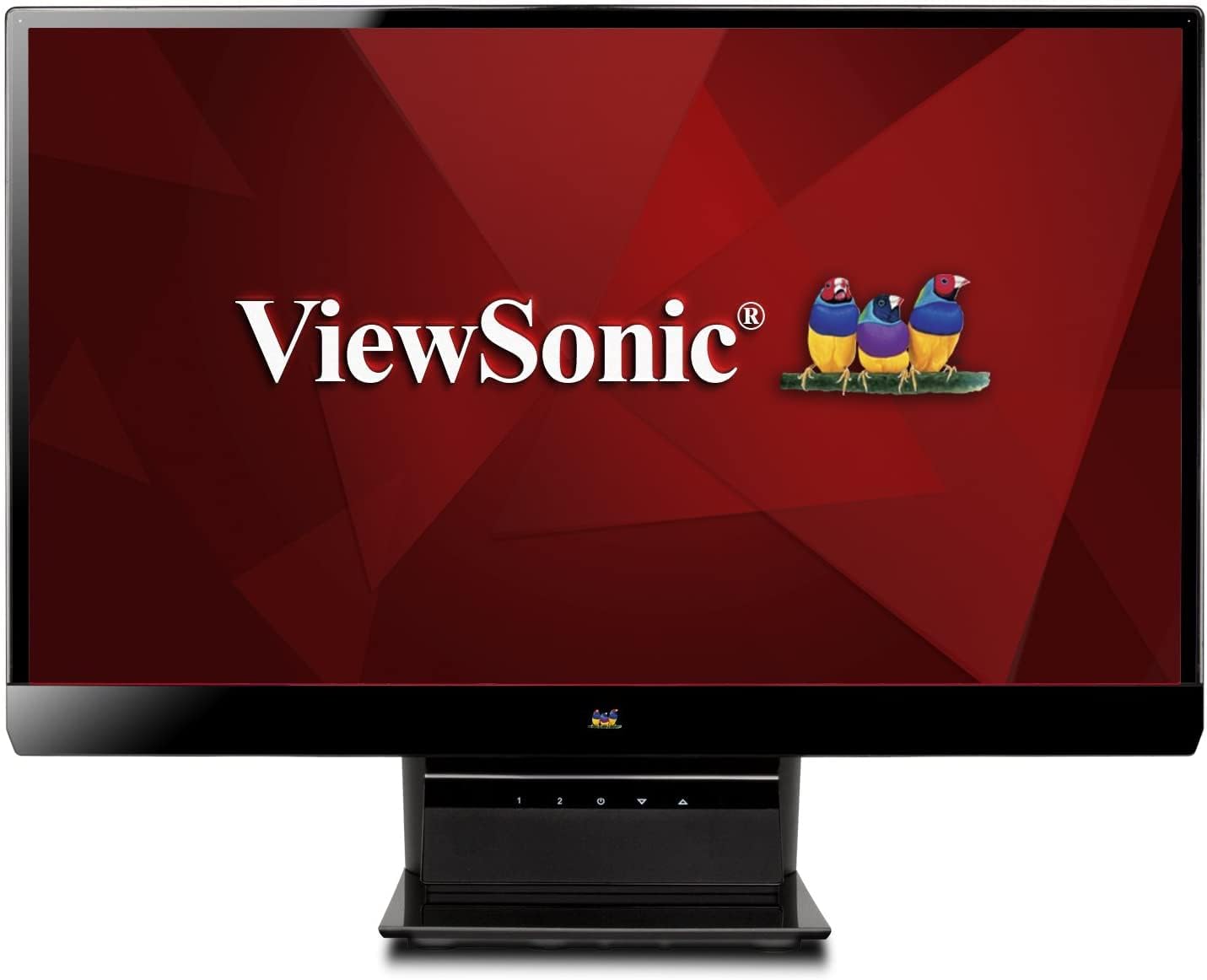
Figura 1: ViewSonic VX2770SMH-LED 27-inch monitor displaying a tropical beach scene.
2. Kontenut tal-Pakkett
Ivverifika li l-oġġetti kollha huma preżenti fil-pakkett tal-prodott tiegħek:
- VX2770Smh-LED display
- Kejbil tal-enerġija
- Adapter AC/DC
- Cable VGA
- Cable HDMI
- Gwida Quick Start
- ViewSonic Wizard CD
3. Setup
Segwi dawn il-passi biex twaqqaf il-monitor tiegħek:
- Arma l-Istand: Carefully attach the monitor panel to the stand base according to the Quick Start Guide. Ensure it is securely fastened.
- Qabbad l-Enerġija: Connect the AC/DC adapter to the monitor's power input, then plug the power cable into the adapter and a power outlet.
- Qabbad il-Kejbil tal-Vidjo: Connect one end of the appropriate video cable (HDMI, DVI, or VGA) to the corresponding port on the back of the monitor and the other end to your computer's video output port.
- Qawwa Mixgħul: Agħfas il-buttuna tal-qawwa fuq il-monitor biex tixgħel.

Figura 2: Wara view of the monitor, illustrating the stand attachment area and overall design.
4. It-tħaddim tal-Monitor
The monitor features capacitive control buttons located on the stand for easy access to settings and power functions.

Figura 3: Quddiem view of the monitor, showing the control buttons on the stand.
Qawwa mixgħul/mitfi
Press the power button (usually indicated by a power symbol) to turn the monitor on or off.
Menu tal-Wiri fuq l-Iskrin (OSD).
Use the control buttons to navigate the OSD menu. This menu allows you to adjust various display settings such as brightness, contrast, color temperature, input source, and more. Refer to the digital manual on the ViewSonic Wizard CD for detailed OSD navigation.
5. Konnettività
Il- ViewSonic VX2770SMH-LED monitor offers multiple input options for versatile connectivity:
- HDMI: Għal vidjow u awdjo diġitali ta' definizzjoni għolja.
- DVI-D: Għal input ta' vidjow diġitali.
- VGA: Għal input tal-vidjow analogu.
The monitor also features integrated speakers with SRS Premium Sound for audio output.

Figura 4: Close-up view of the HDMI, DVI, and VGA input ports on the monitor's rear panel.
Video 1: Official product video demonstrating the features and design of the ViewSonic VX2770SMH-LED monitor, including its frameless design, IPS panel technology, connectivity options, and energy efficiency.
6. Karatteristiċi tal-Wiri
- Teknoloġija tal-Panel IPS: Provides consistent and accurate colors with wide 178/178-degree viewing angles, ensuring clear images from nearly any perspective.
- Riżoluzzjoni Full HD 1080p: Delivers sharp and detailed images (1920x1080) for an enhanced viewing esperjenza.
- Disinn mingħajr qafas: The ultra-thin bezel creates a seamless visual experience, ideal for multi-monitor setups.
- MEGA Dynamic Contrast Ratio: A 30,000,000:1 dynamic contrast ratio enhances image depth and detail.
- Backlight LED: Energy-efficient LED backlighting contributes to lower power consumption.
- Ekomodalità: Further reduces power consumption and extends the monitor's lifespan.
- sRGB Color Correction: Ensures accurate color reproduction for various applications.
7. Manutenzjoni
Biex tiżgura l-lonġevità u l-prestazzjoni ottimali tal-monitor tiegħek, segwi dawn il-linji gwida ta' manutenzjoni:
- Tindif tal-Iskrin: Imsaħ l-iskrin bil-mod b'ċarruta ratba u mingħajr suf. Għal marki persistenti, nixxef bil-modampLaħlaħ id-drapp bl-ilma jew b'tindif tal-iskrin ħafif u mhux abrażiv. Evita li tisprejja l-likwidu direttament fuq l-iskrin.
- Tindif tas-Casing: Uża drapp artab u niexef biex tnaddaf il-parti ta' fuq tal-monitor.asing.
- Ventilazzjoni: Kun żgur li l-fetħiet tal-ventilazzjoni tal-monitor mhumiex imblukkati biex tevita li jisħon iżżejjed.
- Qawwa Mitfi meta ma tkunx qed tintuża: Turn off the monitor when not in use to save energy and prolong its life.
8 Issolvi l-problemi
Jekk tiltaqa' ma' problemi bil-monitor tiegħek, irreferi għall-passi komuni li ġejjin għas-soluzzjoni tal-problemi:
- Ebda Qawwa: Check if the power cable and AC/DC adapter are securely connected to the monitor and a working power outlet.
- Ebda Sinjal: Verify that the video cable is correctly connected to both the monitor and your computer. Ensure the correct input source is selected via the OSD menu.
- Image Issues (Blurry, Distorted, Incorrect Colors): Adjust the display settings through the OSD menu. Ensure your computer's display resolution is set to the monitor's native resolution (1920x1080).
- Ebda Ħsejjes: Check the audio cable connection (if using VGA) or ensure HDMI audio is selected. Adjust the volume settings on both the monitor and your computer.
For more detailed troubleshooting, consult the digital manual on the ViewSonic Wizard CD.
9. Speċifikazzjonijiet
| Karatteristika | Speċifikazzjoni |
|---|---|
| Daqs tal-wiri tal-iskrin wieqaf | 27 Pulzier |
| Riżoluzzjoni tal-Iskrin | 1920x1080 |
| Riżoluzzjoni Massima tal-Iskrin | 1920 x 1080 |
| Serje | Viewsonic VX2770SMH-LED |
| Numru tal-mudell tal-oġġett | VX2770SMH-LED |
| Piż tal-oġġett | 11 liri |
| Dimensjonijiet tal-Prodott | 7.6 x 24.5 x 18.1 pulzieri |
| Kulur | Iswed |
| Daqs tal-Iskrin | 27 Pulzier |
| Riżoluzzjoni | FHD 1080p |
| Proporzjon ta' l-aspett | 1.78:1 |
| Deskrizzjoni tal-wiċċ tal-iskrin | Tleqq |

Figure 5: Monitor dimensions for planning your workspace.
10. Garanzija u Appoġġ
Dan ViewSonic monitor is covered by a Garanzija Limitata ta' sena. For warranty claims or technical support, please refer to the contact information provided in your Quick Start Guide or visit the official ViewAppoġġ soniku websit.