Istruzzjonijiet Importanti dwar is-Sigurtà
Read these instructions carefully before installing, operating, servicing, or maintaining the unit. Failure to observe these instructions can result in death, serious injury, or equipment damage.
- Dan l-UPS huwa maħsub għall-użu fuq ġewwa biss.
- Tħaddimx din l-unità fix-xemx diretta, f'kuntatt ma 'fluwidi, jew fejn hemm trab jew umdità eċċessiva.
- Qabbad il-kejbil tad-dawl tal-UPS direttament ma 'plagg tal-ħajt. Tużax protetturi kontra l-mewġ jew estensjonijiet.
- The battery is heavy. Seek assistance when replacing the battery.
- Is-servizz tal-batteriji għandu jsir jew jiġi sorveljat minn persunal infurmat dwar il-batteriji u l-prekawzjonijiet meħtieġa.
- Tarmix il-batteriji fin-nar. Il-batteriji jistgħu jisplodu.
- Tiftaħx jew timmultilja l-batteriji. L-elettrolit rilaxxat huwa ta 'ħsara għall-ġilda u l-għajnejn. Jista 'jkun tossiku.
Kontenut tal-Pakkett
Verify that all contents are present upon receipt. Notify the carrier and dealer if there is any damage.
- APC Back-UPS Pro 900 Unit
- Cable tal-Komunikazzjoni USB
- Manwal għall-Utent u Informazzjoni dwar is-Sigurtà
- CD tas-Softwer PowerChute Personal Edition (jew struzzjonijiet għat-tniżżil)
Setup
Pjazzament
Place the Back-UPS to protect connected equipment. The unit should be placed on a flat, stable surface, away from direct sunlight, excessive heat, or moisture. Ensure adequate airflow around the unit.

Immaġni: Quddiem view of the APC Back-UPS Pro 900, showing the display and power buttons.
Konnessjoni mal-Enerġija
- Connect the UPS power cable directly to a properly grounded 230V AC wall outlet.
- Allow the Back-UPS to charge for at least 24 hours to ensure sufficient runtime capacity. The unit charges whenever it is connected to AC power, whether it is turned on or off.
Tagħmir ta' Konnessjoni
Connect your computer, monitor, and other critical devices to the 'Battery Backup' outlets. Connect non-critical devices (e.g., printer, scanner) to the 'Surge Only' outlets.

Immaġni: Wara view of the APC Back-UPS Pro 900, highlighting the battery backup outlets, surge-only outlets, network ports, and USB/Serial data ports.
- Ħwienet tal-backup tal-batterija: Provide power to connected equipment during power outages u jipproteġi kontra żidiet fil-vultaġġ.
- Ħwienet ta 'Żieda Biss: Provide surge protection only. These outlets do not provide power during a power outage.
- USB/Serial Port: Connect the provided USB cable from the UPS to your computer for automatic shutdown and advanced power management features using PowerChute Personal Edition software.
- Network Protection Ports (RJ-45): Protect an Ethernet line from surges. Connect your network cable through these ports.
Jopera l-UPS
Wiri tal-Panew ta 'Quddiem
The front panel display provides real-time information about the UPS status and power conditions. Press the DISPLAY button to cycle through various display options.
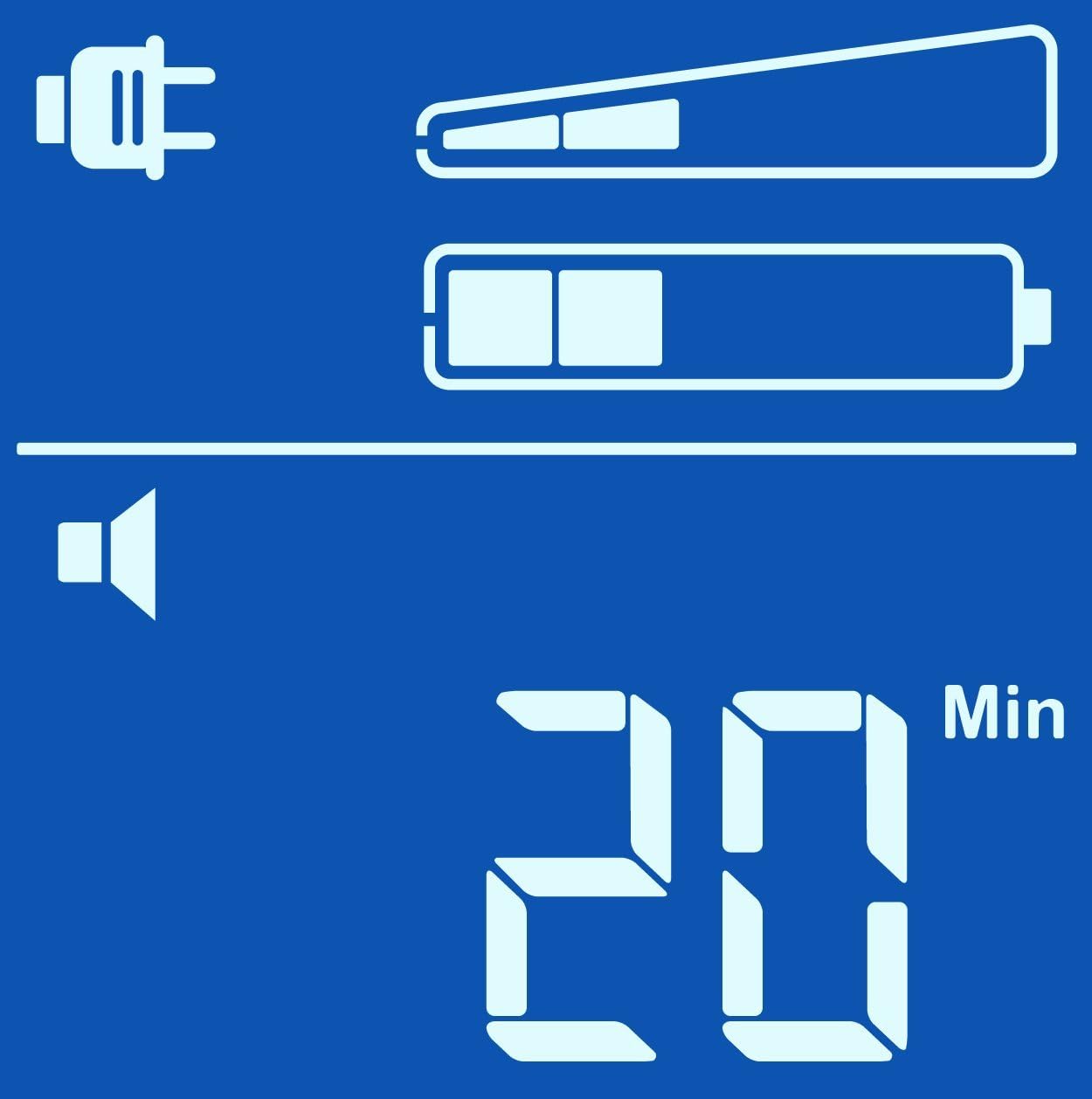
Estimated Runtime (Min)

Ħruġ Voltage (V)
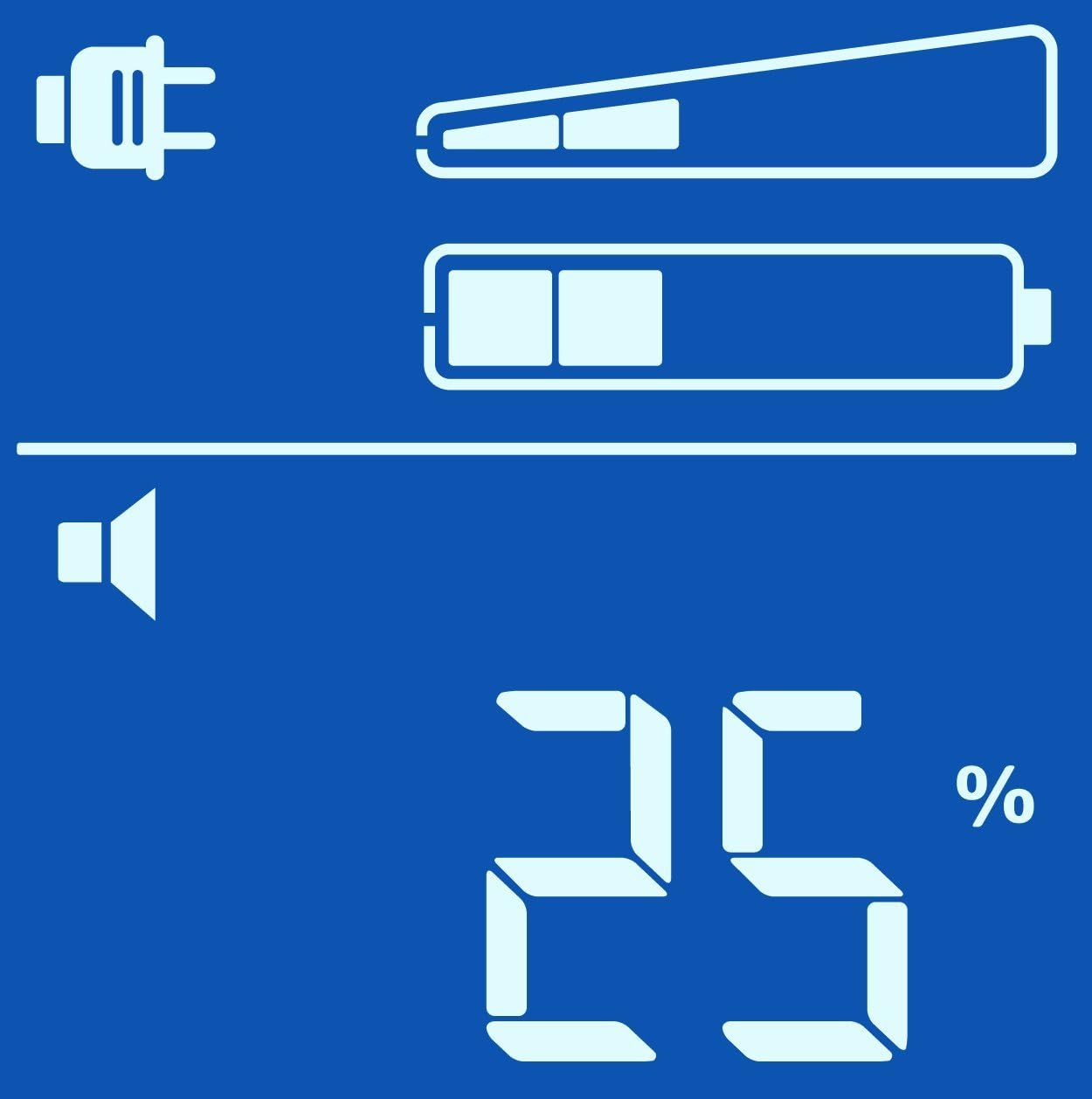
Tagħbija Perċenswalitage (%)

Load in Watts (W)
Qawwa mixgħul/mitfi
- Biex Tixgħel: Press the POWER button once. The display will illuminate.
- Biex Tintefa: Press and hold the POWER button until a beep is heard and the display turns off.
Operazzjoni ta 'Backup tal-Batterija
Waqt qawwa outage, the Back-UPS will automatically switch to battery power. An audible alarm will sound, and the display will show the estimated runtime. The alarm will sound more frequently as the battery charge depletes.
Jekk il-poter outage is prolonged, the Back-UPS will automatically shut down connected equipment to prevent data loss and preserve battery life. Ensure PowerChute Personal Edition software is installed and configured on your computer for this feature to work correctly.
Manutenzjoni
Sostituzzjoni tal-batterija
The battery in your Back-UPS Pro 900 is a user-replaceable, hot-swappable battery. The typical battery life is 3-5 years, depending on usage and environmental conditions. Replace the battery when the 'Replace Battery' indicator illuminates on the display.
Use only APC approved replacement batteries (APCRBC123). Refer to the detailed battery replacement instructions provided with the replacement battery kit or on the APC websit.
Tindif
Clean the exterior of the UPS with a soft, dry cloth. Do not use liquid or aerosol cleaners. Ensure the unit is unplugged from the wall outlet before cleaning.
Issolvi l-problemi
Use the table below to solve minor installation and operation problems. Refer to the APC website or contact customer support for more complex issues.
| Problema | Kawża Possibbli | Soluzzjoni |
|---|---|---|
| UPS mhux se jixgħel | Not connected to AC power; Low battery charge | Ensure power cable is securely plugged into a wall outlet; Allow battery to charge for 24 hours. |
| Il-UPS jagħmel ħoss kontinwu | On battery power; Overload condition | Check AC power supply; Reduce connected load by unplugging non-essential equipment. |
| Replace Battery indicator is lit | Il-batterija teħtieġ sostituzzjoni | Order and install a new APC replacement battery (APCRBC123). |
| L-ebda enerġija għat-tagħmir konness | UPS is off; Circuit breaker tripped | Turn on the UPS; Press the circuit breaker reset button on the back of the unit. |
Speċifikazzjonijiet
| Karatteristika | Dettall |
|---|---|
| Mudell | BR900GI |
| Kapaċità | 900 VA / 540 W |
| Input Voltage | 230 V AC |
| Ħruġ Voltage | 230 V AC |
| Tip ta 'batterija | Maintenance-free sealed Lead-Acid battery |
| Ħin Tipiku ta 'Recharge | 8 sigħat sa 90% |
| Dimensjonijiet (H x W x D) | 9.8 x 3.9 x 15.0 pulzieri (24.9 x 9.9 x 38.1 ċm) |
| Piż | 25.79 lbs (11.7 kg) |
| Temperatura operattiva | 0 sa 40 °C (32 sa 104 °F) |
Informazzjoni dwar Garanzija
APC by Schneider Electric provides a standard warranty for this product. The warranty period typically covers defects in materials and workmanship under normal use. Please refer to the warranty card included with your product or visit the official APC webis-sit għall-aktar termini u kundizzjonijiet tal-garanzija attwali u dettaljati applikabbli għar-reġjun tiegħek.
Żomm il-prova tax-xiri tiegħek (irċevuta) għax tkun meħtieġa għal kwalunkwe talba ta' garanzija.
Appoġġ għall-Klijent
For technical assistance, troubleshooting, or product information, please visit the official APC by Schneider Electric support website or contact your local APC customer support center.
Websit: www.apc.com/support
When contacting support, please have your product model (BR900GI) and serial number ready. The serial number is typically located on a sticker on the back or bottom of the unit.


