Introduzzjoni
Grazzi tax-xiriasing the GPX DH300B 1080p Upconversion DVD Player with HDMI. This device is designed to enhance your viewing experience by upconverting standard definition DVDs to near high-definition resolutions (720p, 1080i, or 1080p) for compatible HDTVs. It supports a variety of disc formats, including DVD, DVD+/-R/RW, CD, CD-R/RW, and JPEG CDs, and features multiple audio and video output options for versatile connectivity.
Kontenut tal-Pakkett
Jekk jogħġbok kun żgur li l-oġġetti kollha elenkati hawn taħt huma inklużi fil-pakkett tiegħek:
- GPX DH300B DVD Player with built-in AC power cable
- Full-function Remote Control (requires 2 AAA batteries - not included)
- Kejbil tal-Awdjo/Vidjo RCA
- Gwida għall-Utent (dan id-dokument)
- Karta ta' Garanzija
Prodott Overview
Kontrolli tal-Panew ta' Quddiem
The front panel of your GPX DH300B DVD Player provides essential controls for basic operation:

Figura 1: Quddiem view of the GPX DH300B DVD Player, showing the disc tray, control buttons, and USB port.
- Trej tad-Diska: Daħħal DVDs jew CDs hawn.
- Buttuna Miftuħa/Agħlaq: Jiftaħ u jagħlaq it-trej tad-diska.
- Buttuna Play/Pause: Jibda jew iwaqqaf il-plejbek tad-diska.
- Buttuna Waqqaf: Iwaqqaf il-plejbek tad-diska.
- Buttuna tal-Qawwa: Ixgħel jew jitfi l-unità.
- Port USB: For playing media from a USB flash drive.
Konnessjonijiet tal-Panew ta' wara
The rear panel offers various ports for connecting the DVD player to your television or audio system:

Figura 2: Wara view of the GPX DH300B DVD Player, highlighting the HDMI, S-video, composite video, coaxial digital audio, and RCA stereo audio outputs.
- Ħruġ HDMI: For digital audio and video connection to an HDTV. Supports 720p, 1080i, 1080p upconversion.
- Ħruġ tal-S-Video: For video connection to a TV.
- Ħruġ tal-Vidjo Kompost (RCA Isfar): For standard definition video connection.
- Output Awdjo Diġitali koassjali: For digital audio connection to a compatible audio receiver.
- RCA Stereo Audio Output (Red/White): For analog stereo audio connection.
Setup
1. Konnessjoni ma' Televiżjoni
Choose the appropriate connection method based on your television's available inputs:
HDMI Connection (Recommended for HDTVs)
- Ensure both the DVD player and your TV are powered off.
- Qabbad tarf wieħed ta 'kejbil HDMI (mhux inkluż) mal- HDMI OUT port on the back of the DVD player.
- Connect the other end of the HDMI cable to an HDMI-IN port fuq it-televiżjoni tiegħek.
- Power on your TV and select the corresponding HDMI input using your TV's remote control.
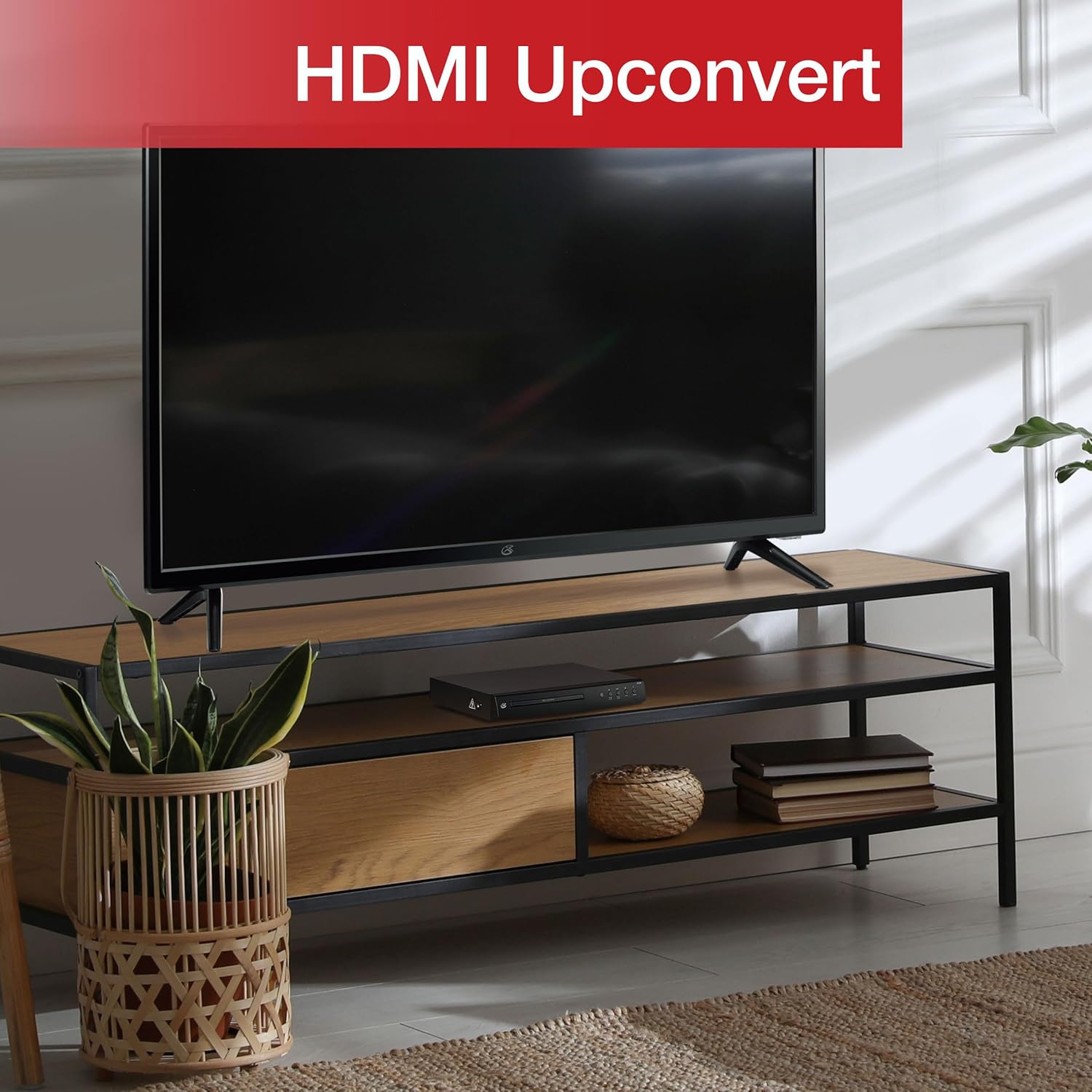
Figure 3: The GPX DH300B DVD Player connected to a television, demonstrating HDMI upconversion capabilities.
RCA Composite Video Connection
- Ensure both the DVD player and your TV are powered off.
- Connect the yellow plug of the RCA audio/video cable to the VIDEO OUT (yellow) port on the DVD player.
- Connect the red and white plugs of the RCA audio/video cable to the ĦRUĠ AWDJO R (aħmar) u ĦRUĠ AWDJO L (white) ports on the DVD player.
- Connect the other ends of the RCA cables to the corresponding VIDEO FI u AUDIO IN (R/L) ports on your television.
- Power on your TV and select the corresponding AV input.
2. Konnessjoni tal-Enerġija
The DVD player has a built-in AC power cable. Plug this cable into a standard 120V AC wall outlet.
3. Installazzjoni tal-Batterija tal-Kontroll mill-bogħod
The remote control requires two AAA batteries (not included). Open the battery compartment on the back of the remote and insert the batteries, ensuring correct polarity (+/-).
Istruzzjonijiet Operattivi
1. Tixgħil / Mitfi
Agħfas il- Qawwa button on the front panel of the DVD player or on the remote control to turn the unit on or off.
2. Daqq tad-Diska
- Power on the DVD player and your television.
- Agħfas il- Iftaħ/Agħlaq buttuna fuq il-pannell ta’ quddiem jew fuq il-kontroll remot biex tiftaħ it-trej tad-diska.
- Poġġi DVD jew CD fuq it-trej tad-diska bin-naħa tat-tikketta tħares 'il fuq.
- Agħfas il- Iftaħ/Agħlaq Agħfas il-buttuna mill-ġdid biex tagħlaq it-trej tad-diska. Il-plejer jibda jdaħħal id-diska.
- Playback should start automatically. If a menu appears, use the arrow buttons on the remote to navigate and the OK buttuna biex tagħżel.
- Uża l- Play/Pawsa u Waqqaf buttuni għall-kontroll tal-plejbek.

Figure 4: The GPX DH300B DVD Player, indicating its DVD playback capability.

Figure 5: The GPX DH300B DVD Player, indicating its CD playback capability.
3. Daqq USB
The GPX DH300B supports media playback from a USB flash drive. Insert your USB drive into the USB port on the front panel. Use the remote control to navigate the on-screen menu and select your desired media files (e.g., JPEG images).
4. On-Screen Display (OSD) and Settings
The multi-language on-screen display allows you to adjust various video and audio settings. Press the SETUP button on the remote control to access the setup menu. Use the arrow buttons to navigate and OK biex tikkonferma l-għażliet.
5. Funzjonijiet ta 'Kontroll mill-bogħod
The included full-function remote control provides comprehensive control over the DVD player. Key functions include:

Figure 6: A user operating the GPX DH300B DVD Player with its remote control.
- Qawwa mixgħul/mitfi
- Iftaħ/Agħlaq Disc Trey
- Play, Pause, Stop, Fast Forward, Rewind
- Chapter Skip (Next/Previous)
- Kontroll tal-Volum
- Setup Menu Access
- Navigation (Arrow buttons, OK)
- Subtitle, Audio, Angle selection
Manutenzjoni
Tindif tal-Unità
Wipe the exterior of the DVD player with a soft, dry cloth. Do not use liquid cleaners or abrasive materials, as they may damage the finish.
Diski tat-Tindif
Wipe discs from the center outwards with a soft, lint-free cloth. Avoid touching the playback surface of the disc. Do not use solvents such as benzene, thinners, or commercially available cleaners, as they may damage the disc.
Issolvi l-problemi
| Problema | Kawża Possibbli | Soluzzjoni |
|---|---|---|
| Ebda qawwa | Power cable not connected; outlet not active. | Ensure power cable is securely plugged into a working outlet. |
| L-ebda stampa | Video cable not connected; incorrect TV input selected. | Check video cable connections (HDMI or RCA). Select the correct input source on your TV. |
| L-ebda ħoss | Audio cable not connected; TV/receiver volume too low or muted. | Check audio cable connections (HDMI or RCA). Adjust volume on TV/receiver. Ensure not muted. |
| Diska mhux qed tindaqq | Id-diska hija maħmuġa, mibruxa, jew il-format tagħha huwa inkompatibbli. | Clean the disc. Try a different disc. Ensure the disc format is supported (DVD, CD, JPEG CD). |
| Il-kontroll mill-bogħod ma jaħdimx | Batteries are dead or incorrectly inserted; obstruction between remote and player. | Replace batteries, ensuring correct polarity. Remove any obstructions. Ensure remote is pointed at the player. |
Speċifikazzjonijiet
- Mudell: DH300B
- Midja Appoġġjata: DVD, DVD+/-R/RW, CD, CD-R/RW, JPEG CD
- Output tal-vidjo: HDMI (720p, 1080i, 1080p upconversion), S-Video, Composite Video
- Output Awdjo: Coaxial Digital Audio, RCA Stereo Audio (2-channel)
- Proporzjonijiet tal-Aspetti: 16:9, 4:3LB, 4:3PS
- Karatteristiċi Speċjali: Progressive Scan, Multi-language On-Screen Display
- Rekwiżiti tal-Enerġija: 120V AC
- Dimensjonijiet: Madwar 10.24 x 8.07 x 1.85 pulzieri
- Piż: Madwar 2.38 liri
Garanzija u Appoġġ
For detailed warranty information and customer support, please refer to the warranty card included in your product packaging or visit the official GPX websit. Żomm il-prova tax-xiri tiegħek għal kwalunkwe talba ta' garanzija.


