1. Introduzzjoni
This manual provides detailed instructions for the setup, operation, and maintenance of your Sharp EL-1197PIII Heavy Duty Color Printing Calculator. Designed for efficiency and durability, this calculator features a fast printing mechanism, a clear fluorescent display, and an intuitive key layout for various business calculations, including clock and calendar functions.

Immaġni 1.1: Fuqview of the Sharp EL-1197PIII calculator, showcasing its design and printing capability.
2. Setup
2.1 Disimballaġġ
Carefully remove the calculator and all accessories from the packaging. Verify that all components are present:
- Sharp EL-1197PIII Calculator
- Adapter tal-Qawwa AC
- Starter Paper Roll
- Ink Ribbon (pre-installed or separate)
- Manwal għall-Utent (dan id-dokument)
2.2 Konnessjoni tal-Enerġija
Connect the provided AC power adapter to the calculator's power input port and then to a standard electrical outlet. The calculator is primarily AC powered. While it uses CR2 batteries, these are typically for memory backup and not primary operation.
2.3 Installazzjoni tar-Roll tal-Karta
- Iftaħ il-qoxra tal-printer.
- Place the paper roll onto the paper holder, ensuring the paper feeds from the bottom of the roll.
- Daħħal it-tarf ta' quddiem tal-karta fl-islott tal-istampatur sakemm toħroġ minn fuq.
- Agħlaq il-qoxra tal-printer.
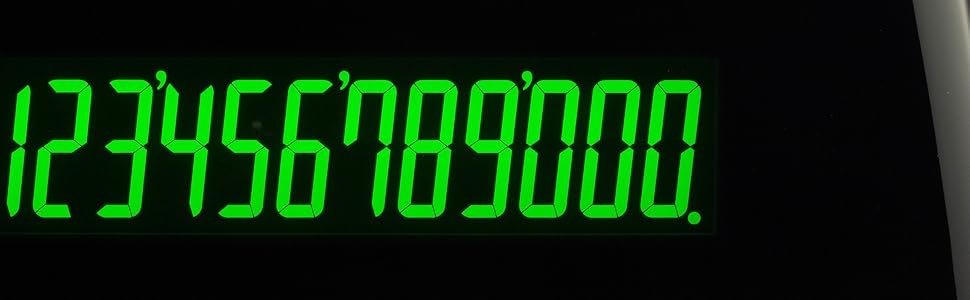
Immaġni 2.1: Mill-qrib view of the paper roll and printing mechanism, illustrating where to feed the paper.
2.4 Ink Ribbon Installation/Replacement
If the ink ribbon is not pre-installed or needs replacement, follow these steps:
- Kun żgur li l-kalkulatur ikun mitfi.
- Iftaħ il-qoxra tal-printer.
- Remove the old ink ribbon cartridge by gently lifting it out.
- Unpack the new ink ribbon cartridge.
- Insert the new cartridge, ensuring it clicks into place and the ribbon passes correctly through the print head guides.
- Agħlaq il-qoxra tal-printer.
3. Istruzzjonijiet Operattivi
The Sharp EL-1197PIII features an intuitive, color-coded key layout designed for efficient operation.

Image 3.1: The color-coded key layout of the Sharp EL-1197PIII, highlighting the intuitive placement of functions.
3.1 Kalkoli Bażiċi
Perform standard arithmetic operations:
- Żieda (+): Daħħal l-ewwel numru, agħfas +, enter the second number, press =.
- Tnaqqis (-): Daħħal l-ewwel numru, agħfas -, enter the second number, press =.
- Multiplikazzjoni (x): Daħħal l-ewwel numru, agħfas x, enter the second number, press =.
- Diviżjoni (÷): Daħħal l-ewwel numru, agħfas ÷, enter the second number, press =.
- Dħul ċar (CE): Iħassar l-aħħar numru mdaħħal.
- Clear All (C): Iħassar l-entrati u l-kalkoli kollha.
3.2 Funzjoni tal-Istampar
The calculator prints results at 4.5 lines per second. Positive values are printed in black, and negative values are printed in red for easy identification.

Image 3.2: A sample printout from the calculator, demonstrating the clear black and red printing for positive and negative values.
3.3 Wiri
The calculator features a bright fluorescent display that reduces eye strain and provides clear visibility of numbers.
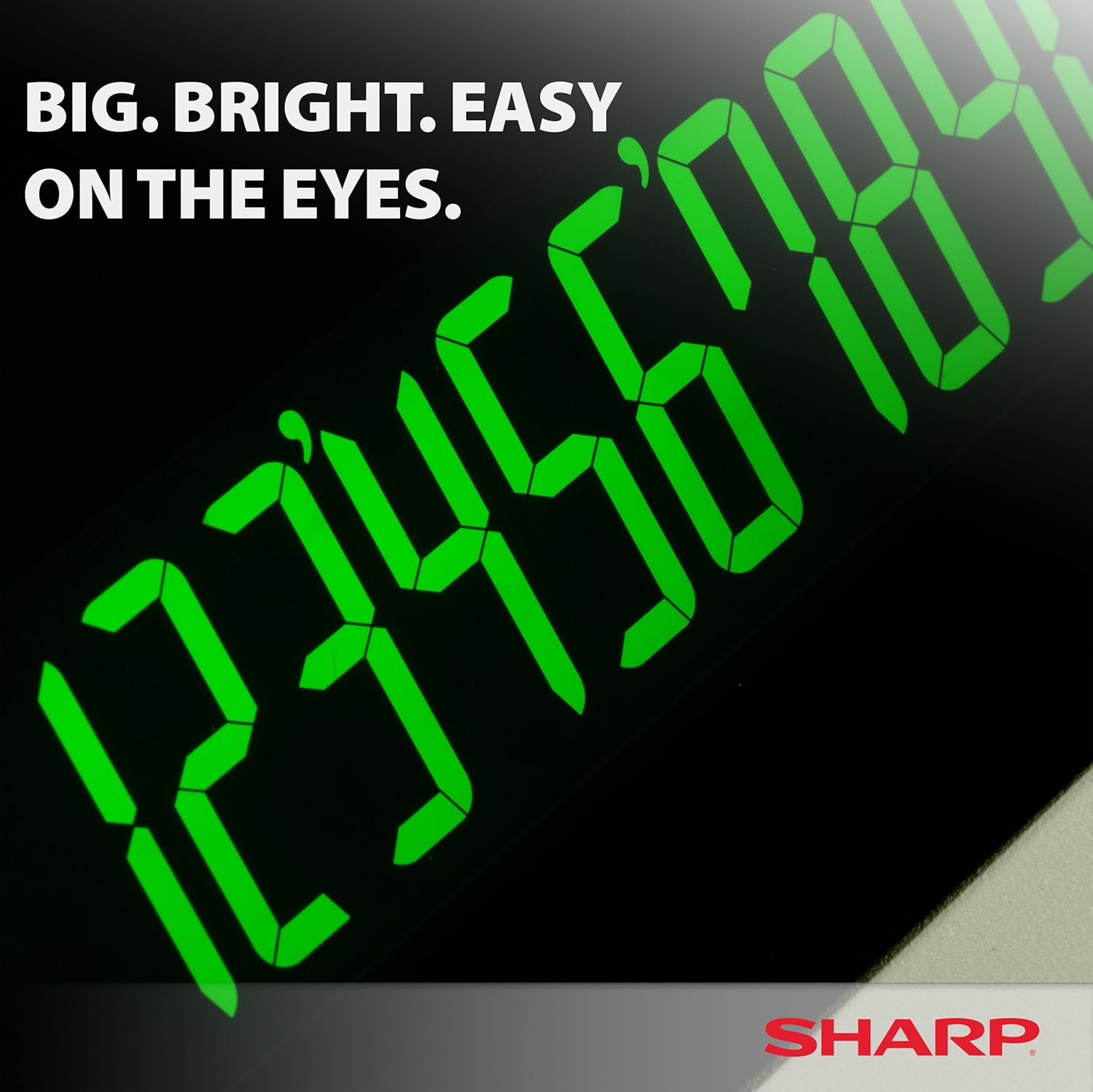
Image 3.3: A close-up of the calculator's large, bright fluorescent display.
3.4 Funzjonijiet Speċjali
The EL-1197PIII includes dedicated keys for various business and financial calculations:
- COST / SELL / MGN: For profit margin calculations.
- TAX+ / TAX-: For adding or subtracting tax.
- RATA: For setting and using tax rates.
- TIME CALC: For time-related calculations.
- GT (Total Grand): Accumulates the grand total of all calculations.
- M+ / M- / M* / M: Memory functions for storing and recalling values.
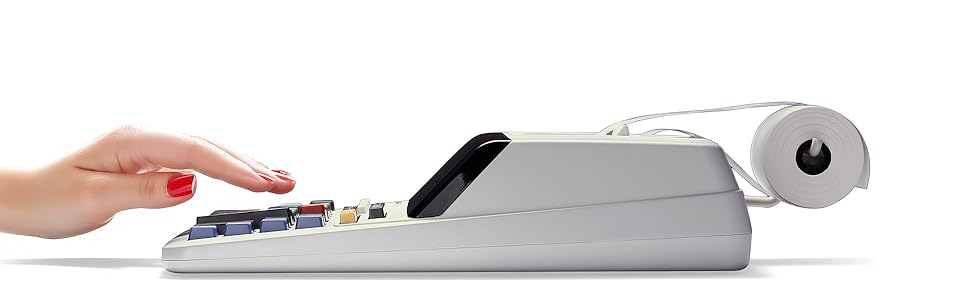
Image 3.4: Detail of the function switches and display area, showing options like F63210A for decimal settings and various calculation modes.
3.5 Clock and Calendar Functions
Refer to the full instruction manual for specific steps on setting and utilizing the integrated clock and calendar features, which allow for time and date stamping on printouts or for general reference.
4. Manutenzjoni
4.1 Tindif
Biex iżżomm prestazzjoni u dehra ottimali:
- Imsaħ il-barra b'ċarruta ratba u niexfa.
- Għal ħmieġ iebes, neħħi ftitampmt id-drapp bl-ilma jew cleaner ħafif u li ma jobrox.
- Tużax kimiċi ħarxa jew materjali li joborxu.
- Keep liquids away from the display and key areas.
4.2 Sostituzzjoni tar-Romblu tal-Karta
Meta r-romblu tal-karta jispiċċa jew l-istampar isir skur, ibdelh billi ssegwi l-passi fit-Taqsima 2.3.
4.3 Replacing Ink Ribbon
If printouts appear faded or incomplete, the ink ribbon may need replacement. Follow the steps in Section 2.4.
4.4 Sostituzzjoni tal-batterija
The calculator uses 1 CR2 battery for memory backup. If the memory functions become unreliable after power loss, the battery may need replacement. Consult a qualified technician or refer to the detailed service manual for battery replacement procedures.
5 Issolvi l-problemi
This section addresses common issues you might encounter with your Sharp EL-1197PIII calculator.
| Problema | Kawża Possibbli | Soluzzjoni |
|---|---|---|
| Il-kalkulatur ma jixgħelx. | L-adapter tal-enerġija mhux imqabbad jew difettuż. | Ensure AC adapter is securely plugged into the calculator and a working power outlet. Test the outlet with another device. |
| No printout or faint print. | Paper roll empty or incorrectly installed; ink ribbon faded or incorrectly installed. | Replace paper roll (Section 2.3). Replace ink ribbon (Section 2.4). Ensure paper is fed correctly. |
| Riżultati tal-kalkolu mhux korretti. | Incorrect key input; incorrect mode setting. | Double-check your entries. Ensure the decimal selector and calculation mode switches are set correctly for your task. Press the 'C' key to clear all and restart. |
| Id-displej huwa vojt jew mudlam. | Power issue; display fault. | Verify power connection. If the issue persists, contact customer support. |
6. Speċifikazzjonijiet
Key technical specifications for the Sharp EL-1197PIII calculator:
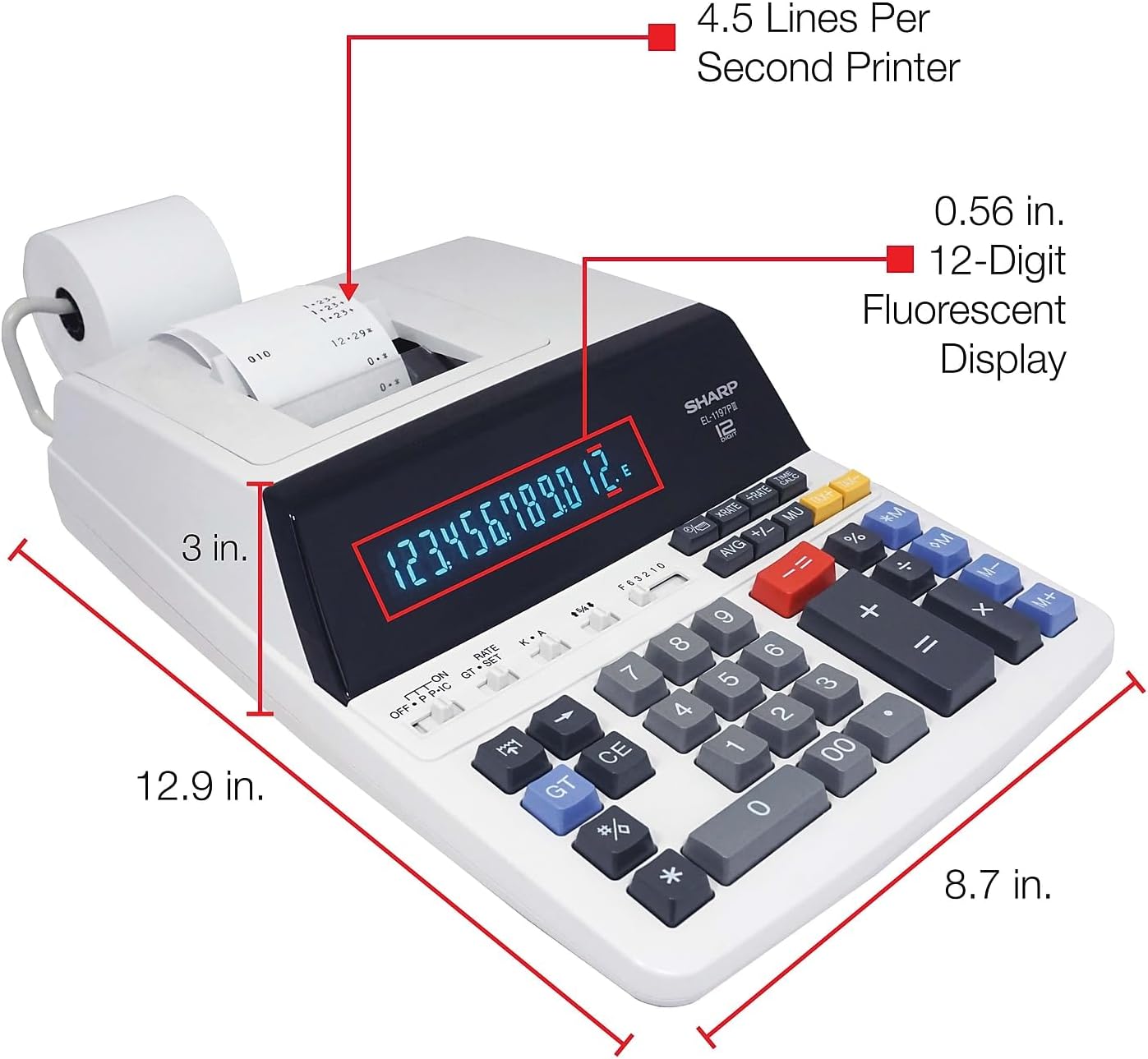
Image 6.1: Diagram illustrating the dimensions of the Sharp EL-1197PIII calculator.
- Numru tal-Mudell: EL-1197PIII
- Dimensjonijiet tal-Prodott: 23 x 18 x 0.1 pulzieri (madwar 58.4 x 45.7 x 0.25 ċm)
- Piż tal-oġġett: 4.2 liri (madwar 1.9 kg)
- Sors tal-Enerġija: AC Power Adapter (Battery for memory backup: 1 CR2 battery required)
- Wiri: Fluorescent, 12-digit
- Veloċità tal-Istampar: 4.5 linji kull sekonda
- Kuluri Stampa: Black (positive), Red (negative)
- Tip ta' Kalkulatur: Business, Printing
7. Garanzija u Appoġġ
7.1 Informazzjoni dwar Garanzija
For detailed warranty information, please refer to the warranty card included with your product packaging or visit the official Sharp websit. Żomm l-irċevuta tax-xiri tiegħek bħala prova tax-xiri għal talbiet ta' garanzija.
7.2 Appoġġ għall-Klijent
If you require further assistance, encounter issues not covered in this manual, or need to order replacement parts, please contact Sharp customer support. Contact details can typically be found on the Sharp webis-sit jew fid-dokumentazzjoni tal-prodott tiegħek.


