
1. Introduzzjoni
This manual provides essential information for setting up, operating, maintaining, and troubleshooting your TCL 43T6D 4K UHD Smart QLED Google TV. Please read this manual thoroughly before using your television to ensure proper and safe operation. Keep this manual for future reference.

Quddiem view of the TCL 43T6D 4K UHD Smart QLED Google TV.
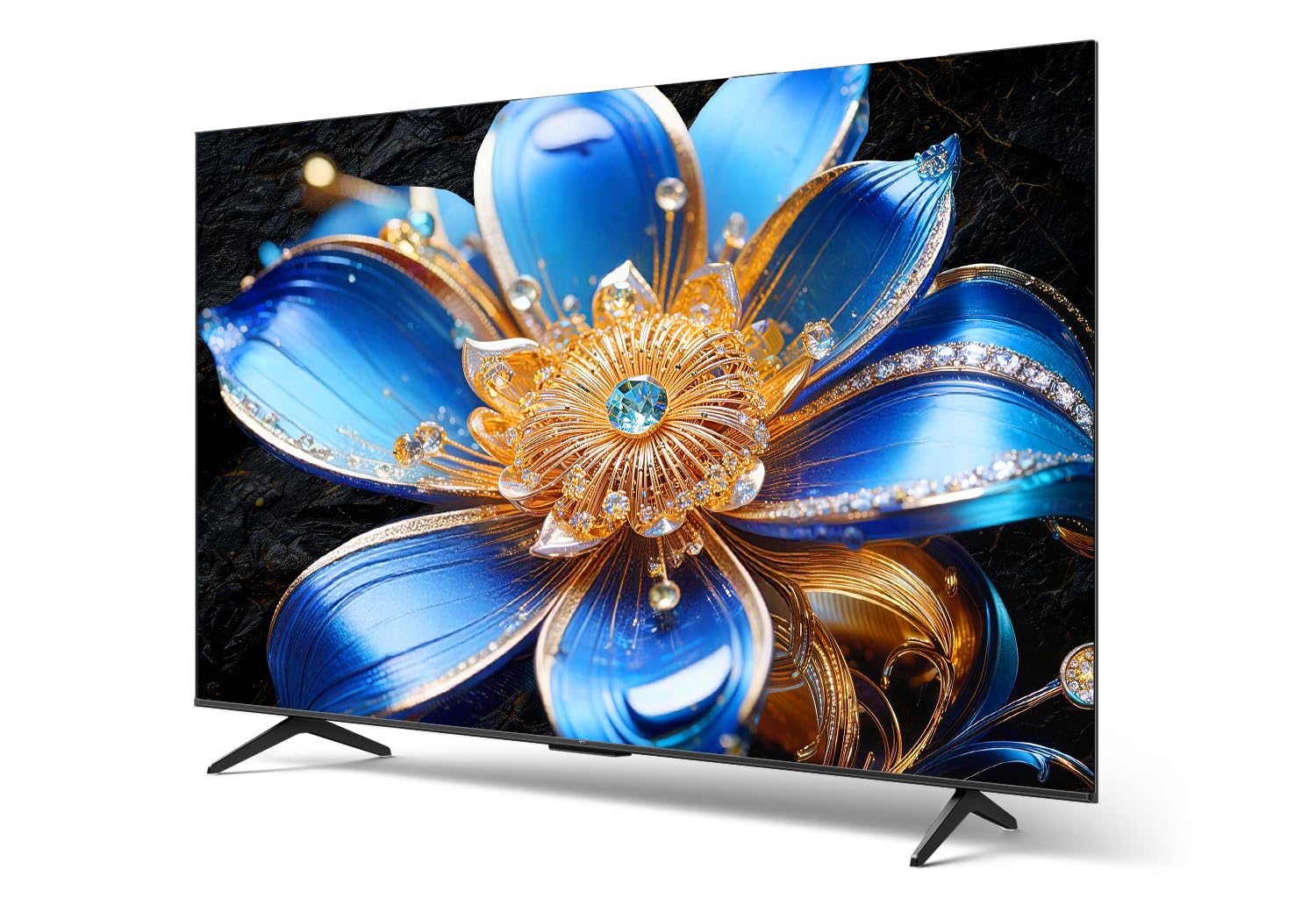
Side profile of the TCL 43T6D 4K UHD Smart QLED Google TV, highlighting its slim design.
2. X'hemm fil-Kaxxa
Ivverifika li l-komponenti kollha huma preżenti fl-imballaġġ:
- Televiżjoni LED 1N
- 1N Stand (Table Top Stand)
- 1N Kontroll mill-bogħod
- Batteriji 2N AAA

Illustration of the items included in the TV packaging. Note that a fixed wall mount is not included.
3. Setup
3.1 Installazzjoni Fiżika
Your TCL 43T6D TV can be installed using the included table-top stand or a compatible wall mount (sold separately).
Installazzjoni ta' Stand fuq il-Mejda:
- Poġġi l-iskrin tat-TV b'attenzjoni 'l isfel fuq wiċċ artab u ċatt biex tevita l-ħsara.
- Attach the stand bases to the designated slots at the bottom of the TV, ensuring they are securely fastened with the provided screws.
- Poġġi t-TV fuq wiċċ stabbli u livellat.
Installazzjoni tal-Immonta fuq il-ħajt:
If you choose to wall-mount your TV, please consult a professional installer or refer to the wall mount's instructions for proper installation. Ensure the wall mount is compatible with the VESA mounting pattern of your TV.
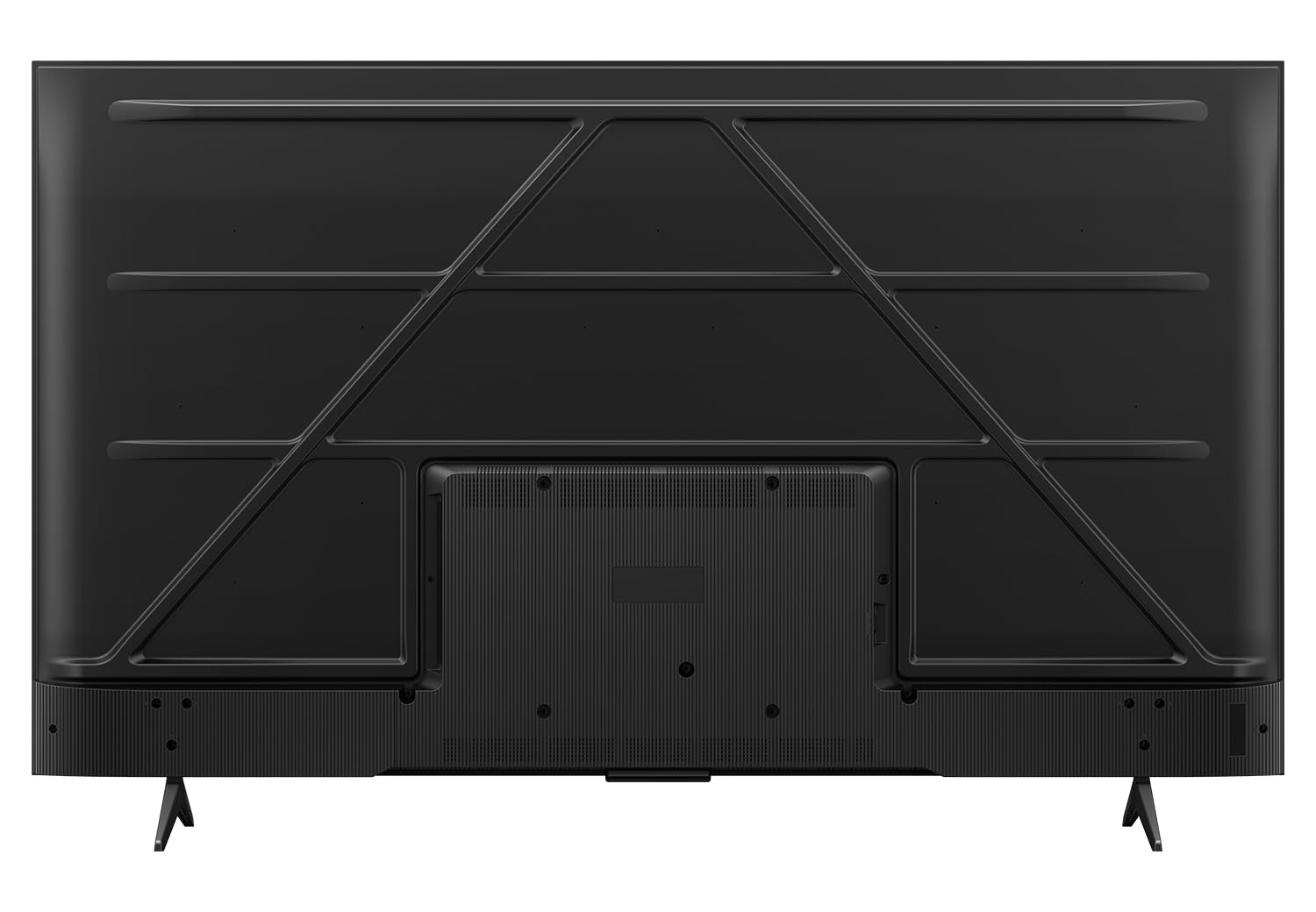
Wara view of the television, indicating potential wall mount attachment points.
3.2 Apparat li jgħaqqad
Connect your external devices such as set-top boxes, gaming consoles, and sound systems to the appropriate ports on your TV.

Dettaljati view tal-portijiet tal-konnettività tat-TV.
- HDMI Ports (HDMI 1, HDMI 2, HDMI 3): Connect high-definition devices like Blu-ray players, gaming consoles, and set-top boxes. HDMI 2 supports eARC for enhanced audio return channel functionality.
- Port USB 3.0: Qabbad apparati tal-ħażna USB għad-daqq tal-midja.
- Antenna/Kejbil IN: Qabbad antenna jew sinjal tat-TV bil-kejbil.
- Input tas-Satellita: Qabbad antenna tas-satellita għar-riċeviment tat-TV bis-satellita.
- AV IN Adapter: Għall-konnessjoni ta' apparati eqdem bl-użu ta' kejbils tal-vidjo kompost u awdjo stereo.
- Ethernet (LAN): Connect to your wired network for internet access.
- Out Ottiku Awdjo: Qabbad ma' soundbar jew riċevitur awdjo għal output awdjo diġitali.
3.3 L-Ewwel Xgħel u l-Wizard tas-Setup
- Ipplaggja l-korda tal-enerġija fit-TV u mbagħad f'sokit tal-ħajt.
- Agħfas il-buttuna tal-qawwa fuq il-kontroll remot jew fuq it-TV.
- Segwi l-istruzzjonijiet fuq l-iskrin biex tlesti s-setup inizjali, inkluż l-għażla tal-lingwa, il-konnessjoni tan-netwerk (Wi-Fi jew Ethernet), u d-dħul fil-kont tal-Google.
4. Tħaddem it-TV tiegħek
4.1 Kontroll mill-Bogħod
The included remote control allows you to navigate the TV's features. Insert the two AAA batteries into the remote control, ensuring correct polarity.

The remote control features dedicated buttons for popular streaming services and Google Assistant.
- Buttuna tal-Qawwa: Ixgħel jew jitfi t-TV.
- Buttuni tan-Numru: Agħżel il-kanali direttament.
- Tastiera tan-Navigazzjoni ('Il fuq/'l isfel/Xellug/Lemin/OK): Innaviga l-menus u kkonferma l-għażliet.
- Buttuna Lura: Terġa' lura għall-iskrin ta' qabel.
- Buttuna tad-dar: Jaċċessa l-iskrin ewlieni ta' Google TV.
- Buttuna tal-Assistent tal-Google: Jattiva l-kmandi tal-vuċi għat-tiftix u l-kontroll.
- Volum 'il fuq/Niżżel: Jaġġusta l-volum.
- Kanal 'l fuq/'l isfel: Tibdel il-kanali.
- Buttuni ta' Aċċess Rapidu: Direct access to Netflix, Prime Video, YouTube, and other services.
4.2 L-Interfaċċja tat-TV tal-Google
It-TV tiegħek jaħdem bis-sistema operattiva Google TV, li tipprovdi esperjenza tal-utent personalizzata u intuwittiva.

The Google TV home screen with various streaming applications.
- Skrin tad-dar: Displays personalized content recommendations, installed apps, and quick access to settings.
- Apps: Niżżel u immaniġġja l-applikazzjonijiet mill-Google Play Store.
- Google Assistent: Uża kmandi bil-vuċi biex tfittex kontenut, tikkontrolla apparati tad-dar intelliġenti, u tikseb informazzjoni.
- Mirror tal-iskrin: Cast content from your smartphone or tablet to the TV.
4.3 Picture Settings and Technologies
The TCL 43T6D incorporates advanced display technologies for an enhanced viewing esperjenza.

Fuqview of key display and audio technologies.
- 4K UHD QLED Panel: Quantum Dot technology delivers over a billion hues of vivid color for a rich and accurate picture.
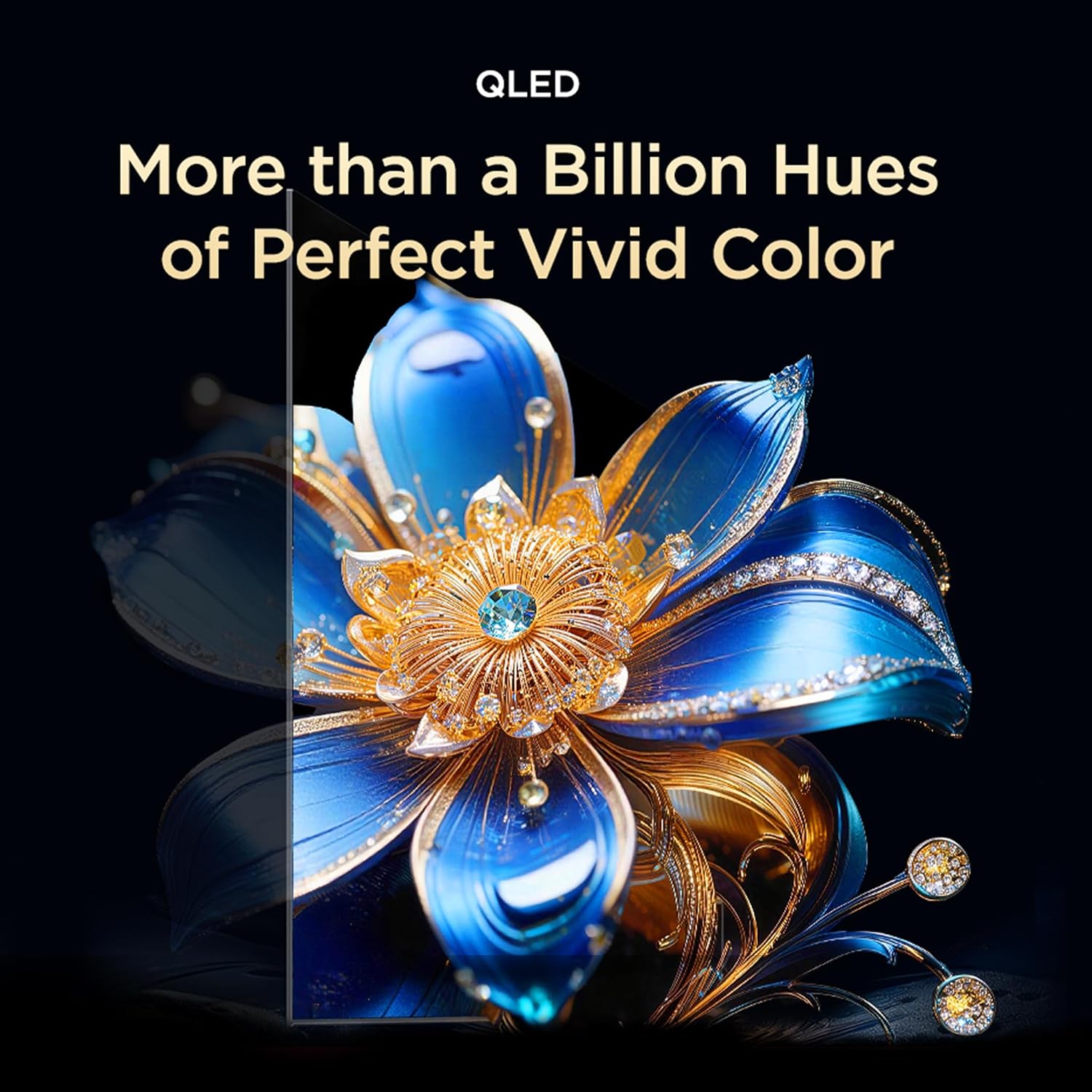
QLED technology provides a wide color gamut for vibrant images.

TCL's expertise in Quantum Dot Technology.

Colorful Quantum Crystal for enhanced optical and color properties.

The TV supports an ultra-high color gamut, providing vibrant and precise colors.
- Panel tal-HVA: Provides higher contrast and more detailed images.

HVA Panel technology enhances contrast and detail.
- HDR 10+ & Dolby Vision: High Dynamic Range support delivers superior brightness, shadow details, and vivid colors.

HDR 10+ reveals fine details in both bright and dark scenes.

Dolby Vision provides an immersive scene with enhanced color and contrast.
- Proċessur AiPQ: TCL's self-developed processor optimizes picture quality through various AI algorithms.

The AiPQ Processor intelligently enhances picture quality.

The AiPQ Processor utilizes AI for scene, contrast, color, clarity, motion, and HDR optimization.
- Dynamic Color Enhancement: Automatically optimizes color vibrancy.

Dynamic Color Enhancement adjusts colors for optimal vibrancy.
- AI Picture Optimization (Ai-Clarity, Ai-Colour, Ai-Contrast, Ai-HDR): These AI features work together to refine image details, color accuracy, contrast levels, and HDR decoding.

AI-powered features enhance various aspects of picture quality.
- Bionic Color Optimization Technology: Adjusts colors to your viewing needs, enhancing scene colors and preserving skin tones.

Bionic Color Optimization intelligently adjusts colors for realism and immersion.
4.4 Sound Settings and Technologies
Experience immersive audio with advanced sound features.
- Dolby Atmos: Delivers three-dimensional audio that moves around you, creating a theatrical sound experience.

Dolby Atmos provides immersive, three-dimensional sound.

Dolby Atmos transcends channel limits for clear, immersive 3D sound.
- DTS Virtwali:X: Virtualized 3D sound places audio naturally throughout your space for a lifelike, multi-dimensional experience.

DTS Virtual:X provides virtualized 3D sound for an immersive experience.
4.5 Karatteristiċi tal-Logħob
- Kaptan tal-Logħba: Experience next-level gaming with optimized settings and features.

Game Master optimizes the TV for a superior gaming experience.
- Gamebar: An adaptive game screen for major consoles, offering customized screen designs for immersive gaming.

Gamebar provides an optimized interface for gaming consoles.
4.6 Karatteristiċi tal-Kura tal-Għajnejn
- Multiple Eye Care: Features low blue light and natural light protection technology to reduce eye strain during extended viewing.

Multiple Eye Care technologies protect your eyes during viewing.
4.7 Karatteristiċi Intelliġenti Addizzjonali
- TCL AI: A wisdom core that enhances multi-scenario experiences, integrating image quality, sound quality, interaction, and content generation.

TCL AI enhances various aspects of your TV experience.
- AI Cinema Agent, AI Office Agent, AI Gaming Agent: Specialized AI agents for optimized cinema, office, and gaming experiences.

Specialized AI agents for different usage scenarios.
- AI Art Gallery & Digital Art: Display artworks when not watching TV, turning your home into a personal gallery. Explore over 100,000 pre-generated AI artworks.

The AI Art Gallery transforms your TV into a digital art display.

Explore various digital art styles to personalize your screen.
- Private Bluetooth Listening: Connect Bluetooth headphones for private audio, allowing others to rest undisturbed.

Enjoy private listening via Bluetooth headphones.
5. Manutenzjoni
5.1 Tindif tal-Iskrin
Biex tnaddaf l-iskrin, imsaħ bil-mod b'ċarruta ratba u mingħajr suf. Għal marki persistenti, imsaħ bil-modampLaħlaħ id-drapp bl-ilma jew b'prodott speċjalizzat għat-tindif tal-iskrin. Evita li tuża kimiċi ħarxa, materjali li joborxu, jew li tisprejja direttament fuq l-iskrin.
5.2 Tindif tal-Korp tat-TV
Wipe the TV body and stand with a soft, dry cloth. Do not use liquid cleaners directly on the TV body.
5.3 Power Cord Care
Regularly check the power cord for any damage. Do not place heavy objects on the cord or expose it to excessive heat. Always grasp the plug, not the cord, when disconnecting from the power outlet.
6 Issolvi l-problemi
Qabel ma tikkuntattja l-appoġġ għall-klijenti, ipprova s-soluzzjonijiet li ġejjin għal problemi komuni:
| Problema | Soluzzjoni Possibbli |
|---|---|
| Ebda qawwa | Kun żgur li l-korda tal-enerġija hija pplaggjata sew kemm fit-TV kif ukoll f'sokit elettriku li jaħdem. Ipprova sokit differenti. |
| L-ebda stampa, iżda l-ħoss huwa preżenti | Iċċekkja s-sors tad-dħul. Kun żgur li l-apparati esterni huma mixgħula u konnessi b'mod korrett. |
| L-ebda ħoss, iżda l-istampa hija preżenti | Check the volume level and mute settings. Ensure external audio devices are connected and configured correctly. |
| Il-kontroll mill-bogħod ma jaħdimx | Ibdel il-batteriji. Kun żgur li m'hemm l-ebda ostaklu bejn ir-remote u s-senser IR tat-TV. |
| Ma tistax tikkonnettja mal-Wi-Fi | Ensure your router is on and working. Re-enter the Wi-Fi password. Try restarting both the TV and the router. |
| Kwistjonijiet fil-kwalità tar-ritratt (eż., imċajpra, distorta) | Check the cable connections. Adjust picture settings (brightness, contrast, sharpness). Ensure the input source is providing a high-quality signal. |
7. Speċifikazzjonijiet
Detailed technical specifications for the TCL 43T6D 4K UHD Smart QLED Google TV:
| Karatteristika | Dettall |
|---|---|
| Isem tal-Mudell | 43T6D |
| Daqs tal-Iskrin | 43 Pulzier (108 ċm) |
| Teknoloġija tal-Wiri | QLED |
| Riżoluzzjoni | 4K UHD (3840 x 2160) |
| Riffriskar Rata | 60 Hz |
| Sistema Operattiva | Google TV |
| Proċessur | 64-bit Quad Core Processor (AiPQ Processor) |
| RAM | 2 GB |
| Ħażna Interna | 16 GB |
| Konnettività | Wi-Fi 5, Bluetooth 5.0, Ethernet |
| Portijiet HDMI | 3 (inkluż l-eARC) |
| Portijiet USB | 1 (USB 3.0) |
| Output Awdjo | 28 Watts Maximum Speaker Output, Dolby Atmos, DTS Virtual:X |
| Appoġġ HDR | HDR10+, Viżjoni Dolby |
| ViewIng Angolu | 178 Grad |
| Dimensjonijiet tal-Prodott (P x W x H) | 18.5D x 95.7W x 60.3H Centimeters (with stand) |
| Piż tal-oġġett | 5.6 Kilograms (with stand) |
| Konsum Annwali tal-Enerġija | 141 Kilowatt Siegħa Fis-Sena |
| Klassifikazzjoni tal-Enerġija | 2 Star |

Energy rating label for the TCL 43T6D TV.

Dimensions and weight of the TCL 43T6D TV with and without stand.
8. Garanzija u Appoġġ
8.1 Informazzjoni dwar Garanzija
Your TCL 43T6D TV comes with a garanzija ta 'sena provided by the manufacturer from the date of purchase. The remote control has a 6-il xahar garanzija.
To avail warranty services, you will need your purchase invoice. Warranty claims can be processed using the Amazon e-invoice.
8.2 Appoġġ għall-Klijent
For assistance, contact TCL customer support:
- Numri bla ħlas: 180-0102-0622 / 180-0419-0622
- Email: indiasupport@tcl.com
When contacting support, please provide your product's model name (43T6D) and the seller's details as mentioned on your invoice. The service center will schedule a convenient slot for service.


