
Introduzzjoni
This manual provides essential information for setting up, operating, maintaining, and troubleshooting your HP 17.3" Touchscreen Laptop, model 17-cp3602nr. Please read this guide thoroughly to ensure proper use and to maximize the lifespan of your device.
Kontenut tal-Pakkett
Ivverifika li l-oġġetti kollha huma preżenti fil-pakkett:
- HP 17.3" Touchscreen Laptop (Model 17-cp3602nr)
- AC Power Adapter and Cord
- Gwida ta' Bidu Mgħaġġel (jekk inkluża)

Image: The HP 17.3" Touchscreen Laptop and its included power adapter.
Setup
1. L-Ewwel Tixgħel u l-Iċċarġjar
- Qabbad l-adapter tal-enerġija AC mal-port smart pin tal-AC tal-laptop u mbagħad ma' sokit tal-enerġija.
- Iftaħ l-għatu tal-laptop. Il-laptop jista’ jixgħel awtomatikament, jew jista’ jkollok bżonn tagħfas il-buttuna tal-qawwa li tinsab fuq it-tastiera.
- Allow the battery to charge fully before initial use, though you can begin setup while charging.
2. Konfigurazzjoni tal-Windows 11
Follow the on-screen instructions to complete the Windows 11 Home setup. This typically includes:
- L-għażla tar-reġjun u d-disinn tat-tastiera tiegħek.
- Konnessjoni ma 'netwerk Wi-Fi.
- Idħol b'kont tal-Microsoft jew toħloq kont wieħed.
- Issettjar ta' PIN jew password.
- Konfigurazzjoni tas-settings tal-privatezza.
3. Konfigurazzjoni tal-Qarrej tal-Marki tas-Swaba'
During or after Windows setup, you can configure the fingerprint reader for secure login. Navigate to Settings > Kontijiet > Għażliet ta' Login and follow the prompts to add your fingerprint.

Image: Close-up of the backlit keyboard and the integrated fingerprint reader on the HP laptop.
Istruzzjonijiet Operattivi
L-Użu tad-Displej tat-Touchscreen
The 17.3" HD+ (1600 x 900) display supports touch input. You can interact with Windows 11 and applications directly on the screen using gestures similar to a tablet or smartphone. Ensure your screen is clean for optimal touch responsiveness.
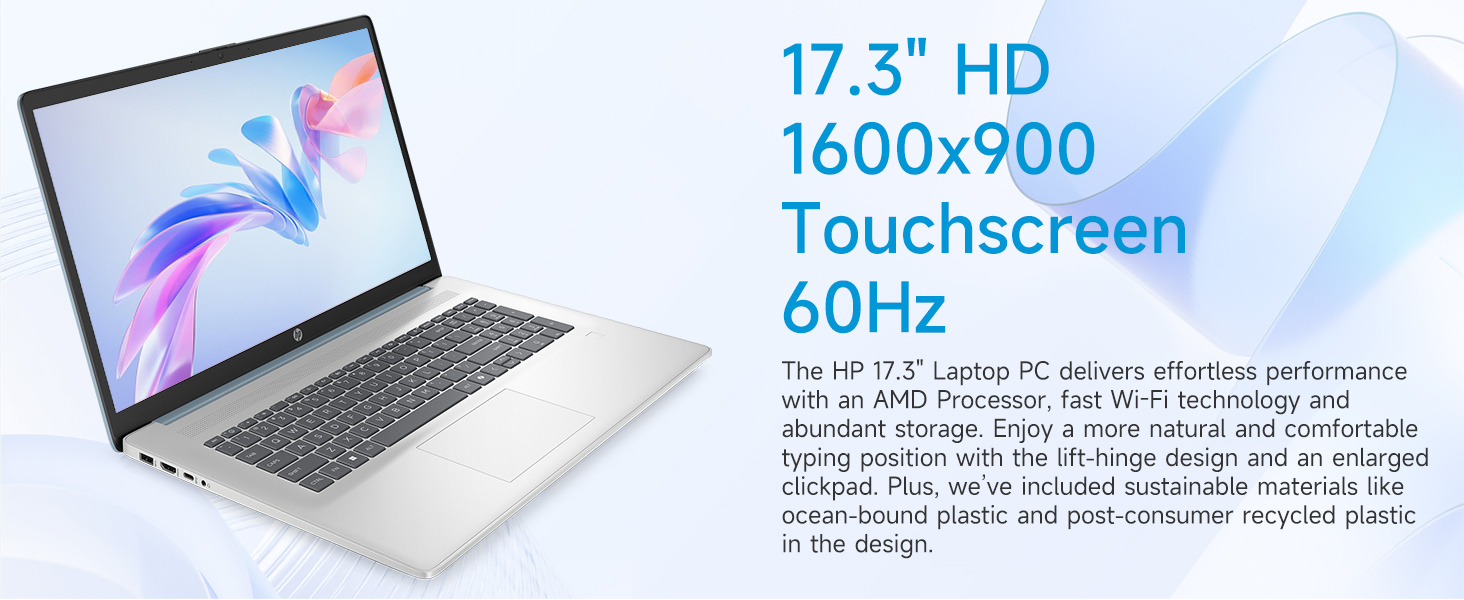
Image: The 17.3-inch touchscreen display of the HP laptop, illustrating its touch capabilities.
Tastiera u Touchpad
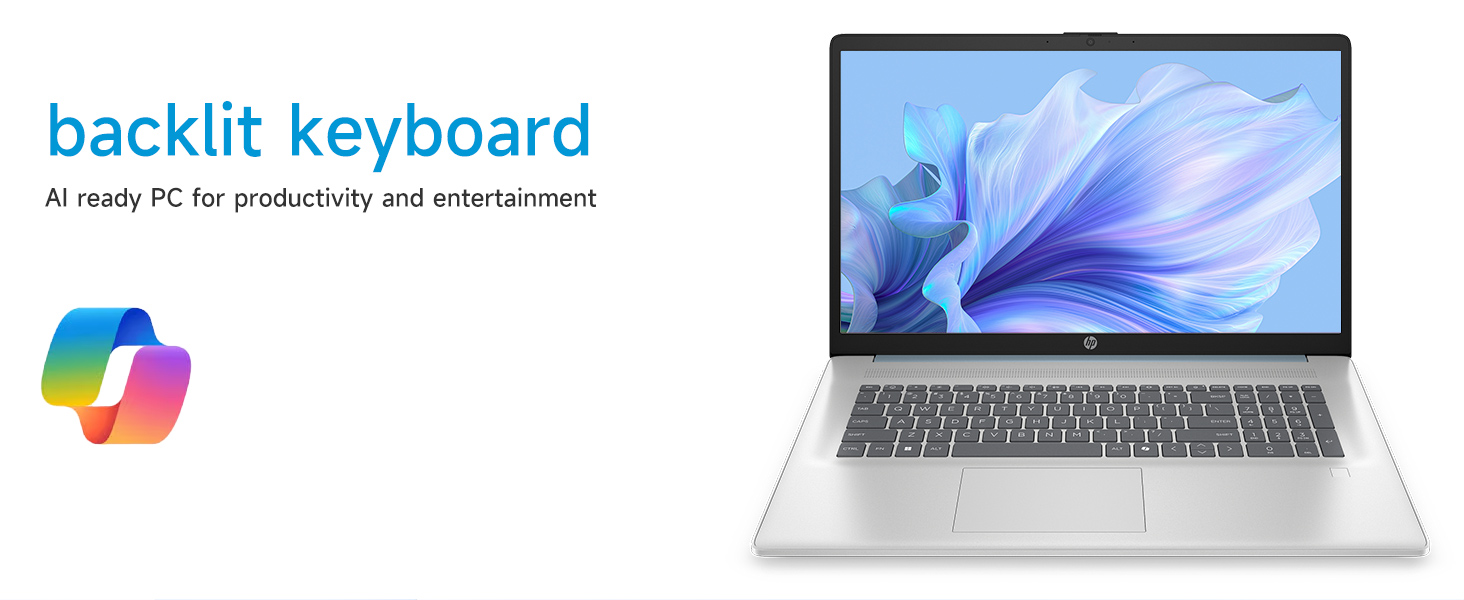
- Tastiera backlit: Agħfas il- Fn + F5 (or similar function key with a keyboard backlight icon) to toggle the keyboard backlight on/off or adjust its brightness.
- Tastiera numerika: Uża t-tastiera numerika ddedikata għal dħul effiċjenti tad-dejta.
- Touchpad: The large click pad supports multi-touch gestures for navigation. Refer to Windows settings for customizing touchpad gestures.
Connecting External Devices (Ports)
Your laptop is equipped with various ports for connecting peripherals:
- USB Tip-C (rata ta' sinjalar ta' 5Gbps): Għall-konnessjoni ta' apparati USB-C moderni.
- USB Tip-A (rata ta' sinjalar ta' 5Gbps): Two ports for standard USB devices like mice, keyboards, or external drives.
- HDMI 1.4b: Qabbad ma' monitors jew televiżjonijiet esterni għal wiri estiż.
- Jack tal-Headphone/Mikrofonu Combo: For audio input/output with a single jack.
- AC Smart Pin: Għall-konnessjoni tal-adapter tal-enerġija.
Immaġni: Dettaljata view of the laptop's side ports, including USB-A, USB-C, HDMI, and audio jack.
Konnettività Wi-Fi 6
The laptop supports Wi-Fi 6 (802.11ax) for fast and reliable wireless internet connectivity. To connect, click the Wi-Fi icon in the taskbar, select your network, and enter the password.
Manutenzjoni
Tindif tal-Laptop Tiegħek
- Skrin: Uża drapp ratba u mingħajr ħelu ftit dampLaħlaħ bl-ilma jew b'tindif tal-iskrin. Evita kimiċi ħarxa.
- Tastiera u Chassis: Uża drapp artab u niexef. Għal ħmieġ iebes, neħħi ftit drapp.amp Jista' jintuża drapp, waqt li jiġi żgurat li l-ebda likwidu ma jidħol fil-fetħiet.
- Portijiet: Keep ports free of dust and debris using compressed air if necessary.
Aġġornamenti tas-Software
Iċċekkja u installa aġġornamenti tal-Windows regolarment biex tiżgura li s-sistema tiegħek għandha l-aħħar irqajja tas-sigurtà u titjib fil-prestazzjoni. Mur fuq Settings > Aġġornament tal-Windows biex timmaniġġja l-aġġornamenti.
Kura tal-batterija
Biex ittawwal il-ħajja tal-batterija, evita temperaturi estremi u skarika l-batterija kompletament ta' spiss. Għal ħażna fit-tul, iċċarġja l-batterija sa madwar 50%.
Issolvi l-problemi
Din it-taqsima tindirizza kwistjonijiet komuni li tista’ tiltaqa’ magħhom.
Il-laptop ma jixgħelx
- Kun żgur li l-adapter tal-AC huwa konness sew kemm mal-laptop kif ukoll ma' sokit tal-enerġija li jaħdem.
- Ivverifika li s-sokit tal-enerġija jaħdem billi tqabbad apparat ieħor.
- Jekk il-batterija tkun ixxotta kompletament, jista' jieħu ftit minuti ta' ċċarġjar qabel ma l-laptop ikun jista' jixgħel.
Screen Remains Blank
- Iċċekkja jekk il-laptop huwiex mixgħul (dawl indikatur tal-enerġija).
- Try adjusting the screen brightness using the function keys (e.g., Fn + F2/F3).
- If an external monitor is connected, ensure it is properly configured in Windows display settings.
Problemi ta' Konnettività tal-Wi-Fi
- Kun żgur li l-Wi-Fi huwa attivat fis-settings tal-Windows.
- Erġa' ibda r-router u l-modem tiegħek.
- Insieh in-netwerk u erġa' qabbad, billi ddaħħal il-password mill-ġdid.
- Update Wi-Fi drivers via Device Manager.
System Restarts Unexpectedly
Unexpected restarts can be caused by software conflicts, outdated drivers, or hardware issues. Ensure all Windows updates are installed and drivers are current. If the issue persists, consider running Windows diagnostic tools or contacting HP Support.
Speċifikazzjonijiet
| Karatteristika | Dettall |
|---|---|
| Brand | HP |
| Isem tal-Mudell | 17-cp3602nr |
| Daqs tal-Iskrin | 17.3 Pulzier |
| Riżoluzzjoni tal-Wiri | HD+ (1600 x 900) |
| Karatteristiċi tal-Wiri | Touch, Anti-glare, 250 nits, 60% NTSC |
| Proċessur | AMD Ryzen 5 7430U (6 Qlub, 12-il Ħjut, sa 4.3 GHz) |
| Grafika | Grafika AMD Radeon (Integrata) |
| RAM | 8 GB DDR4 SDRAM (3200 MHz) |
| Ħażna | SSD ta' 128 GB PCIe NVMe M.2 |
| Sistema Operattiva | Windows 11 Home |
| Portijiet | 1x USB Type-C 5Gbps, 2x USB Type-A 5Gbps, 1x HDMI 1.4b, 1x Headphone/Microphone Combo, 1x AC Smart Pin |
| Konnettività bla fili | Wi-Fi 6 (802.11ax) |
| Karatteristiċi Speċjali | Backlit Keyboard, Fingerprint Reader, Numeric Keypad, Webcam |
| Dimensions (L x W x Thickness) | 15.78"T x 10.15"W x 0.81"Ħ |
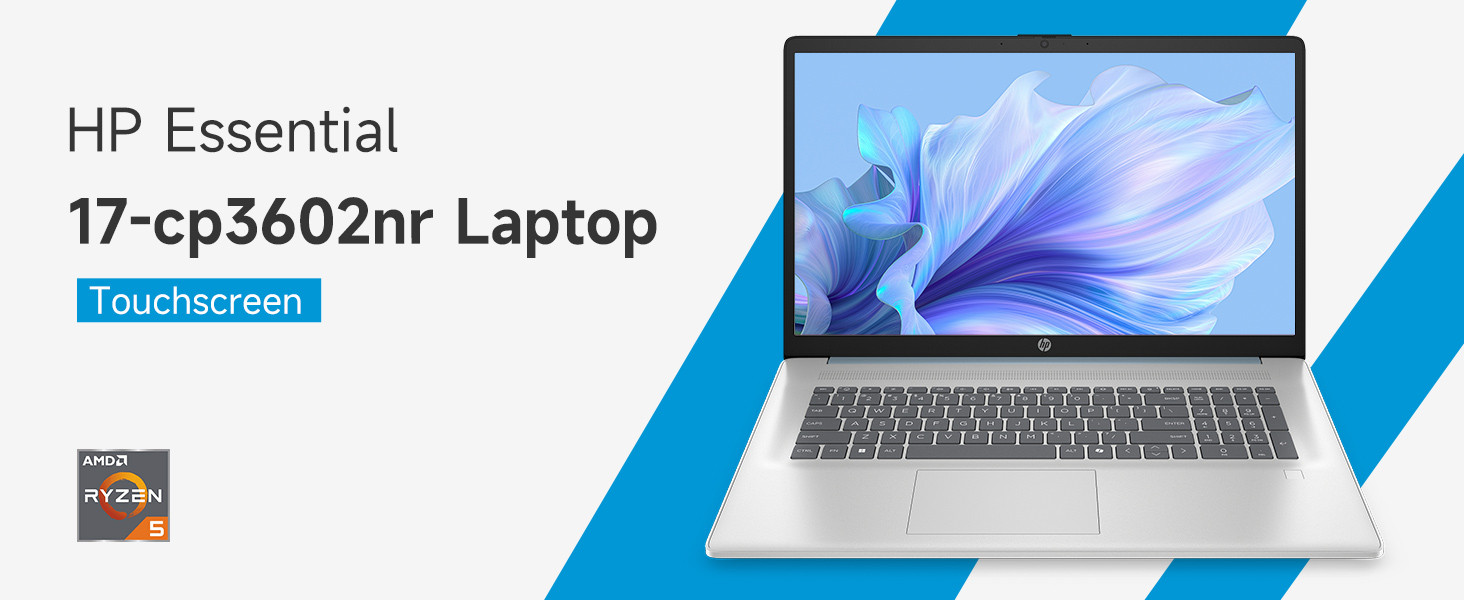
Image: An infographic highlighting key specifications such as the AMD Ryzen 5 processor, Windows 11 Home, storage, and connectivity options.
Garanzija u Appoġġ
Garanzija tal-Manifattur
Your HP laptop is covered by a standard manufacturer's warranty. For specific terms and conditions, please refer to the warranty documentation included with your product or visit the official HP support website. Warranty duration and coverage may vary by region.
Appoġġ Tekniku
Għal assistenza teknika, downloads ta' sewwieqa, jew aktar soluzzjonijiet għal problemi, jekk jogħġbok żur is-sit uffiċjali tal-Appoġġ tal-HP websit:
When contacting support, have your laptop's model number (17-cp3602nr) and serial number ready.