
Introduzzjoni
Thank you for choosing the aowoka S24-1 Computer Speakers. This USB-powered sound bar is designed to deliver clear stereo sound with versatile connectivity options, including Bluetooth and 3.5mm AUX. It features a multifunctional knob for easy control and integrated RGB lighting effects to enhance your audio experience. Please read this manual carefully to ensure proper setup and operation.
Kontenut tal-Pakkett
- aowoka S24-1 Computer Speakers
- Integrated USB-A Power and 3.5mm AUX Audio Cable
- Manwal għall-Utent (dan id-dokument)
Prodott Overview
Familiarize yourself with the main components of your aowoka S24-1 speakers.
Multifunctional Control Knob
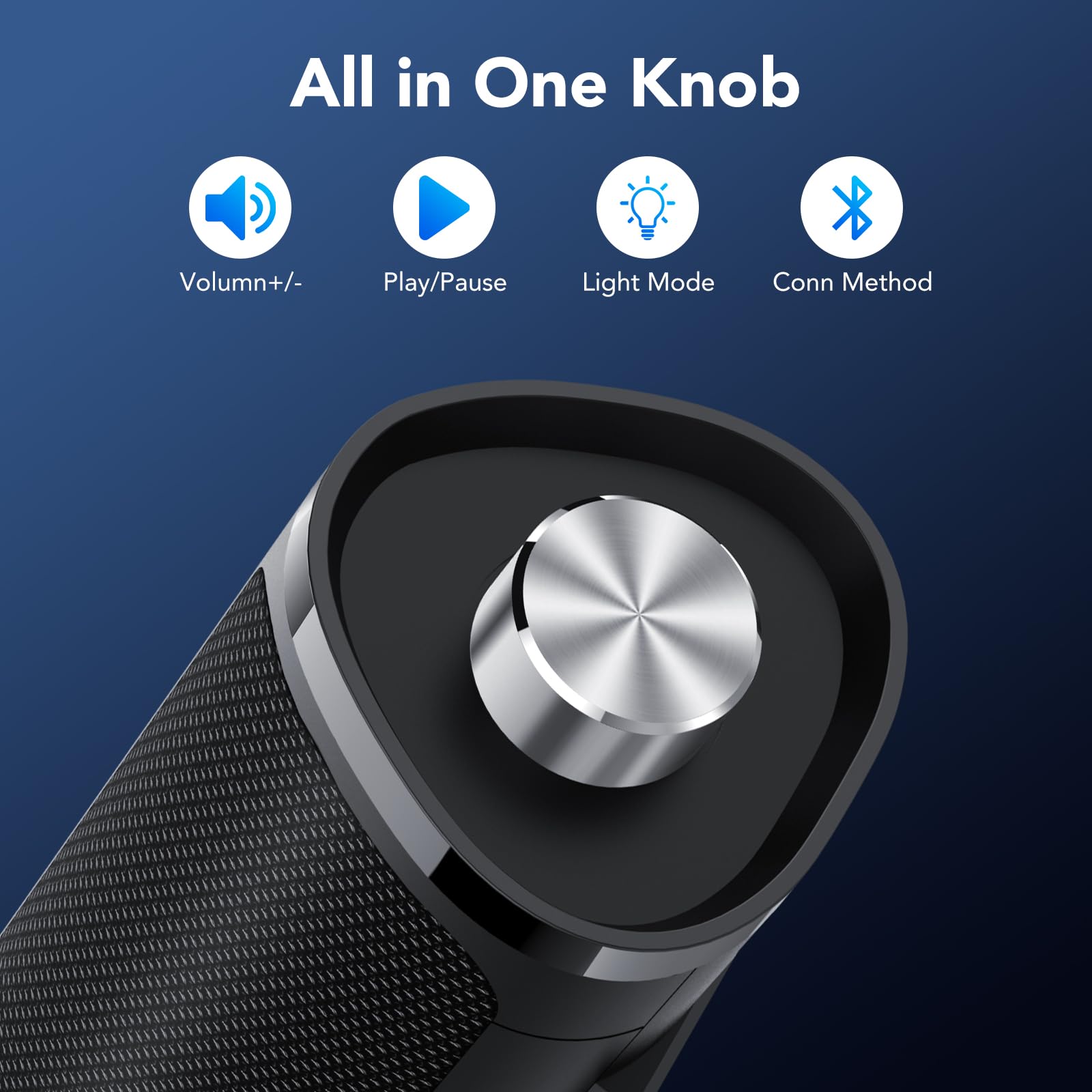
Image: The control knob allows for volume adjustment, play/pause, light mode switching, and connection mode selection.
- Agħfas fit-tul (2 sekondi): Qawwa mixgħul/mitfi
- Ikklikkja waħda: Play/Pawża awdjo
- Ikklikkja darbtejn: Switch between Bluetooth and AUX connection modes
- Ikklikkja trippla: Switch RGB light modes
- Rotate clockwise/counter-clockwise: Aġġusta l-volum
Effetti tad-Dawl RGB
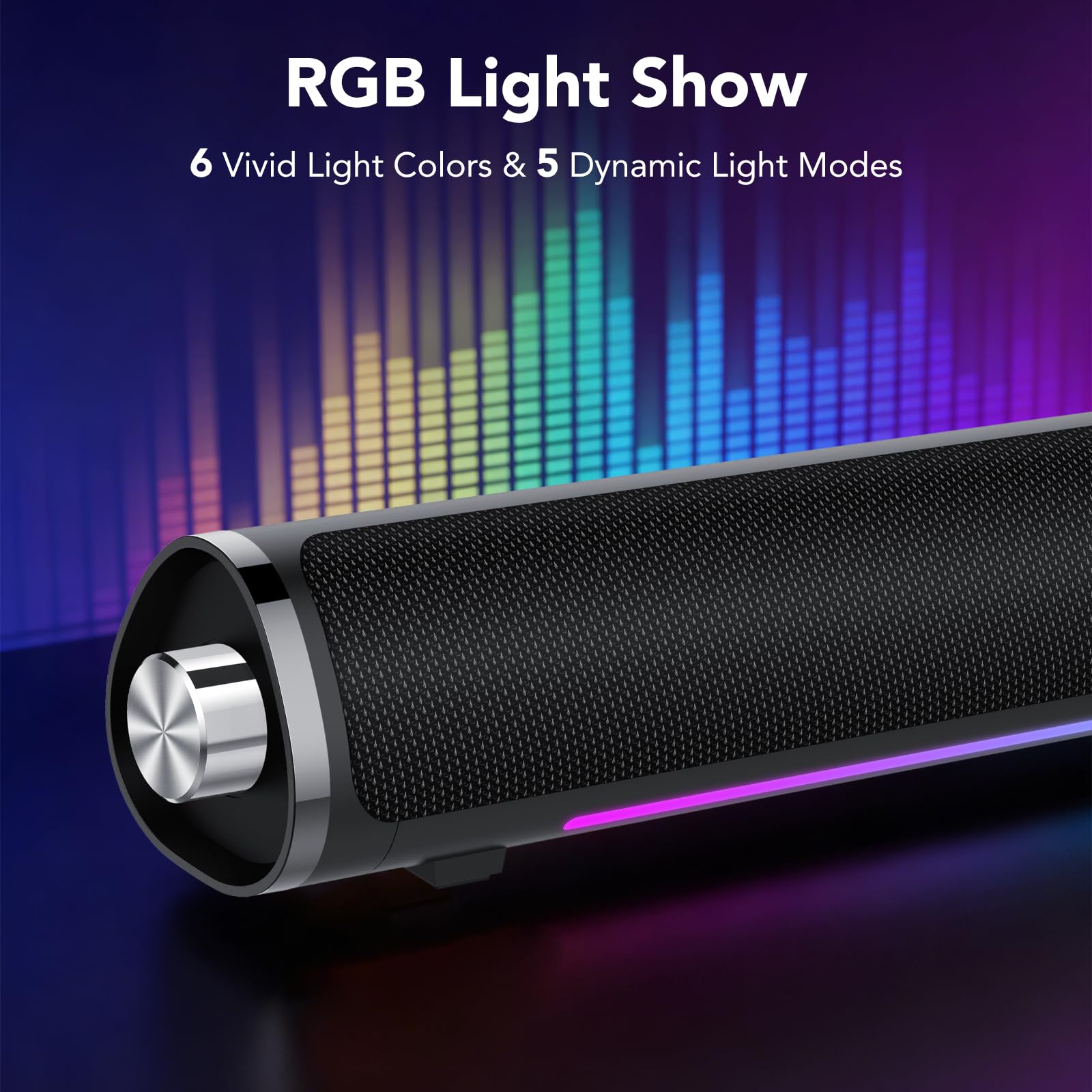
Image: The speaker features 6 vivid light colors and 5 dynamic light modes.
The speaker includes integrated RGB lighting with multiple colors and effects. These can be controlled via the multifunctional knob.
Setup Istruzzjonijiet
Follow these steps to set up your aowoka S24-1 speakers.
Konnessjoni tal-Enerġija
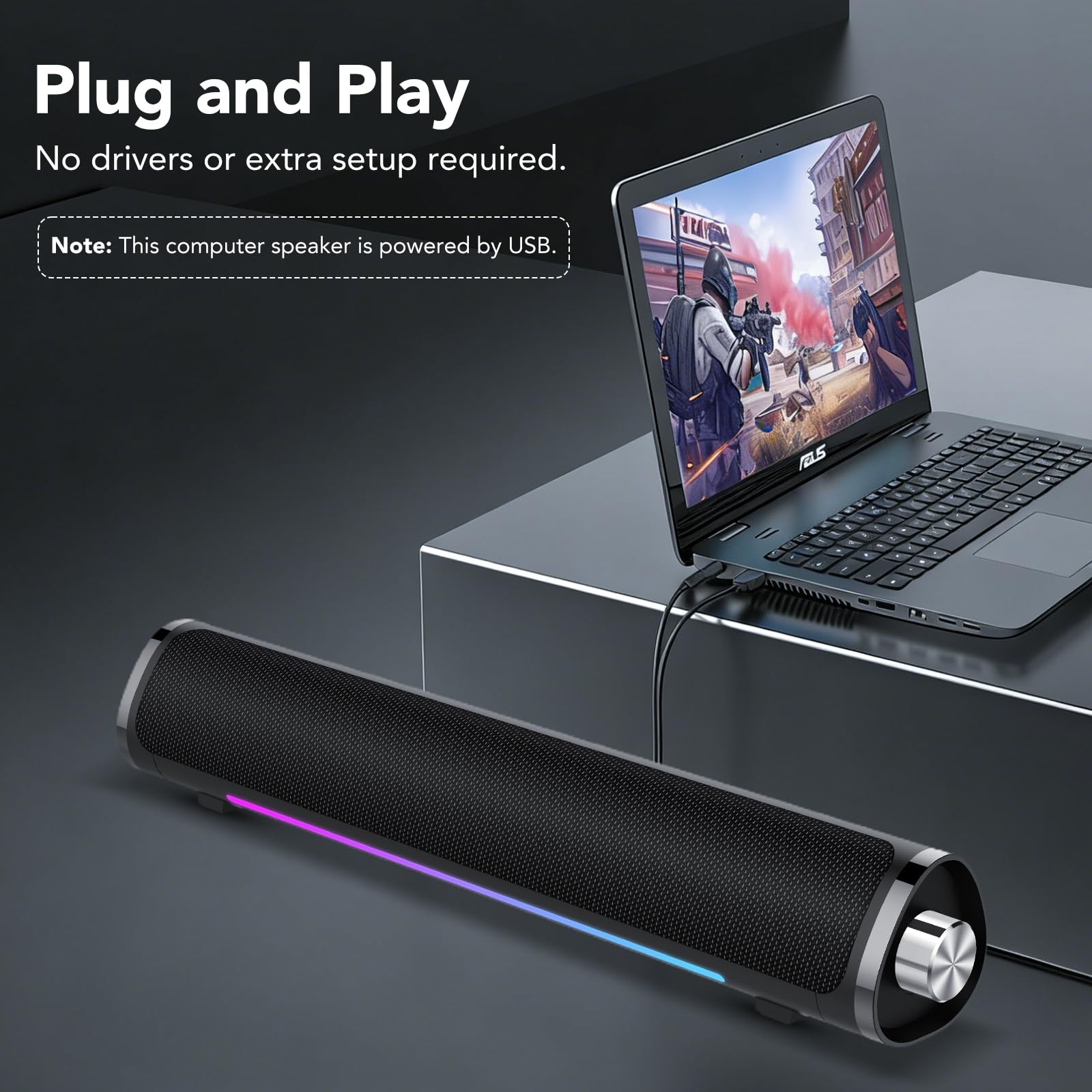
Image: The speaker requires USB power for operation.
- Locate the integrated USB-A cable.
- Plug the USB-A connector into an available USB port on your computer, laptop, or a USB power adapter (not included). The speaker requires power to function.
Audio Connection (2 Ways)
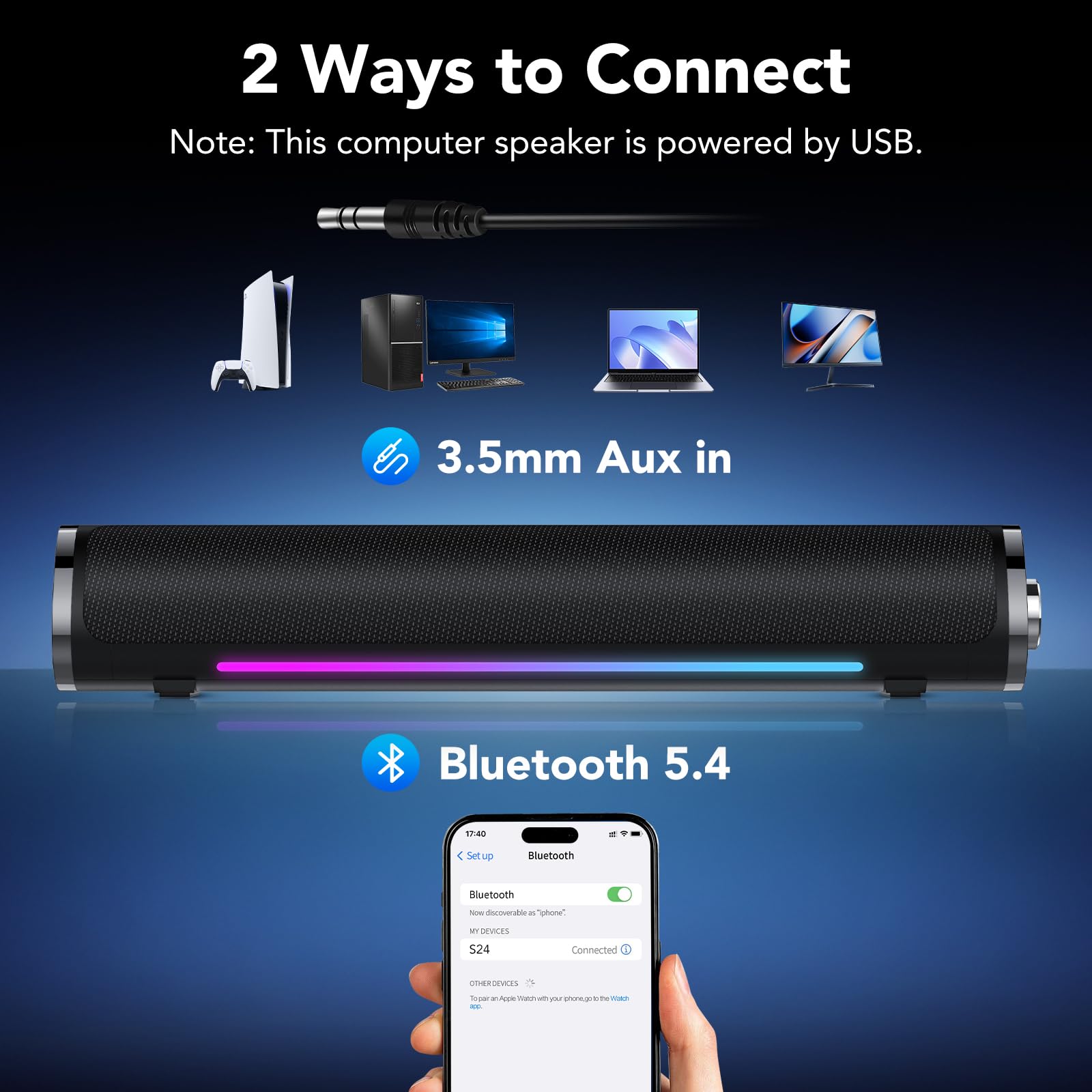
Image: The speaker supports both 3.5mm AUX and Bluetooth 5.4 connectivity.
Method 1: 3.5mm AUX Connection
- Kun żgur li l-kelliem ikun mixgħul.
- Plug the 3.5mm audio jack (integrated with the USB power cable) into the audio output port of your device (e.g., computer, laptop, tablet, smartphone).
- If the speaker does not automatically switch to AUX mode, double-click the multifunctional knob to select AUX mode.
- You may need to select the speaker as the audio output device in your computer's sound settings.
Metodu 2: Konnessjoni Bluetooth
- Kun żgur li l-kelliem ikun mixgħul.
- Double-click the multifunctional knob to switch to Bluetooth mode. The speaker will enter pairing mode, indicated by a flashing light.
- On your device (e.g., smartphone, tablet, Bluetooth-enabled computer), go to Bluetooth settings and search for available devices.
- Select "S24" from the list of devices to pair. Once connected, the speaker will indicate a successful connection, and the light will stop flashing.
Note: The speaker is universally compatible with devices featuring a 3.5mm AUX audio output or Bluetooth connectivity.
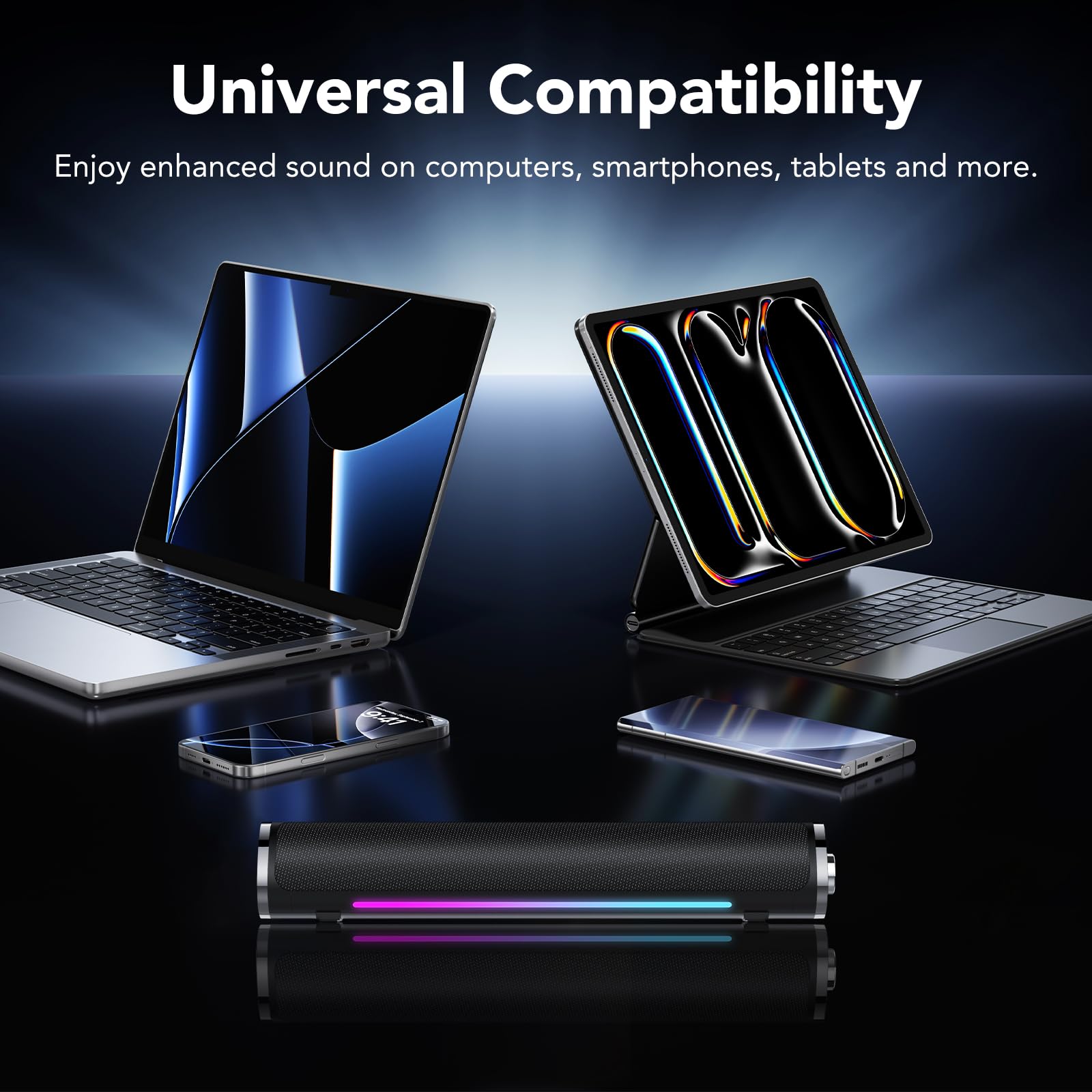
Image: The speaker is compatible with various devices like computers, laptops, tablets, and smartphones.
Istruzzjonijiet Operattivi
Control your aowoka S24-1 speakers using the multifunctional knob.
- Power On/Off: Long press the knob for 2 seconds.
- Kontroll tal-Volum: Rotate the knob clockwise to increase volume, counter-clockwise to decrease volume.
- Play/Pawsa: Single click the knob to play or pause audio.
- Aqleb Modalità ta' Konnessjoni: Double click the knob to toggle between Bluetooth and 3.5mm AUX modes.
- Change Lighting Effects: Triple click the knob to cycle through the 6 lighting colors and 5 dynamic lighting effects.
Manutenzjoni
Biex tiżgura l-lonġevità u l-prestazzjoni ottimali tal-ispikers tiegħek, segwi dawn il-linji gwida ta' manutenzjoni:
- Tindif: Use a soft, dry cloth to wipe the speaker's surface. Do not use liquid cleaners or abrasive materials.
- Ħażna: Aħżen l-ispikers f'post frisk u niexef 'il bogħod mix-xemx diretta u minn temperaturi estremi.
- Immaniġġjar: Evita li twaqqa’ l-ispikers jew li tissottomettihom għal impatti qawwija.
- Espożizzjoni għall-Ilma: Keep the speakers away from water and high humidity. They are not waterproof.
Issolvi l-problemi
If you encounter any issues with your aowoka S24-1 speakers, please refer to the following solutions:
| Problema | Kawża Possibbli | Soluzzjoni |
|---|---|---|
| L-ebda ħoss mill-kelliema. |
|
|
| L-apparat Bluetooth ma jistax jikkonnettja. |
|
|
| Id-dwal RGB mhumiex jaħdmu jew huma mwaħħlin. |
|
|
Speċifikazzjonijiet
| Brand | aowoka |
| Numru tal-Mudell | S24-1 |
| Teknoloġija tal-Konnettività | Bluetooth 5.4, AUX ta' 3.5mm |
| Qawwa tal-Ħruġ Massimu tal-Ispeaker | 24 Watts |
| Sors tal-Enerġija | Powered mill-USB |
| Dimensjonijiet tal-oġġett (D x W x H) | 2.86"D x 2.7"W x 3.95"H |
| Materjal | Plastik |
| Kulur | Iswed Klassiku |
Garanzija u Appoġġ
aowoka products are designed for reliability and performance. This product comes with a standard manufacturer's warranty. For detailed warranty information, technical support, or customer service inquiries, please refer to the contact information provided with your purchase or visit the official aowoka websit.
Jekk jogħġbok żomm il-prova tax-xiri tiegħek għal pretensjonijiet ta' garanzija.