
1. Introduzzjoni
This manual provides essential information for setting up, operating, and maintaining your ECOPAD T5 Android 15 Tablet. Please read it thoroughly to ensure proper use and to maximize your device's potential. Keep this manual for future reference.
2. Kontenut tal-Pakkett
Iċċekkja li l-oġġetti kollha elenkati hawn taħt huma inklużi fil-pakkett tiegħek:
- ECOPAD T5 Android 15 Tablet
- Kawża Protettiva
- Tastiera Bluetooth
- Ġurdien mingħajr fili
- Pinna tal-istilus
- Ċarġer (Adapter tal-Enerġija)
- USB-C Cable
- Manwal għall-Utent (dan id-dokument)

Figure 2.1: Included Package Contents. The image displays the tablet, protective case, keyboard, mouse, stylus, user manual, charger, and USB-C cable, each numbered for identification.
3. Device Overview
Familiarize yourself with the physical components of your ECOPAD T5 tablet:

Figure 3.1: Tablet Component Diagram. This diagram illustrates the tablet's layout, including the 3.5mm Audio Jack, Volume buttons, Power button, Front Camera, TF Card Slot, USB-C Port, Microphone, Rear Camera, and Loudspeaker.
4. Gwida ta' Setup
4.1 Iċċarġjar inizjali
Before first use, fully charge your tablet. Connect the USB-C cable to the tablet's USB-C port and the charger to a power outlet. The battery indicator on the screen will show charging status.
4.2 Power On/Off
- Biex Tixgħel: Press and hold the Power button until the ECOPAD logo appears.
- Biex Tifi: Agħfas u żomm il-buttuna tal-Enerġija, imbagħad agħżel "Itfi" mill-għażliet fuq l-iskrin.
- Biex terġa' tibda: Agħfas u żomm il-buttuna tal-Enerġija, imbagħad agħżel "Restart" mill-għażliet.
4.3 Wizard tas-Setup Inizjali
Malli tixgħelha għall-ewwel darba, it-tablet jiggwidak permezz ta' proċess inizjali ta' setup. Segwi l-istruzzjonijiet fuq l-iskrin biex:
- Agħżel il-lingwa tiegħek.
- Qabbad ma 'netwerk Wi-Fi.
- Idħol bil-kont Google tiegħek jew oħloq wieħed ġdid.
- Issettja l-illokkjar tal-iskrin (PIN, mudell, password, jew Face Unlock).
4.4 Connecting Accessories (Keyboard & Mouse)
Your ECOPAD T5 tablet comes with a Bluetooth keyboard and a wireless mouse for enhanced productivity.
4.4.1 Bluetooth Keyboard Pairing
- Ensure the keyboard is charged and powered on. Look for a small switch or button on the keyboard to turn it on.
- Fuq it-tablet tiegħek, mur fuq Settings > Apparati konnessi > Bluetooth.
- Turn on Bluetooth. The tablet will search for available devices.
- On the keyboard, press the "Connect" button (often labeled "Fn+C" or a dedicated Bluetooth button) to make it discoverable.
- Select the keyboard from the list of available devices on your tablet.
- Follow any on-screen prompts to complete the pairing process (e.g., entering a code).
4.4.2 Wireless Mouse Connection
The wireless mouse typically connects via a USB dongle. Insert the USB dongle into the tablet's USB-C port using an appropriate adapter if necessary (adapter not included). The tablet should automatically detect and configure the mouse.

Figure 4.1: Tablet in 2-in-1 Laptop Mode. The image shows the ECOPAD T5 tablet with its Bluetooth keyboard and wireless mouse, demonstrating its versatility for efficient work and typing.
5. Operazzjoni Bażika
5.1 Ġesti tat-Touchscreen
- Tektek: Agħżel oġġett jew iftaħ app.
- Tektek u Żomm: Aċċessa l-menus kuntestwali jew iċċaqlaq l-oġġetti.
- Swipe: Scroll through lists, switch screens, or dismiss notifications.
- Oqros 'il ġewwa/'l barra: Zoom in or out on photos, maps, or web paġni.
5.2 Bar tan-Navigazzjoni
Il-bar tan-navigazzjoni fil-qiegħ tal-iskrin tipikament jinkludi:
- Dahar: Terġa' lura għall-iskrin ta' qabel.
- Dar: Jirritorna għall-iskrin tad-dar.
- Apps riċenti: Shows recently used applications for quick switching.
5.3 Notifiki u Settings Mgħaġġla
Swipe down from the top of the screen to access the notification panel and quick settings toggles (Wi-Fi, Bluetooth, brightness, etc.).
6. Karatteristiċi ewlenin
6.1 Wiri
- Daqs: Skrin tattili IPS ta' 11 pulzieri
- Riżoluzzjoni: 1280x800 Pixel
- Proporzjon tal-aspett: 16:9
- Karatteristiċi: Eye Protection Screen, Multi-touch support, Widevine L1 Certified for Full HD streaming.

Figure 6.1: 11-inch HD Display. The image showcases the tablet's expansive 11-inch screen, ideal for immersive visuals with 1280x800 resolution and eye protection features.

Figure 6.2: Widevine L1 Certification. This image highlights the tablet's Widevine L1 certification, enabling Full HD playback on major streaming platforms like YouTube, Netflix, Prime Video, Hulu, and HBO GO.
6.2 Prestazzjoni u Ħażna
- Proċessur: Octa-Core Unisoc T606 (1.6 GHz)
- RAM: 20GB (6GB Physical + 14GB Virtual Memory)
- Ħażna Interna: 128GB ROM
- Ħażna espansibbli: Up to 2TB via Micro SD card (TF card slot)

Figure 6.3: Massive RAM and ROM. This image emphasizes the tablet's 20GB RAM and 128GB ROM, powered by Android 15 and an Octa-Core processor for smooth multitasking.

Figure 6.4: Unisoc T606 Octa-core Processor. This image highlights the Unisoc T606 Octa-core Processor, providing reliable power for daily tasks and responsive split-screen performance.

Figure 6.5: Expandable Storage. This image illustrates the tablet's capability to boost speed with 20GB RAM and store thousands of photos in 128GB ROM, with expansion up to 2TB via TF card.
6.3 Batterija
- Kapaċità: Polimer tal-Litju 8000mAh
- Iċċarġjar: 18W Fast Charging (USB-C)
- Ħajja Medja: Up to 8 hours of general use, 6 hours of video playback.
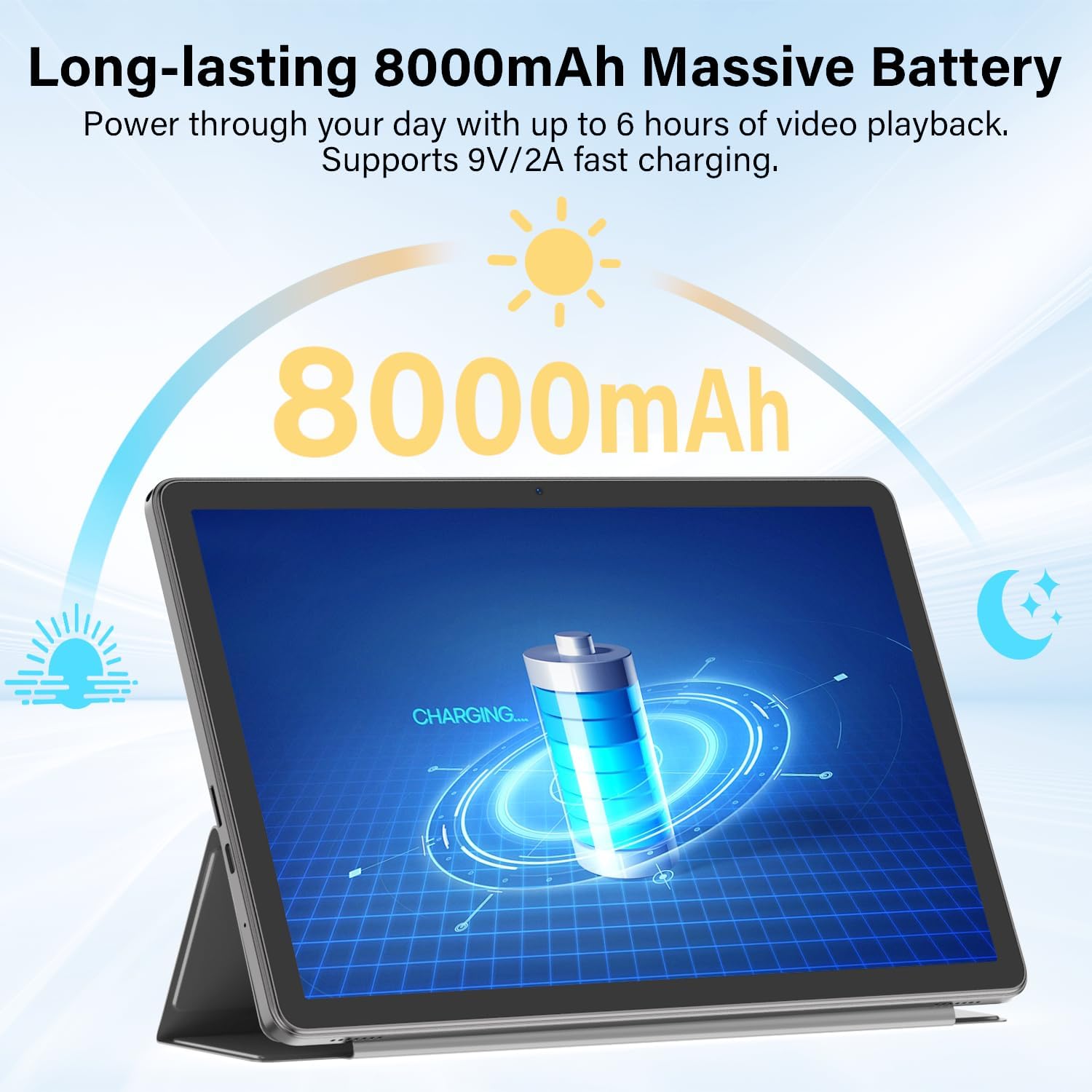
Figure 6.6: Long-lasting Battery. This image highlights the tablet's 8000mAh battery, providing power for up to 6 hours of video playback and supporting 9V/2A fast charging.
6.4 Sistema Operattiva
- OS: Android 15
- Karatteristiċi: Enhanced privacy, fluid multitasking, smarter notifications, optimized performance, adaptive security.

Figure 6.7: Android 15 OS. The image displays the tablet running Android 15, showcasing its modern interface and capabilities.

Figure 6.8: Latest Android 15 OS Features. This image outlines key benefits of Android 15, including enhanced privacy, fluid multitasking, smarter notifications, optimized performance, and adaptive security.

Figure 6.9: AI Capable. This image highlights the tablet's compatibility with leading AI apps like Gemini, ChatGPT, and Grok, enabling complex tasks and accelerating creativity.
6.5 Konnettività
- Wi-Fi: Dual-Band WiFi 6 (2.4G/5Ghz, 802.11ac, 802.11ax)
- Bluetooth: Bluetooth 5.0
- Navigazzjoni: GPS
- Portijiet: 3.5mm Audio Jack, USB Type-C
- Awdjo: Dual Stereo Speakers, Microphone Inside

Figure 6.10: Connectivity Features. This image displays the tablet's connectivity options, including Dual Stereo Speakers, 3.5mm Audio Jack, Bluetooth 5.0, GPS Navigation, 2.4/5Ghz WiFi 6, and an internal Microphone.
6.6 Kameras
- Kamera ta' wara: 8.0 MP
- Kamera ta' quddiem: 5.0 MP
- Qbid tal-Vidjo: FHD 1080p

Figure 6.11: Dual Cameras. This image highlights the tablet's 8MP rear and 5MP front cameras, suitable for clear video calls, quick photos, and document scanning.
6.7 Sigurtà
- Face Unlock: Secure and instant facial recognition for unlocking the device.

Figure 6.12: Instant Face Unlock. This image illustrates the tablet's secure, hands-free facial recognition feature for instant unlocking.
7. Manutenzjoni
7.1 Tindif tat-Tablet Tiegħek
Uża drapp artab u mingħajr suf biex tnaddaf l-iskrin u l-qafas tat-tablet. Evita materjali li joborxu jew kimiċi ħarxa. Għal tbajja' persistenti, neħħi ftit.ampLaħlaħ id-drapp bl-ilma jew b'prodott tat-tindif tal-iskrin iddisinjat għall-elettronika.
7.2 Aġġornamenti tas-Software
Iċċekkja u installa aġġornamenti tas-softwer regolarment biex tiżgura prestazzjoni ottimali, sigurtà, u aċċess għal karatteristiċi ġodda. Mur fuq Settings > Sistema > Aġġornament tas-sistema biex tiċċekkja għal aġġornamenti.
7.3 Kura tal-Batterija
- Evita li tesponi l-pillola għal temperaturi estremi.
- Tħallix il-batterija tixxotta kompletament ta' spiss.
- Uża l-ċarġer u l-kejbil provduti għal iċċarġjar ottimali.
7.4 Ġestjoni tal-Ħażna
Perjodikament mill-ġdidview u ħassar bla bżonn files, apps, and media to free up storage space and maintain performance. Utilize the expandable storage option with a Micro SD card for large files.
8 Issolvi l-problemi
If you encounter issues with your tablet, refer to the following common problems and solutions:
| Problema | Soluzzjoni |
|---|---|
| It-tablet ma jixgħelx | Kun żgur li l-batterija hija ċċarġjata. Qabbad il-ċarġer u stenna ftit minuti qabel ma tipprova terġa' tixgħelha. Jekk ma tirrispondix, agħfas u żomm il-buttuna tal-Enerġija għal 10-15-il sekonda biex terġa' tibda taħdem. |
| Ma tistax tikkonnettja mal-Wi-Fi | Iċċekkja jekk il-Wi-Fi huwiex attivat fis-Settings Rapidi jew Settings > Netwerk u internet > Internet. Ensure the Wi-Fi password is correct. Restart your router and the tablet. |
| Bluetooth keyboard/mouse not pairing | Ensure the accessory is charged and in pairing mode. On the tablet, go to Settings > Apparati konnessi > Bluetooth and ensure Bluetooth is on. Forget and re-pair the device if it was previously connected. |
| L-apps huma bil-mod jew qed jiġġarraf | Close unnecessary background apps. Clear app cache (Settings > Apps > [Isem tal-App] > Ħażna u cache > Ċar il-cache). Ensure sufficient storage space is available. Restart the tablet. |
| L-iskrin ma jirrispondix | Restart the tablet by holding the Power button. If the issue persists, perform a factory reset (data will be lost, back up important files). |
9. Speċifikazzjonijiet
| Karatteristika | Speċifikazzjoni |
|---|---|
| Brand | ECOPAD |
| Isem tal-Mudell | T5 Android Pillola |
| Sistema Operattiva | Android 15 |
| Proċessur | Octa-Core Unisoc T606, 1.6 GHz |
| Memorja RAM | 20 GB (6GB Physical + 14GB Virtual) |
| Kapaċità tal-Ħżin | 128 GB ROM |
| Ħażna espansibbli | Up to 2 TB (Micro SD/TF Card) |
| Daqs tal-Iskrin | 11 Pulzier |
| Riżoluzzjoni tal-Wiri | 1280x800 Pixel |
| Proporzjon ta' l-aspett | 16:9 |
| Kapaċità tal-batterija | 8000 mAh Polimer tal-litju |
| Ħajja Medja tal-Batterija | 8 Sigħat |
| Iċċarġjar | 18W Fast Charging (USB-C) |
| Teknoloġija bla fili | Wi-Fi 6 (802.11ac, 802.11ax), Bluetooth 5.0 |
| Teknoloġija tal-Konnettività | Bluetooth, WiFi |
| Interface tal-Ħardwer | 3.5mm Audio Jack, USB Type-C |
| Kamera ta' Quddiem | 5.0 MP |
| Kamera ta' wara | 8.0 MP |
| Riżoluzzjoni tal-Qbid tal-Vidjo | FHD 1080p |
| Input tal-Interface tal-Bniedem | Touchscreen b'Appoġġ għall-Stylus |
| Dimensjonijiet tal-oġġett (L x W x Ħxuna) | 9.6"T x 5.4"W x 0.25"Ħ |
10. Garanzija u Appoġġ
10.1 Garanzija tal-Prodott
Your ECOPAD T5 Android 15 Tablet comes with a 2 Snin Garanzija mid-data tax-xiri. Din il-garanzija tkopri difetti fil-manifattura u malfunzjonamenti taħt użu normali. Jekk jogħġbok żomm il-prova tax-xiri tiegħek għal talbiet ta' garanzija.
10.2 Appoġġ għall-Klijent
For technical assistance, warranty claims, or any questions regarding your ECOPAD T5 tablet, please contact ECOPAD customer support. Refer to the contact information provided with your product packaging or visit the official ECOPAD websit għal dettalji ta 'appoġġ.