
1. Introduzzjoni
This manual provides essential information for setting up, operating, maintaining, and troubleshooting your HP Pavilion 16-inch 2K Laptop. Please read this guide thoroughly to ensure optimal performance and longevity of your device.
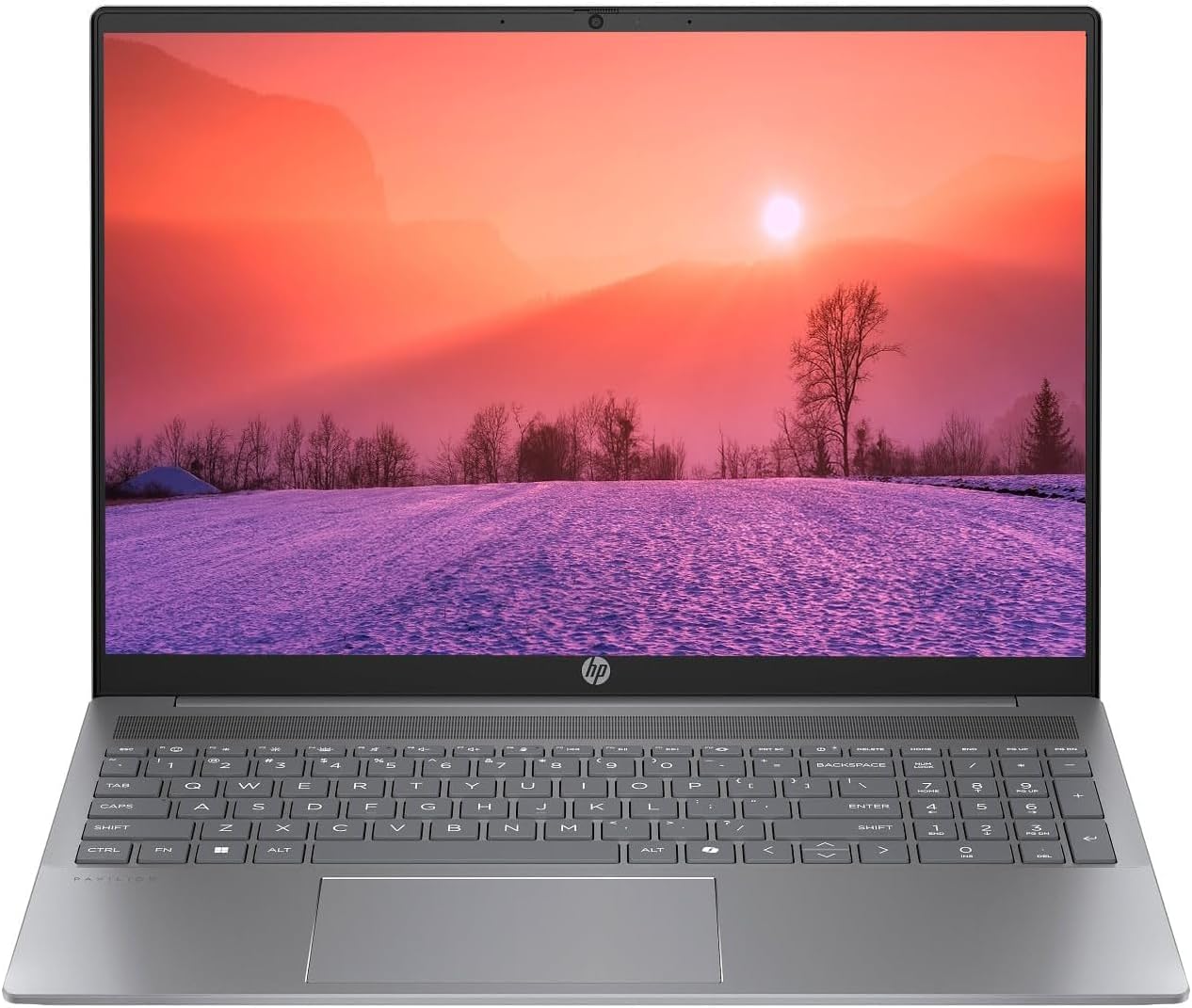
Figure 1.1: HP Pavilion 16-inch Laptop (Angled View)
This image displays the HP Pavilion 16-inch laptop in an open, angled position, highlighting its display and keyboard layout.
2. Setup
2.1 Żpakkjar u Spezzjoni Inizjali
Carefully remove the laptop and all accessories from the packaging. Inspect for any signs of damage. If any components are missing or damaged, contact your retailer or HP support immediately.
2.2 Qawwa tal-Konnessjoni
- Qabbad l-adapter tal-AC mal-konnettur tal-enerġija fuq il-ġenb tal-laptop tiegħek.
- Ipplaggja l-korda tad-dawl fi żbokk tal-elettriku.
- Allow the laptop to charge for at least 30 minutes before initial use, especially if the battery is completely drained.
2.3 L-Ibbutjar Inizjali u s-Setup tal-Windows 11
Press the power button to turn on your laptop. Follow the on-screen instructions to complete the Windows 11 Home OS setup, including language selection, network connection, and user account creation.
2.4 Konnessjoni tal-Periferali
Il-laptop tiegħek għandu diversi portijiet għall-konnessjoni ta' apparati esterni:
- USB Type-C Ports (2): For data transfer, charging compatible devices, and video output.
- USB Type-A Ports (2): Għall-konnessjoni ta' apparati USB standard bħal ġurdien, tastieri, jew drives esterni.
- Port HDMI (1): Għall-konnessjoni ma' displays jew projetturi esterni.
- Headphone/Microphone Combo Jack (1): Għall-konnessjoni ta' headphones, kelliema esterni, jew headset b'mikrofonu.
3. Istruzzjonijiet Operattivi
3.1 Modalità Mixgħul/Mitfi u Modalità Sleep
- Qawwa Mixgħul: Agħfas il-buttuna tal-qawwa li tinsab fuq il-gverta tat-tastiera.
- Itfi: Ikklikkja l-buttuna Start fil-Windows, imbagħad agħżel Power > Shut down.
- Modalità Sleep: Agħlaq l-għatu tal-laptop jew ikklikkja l-buttuna Start, imbagħad agħżel Power > Sleep.
3.2 L-Użu tat-Tastiera u t-Touchpad
Il-laptop għandu tastiera ta’ daqs sħiħ u touchpad ta’ preċiżjoni.
- Tastiera backlit: To activate or adjust the keyboard backlight, use the dedicated function key (usually F5 or F4, look for a keyboard icon).
- Ġesti tat-touchpad: Refer to Windows 11 settings for customizable touchpad gestures (e.g., two-finger scroll, pinch-to-zoom).
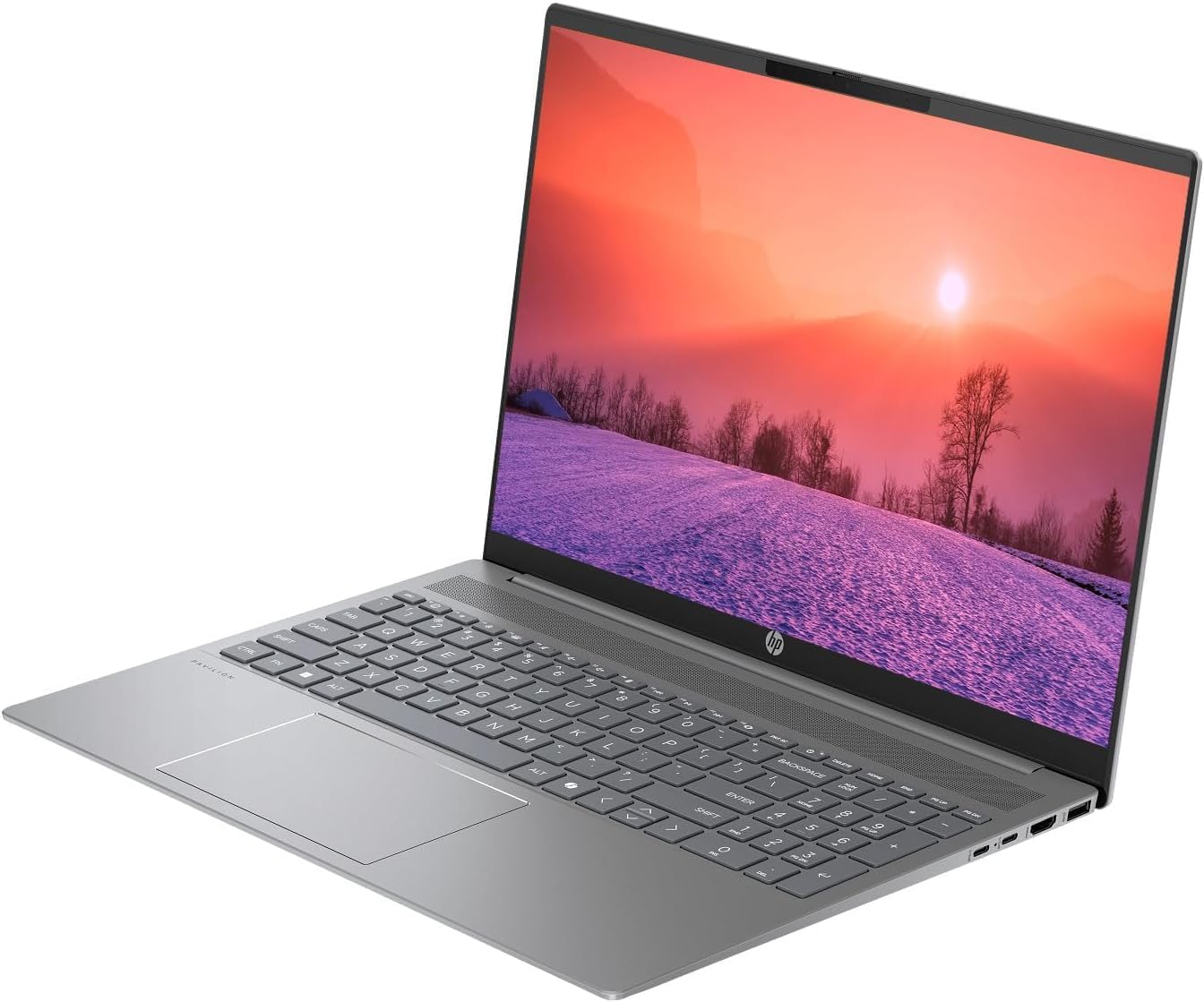
Figure 3.1: HP Pavilion 16-inch Laptop (Front View)
This image shows the HP Pavilion 16-inch laptop from a direct front view, highlighting the screen and keyboard.
3.3 Konnettività bla fili
- Wi-Fi 6: To connect to a wireless network, click the Wi-Fi icon in the taskbar, select your network, and enter the password.
- Bluetooth: To pair Bluetooth devices, go to Windows Settings > Bluetooth & devices, and turn on Bluetooth.
3.4 Uża l- Webcam
The integrated HD webcam can be used for video calls and conferences. Access it through applications like Camera, Microsoft Teams, or Zoom.
4. Manutenzjoni
4.1 Tindif tal-Laptop
- Uża drapp ratba u mingħajr ħelu ftit dampNaddaf bl-ilma jew b'tindif tal-iskrin għall-wiri.
- Għat-tastiera u x-chassis, uża drapp artab. Evita kimiċi ħarxa.
- Uża arja kkompressata biex tneħħi t-trab mill-ventijiet perjodikament.
4.2 Kura tal-Batterija
- Evita li l-batterija tixxotta kompletament ta' spiss.
- Aħżen il-laptop f'post frisk u niexef jekk ma tużahx għal perjodi twal.
- For optimal battery health, avoid continuous charging at 100% for prolonged durations.
4.3 Aġġornamenti tas-Software
Regularly check for and install Windows updates to ensure system stability, security, and performance. Go to Windows Settings > Windows Update.
4.4 Ġestjoni tal-Ħażna
Naddaf perjodikament dak li mhux meħtieġ files and applications to maintain optimal performance of the 512GB SSD. Use Windows built-in tools like Disk Cleanup or Storage Sense.
5 Issolvi l-problemi
This section addresses common issues you might encounter with your HP Pavilion laptop.
5.1 Il-Laptop Mhux Qed Jixgħel
- Kun żgur li l-adapter tal-AC huwa konness sew kemm mal-laptop kif ukoll ma' sokit tal-enerġija li jaħdem.
- Ivverifika li s-sokit tal-enerġija jaħdem billi tqabbad apparat ieħor.
- Jekk il-batterija tkun ixxotta kompletament, ħalliha tiċċarġja għal mill-inqas 30 minuta qabel ma tipprova tixgħelha.
5.2 Kwistjonijiet ta' Konnessjoni tal-Wi-Fi
- Iċċekkja jekk il-Wi-Fi huwiex attivat fis-settings tal-Windows.
- Erġa' ibda r-router u l-modem tiegħek.
- Kun żgur li tinsab fil-firxa tan-netwerk Wi-Fi.
- Ipprova tinsa n-netwerk u erġa' qabbad.
5.3 Id-Dawl ta' Wara tat-Tastiera Mhux Jaħdem
- Press the dedicated keyboard backlight function key (e.g., F5 or F4) to toggle or adjust the brightness.
- Check Windows Mobility Center settings (search for it in the Start menu) for backlight options.
5.4 Prestazzjoni bil-mod
- Agħlaq l-applikazzjonijiet bla bżonn li jkunu qed jaħdmu fl-isfond.
- Kun żgur li l-Windows huwa aġġornat.
- Run a disk cleanup and check for malware.
- Verify that the laptop is not overheating.
6. Speċifikazzjonijiet
| Karatteristika | Speċifikazzjoni |
|---|---|
| Isem tal-Mudell | HP 16" Laptop |
| Proċessur | AMD Ryzen 5 8540U (Up to 4.89GHz) |
| RAM | 8GB LPDDR5 |
| Ħażna | 512GB SSD |
| Wiri | 16-inch WUXGA 2K (1920 x 1200 pixels) LED |
| Grafika | AMD Radeon Graphics (Dedicated) |
| Sistema Operattiva | Windows 11 Home OS |
| Portijiet | 2x USB Type-C, 2x USB Type-A, 1x HDMI, 1x Headphone/Microphone Combo Jack |
| Konnettività bla fili | Wi-Fi 6 (802.11ax), Bluetooth |
| Tastiera | Backlit |
| Webcam | Iva |
| Dimensjonijiet (T x W x Ħ) | 14.17" x 9.2" x 0.7" |
| Batterija | Lithium Ion, 4 Watt Hours |
| UPC | 197961359091 |
7. Garanzija u Appoġġ
7.1 Informazzjoni dwar Garanzija
This HP Pavilion laptop comes with a Garanzija ta 'Jum 30. Please retain your proof of purchase for any warranty claims. The warranty covers manufacturing defects under normal use conditions.
7.2 Appoġġ għall-Klijent
For further assistance, technical support, or warranty inquiries, please visit the official HP support website or contact their customer service. You can typically find contact information and support resources by searching for "HP Support" online.