
Introduzzjoni
This manual provides detailed instructions for the setup, operation, and maintenance of your Oilsky M305 MP3 Player. Please read this manual thoroughly before using the device to ensure optimal performance and longevity.

Immaġni: Fuqview of the Oilsky M305 MP3 Player's key features.
1. Gwida ta' Setup
1.1 Tneħħija tal-kaxxa u l-kontenut tal-pakkett
Carefully unpack your Oilsky M305 MP3 Player and verify all components are present.

Image: Contents of the Oilsky M305 MP3 Player box.
Il-pakkett għandu jkun fih:
- 1x Oilsky M305 Music Player
- 1x 128GB TF Card (pre-installed or separate)
- 1x USB Cable (for charging and data transfer)
- 1x Wired Earphones
- 1x Film Protettiv
- 1x Kawża Protettiva
- 1x Manwal għall-Utent
1.2 Iċċarġjar tal-Apparat
Before first use, fully charge the device. Connect the provided USB cable to the player's charging port and to a USB power adapter (not included) or a computer's USB port. The charging indicator will show the charging status.
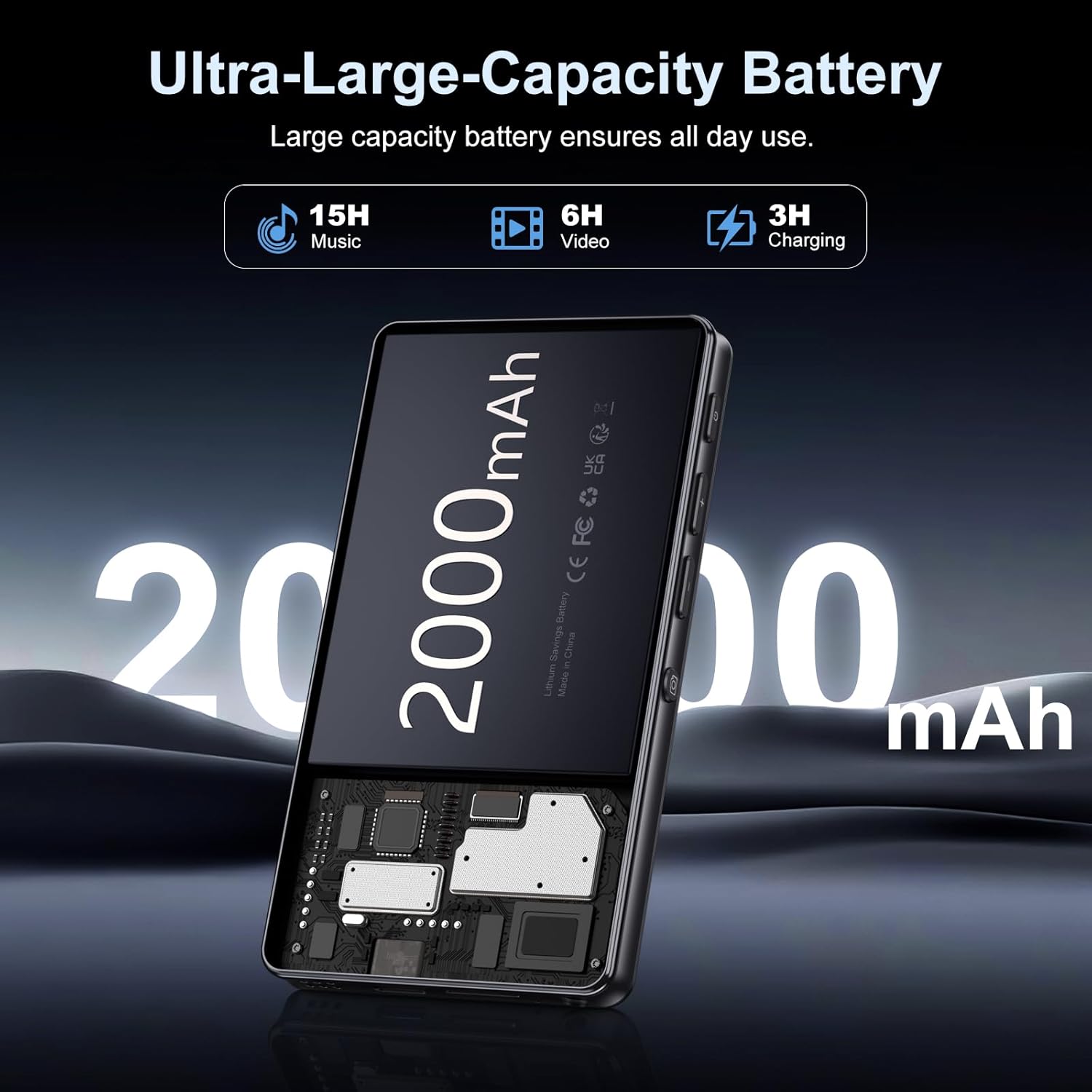
Image: Illustration of the 2000mAh battery and its charging/usage capabilities.
The 2000mAh battery provides approximately 15 hours of music playback and 6 hours of video playback on a full charge, which takes about 3 hours.
1.3 Power On/Off
- Biex Tixgħel: Agħfas u żomm il-buttuna tal-qawwa li tinsab fuq in-naħa tal-apparat sakemm l-iskrin jixgħel.
- Biex Tifi: Press and hold the power button, then select 'Power Off' from the options that appear on the screen.
1.4 Setup Inizjali
Malli tixgħelha għall-ewwel darba, segwi l-istruzzjonijiet fuq l-iskrin biex:
- Agħżel il-lingwa preferuta tiegħek.
- Connect to a Wi-Fi network for internet access and app downloads.
- Issettja d-data u l-ħin.
2. Istruzzjonijiet Operattivi
2.1 Basic Navigation (Touchscreen)
The Oilsky M305 features a 4.02-inch HD touchscreen for intuitive control. Use gestures similar to a smartphone:
- Tektek: Biex tagħżel oġġett jew tiftaħ app.
- Swipe: Biex tiskrollja minn listi jew taqleb bejn l-iskrins.
- Agħfas biex tiżżumja: In supported applications like image galleries.

Image: The 4.02-inch HD touchscreen in use, displaying video content.
2.2 Daqq tal-Mużika
The device supports various music formats including MP3, WAV, APE, FLAC, and AAC. You can play music through the built-in speaker or connected headphones/Bluetooth devices.

Image: Music playback interface showing supported audio formats.
- Accessing Music: Open the pre-installed music player app or any downloaded streaming service (e.g., Spotify, Audible).
- Creating Playlists: Use the music player app to organize your songs into custom playlists.
- Equalizer: Adjust audio settings via the built-in equalizer for a personalized listening experience.

Image: Features for music management, including playlist creation and equalizer settings.
2.3 Daqq tal-Vidjo
The device supports various video formats including AVI, MKV, MP4, MPG, and MOV. Videos can be viewed on the 4.02-inch HD screen.

Image: Supported video and music formats for the device.
2.4 Użu tal-Kamera
The M305 is equipped with a 13MP rear camera and a 5MP front camera for capturing photos and videos.
- Nieħdu Ritratti: Iftaħ l-app tal-Kamera, iffrajma r-ritratt tiegħek, u agħfas il-buttuna tax-shutter.
- Vidjos ta 'Reġistrazzjoni: Switch to video mode in the Camera app and tap the record button to start/stop.

Image: Illustration of the 5MP front and 13MP rear cameras.
2.5 Konnettività (Bluetooth u Wi-Fi)
The device features dual-band Wi-Fi for fast internet access and Bluetooth 5.0 for stable wireless connections.
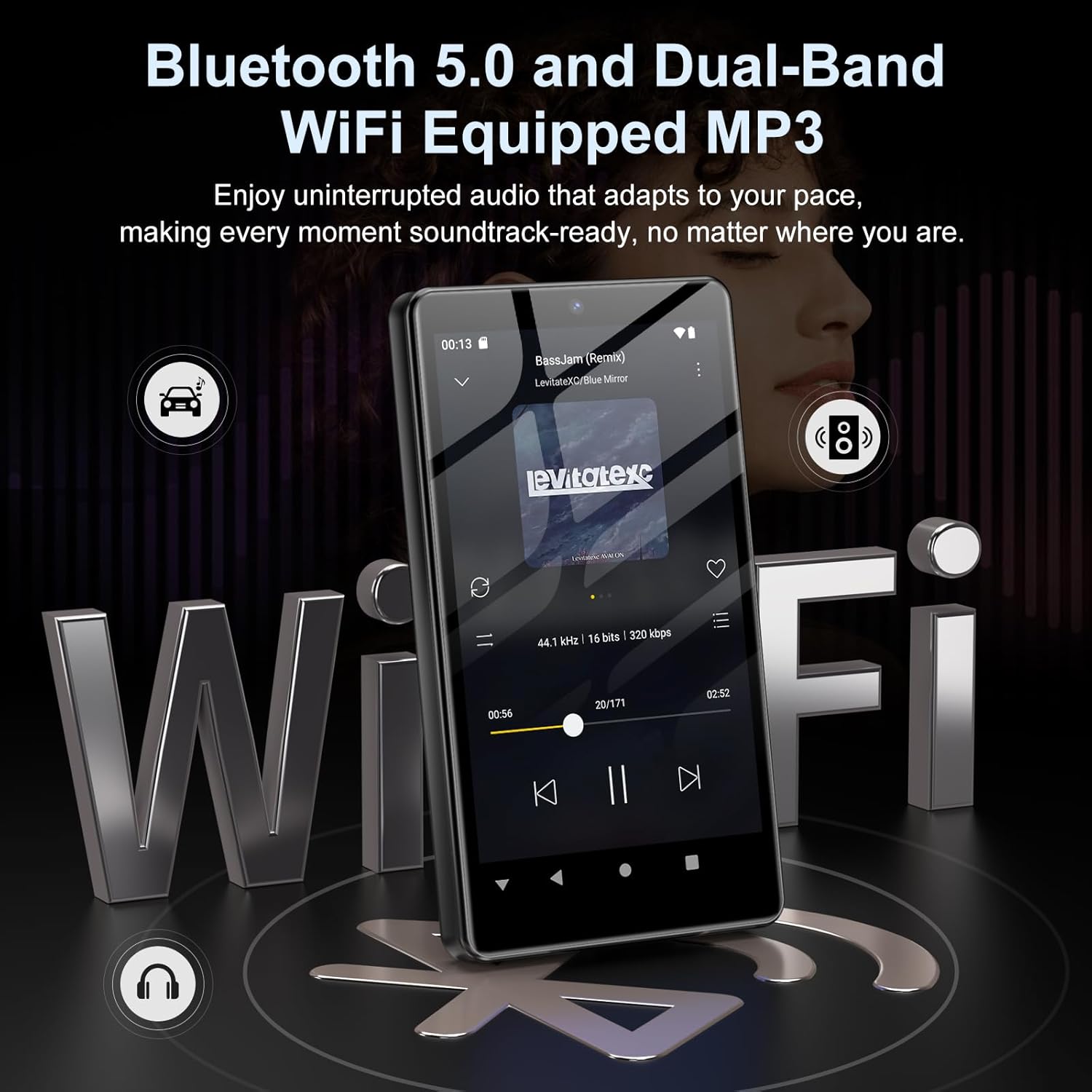
Image: Visual representation of Bluetooth and Wi-Fi connectivity.
- Wi-Fi: Mur f'Settings > Netwerk u internet > Wi-Fi biex tikkonnettja man-netwerks disponibbli.
- Bluetooth: Go to Settings > Connected devices > Bluetooth to pair with headphones, speakers, or other Bluetooth-enabled devices.
2.6 Ġestjoni tal-Ħażna
The M305 comes with 32GB of internal ROM and includes a 128GB TF card, supporting external storage expansion up to 1TB.

Image: Storage capacity details including internal ROM and TF card expansion.
- ViewĦażna tal-Ing: Navigate to Settings > Storage to see internal and external storage usage.
- Trasferiment Files: Connect the device to a computer using the USB cable to transfer music, videos, and photos.
2.7 App Installation (Google Play Store)
Running on Android 13.0, the device allows you to install and uninstall applications from the Google Play Store.
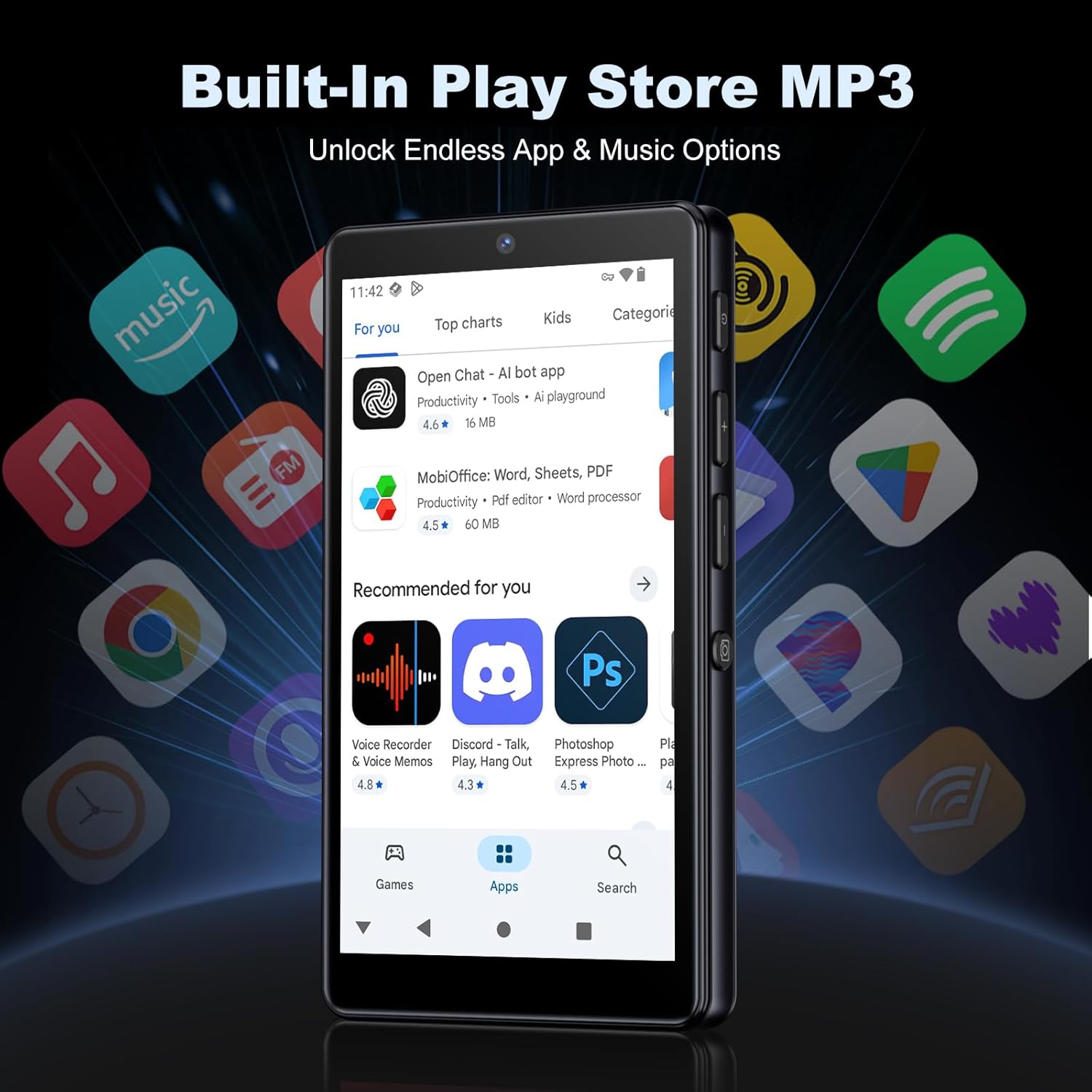
Image: The Google Play Store interface on the device.
- Installazzjoni ta' Apps: Open the Play Store app, search for your desired application, and tap 'Install'.
- Id-diżinstallazzjoni tal-Apps: Go to Settings > Apps, select the app, and tap 'Uninstall'.
3. Manutenzjoni
3.1 Tindif
To clean the device, use a soft, dry, lint-free cloth. Avoid using abrasive cleaners, solvents, or aerosol sprays, which may damage the screen or finish.
3.2 Kura tal-Batterija
- Evita li tesponi l-apparat għal temperaturi estremi.
- Tħallix il-batterija tiċċarġja kompletament ta' spiss.
- Uża biss il-kejbil USB ipprovdut għall-iċċarġjar.
3.3 Aġġornamenti tas-Software
Iċċekkja perjodikament għal aġġornamenti tas-softwer biex tiżgura li t-tagħmir tiegħek għandu l-aħħar karatteristiċi u irqajja tas-sigurtà. Mur f'Settings > Sistema > Aġġornament tas-sistema.
4 Issolvi l-problemi
4.1 L-Apparat Mhux Qed Jinxtegħel
- Kun żgur li l-batterija hija ċċarġjata. Qabbad l-apparat ma' ċarġer għal mill-inqas 30 minuti.
- Try a forced restart by holding the power button for 10-15 seconds.
4.2 Kwistjonijiet ta' Konnettività (Wi-Fi/Bluetooth)
- Wi-Fi: Check if the Wi-Fi network is active and you have entered the correct password. Try restarting your router.
- Bluetooth: Ensure the device you are trying to connect to is in pairing mode and within range. Try turning Bluetooth off and on again on both devices.
4.3 L-Applikazzjonijiet Jikkraxxjaw jew Jiffriżaw
- Agħlaq u terġa' tiftaħ l-app.
- Clear the app's cache: Settings > Apps > [App Name] > Storage & cache > Clear cache.
- If the issue persists, try uninstalling and reinstalling the app.
4.4 Kwalità tal-Awdjo Fqira
- Check your earphones or Bluetooth speaker connection.
- Żgura l-awdjo file mhix korrotta.
- Adjust the equalizer settings in your music player.
5. Speċifikazzjonijiet
| Karatteristika | Dettall |
|---|---|
| Brand | Oilsky |
| Numru tal-Mudell | M305 |
| Sistema Operattiva | Android 13.0 |
| Proċessur | MTK 8-core |
| RAM | 4GB |
| Ħażna Interna (ROM) | 32GB |
| Ħażna Esterna | 128GB TF Card included, expandable up to 1TB |
| Daqs tal-Iskrin | 4.02 pulzieri Touchscreen HD |
| Kamera ta' wara | 13MP |
| Kamera ta' Quddiem | 5MP |
| Bluetooth | Bluetooth 5.0 |
| Wi-Fi | Wi-Fi b'medda doppja |
| Kapaċità tal-batterija | 2000mAh Lithium-polymer |
| Ħin ta 'Daqq tal-Mużika | Sa 15 sigħat |
| Ħin tal-Daqq tal-Vidjo | Sa 6 sigħat |
| Ħin tal-Iċċarġjar | Appross. 3 sigħat |
| Formati Awdjo Appoġġjati | MP3, WAV, APE, FLAC, AAC, etc. |
| Formati tal-Vidjo Appoġġjati | AVI, MKV, MP4, MPG, MOV, etc. |
| Formati ta 'Immaġni Appoġġjati | JPEG, BMP, GIF, PNG, etc. |
6. Informazzjoni dwar Garanzija
The Oilsky M305 MP3 Player comes with a manufacturer's warranty. Please refer to the warranty card included in your package or contact Oilsky customer support for specific terms and conditions. Keep your proof of purchase for warranty claims.
7. Appoġġ għall-Klijent
If you encounter any issues not covered in this manual or require further assistance, please contact Oilsky customer support. Contact details can typically be found on the official Oilsky webis-sit jew fuq il-karta tal-garanzija.