
1. Introduzzjoni
This manual provides instructions for the UnionSine 1TB Ultra Slim Portable External Hard Drive, Model HDD2510. This device offers expanded storage and fast data transfer for various compatible systems. Please read this manual thoroughly before using the product to ensure proper operation and longevity.

Image 1.1: UnionSine 1TB Ultra Slim Portable External Hard Drive.
2. X'hemm fil-Kaxxa
Upon unpacking your UnionSine External Hard Drive, please ensure all items listed below are present and in good condition:
- 1 x UnionSine Portable Hard Drive (HDD2510)
- 1 x USB 3.0 Cable
- 1 x Manwal tal-Utent (dan id-dokument)
3. Setup
The UnionSine Portable External Hard Drive is designed for plug-and-play functionality, requiring no software installation for basic use.
3.1 Konnessjoni tal-Hard Drive
- Locate the USB 3.0 cable provided in the box.
- Connect the smaller end of the USB 3.0 cable to the port on the UnionSine Portable Hard Drive.
- Connect the larger end of the USB 3.0 cable to an available USB 3.0 or USB 2.0 port on your computer, laptop, gaming console, or other compatible device.
- L-apparat għandu jiġi rikonoxxut awtomatikament mis-sistema operattiva tiegħek.

Image 3.1: Connecting the hard drive to a laptop, highlighting broad compatibility.
3.2 Initial Recognition and Formatting (if necessary)
The drive comes pre-formatted with EXFAT for broad compatibility. If your device does not recognize the drive upon plugging it in, or if you wish to optimize it for a specific operating system, you may need to re-format it. Refer to Section 5.1 for detailed formatting instructions.
Vidjo 3.1: Overview of the portable external hard drive and its USB 3.0 connectivity.
4. Istruzzjonijiet Operattivi
4.1 Trasferiment tad-Data
Biex tittrasferixxi files, simply drag and drop them to and from the external hard drive icon that appears in your computer's file explorer (Windows) or Finder (Mac). The drive supports ultra-fast data transfer speeds:
- Theoretical Read Speed: Up to 125MB/s
- Theoretical Write Speed: Up to 103MB/s
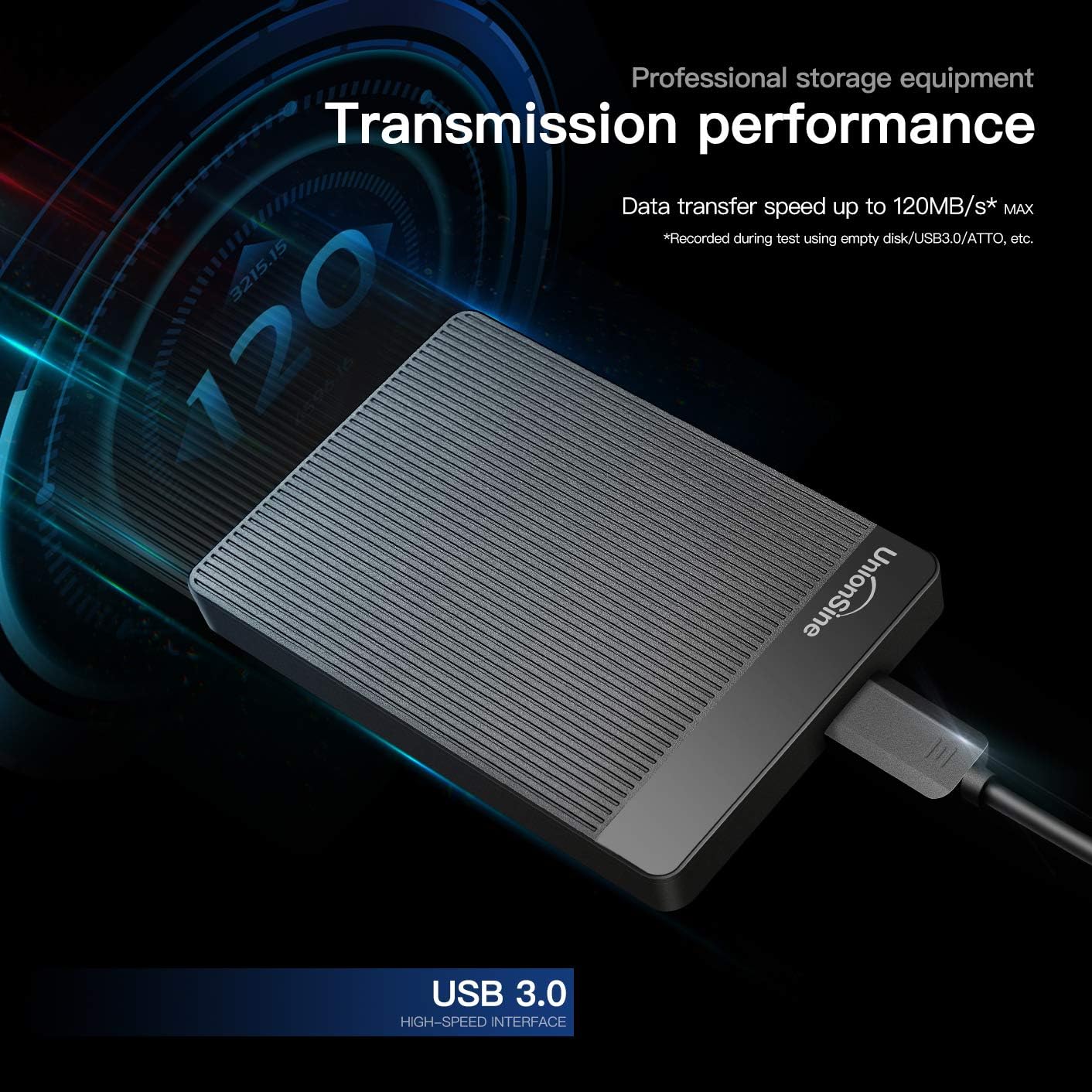
Image 4.1: Illustration of the hard drive's high-speed data transfer capabilities.
4.2 Tneħħija Sikura
Always safely eject the hard drive from your operating system before physically disconnecting it to prevent data corruption. For Windows, right-click the drive icon and select "Eject." For Mac, drag the drive icon to the Trash or click the Eject button next to the drive in Finder.
Vidjo 4.2: Viżjoni ta' 360 grad view of the external hard drive, demonstrating its compact design.
5. Compatibility and Formatting
5.1 Supported Systems and Formats
The UnionSine Portable Hard Drive is compatible with a wide range of operating systems and devices. The default format is EXFAT. If re-formatting is required, please refer to the table below for recommended formats:
| Sistema | Appoġġ għall-Format |
|---|---|
| Windows 7/8/10 | FAT / FAT32 / NTFS / EXFAT |
| Linux | EXT2 / EXT3 / EXT4 |
| Mac OS X | APFS / EXFAT |
| Android | FAT32 / NTFS |
| Xbox wieħed | NTFS / FAT32 / Xbox |
| PS4 | FAT32 / EXFAT |
| TV | FAT32 / NTFS |
Nota Importanti:
Some Xbox and PS devices require storage capacity greater than 250GB. For these devices, please purchase a 320GB or above capacity drive to avoid unrecognized storage issues.
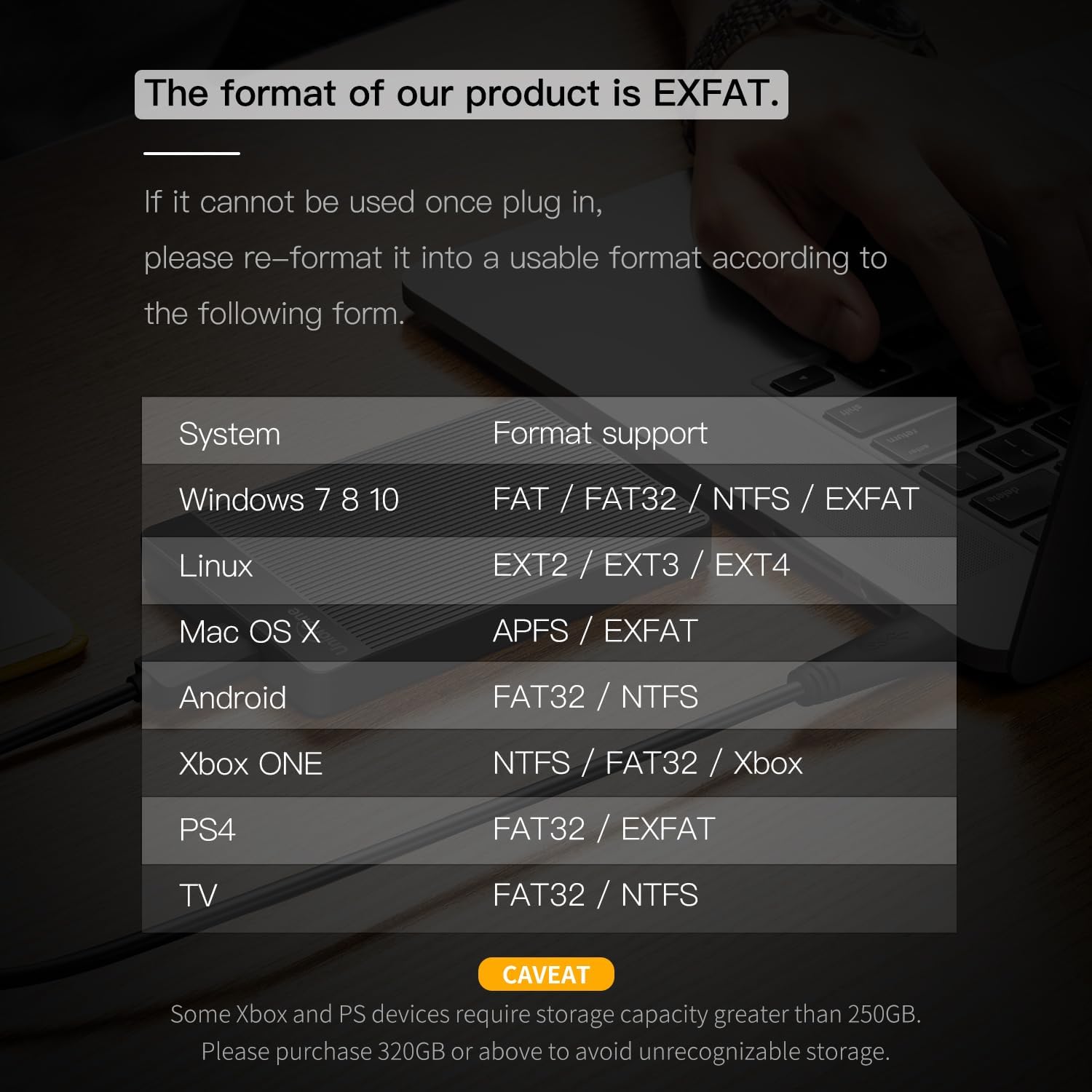
Image 5.1: Compatibility and format support table for the hard drive.
6. Manutenzjoni
To ensure optimal performance and longevity of your UnionSine Portable Hard Drive, consider the following maintenance tips:
- Dissipazzjoni tas-Sħana: The drive features a striped non-slip design and an internal aluminum foil protective layer to aid in heat dissipation. Ensure the drive is placed on a stable surface with adequate airflow during prolonged use to maintain stable and fast transmission.
- Operazzjoni kwieta: The motherboard utilizes a JMicron 578 noise-free solution. If you notice unusual noises, ensure the drive is on a flat, stable surface and not obstructed.
- Kura tal-Cable: Use the provided high-quality USB 3.0 cable. The cable includes a spiral wire mesh protective film and an aluminum foil layer to prevent electromagnetic interference. Avoid bending or twisting the cable excessively.
- Protezzjoni Fiżika: The rounded corners of the shell are designed for comfortable handling. Avoid dropping the drive or subjecting it to strong impacts, as this can damage the internal mechanical components.

Image 6.1: The hard drive's design features for quiet operation and heat dissipation.

Image 6.2: The high-quality USB 3.0 cable for reliable connection.
7 Issolvi l-problemi
If you encounter issues with your UnionSine Portable Hard Drive, please refer to the following common troubleshooting steps:
- Sewqan Mhux Rikonoxxut:
- Ensure the USB cable is securely connected to both the hard drive and your device's USB port.
- Ipprova qabbad id-drajv ma' port USB differenti fuq l-apparat tiegħek.
- Try connecting the drive to a different computer or device to rule out a port issue.
- Check your device's Disk Management (Windows) or Disk Utility (Mac) to see if the drive is detected but unformatted or requires initialization. Refer to Section 5.1 for formatting guidance.
- Trasferiment tad-Data bil-mod:
- Ensure you are using a USB 3.0 port on your device for optimal speeds. USB 2.0 ports will result in slower transfers.
- Avoid running multiple data-intensive applications during transfer.
- Check the integrity of the USB cable; a damaged cable can affect performance.
- Id-Drajv Jiskonnettja b'mod każwali:
- Ensure the USB connection is stable and not loose.
- Check power management settings on your computer, as some settings may power down USB devices to save energy.
- Korruzzjoni tad-Data:
- Always safely eject the drive before disconnecting it (refer to Section 4.2).
- Run a disk check utility on your operating system to scan and repair potential errors.
8. Speċifikazzjonijiet
Key technical specifications for the UnionSine 1TB Ultra Slim Portable External Hard Drive (Model HDD2510):
| Karatteristika | Dettall |
|---|---|
| Numru tal-Mudell | HDD2510 |
| Kapaċità tal-Ħażna Diġitali | 1 TB |
| Interface Hard Disk | Serjali ATA-600 |
| Teknoloġija tal-Konnettività | USB 3.0 (kompatibbli b'lura ma' USB 2.0) |
| Fattur tal-Formola tad-Disk Ribd | 2.5 Pulzier |
| Deskrizzjoni Hard Disk | Hard Disk Mekkanika |
| Veloċità ta' Rotazzjoni tal-Hard Drive | 5400 RPM |
| Apparati Kompatibbli | Desktop, Gaming Console (PS4, Xbox One, Xbox 360), Laptop, Television |
| Piż tal-oġġett | 7.8 uqija |
| Dimensjonijiet tal-Prodott (LxWxH) | 4.56 x 0.5 x 3.15 pulzieri |
| Kulur | Iswed |
| Karatteristika Speċjali | Portable, Ultra Slim Design, Quiet Operation, Heat Dissipation |
9. Garanzija u Appoġġ
UnionSine stands behind the quality of its products.
- Garanzija tal-Manifattur: This product comes with a three-year manufacturer's warranty. Please retain your proof of purchase for warranty claims.
- Appoġġ Tekniku: Free technical support services are available. For assistance, please refer to the contact information provided with your product packaging or visit the official UnionSine websit.