
Introduzzjoni
Grazzi tax-xiriasing the Intempo LED Blaze Speaker. This manual provides important information regarding the safe operation, setup, and maintenance of your speaker. Please read this manual thoroughly before use and retain it for future reference.
The Intempo LED Blaze Speaker is designed to deliver powerful audio with 100W PMPO output, featuring Bluetooth connectivity, five LED color modes, and a built-in karaoke function with an included microphone. It offers up to 10 hours of playback on a single charge, making it suitable for various indoor and outdoor settings.
Istruzzjonijiet tas-Sigurtà
- Read all instructions carefully before operating the speaker.
- Żomm l-ispiker 'il bogħod mill-ilma, l-umdità, u temperaturi estremi.
- Tippruvax tiżżarma, issewwi, jew timmodifika l-ispiker. Dan jannulla l-garanzija.
- Use only the charging cable provided or a compatible charger with the specified voltage (DC5V).
- Ensure the speaker is placed on a stable surface to prevent accidental falls.
- Avoid prolonged exposure to very high volume levels to prevent hearing damage.
- Żomm fejn ma jintlaħaqx mit-tfal.
Kontenut tal-Pakkett
Jekk jogħġbok immarka l-kaxxa għall-oġġetti li ġejjin:
- 1 x Intempo LED Blaze Speaker
- 1 x Wired Karaoke Microphone
- 1 x Kejbil tal-Iċċarġjar (USB)
- Manwal ta 'Istruzzjoni (dan id-dokument)

Image: The Intempo LED Blaze Speaker shown within its retail packaging, highlighting its features and included microphone.
Prodott Overview
Familiarize yourself with the various parts and controls of your Intempo LED Blaze Speaker.

Immaġni: Fuq view of the speaker's control panel, indicating the mobile phone stand, volume control dial, and microphone input with an included microphone.

Immaġni: Dettaljata view of the speaker's top control panel, showing buttons for mode, TWS, LED, microphone volume, EQ, record, and playback controls around a central volume knob.

Image: Top rear view of the speaker, displaying the DC5V charging port, TF card slot, USB port, AUX input, microphone input, and the power switch (OFF/ON).
Funzjonijiet tal-Panew tal-Kontroll:
- Port DC5V: Għall-iċċarġjar tal-ispiker.
- TF CARD Slot: Insert a TF (MicroSD) card for music playback.
- Port USB: Insert a USB drive for music playback.
- Input AUX: Qabbad apparati awdjo esterni permezz ta' kejbil awdjo ta' 3.5mm.
- Input MIC: Qabbad il-mikrofonu bil-fili.
- Swiċċ OFF/ON: Power the speaker on or off.
- Buttuna MODE: Switch between Bluetooth, TF Card, USB, and AUX modes.
- Buttuna TWS: Activate True Wireless Stereo pairing (for connecting two Blaze speakers).
- Buttuna LED: Cycle through LED light modes or turn them off.
- Buttuna tal-MIC: Aġġusta l-volum tal-mikrofonu.
- Buttuna EQ: Agħżel presets tal-equalizer.
- Buttuna REC: Record audio (requires a storage device).
- Ċempel tal-Volum: Adjust the main speaker volume.
- Kontrolli tal-daqq: Daqq/Pawża, Trakka Preċedenti, Trakka Li Jmiss.
Setup
Iċċarġjar inizjali:
- Before first use, fully charge the speaker. Connect the provided USB charging cable to the DC5V port on the speaker and the other end to a USB power adapter (not included) or a computer's USB port.
- Id-dawl indikatur tal-iċċarġjar se jixgħel. Se jintefa jew jibdel il-kulur ladarba jkun iċċarġjat kompletament.
- Ċarġ sħiħ tipikament jieħu diversi sigħat.
Tixgħel/Jitfi:
- To turn on the speaker, slide the OFF/ON jaqilbu għall- ON position. You will hear an audible prompt.
- To turn off the speaker, slide the OFF/ON jaqilbu għall- OFF pożizzjoni.
Istruzzjonijiet Operattivi
Tqabbil Bluetooth:
- Ixgħel l-ispiker. Dan jidħol awtomatikament fil-modalità ta' tqabbil Bluetooth, indikat minn LED li jteptep jew minn sinjal li jinstema'.
- Fuq l-apparat mobbli tiegħek (smartphone, tablet, eċċ.), attiva l-Bluetooth u fittex apparati disponibbli.
- Select "Intempo Blaze" from the list of devices.
- Once paired, the speaker will indicate a successful connection, and the LED will stop flashing (or change pattern).
- You can now play audio from your device through the speaker. The effective range is up to 25 meters.
Modi tad-Dawl LED:
The speaker features five LED color modes that react to your music, creating a dynamic visual experience.
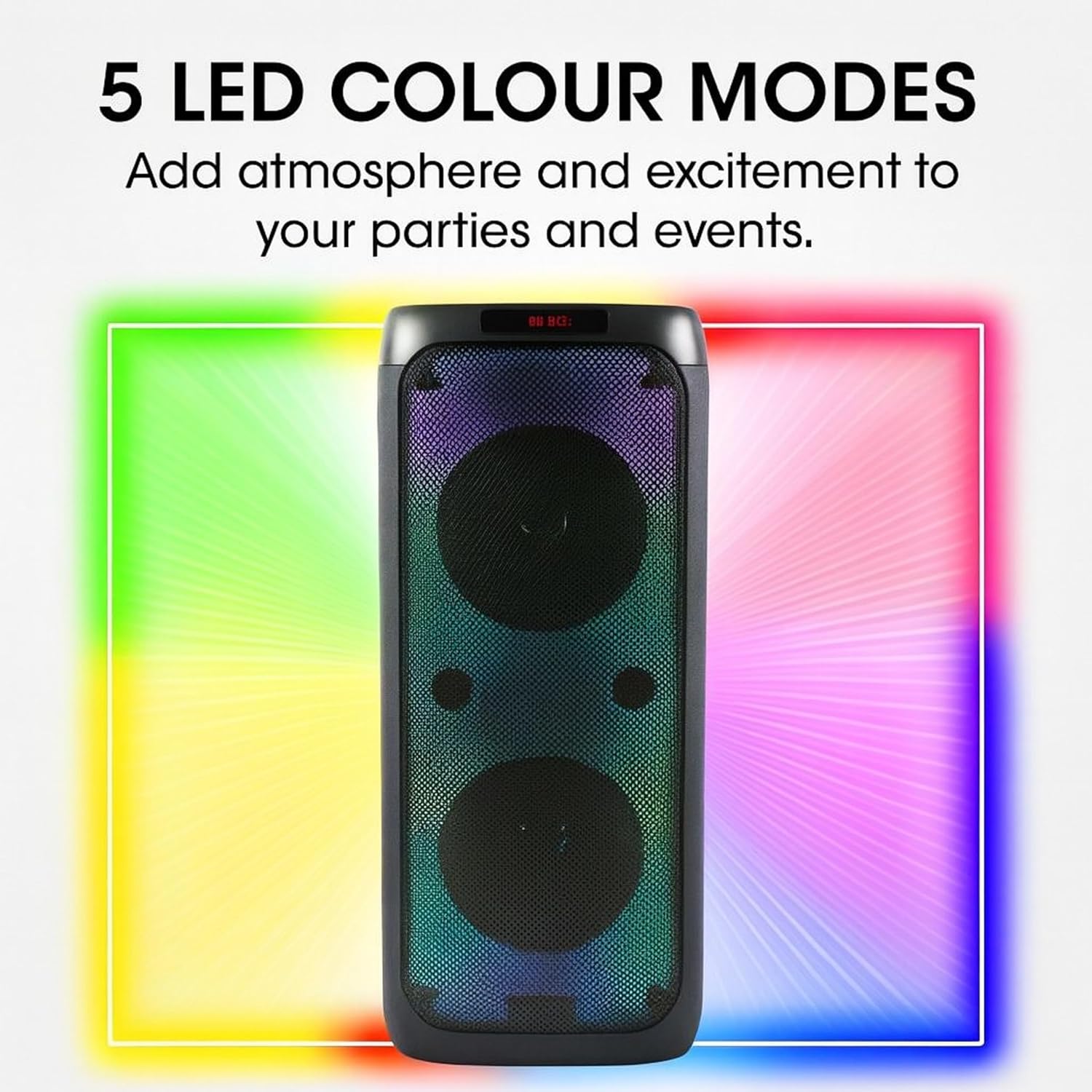
Image: The Intempo LED Blaze Speaker with a graphic overlay highlighting its capability of 5 LED colour modes, designed to add atmosphere.
- Agħfas il- LED button on the control panel to cycle through the available light modes.
- Kompli agħfas il - LED buttuna biex itfi d-dwal.
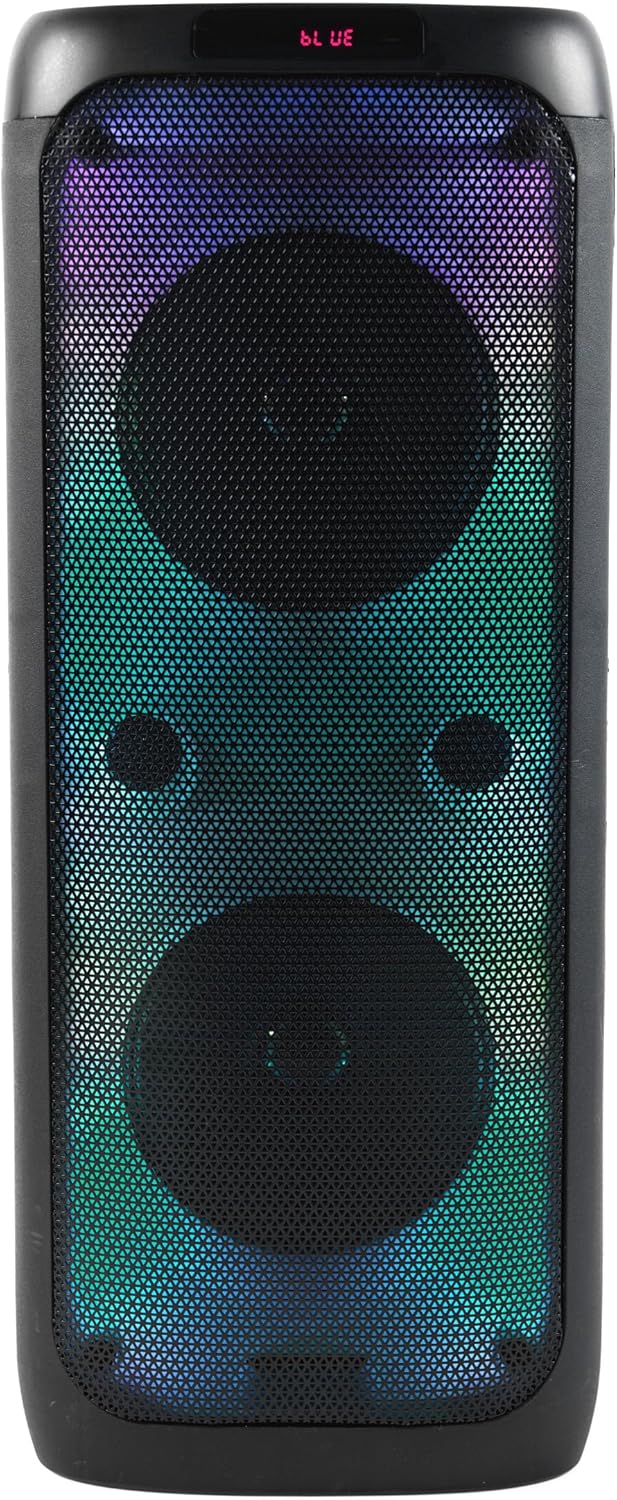
Immaġni: Quddiem view of the Intempo LED Blaze Speaker, showcasing its vibrant multi-color LED lights active behind the speaker grilles.

Immaġni: Quddiem view of the Intempo LED Blaze Speaker, displaying a dynamic rainbow-colored LED light pattern.
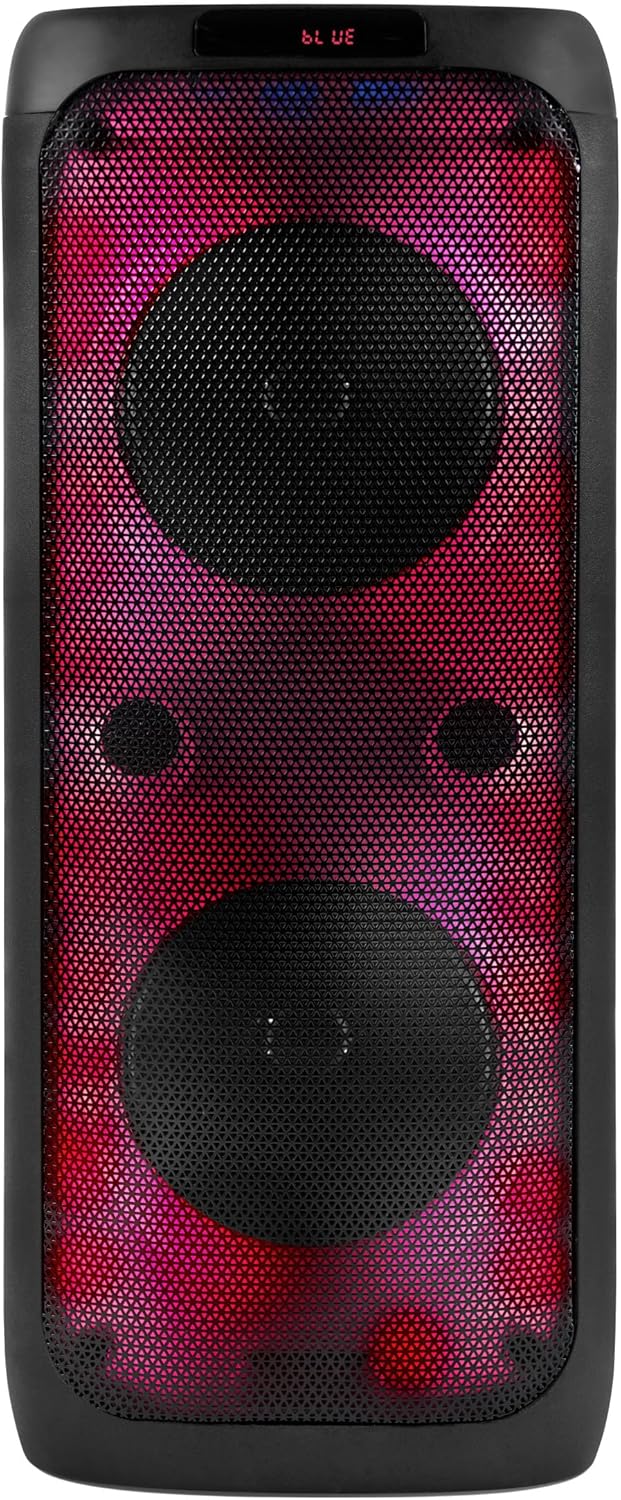
Immaġni: Quddiem view of the Intempo LED Blaze Speaker, illuminated with a striking red and purple LED light combination.
Funzjoni tal-karaoke:
- Connect the included wired microphone to the Input MIC port on the speaker's control panel.
- Aġġusta l-volum tal-mikrofonu billi tuża l- MIC button or dedicated control if available.
- Play music via Bluetooth, USB, TF card, or AUX, and sing along.
L-użu tal-Stand tat-Telefon:
The integrated phone stand allows you to conveniently place your smartphone or tablet while using the speaker.
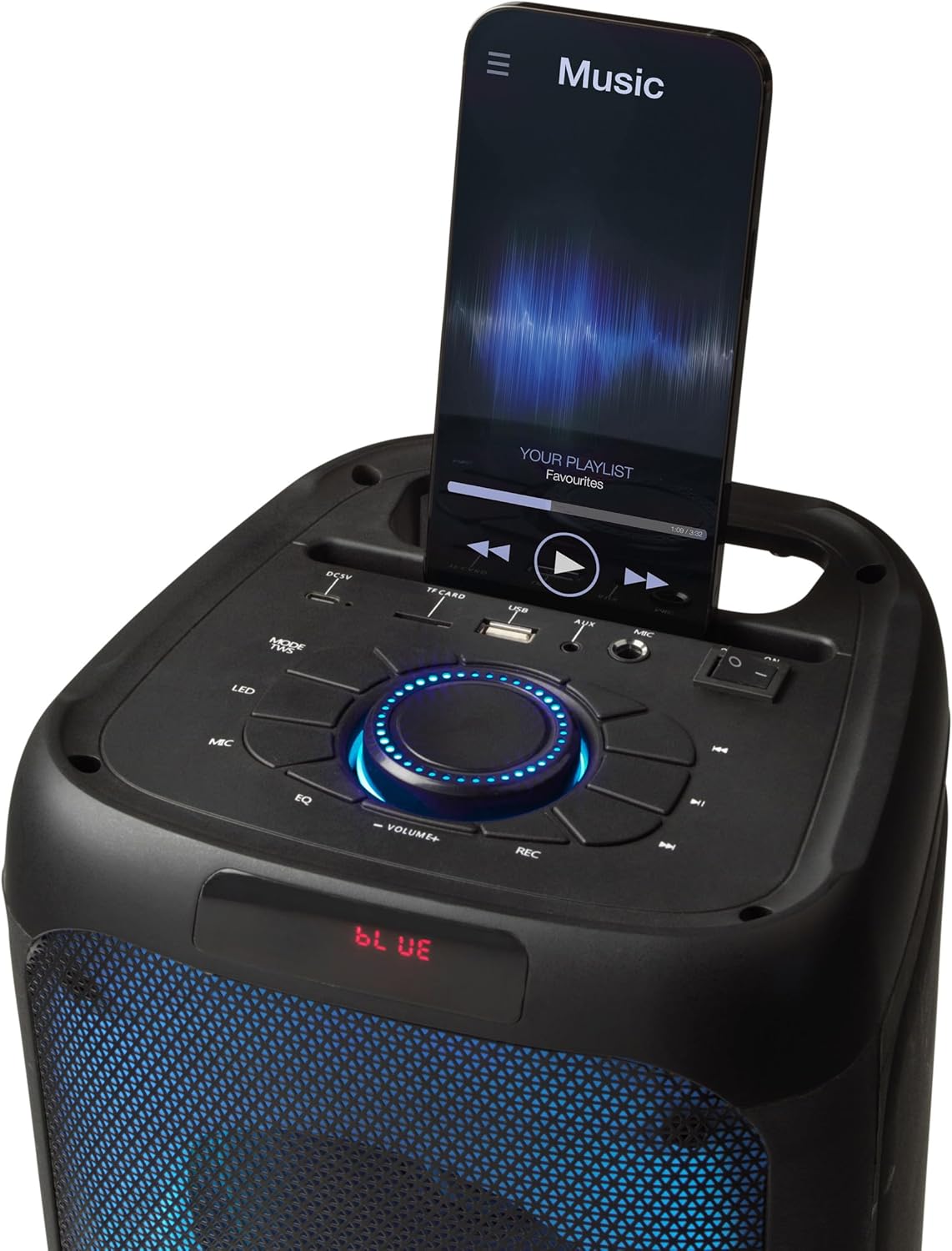
Image: The top panel of the Intempo LED Blaze Speaker, showing a smartphone securely placed in the integrated mobile phone stand, displaying a music application.
Daqq tal-Kard USB/TF:
- Insert a USB drive or TF (MicroSD) card containing MP3 audio files fil-port rispettiv.
- Agħfas il- MODALITÀ button to switch to USB or TF Card mode. The speaker will automatically begin playing music.
- Use the playback controls (Play/Pause, Previous/Next Track) to manage your music.
Input AUX:
- Qabbad tarf wieħed ta' kejbil awdjo ta' 3.5mm (mhux inkluż) mal- Input AUX port fuq l-ispiker.
- Qabbad it-tarf l-ieħor tal-kejbil tal-awdjo mal-jack tal-headphones jew mal-output tal-awdjo tat-tagħmir estern tiegħek.
- Agħfas il- MODALITÀ buttuna biex taqleb għall-modalità AUX.
- Ikkontrolla d-daqq u l-volum mit-tagħmir estern tiegħek.
Kontroll tal-Volum:
- Dawwar iċ-ċentru Ċempel tal-Volum lejn l-arloġġ biex iżżid il-volum u kontra l-arloġġ biex tnaqqas il-volum.
Iċċarġjar lill-Ispeaker
The Intempo LED Blaze Speaker is equipped with a 3000 mAh rechargeable battery, providing up to 10 hours of continuous playback.
- When the battery is low, the speaker may emit an audible warning or the LED indicator may change.
- Connect the USB charging cable to the DC5V port on the speaker and to a suitable USB power source.
- Allow the speaker to charge fully before disconnecting.
- Do not leave the speaker charging unattended for extended periods.
Manutenzjoni
- Tindif: Use a soft, dry cloth to clean the exterior of the speaker. Do not use abrasive cleaners, solvents, or harsh chemicals.
- Ħażna: Meta ma tkunx qed tużah għal perjodi twal, aħżen l-ispiker f'post frisk u niexef, 'il bogħod mix-xemx diretta u minn temperaturi estremi.
- Kura tal-batterija: Biex ittawwal il-ħajja tal-batterija, evita li tiċċarġja kompletament il-batterija ta’ spiss. Iċċarġja l-ispiker regolarment, anke jekk ma jkunx qed jintuża.
Issolvi l-problemi
| Problema | Kawża Possibbli | Soluzzjoni |
|---|---|---|
| L-ispeaker ma jixgħelx. | Il-batterija hija eżawrita. | Iċċarġja l-ispiker kompletament. |
| L-ebda ħoss. | Il-volum huwa baxx wisq; intgħażlet modalità mhux korretta; apparat mhux imqabbad. | Increase volume; press MODE button to select correct input; ensure Bluetooth device is paired or AUX/USB/TF is properly connected. |
| L-apparat Bluetooth ma jistax jingħaqad. | Speaker not in pairing mode; device too far; Bluetooth not enabled on device. | Ensure speaker is on and in Bluetooth mode; move device closer; enable Bluetooth on your device and search again. |
| Il-mikrofonu mhux qed jaħdem. | Microphone not connected properly; microphone volume too low. | Ensure microphone is fully plugged into the MIC input; adjust microphone volume using the MIC button. |
Speċifikazzjonijiet
| Karatteristika | Speċifikazzjoni |
|---|---|
| Numru tal-Mudell | EE7515 |
| Brand | INTEMPO |
| Qawwa tal-Ħruġ tal-Ispeaker | 100W PMPO |
| Teknoloġija tal-Konnettività | Bluetooth |
| Medda Bluetooth | Sa 25 metri |
| Kapaċità tal-batterija | 3000 mAh |
| Ħin tal-daqq | Sa 10 sigħat |
| Modi LED | 5 Modi tal-Kulur |
| Inputs | USB, TF Card, AUX (3.5mm), Microphone (6.35mm) |
| Dimensjonijiet (L x W x H) | 25.5 x 25.5 x 53.4 ċm |
| Piż | 4.36 kg |
| Materjal | Metall, plastik |
| Sors tal-Enerġija | Battery Powered (1 Non-standard Battery, included) |
Garanzija u Appoġġ
This product is covered by a manufacturer's warranty. Please refer to the warranty card included with your purchase or contact the retailer for specific warranty terms and conditions.
For technical support, troubleshooting assistance beyond this manual, or inquiries regarding replacement parts, please contact Intempo customer service or your point of purchase.