
1. Informazzjoni dwar is-Sigurtà
Please read all safety instructions carefully before using the innioasis G1 MP3 Player. Keep this manual for future reference.
- Tesponix l-apparat għal temperaturi estremi, dawl tax-xemx dirett, jew umdità għolja.
- Evita li twaqqa’ jew tissuġġetta l-apparat għal impatti qawwija.
- Tippruvax tiżżarma jew issewwi l-apparat int stess. Dan jannulla l-garanzija.
- Uża biss il-kejbil USB-C provdut għall-iċċarġjar.
- Żomm l-apparat 'il bogħod mill-ilma u likwidi oħra.
- Smigħ fit-tul f'livelli ta' volum għoli jista' jikkawża ħsara fis-smigħ.
2. Kontenut tal-Pakkett
Ivverifika li l-oġġetti kollha huma preżenti fil-pakkett tiegħek:
- 1 x innioasis G1 MP3 Player
- 1 x 64GB SD card (pre-installed or separate)
- 1 x USB-C iċċarġjar cable
- 1 x Wired headphones
- 1 x Manwal għall-utent

Image: The innioasis G1 MP3 Player, USB-C cable, wired headphones, 64GB SD card, and user manual included in the package.
3. Device Overview
The innioasis G1 MP3 Player features a compact design with a 4-inch full-touch screen. It includes physical buttons for power and volume control, and ports for charging and headphones.

Immaġni: Quddiem view of the innioasis G1 MP3 Player displaying various preinstalled applications on its touch screen.
Karatteristiċi ewlenin:
- 4-inch Full Touch Screen
- Android OS with 1.9GHz Octa-core CPU and 2GB RAM
- 80GB Storage (16GB ROM + 64GB TF card), expandable up to 1TB
- Konnettività Bluetooth 4.2
- Wi-Fi (2.4GHz u 5GHz)
- Pre-installed streaming apps (Spotify, Spotify Kids, Amazon Music, Pandora, Tidal, Deezer, Audible)
- Kontrolli tal-Ġenituri
- FM Radio, Voice Recorder, Video Player, Ebook Reader, Calculator, Clock, Gallery, Browser, Calendar
4. Setup
4.1 Iċċarġjar inizjali
Before first use, fully charge the device using the provided USB-C cable and a compatible power adapter (not included). The battery indicator on the screen will show charging status.
4.2 Power On/Off
- Biex Tixgħel: Press and hold the Power button on the side of the device until the screen lights up.
- Biex Tifi: Agħfas u żomm il-buttuna tal-Enerġija, imbagħad agħżel "Itfi" mill-għażliet fuq l-iskrin.
4.3 Language and Time Settings
Upon first startup, you may be prompted to select your preferred language and set the date and time. Follow the on-screen instructions.
4.4 Konnessjoni Wi-Fi
To access streaming services and online features, connect your device to a Wi-Fi network:
- Mur fuq Settings > Netwerk u Internet > Wi-Fi.
- Ixgħel il-Wi-Fi On.
- Agħżel in-netwerk mixtieq tiegħek mil-lista.
- Daħħal il-password jekk tintalab u tektek Qabbad.

Image: The innioasis G1 MP3 Player displaying its home screen with app icons, illustrating its strong network connection capabilities.
5. Istruzzjonijiet Operattivi
5.1 Navigazzjoni Bażika
The device features a full touch screen for navigation. Swipe left/right to browse app pages, tap an icon to open an app, and use the navigation buttons at the bottom of the screen (Back, Home, Recent Apps) to move between screens and applications.
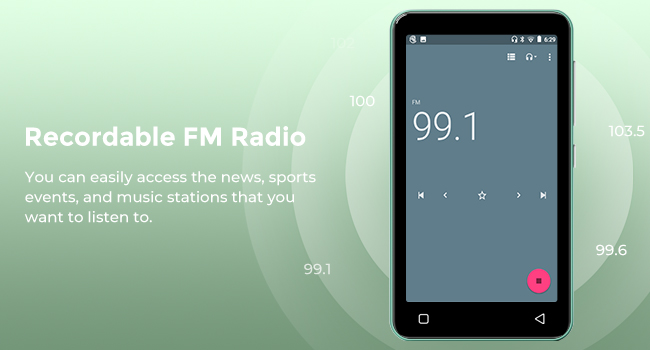
Image: A hand demonstrating touch screen interaction on the innioasis G1 MP3 Player, highlighting its ease of use.
5.2 Daqq tal-Mużika
The innioasis G1 supports various audio formats including MP3, FLAC, WAV, AAC, APE, OGG, M4A, WMA, and MP2.
- Local Music Player: Open the "Music" app to play files stored on the device or SD card. You can create playlists, search for songs, and use the graphic equalizer to adjust sound.
- Apps Streaming: Access pre-installed apps like Spotify, Spotify Kids, Amazon Music, Pandora, Tidal, and Deezer. Ensure you are connected to Wi-Fi for streaming.

Image: The innioasis G1 MP3 Player displaying its local music player interface, showing song categories, search function, playlist creation, and equalizer options.
5.3 Konnettività Bluetooth
Connect your MP3 player to Bluetooth headphones, speakers, or car stereos.
- Mur fuq Settings > Apparati konnessi > Bluetooth.
- Toggle Bluetooth On.
- Make sure your Bluetooth accessory is in pairing mode.
- Select your accessory from the list of available devices to pair.
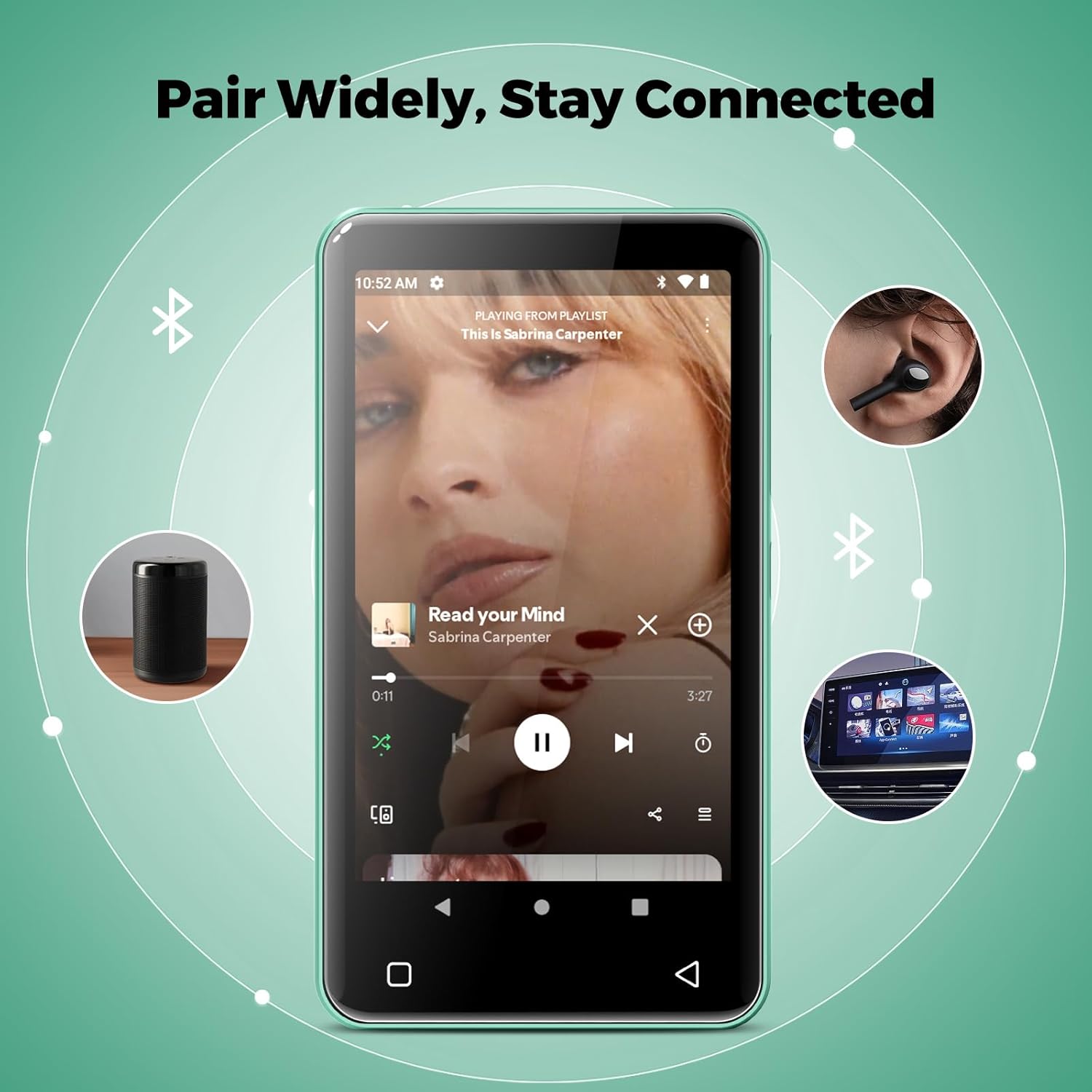
Image: The innioasis G1 MP3 Player showing its Bluetooth connection capabilities, pairing with headphones, a portable speaker, and a car stereo system.
5.4 Kontrolli tal-Ġenituri
The device includes parental control features to manage app access and settings.
- Mur fuq Settings > Kontroll tal-Ġenituri.
- Set a parental control password.
- You can enable/disable app installation, limit internet usage, and restrict device usage time.
- Preloaded apps can be removed, and settings can be locked with the passcode.

Image: The innioasis G1 MP3 Player displaying its parental control settings, including options for password management, app installation, internet usage limits, and device usage limits.
5.5 File Trasferiment
To transfer music, videos, and other files from a computer:
- Qabbad l-MP3 player mal-kompjuter tiegħek billi tuża l-kejbil USB-C.
- On the MP3 player, swipe down from the top of the screen to open the notification panel.
- Tap the USB notification (e.g., "USB charging this device") and select "File transfer" or "MTP".
- Your computer should now recognize the device as a removable storage drive. You can drag and drop files to the internal storage or the SD card.
5.6 Applikazzjonijiet Oħra
The innioasis G1 comes with several other useful applications:
- Radju FM: Tune into local radio stations. Some models may support recording.
- Video Player: Supports 1080P HD video playback and various formats including AVI, MKV, MP4, MPEG, MOV, VOB, WMV, WEBM, DIVX, F4V, FLV, XviD, 3GP.
- Reġistratur tal-Vuċi: Irrekordja l-awdjo billi tuża l-mikrofonu integrat.
- Ebook Reader: Access pre-loaded Audible for audiobooks and other e-book formats.
- Calculator, Clock, Gallery, Browser, Calendar: Standard utility apps for daily use.
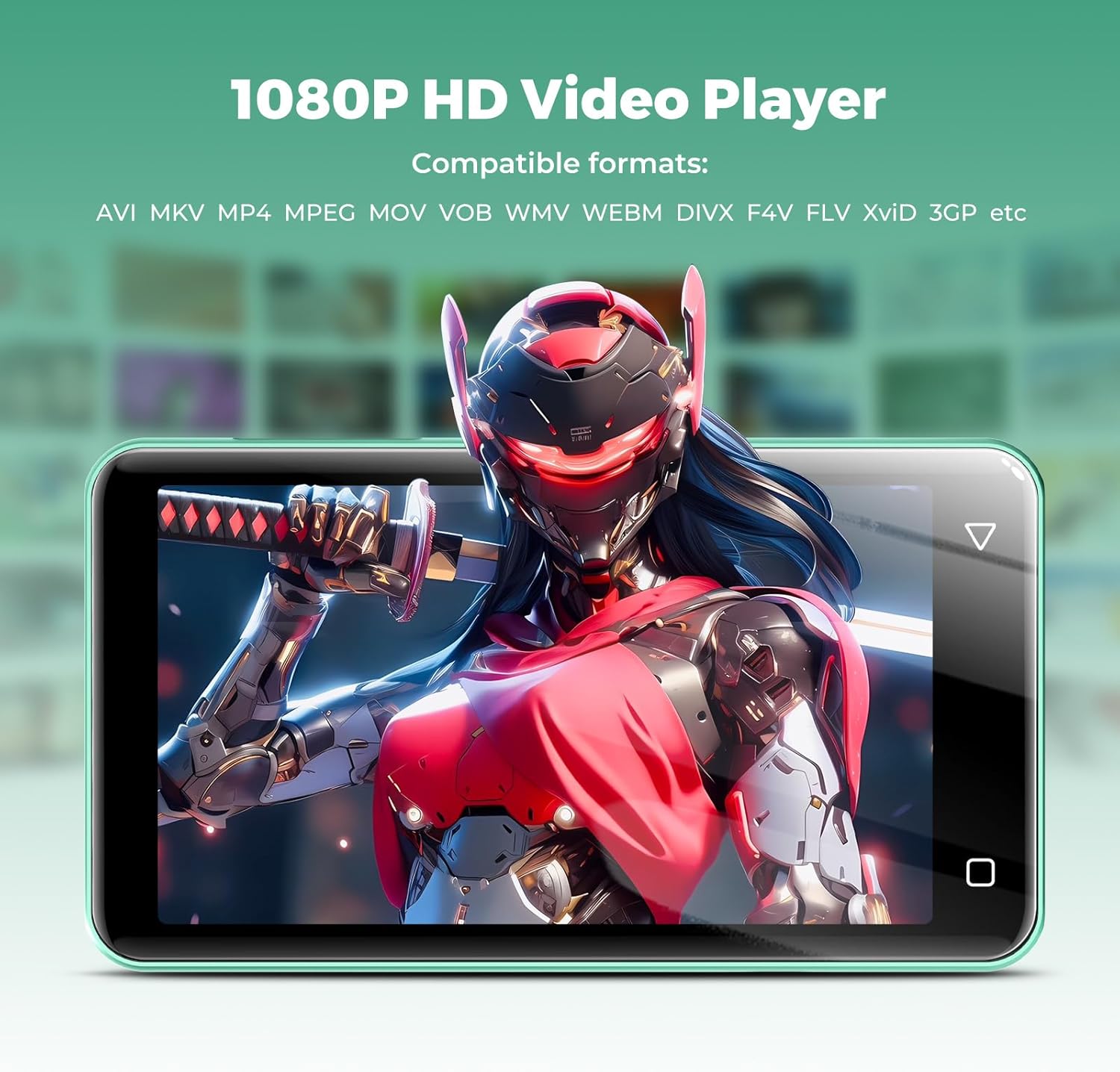
Image: The innioasis G1 MP3 Player displaying a high-definition video on its screen, illustrating its 1080P HD video playback capability.
6. Manutenzjoni
- Tindif: Uża drapp artab u niexef biex tnaddaf l-apparat. Tużax prodotti tat-tindif likwidi jew aerosols.
- Kura tal-batterija: To prolong battery life, avoid fully discharging the battery frequently. Charge the device regularly. If storing for a long period, charge it to about 50% every few months.
- Aġġornamenti tas-Software: Periodically check for software updates in the device settings to ensure optimal performance and security.
7 Issolvi l-problemi
| Problema | Soluzzjoni Possibbli |
|---|---|
| L-apparat ma jixgħelx. | Ensure the battery is charged. Connect to a charger for at least 30 minutes. If unresponsive, press and hold the power button for 10-15 seconds to force a restart. |
| Ma tistax tikkonnettja mal-Wi-Fi. | Check if Wi-Fi is enabled in settings. Verify the Wi-Fi password. Restart your router and the MP3 player. Ensure you are within range of the Wi-Fi signal. |
| L-apparat Bluetooth mhux qed jiġi mqabbla. | Ensure Bluetooth is enabled on both devices and the accessory is in pairing mode. Move the devices closer together. Try restarting both devices. |
| Apps are slow or unresponsive. | Close unused background apps. Clear app cache in Settings > Apps. Restart the device. Ensure sufficient storage space is available. |
| Ma jistax jittrasferixxi files to/from computer. | Ensure the USB-C cable is properly connected and functioning. On the MP3 player, select "File transfer" mode from the USB notification. Try a different USB port or computer. |
| Kwalità tal-ħoss ħażina. | Check headphone connection. Test with different headphones. Adjust equalizer settings in the music player. Ensure audio files mhumiex korrotti. |
8. Speċifikazzjonijiet
- Isem tal-Mudell: G1
- Dimensjonijiet tal-Prodott: 0.39 x 2.56 x 4.13 pulzieri
- Piż tal-oġġett: 5.9 uqija
- Manifattur: INNIOASIS
- Kapaċità tal-Ħżin tal-Memorja: 80 GB (16GB ROM + 64GB TF card)
- Ħażna espansibbli: Up to 1TB (SDXC/SDHC compatible)
- Daqs tal-iskrin: 4 Pulzier
- Teknoloġija tal-Konnettività: Bluetooth 4.2, Wi-Fi (2.4GHz & 5GHz)
- Karatteristiċi Speċjali: Equalizer, FM Radio, Hi-Res Audio, Video Playback, Voice Recorder, Parental Controls
- Apparati Kompatibbli: Headphones, Earphones
- Tip tal-Midja: Micro SD, Micro SDHC, Micro SDXC, SD Card, SDHC
- Batterija: 1500mAh (up to 25 hours music, 5 hours video playback)

Image: The innioasis G1 MP3 Player screen displaying battery life indicators for video (5 hours) and music (25 hours) playback.
9. Garanzija u Appoġġ
The innioasis G1 MP3 Player comes with a standard manufacturer's warranty. For detailed warranty information, please refer to the warranty card included in your package or contact innioasis customer support.
If you encounter any issues or have questions about your device, please contact innioasis customer support through their official webis-sit jew l-informazzjoni ta’ kuntatt ipprovduta fl-imballaġġ tal-prodott.