1. Introduzzjoni
This manual provides essential information for setting up, operating, maintaining, and troubleshooting your Lenovo ThinkPad E14 G7 laptop. Please read this guide thoroughly to ensure proper use and to maximize the performance and longevity of your device.
The ThinkPad E14 G7 is a powerful and versatile laptop featuring an Intel Core 5 210H processor, a 14-inch WUXGA IPS touchscreen display, 16GB DDR5 RAM, and a 512GB NVMe SSD, running on Windows 11 Pro.
2. Setup
2.1 Tneħħija tal-kaxxa u Spezzjoni Inizjali
Carefully remove all components from the packaging. Verify that all items listed in the "What's in the Box" section are present. Inspect the laptop for any physical damage before proceeding.
- Lenovo ThinkPad E14 G7 Laptop
- Adapter tal-Qawwa AC
- Gwida ta' Setup
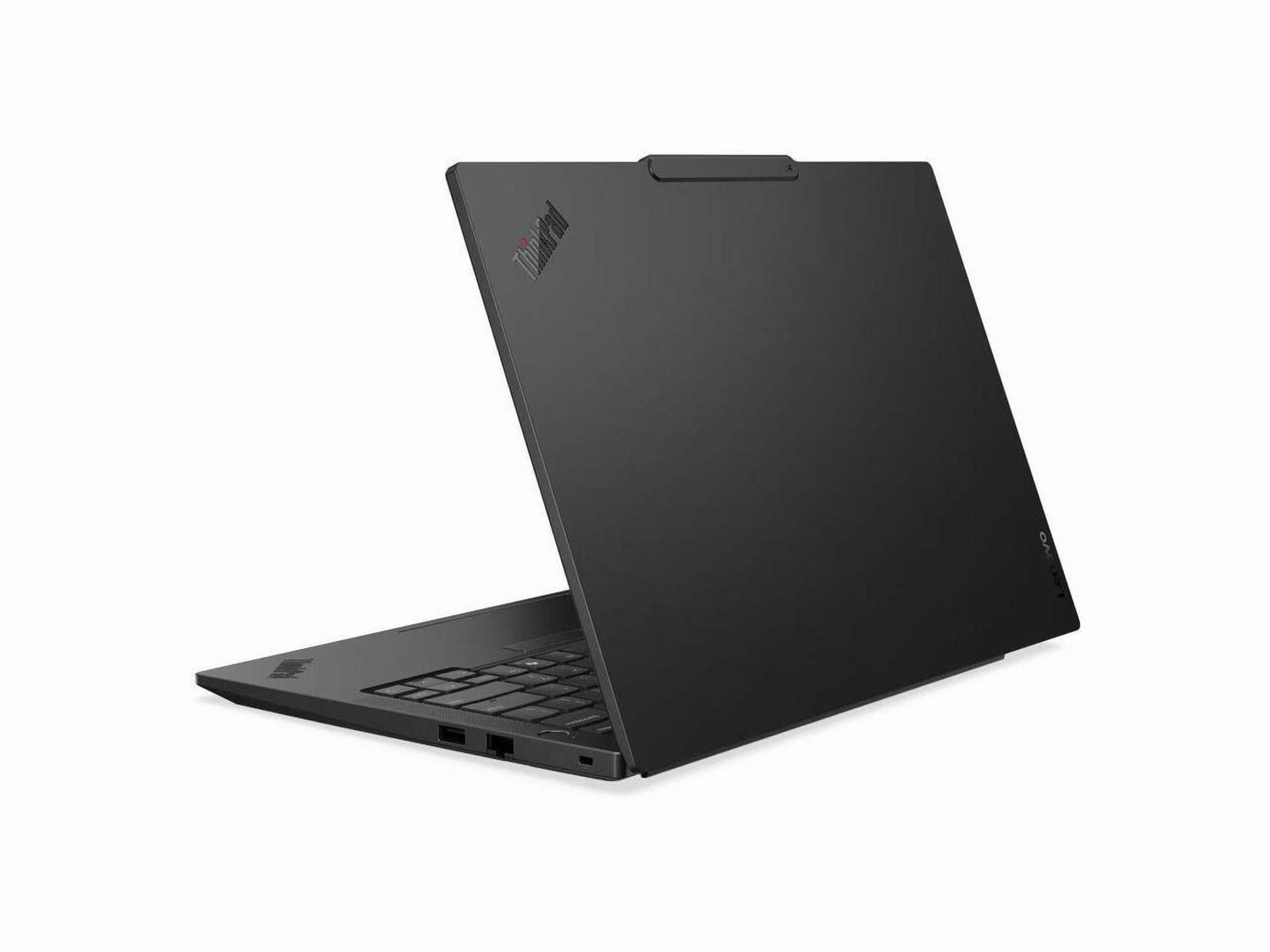
Image of the Lenovo ThinkPad E14 G7 laptop, showcasinid-disinn eleganti tiegħu u l-wiri ta' 14-il pulzier.
2.2 Qawwa tal-Konnessjoni
Connect the AC power adapter to the laptop's power input port and then plug the adapter into a wall outlet. It is recommended to fully charge the battery before initial use.
2.3 L-Ibbutjar Inizjali u s-Setup tal-Windows
Press the power button to turn on the laptop. Follow the on-screen instructions to complete the Windows 11 Pro setup process. This includes selecting your region, language, creating a user account, and connecting to a Wi-Fi network.
2.4 Konnessjoni tal-Periferali
Utilize the available ports to connect external devices such as a mouse, keyboard, external monitor, or USB drives.
- Portijiet USB 3.0: Għal apparati USB standard.
- Port Thunderbolt 4: For high-speed data transfer, power delivery, and display output.
- Port HDMI 2.1: Għall-konnessjoni ma' displays jew projetturi esterni.
- Ethernet Port (Gigabit LAN): Għal konnessjoni ta' netwerk bil-fili.
- Awdjo Jack: Għal headphones jew kelliema esterni.
3. It-Tħaddim tal-Laptop Tiegħek
3.1 Karatteristiċi tal-Wiri
Your ThinkPad E14 G7 features a 14-inch WUXGA (1920 x 1200) IPS touchscreen display. The IPS technology provides wide viewing angles, and the touchscreen functionality allows for intuitive interaction with Windows 11 Pro.
3.2 Tastiera u Touchpad
The integrated keyboard provides a comfortable typing experience. The touchpad supports multi-touch gestures for navigation. Refer to the Windows 11 Pro documentation for detailed gesture controls.
3.3 Qarrej tal-Marki tas-Swaba'
For enhanced security and convenient login, configure the integrated fingerprint reader through Windows Hello settings in Windows 11 Pro.
3.4 Konnettività bla fili
The laptop supports Wi-Fi 6E for high-speed wireless internet access and Bluetooth 5.3 for connecting wireless peripherals such as headphones or mice.
- Konnessjoni mal-Wi-Fi: Click the Wi-Fi icon in the taskbar, select your network, and enter the password.
- Tqabbil ta 'Apparat Bluetooth: Go to Windows Settings > Bluetooth & devices, and follow the instructions to pair a new device.
4. Manutenzjoni
4.1 Tindif tal-Laptop Tiegħek
- Skrin: Uża ċarruta ratba u mingħajr ħelu dampImlaħlaħ bl-ilma jew b'soluzzjoni għat-tindif tal-iskrin. Tisprejjax likwidu direttament fuq l-iskrin.
- Tastiera u Chassis: Uża drapp artab biex timsaħ l-uċuħ. Għal ħmieġ iebes, neħħi ftit drapp.amp Jista' jintuża drapp b'sapun ħafif, u jiżgura li l-ebda likwidu ma jidħol fil-fetħiet.
- Portijiet: Uża arja kkompressata biex tneħħi t-trab bil-mod mill-portijiet.
Dejjem itfi u aqla’ l-laptop qabel ma tnaddaf.
4.2 Kura tal-Batterija
To prolong battery life, avoid extreme temperatures and allow the battery to discharge partially before recharging. For long-term storage, charge the battery to approximately 50% and store the laptop in a cool, dry place.
4.3 Aġġornamenti tas-Software
Regularly check for and install Windows updates and Lenovo driver updates to ensure optimal performance, security, and compatibility. You can find Windows updates in Settings > Windows Update, and Lenovo updates via the Lenovo Vantagapplikazzjoni elettronika jew l-appoġġ ta' Lenovo websit.
7. Garanzija u Appoġġ
7.1 Garanzija tal-Prodott
For detailed information regarding your product's warranty, please refer to the warranty document included with your laptop or visit the official Lenovo support websit. It-termini u l-kundizzjonijiet tal-garanzija jistgħu jvarjaw skont ir-reġjun.
7.2 Appoġġ Tekniku
If you encounter issues that cannot be resolved using the troubleshooting steps in this manual, please contact Lenovo technical support. You can find contact information and additional resources on the official Lenovo support websit:
https://support.lenovo.com
