
1. Prodott Aktarview
The AJAZZ AJ139 V2 MC is a versatile tri-mode gaming mouse designed for precision and responsiveness. It features a PAW3311 sensor for accurate tracking, a 1000Hz return rate for smooth performance, and a long-lasting 500mAh battery. Its compact and lightweight design makes it suitable for extended use and portability.
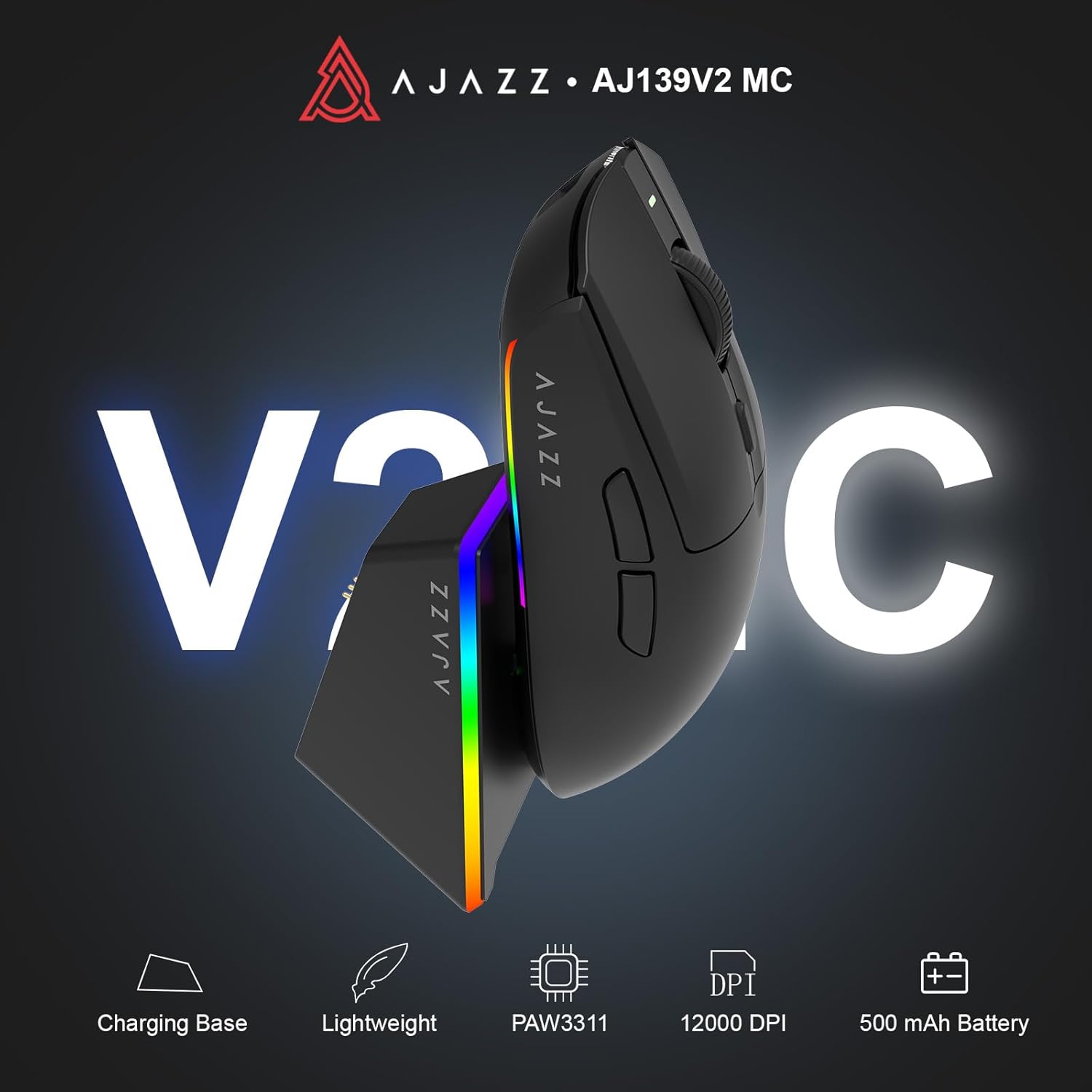
Figure 1.1: AJAZZ AJ139 V2 MC Gaming Mouse and Charging Dock.
Vidjo 1.1: Overview of the AJAZZ AJ139 V2 MC Gaming Mouse, highlighting its features and design.
2. Kontenut tal-Pakkett
Kun żgur li l-oġġetti kollha huma preżenti fil-pakkett:
- AJAZZ AJ139 V2 MC Gaming Mouse
- Baċir tal-Iċċarġjar
- Cable tal-Iċċarġjar tal-USB-C
- Riċevitur USB 2.4G (Dongle)
- Manwal għall-Utent
3. Karatteristiċi ewlenin
- PAW3311 Sensor Technology: Equipped with the PAW3311 sensor, this mouse ensures precise tracking and accurate cursor control for optimal performance.
- High 1000Hz Return Rate: Experience smooth and responsive performance with a 1000Hz return rate, enhancing your gaming or work experience.
- Batterija ta' 500mAh li ddum: The integrated 500mAh battery provides extended power, ensuring uninterrupted use for prolonged periods.
- Konnettività Tri-Modalità: Supports versatile connectivity options including Wired, 2.4G Wireless, and Bluetooth, adapting to various devices and setups.
- Disinn kompatt u ħafif: Weighing approximately 66 grams, the mouse features a compact design for easy portability and comfortable use during long sessions.
- Dawl RGB personalizzabbli: Features integrated RGB lighting for personalized aesthetics.
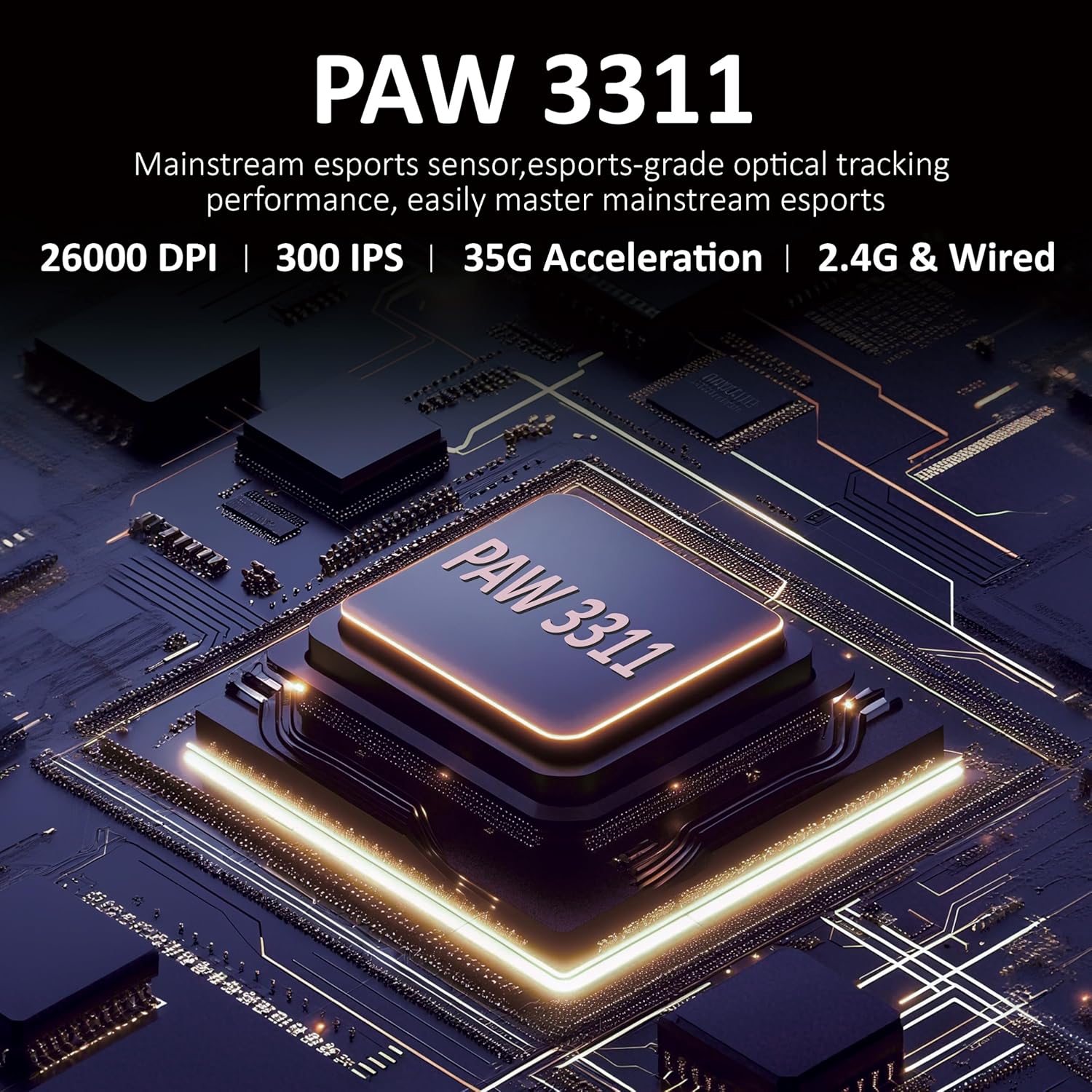
Figura 3.1: Dettaljat view of the PAW3311 sensor technology.
Video 3.1: Demonstration of the mouse's 500mAh battery life.
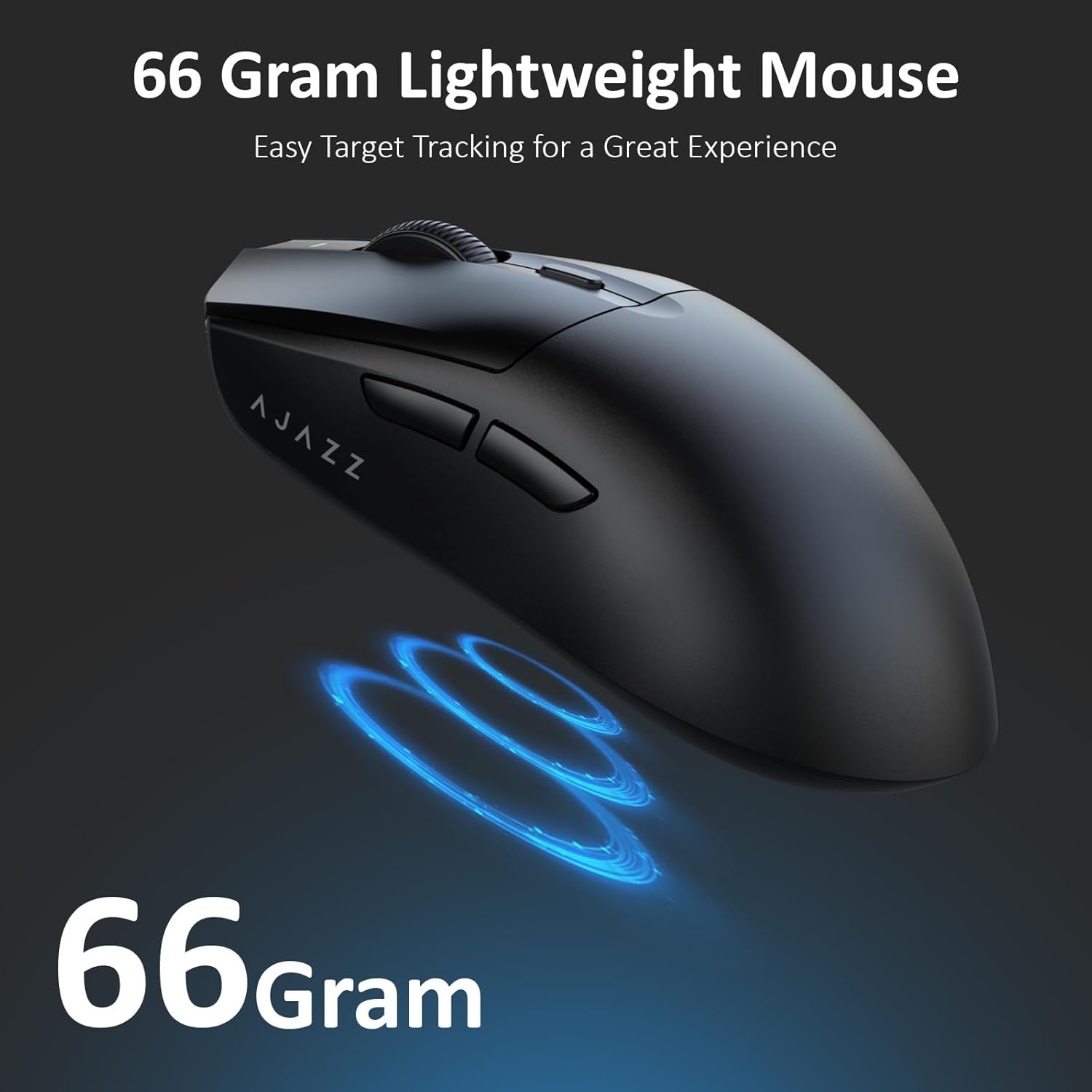
Figure 3.2: The lightweight design of the AJAZZ AJ139 V2 MC mouse.
4. Gwida ta' Setup
4.1. Konnessjoni tal-Maws
The AJAZZ AJ139 V2 MC offers three connection modes:
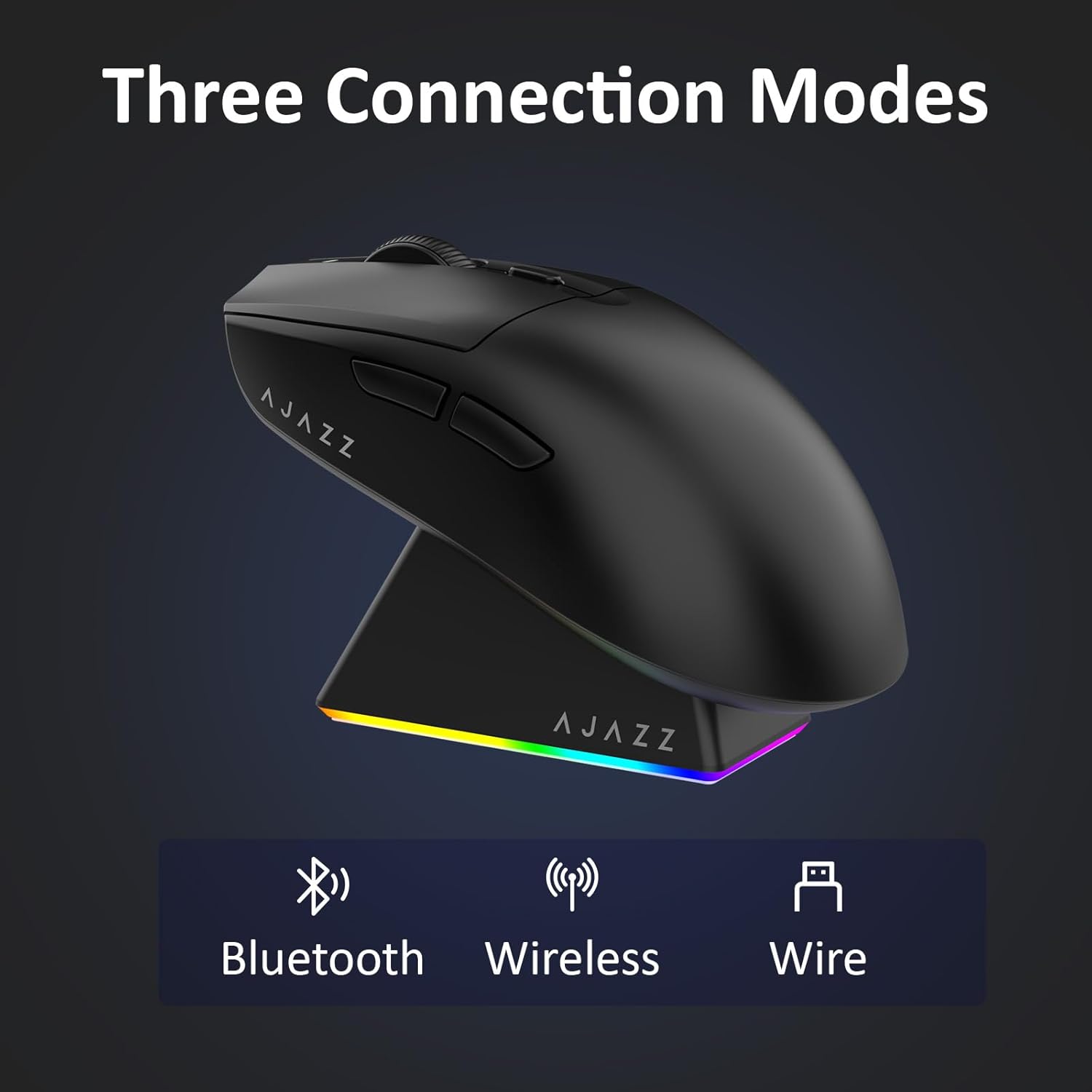
Figure 4.1: Visual representation of the three connection modes.
- Modalità Wireless 2.4G:
- Sib ir-riċevitur USB 2.4G maħżun fil-kompartiment fuq in-naħa ta' taħt tal-maws.
- Ipplaggja r-riċevitur USB f'port USB disponibbli fuq il-kompjuter tiegħek.
- Slide the switch on the bottom of the mouse to the '2.4G' position. The mouse will automatically connect.
- Modalità Bluetooth:
- Żerżaq is-swiċċ fil-qiegħ tal-maws għall-pożizzjoni 'BT'.
- Fuq it-tagħmir tiegħek, iftaħ is-settings tal-Bluetooth u fittex tagħmir ġdid.
- Select 'AJAZZ AJ139 V2 MC' from the list to pair.
- Modalità bil-Wajer:
- Connect the USB-C charging cable to the mouse and the other end to your computer's USB port.
- The mouse will function as a wired device and charge simultaneously.
4.2. Iċċarġjar tal-Maws
The mouse can be charged using the included charging dock or directly via the USB-C cable.
- Użu tal-Baċir tal-Iċċarġjar:
- Connect the USB-C charging cable to the charging dock and then to a power source (e.g., computer USB port, USB wall adapter).
- Place the mouse onto the charging dock, aligning the magnetic contacts. The RGB lighting on the dock and mouse will indicate charging status.
- Iċċarġjar dirett permezz ta' USB-C:
- Connect the USB-C charging cable directly to the mouse and a power source.
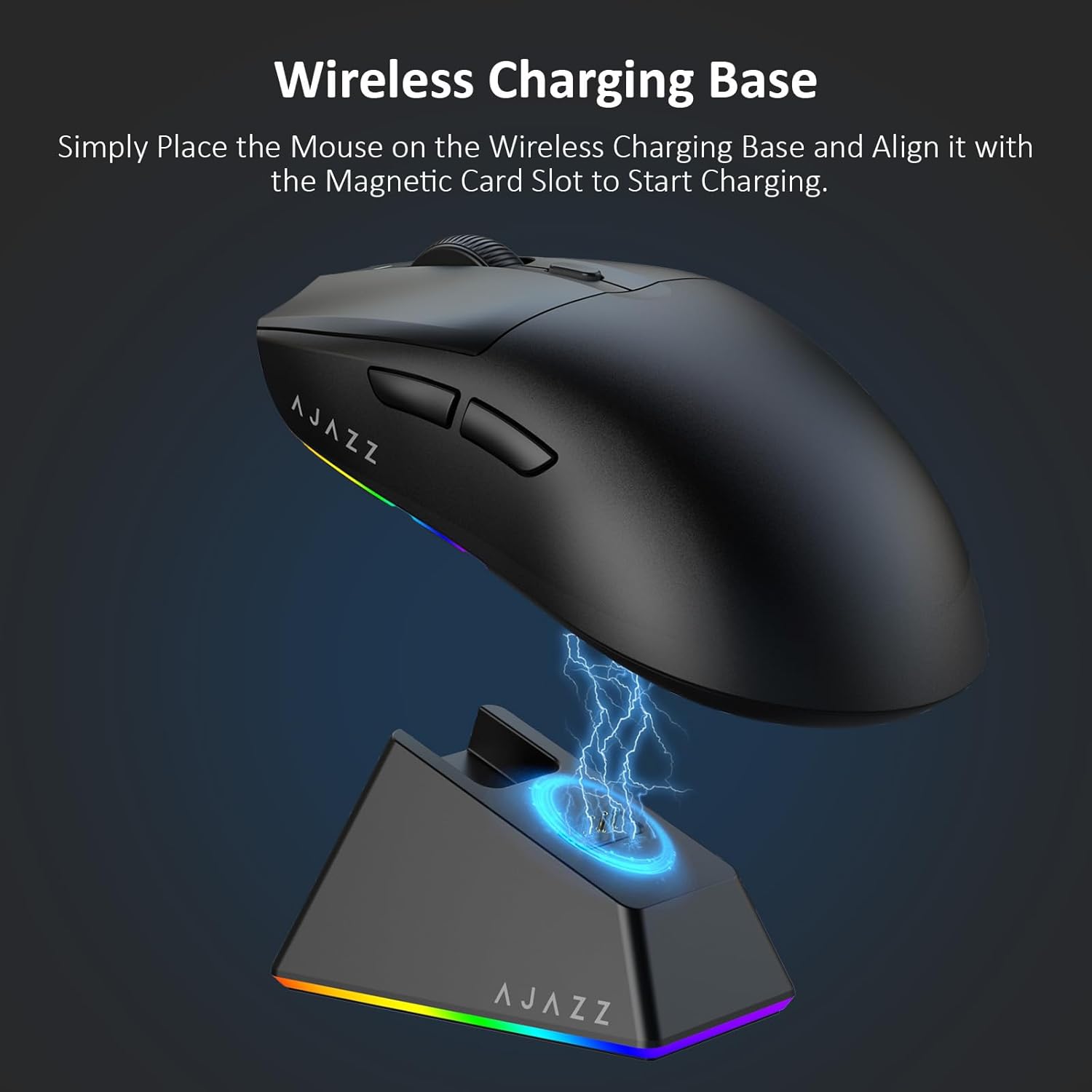
Figure 4.2: The mouse being charged on its wireless charging base.
5. Istruzzjonijiet Operattivi
5.1. Aġġustament tad-DPI
The mouse features a dedicated DPI adjustment button on its underside, allowing you to cycle through different sensitivity levels. Press the button to change the DPI setting to suit your preference.
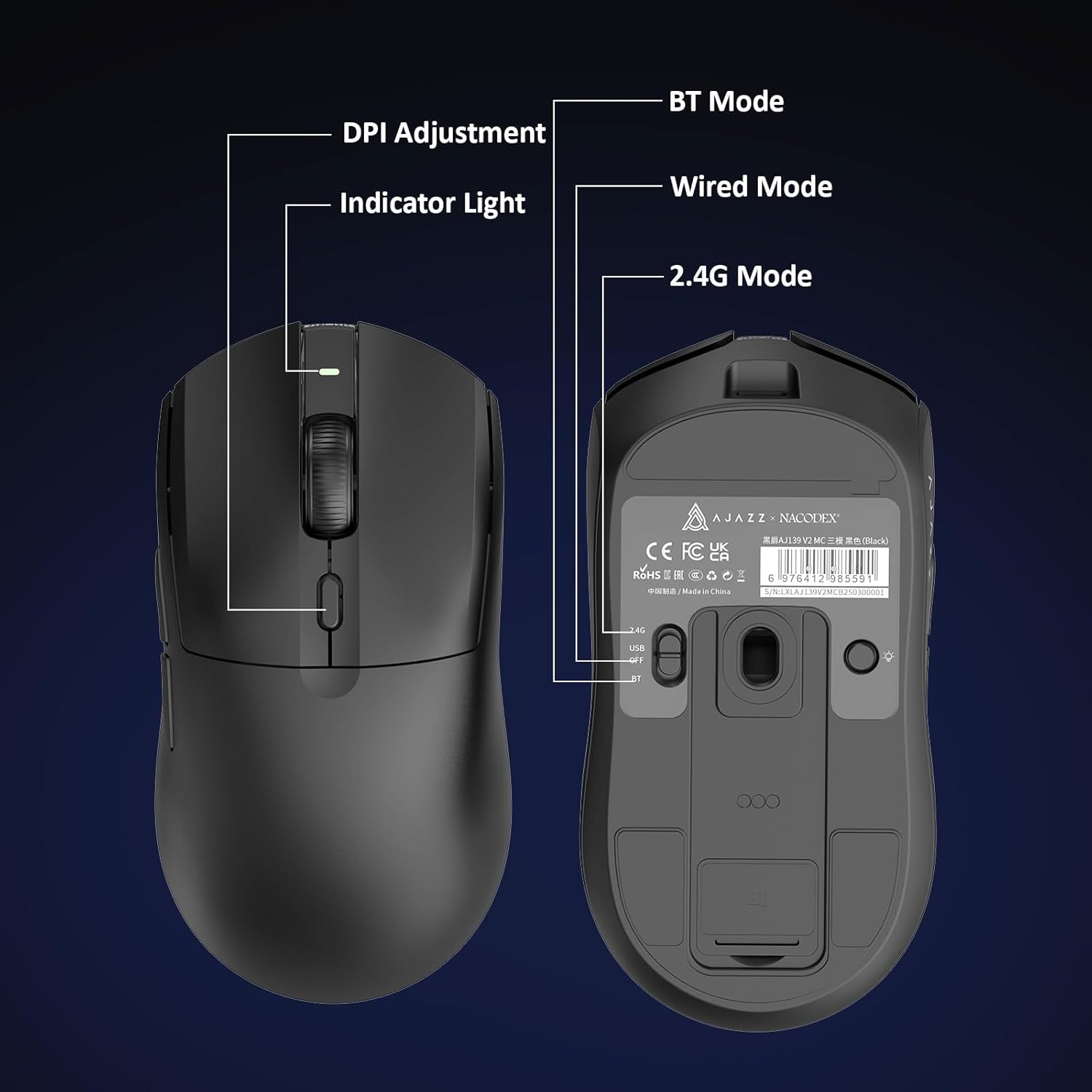
Figure 5.1: Location of the DPI adjustment button and connection mode switch on the mouse underside.
5.2. Funzjonijiet tal-buttuna
The mouse is equipped with 6 programmable buttons:
- Ikklikkja fuq il-buttuna tax-xellug
- Ikklikkja lemin Buttuna
- Rota tal-Iskrolljar (Tista' Tikklikkja)
- DPI Adjustment Button (on underside)
- Two Side Buttons (typically for forward/backward navigation)
For advanced customization of button functions and macros, please refer to the official AJAZZ software (downloadable from the manufacturer's websit).
5.3. Kontroll tad-Dawl RGB
The mouse and charging dock feature customizable RGB lighting. Specific controls for lighting modes and colors are typically managed through the official AJAZZ software. A dedicated light button on the underside of the mouse allows for basic cycling or turning off the lighting.
6. Manutenzjoni
- Tindif: Uża drapp artab u niexef biex tnaddaf il-wiċċ tal-maws. Għal ħmieġ iebes, neħħi ftit drapp.amp Jista' jintuża drapp, biex jiġi żgurat li ma tidħolx umdità fil-komponenti interni.
- Kura tas-Sensor: Żomm is-senser ottiku fuq in-naħa ta' taħt tal-maws nadif u ħieles mit-trab jew mill-fdalijiet biex iżżomm il-preċiżjoni tat-traċċar.
- Lonġevità tal-batterija: Biex ittawwal il-ħajja tal-batterija, evita li tiċċarġja l-maws kompletament ta' spiss. Iċċarġjah meta l-indikatur tal-batterija jkun baxx.
7 Issolvi l-problemi
| Problema | Soluzzjoni Possibbli |
|---|---|
| Mouse not responding in 2.4G Wireless mode. | Ensure the 2.4G USB receiver is securely plugged into a USB port and the mouse switch is set to '2.4G'. Try a different USB port. |
| Mouse not pairing via Bluetooth. | Ensure the mouse switch is set to 'BT' and your device's Bluetooth is enabled and discoverable. Try unpairing and re-pairing the device. |
| Il-maws mhux qed jiċċarġja. | Verify the USB-C cable is properly connected to both the dock/mouse and the power source. Ensure the mouse is correctly seated on the charging dock's magnetic contacts. |
| Inconsistent tracking or cursor movement. | Naddaf is-sensor ottiku fuq in-naħa ta’ taħt tal-maws. Kun żgur li qed tuża l-maws fuq wiċċ adattat (eż., mouse pad). |
| Id-dawl RGB mhux qed jaħdem. | Check the mouse's software settings for lighting control. Ensure the mouse has sufficient battery charge. |
8. Speċifikazzjonijiet Tekniċi
| Karatteristika | Speċifikazzjoni |
|---|---|
| Brand | AJAZZ |
| Isem tal-Mudell | Aj139 V2 MC |
| Kulur | V2 MC Black |
| Teknoloġija tal-Konnettività | Bluetooth, USB, 2.4G Wireless |
| Teknoloġija ta 'Sejbien tal-Moviment | Ottiku (Sensor PAW3311) |
| Mouse Maximum Sensitivity | 12000 Dots per Inch (DPI) |
| Rata ta' Ritorn | 1000Hz |
| Kapaċità tal-batterija | 500mAh |
| Kwantità tal-Buttuni | 6 |
| Orjentazzjoni tal-Idejn | Dritt |
| Apparati Kompatibbli | Kompjuter desktop |
| Sistema Operattiva | Windows |
| Firxa | 10-il metru |
| Piż tal-oġġett | 4 Uqija (madwar 113 grammi) |
| Dimensjonijiet tal-oġġett L x W | 5"L x 2.5"W (approx. 12.7cm x 6.35cm) |
| Karatteristika Tisbiħ | Dawl RGB |
| Materjal tal-għeluq | Plastik |
| Temm | Matte |
9. Garanzija u Appoġġ
This product comes with a standard manufacturer's warranty. For detailed warranty information, please refer to the official AJAZZ websit jew ikkuntattja lill-bejjiegħ bl-imnut tiegħek.
For technical support, troubleshooting assistance, or any product-related inquiries, please visit the AJAZZ official support page or contact their customer service team.
Riżorsi onlajn:
AJAZZ Official Store