
FOREVER iGo Watch 4 JW-600
Forever iGo Watch 4 JW-600 Smartwatch User Manual
1. Introduzzjoni
Welcome to the user manual for your new Forever iGo Watch 4 JW-600 Smartwatch. This guide provides essential information on how to set up, operate, and maintain your device, ensuring you get the most out of its features. The iGo Watch 4 combines modern design with advanced functionalities, including an AMOLED touch screen, comprehensive health monitoring, and over 100 sport modes.
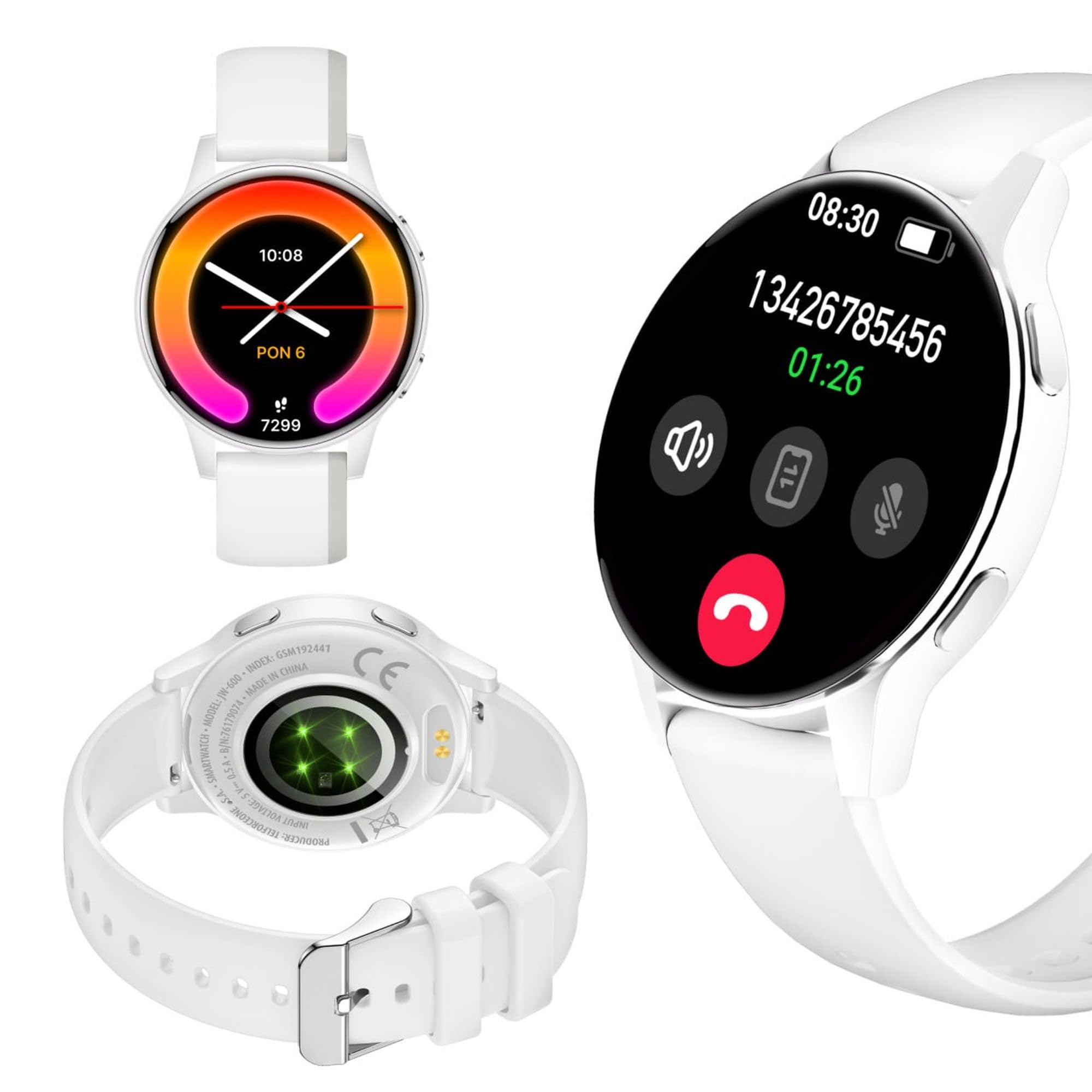
Image: Silhouette of a person wearing the Forever iGo Watch 4 smartwatch, highlighting its sleek design.

Image: Three Forever iGo Watch 4 smartwatches in black, white, and pink, illustrating the available color versions.
2. Kontenut tal-Pakkett
Upon opening your Forever iGo Watch 4 package, please ensure all items are present and in good condition. Your package should contain:
- Forever iGo Watch 4 Smartwatch
- Kejbil tal-Iċċarġjar Manjetiku
- Two interchangeable straps (e.g., one pre-installed, one additional)
- Manwal għall-Utent (dan id-dokument)

Image: Packaging for the white Forever iGo Watch 4, indicating included items and features.

Image: Two Forever iGo Watch 4 smartwatches, one white and one black with an orange accent, highlighting the two included straps.
3. Setup
3.1. Iċċarġjar tal-Ismartwatch
Before first use, fully charge your smartwatch. Connect the magnetic charging cable to the charging points on the back of the watch and plug the USB end into a power adapter (not included) or a computer's USB port. A full charge takes approximately 2 hours and provides up to 7 days of typical use.

Image: Illustration of the smartwatch's durable battery, capable of up to 7 days of typical usage.
3.2. Tixgħil / Mitfi
- Biex Tixgħel: Agħfas u żomm il-buttuna tal-ġenb sakemm l-iskrin jixgħel.
- Biex Tifi: Navigate to the settings menu on the watch, select 'Power Off', and confirm. Alternatively, press and hold the side button and select 'Power Off' when prompted.
3.3. Installazzjoni u Tqabbil tal-App
To unlock the full potential of your iGo Watch 4, download the dedicated companion app on your smartphone (compatible with Android and iOS). Fittex għal the app name (usually 'Forever Smart' or similar, check packaging for exact name) in your phone's app store.
- Niżżel u installa l-app fuq l-ismartphone tiegħek.
- Ippermetti Bluetooth fuq l-ismartphone tiegħek.
- Iftaħ l-app u segwi l-istruzzjonijiet fuq l-iskrin biex toħloq kont jew tidħol.
- In the app, select 'Add Device' or 'Pair Device' and choose 'iGo Watch 4' from the list of available devices.
- Ikkonferma t-talba ta' tqabbil kemm fuq l-ismartphone tiegħek kif ukoll fuq l-ismartwatch.
4. Tħaddim tal-Ismartwatch
4.1. Navigazzjoni u Wiri
The iGo Watch 4 features a responsive 1.28-inch AMOLED touch screen with a resolution of 416x416 pixels, providing clear visuals even in bright sunlight. Navigate through menus and functions by swiping across the screen and tapping icons.
- Swipe 'l fuq/'l isfel: Skrollja fil-menus jew fin-notifiki.
- Swipe Xellug/Lemin: Aċċessa funzjonijiet rapidi jew widgets differenti.
- Tektek: Agħżel oġġett jew iftaħ applikazzjoni.
- Buttuna tal-ġenb: Agħfas biex terġa' lura għall-iskrin ewlieni jew biex tqajjem l-apparat.

Immaġni: Close-up view of the smartwatch display, showing its vibrant AMOLED screen and clear resolution.

Image: Visual representation of the AMOLED screen's size (1.28 inches) and resolution (416x416 pixels).
4.2. Uċuħ tal-Arloġġ Personalizzabbli
Personalize your smartwatch by choosing from a variety of free watch faces available through the companion app. You can switch between classic and futuristic designs to match your mood or style.

Image: A selection of customizable watch faces available for the iGo Watch 4.

Image: Different watch face options, illustrating the ability to change your watch's appearance daily.
4.3. Notifications and Bluetooth Calls
Once paired with your smartphone, the iGo Watch 4 allows you to receive notifications for calls, SMS messages, and various applications directly on your wrist. You can also make and receive Bluetooth calls without needing to take out your phone.
- Sejħiet Deħlin: The watch will vibrate and display the caller ID. You can answer or reject calls directly from the watch.
- Messaġġi: Read SMS and app notifications (e.g., WhatsApp, Messenger) on the watch screen.

Image: A person interacting with the smartwatch, with icons representing phone calls and messages, demonstrating Bluetooth connectivity.

Image: Visual representation of the smartwatch's Bluetooth call and notification capabilities.
4.4. Monitoraġġ tas-Saħħa
The iGo Watch 4 is equipped with various sensors to help you monitor your health and well-being. Access these features through the watch's menu or the companion app.
- Kejl tar-rata tal-qalb: Immonitorja r-rata tat-taħbit tal-qalb tiegħek matul il-ġurnata.
- Monitoraġġ tal-irqad: Track your sleep patterns, including different sleep phases, to help improve your sleep quality.
- Kejl tal-Istress: Check your stress levels and receive suggestions for breathing exercises to help manage tension.
- Saturazzjoni tal-Ossiġnu fid-Demm (SpO2): Kejjel il-livelli tal-ossiġnu fid-demm tiegħek.
- Kejl tal-Pressjoni tad-Demm: Monitor your blood pressure (note: this feature is for reference only and not a medical device).
- Saħħa tan-Nisa: Track menstrual cycles and related data.
- Water Intake Reminder: Issettja tfakkiriet biex tixrob l-ilma matul il-ġurnata.
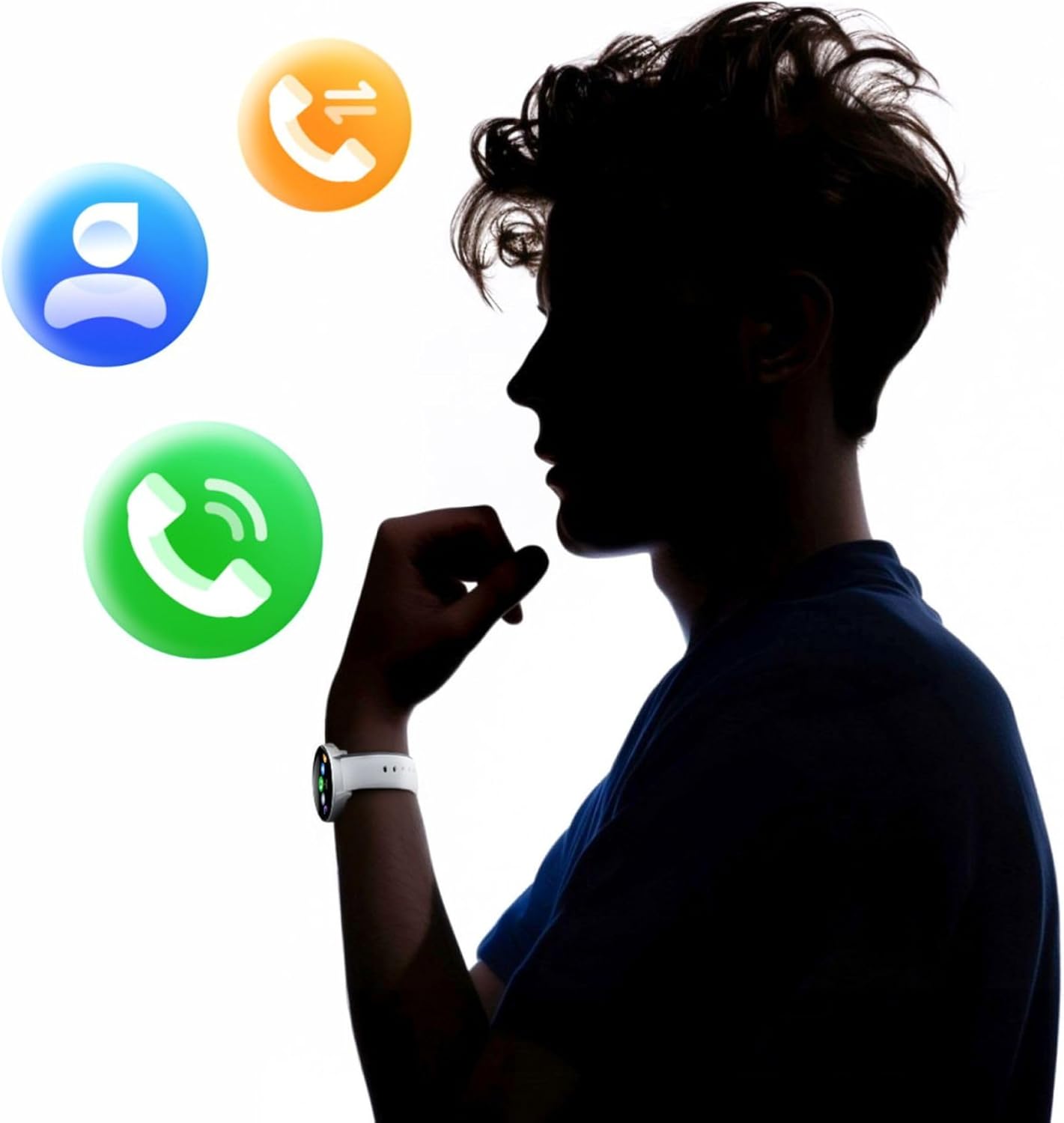
Image: A smartphone displaying the health monitoring app, surrounded by icons for various health metrics like heart rate, blood pressure, and sleep.

Image: Illustration of the sleep monitoring feature, showing sleep duration and phases.

Image: The stress measurement feature, showing how the watch helps monitor stress levels and suggests breathing exercises.
4.5. Modi Sportivi
With over 100 sport modes, the iGo Watch 4 is designed to track a wide range of physical activities, from running to tennis. The watch accurately counts your steps, distance, and burned calories, providing detailed insights into your workouts through the companion app.

Image: The smartwatch displaying activity data, including calories, steps, and distance, during a workout.

Image: Illustration of the smartwatch's capability to track over 100 sport modes, counting steps and calories.
4.6. Other Smart Functions
The iGo Watch 4 offers several additional smart features to enhance your daily life:
- Kontroll tal-Mużika: Ikkontrolla d-daqq tal-mużika fuq l-ismartphone tiegħek direttament mill-arloġġ tiegħek.
- Assistent tal-Vuċi: Aċċessa l-assistent tal-vuċi tal-ismartphone tiegħek.
- Tbassir tat-Temp: Ikseb aġġornamenti tat-temp f'ħin reali.
- Sib Apparat: Sib l-ismartphone imqabbad tiegħek jekk ikun fil-medda tal-Bluetooth.
- Arloġġ ta 'allarm: Set alarms and reminders.
- Kontroll mill-bogħod tal-Kamera: Uża l-arloġġ tiegħek bħala shutter remot għall-kamera tal-ismartphone tiegħek.

Image: The smartwatch displaying icons for various smart functions, including music control, weather, and remote camera.

Image: The smartwatch's interactive 3D menu, highlighting useful smart functions like music control and voice assistant.
5. Manutenzjoni
5.1. Tindif tal-Ismartwatch Tiegħek
To keep your iGo Watch 4 in optimal condition, regularly clean the device. Use a soft, dry, lint-free cloth to wipe the screen and body. For stubborn smudges, slightly dampen the cloth with water. Avoid using harsh chemicals or abrasive materials, as these can damage the watch.
5.2. Reżistenza għall-Ilma (IP67)
The iGo Watch 4 is rated IP67, meaning it is protected against dust ingress and can withstand immersion in water up to 1 meter for up to 30 minutes. This makes it suitable for daily use, such as washing hands or being exposed to rain and splashes. However, it is not recommended for swimming, showering with hot water, or diving, as steam and high water pressure can compromise the seals.
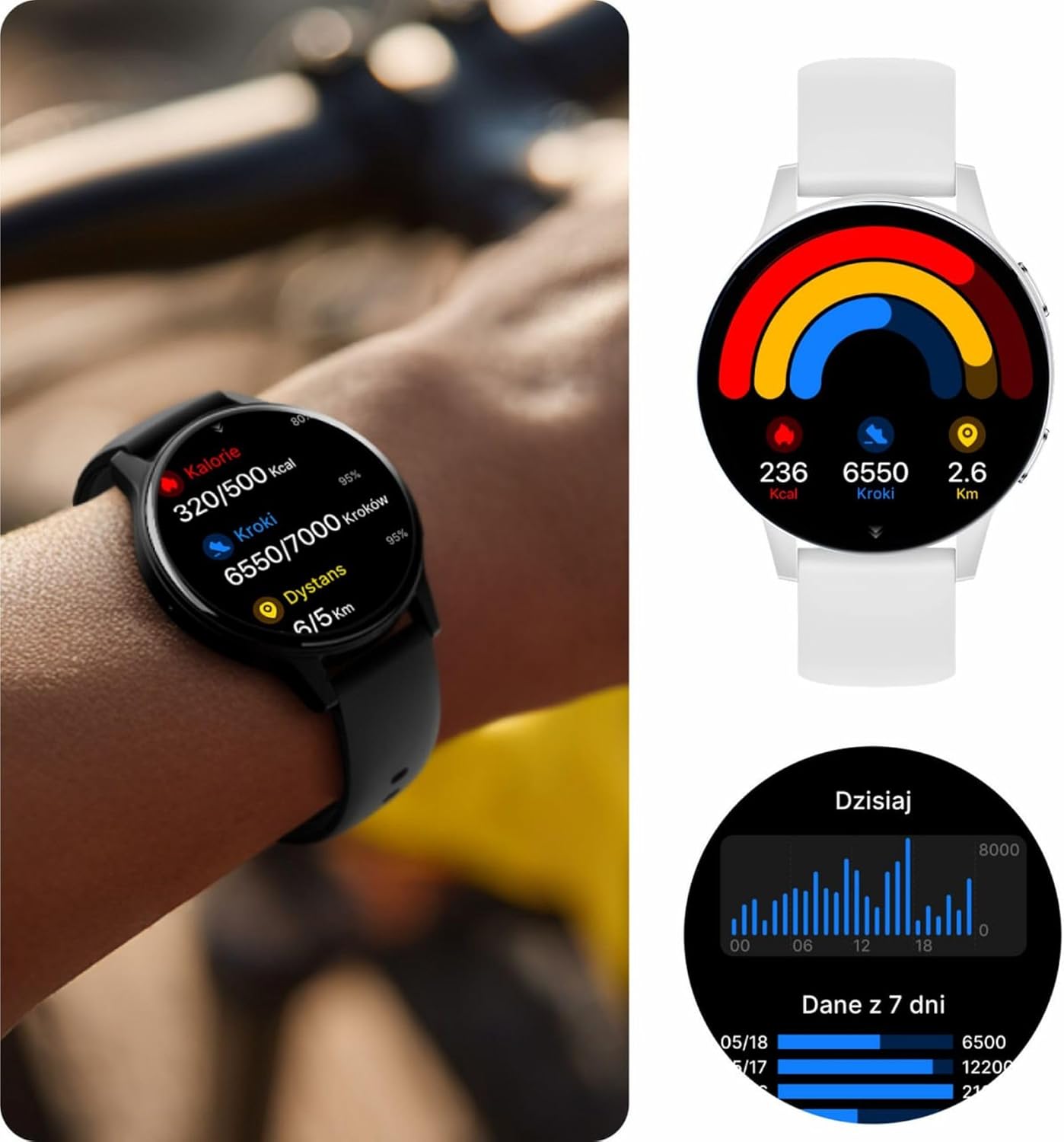
Image: Visual representation of the IP67 waterproof rating, indicating protection against water splashes and brief immersion.

Image: Stylized graphic emphasizing the IP67 waterproof feature of the smartwatch.
6 Issolvi l-problemi
If you encounter any issues with your Forever iGo Watch 4, please refer to the following common solutions:
- L-arloġġ ma jixgħelx: Kun żgur li l-arloġġ ikun iċċarġjat kompletament. Qabbad mal-ċarġer għal mill-inqas 30 minuti.
- Ma tistax tqabbad ma' smartphone:
- Kun żgur li l-Bluetooth huwa attivat fuq l-ismartphone tiegħek.
- Kun żgur li l-arloġġ jinsab fil-firxa tal-ismartphone tiegħek.
- Erġa' ibda kemm l-ismartphone tiegħek kif ukoll l-ismartwatch.
- Iċċekkja jekk l-app li takkumpanjahiex aġġornata għall-aħħar verżjoni.
- Notifiki li ma jidhrux:
- Ivverifika li l-permessi tan-notifikazzjonijiet huma mogħtija lill-app li takkumpanja fuq l-ismartphone tiegħek.
- Kun żgur li l-arloġġ huwa konness sew permezz tal-Bluetooth.
- Check the app's settings to ensure notifications for specific applications are enabled.
- Dejta dwar is-saħħa mhux preċiża:
- Kun żgur li l-arloġġ jintlibes sew fuq il-polz tiegħek, la maħlul wisq u lanqas issikkat wisq.
- Naddaf is-sensuri fuq wara tal-arloġġ.
- Evita moviment eċċessiv waqt il-kejl.
- Ħajja qasira tal-batterija:
- Naqqas il-luminożità tal-iskrin.
- Disable unnecessary features or continuous monitoring if not required.
- Limita n-numru ta' notifiki li tirċievi.
If the problem persists, please consult the official Forever support resources or contact customer service.
7. Speċifikazzjonijiet
Below are the technical specifications for the Forever iGo Watch 4 JW-600 Smartwatch:
| Karatteristika | Speċifikazzjoni |
|---|---|
| Brand | GĦAL DEJJEM |
| Mudell | iGo Watch 4 JW-600 (GSM192441) |
| Tip ta 'Wiri | AMOLED |
| Daqs tal-Wiri | 1.28 Pulzier |
| Riżoluzzjoni tal-Wiri | 416 x 416 pixel |
| Kapaċità tal-batterija | 280 mAh |
| Ħajja Medja tal-Batterija | Sa 7 Jum |
| Ħin tal-Iċċarġjar | 2 Sigħat |
| Reżistenza għall-Ilma | IP67 |
| Piż | 33.9 g |
| Ħxuna | 10.6 mm |
| Apparati Kompatibbli | Smartphone (Android, iOS) |
| Input tal-Interface tal-Bniedem | Touch Panel |
| Karatteristiċi Speċjali | 100+ Sport Modes, Sleep Monitor, Heart Rate, Stress, Blood Oxygen, Blood Pressure, Bluetooth Calls, Notifications |
| Kapaċità tal-Ħżin | 128 GB (for data storage, not app installation) |
| GPS | Xejn |
| Tip bla fili | 802.11n |

Image: Illustration of the smartwatch's ultra-slim and light form, detailing its weight and thickness.
8. Garanzija u Appoġġ
Your Forever iGo Watch 4 JW-600 Smartwatch comes with a manufacturer's warranty. Please refer to the warranty card included in your package or the official Forever webis-sit għal informazzjoni dettaljata dwar it-termini u l-kundizzjonijiet tal-garanzija.
For technical support, troubleshooting assistance, or any other inquiries, please visit the official Forever support page or contact their customer service through the contact information provided on their webis-sit jew fid-dokumentazzjoni tal-prodott tiegħek.
Ask a question about this manual
Ask about setup, troubleshooting, compatibility, parts, safety, or missing instructions. Manuals+ will review the question and use this page’s manual context to help answer it.