
1. Introduzzjoni
This manual provides detailed instructions for the setup, operation, and maintenance of your AUDIOCULAR M302 Android MP3 Music Player. Please read this manual thoroughly before using the device to ensure proper functionality and to maximize your user experience.
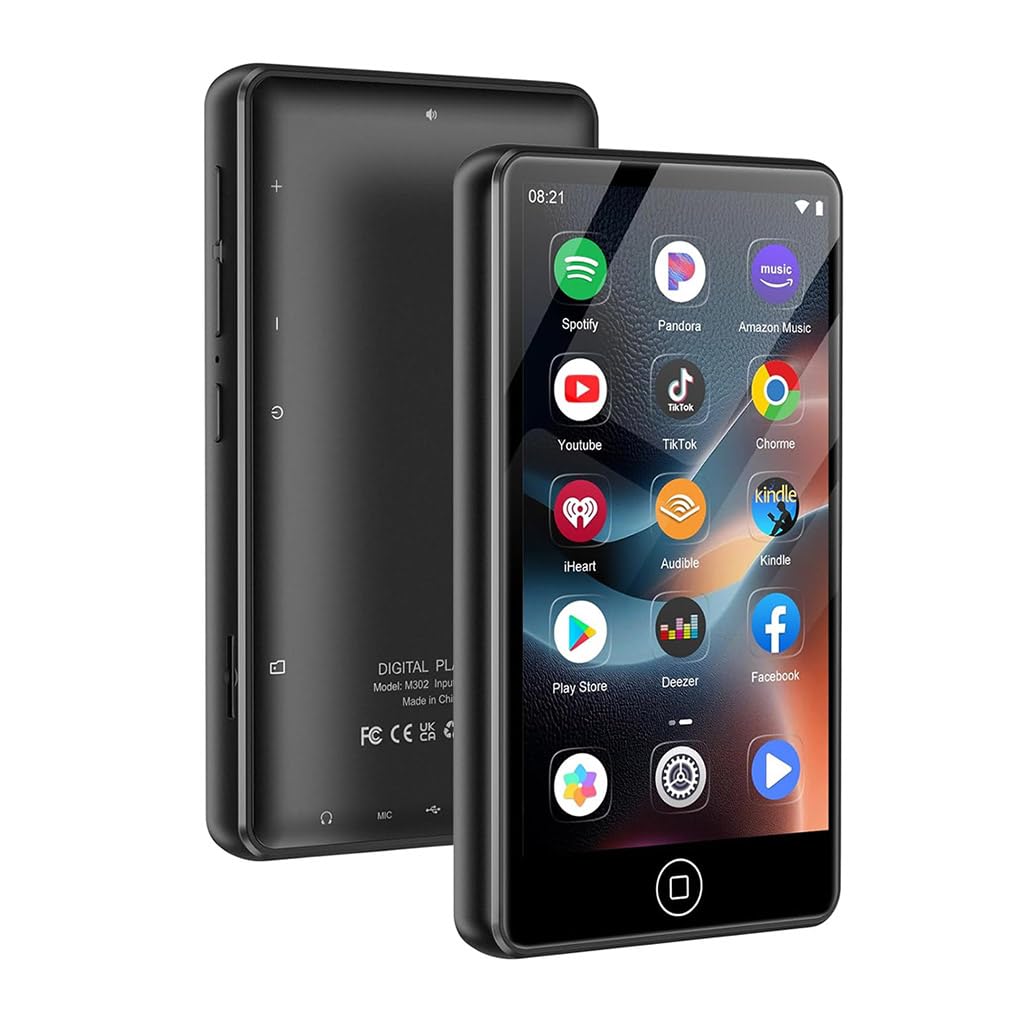
Image 1.1: The AUDIOCULAR M302 Android MP3 Player.
2. Kontenut tal-Pakkett
Iċċekkja li l-oġġetti kollha elenkati hawn taħt huma inklużi fil-pakkett tal-prodott tiegħek:
- 1x AUDIOCULAR M302 Portable MP3 Music Player
- 1x Kejbil tal-Iċċarġjar (USB Tip-C)
- 1x Earphones
- 1x Kawża Protettiva
- 1x Manwal tal-Utent (dan id-dokument)

Image 2.1: All items included in the AUDIOCULAR M302 product box.
3. Layout tal-Apparat
Familiarize yourself with the physical components and controls of your M302 player.
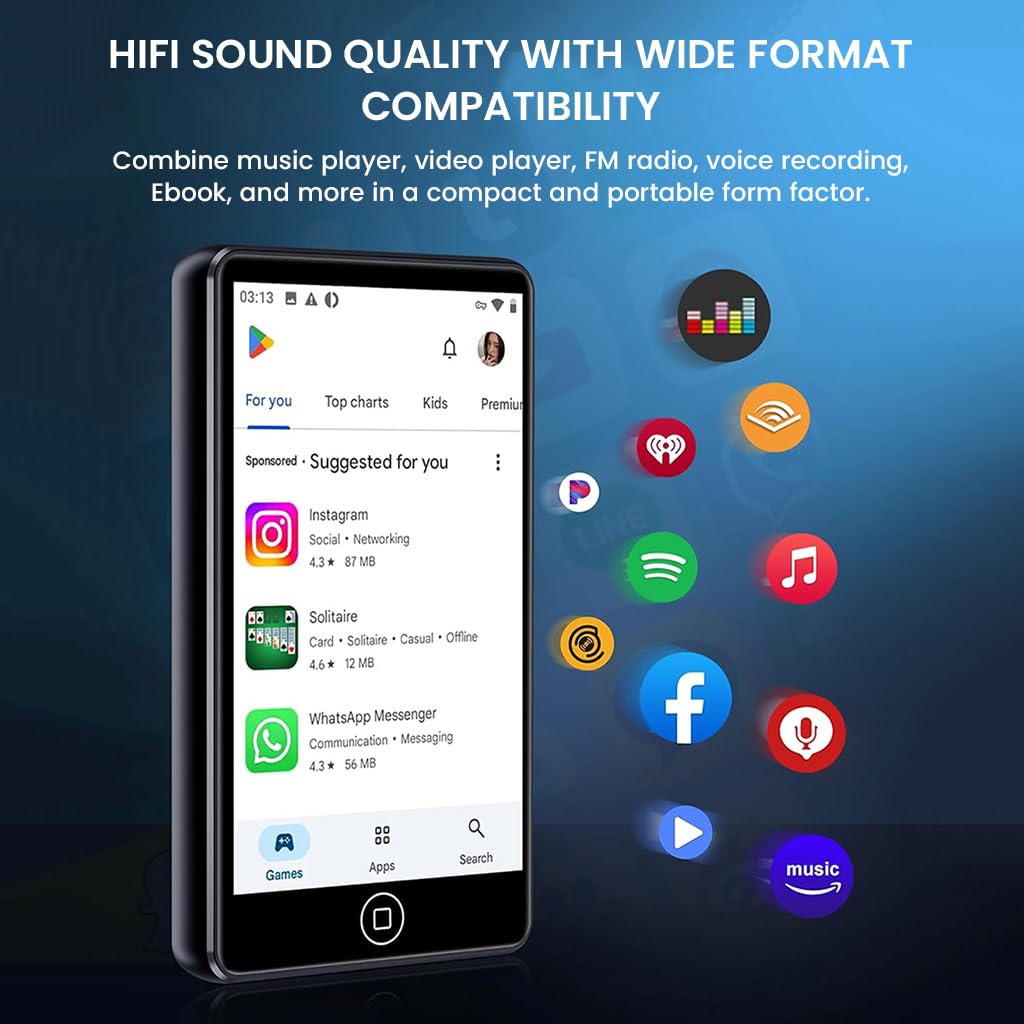
Stampa 3.1: Quddiem view of the M302 player, highlighting the touchscreen display.
Komponenti Ewlenin:
- 4.02-inch HD Touchscreen Display: For navigation and interaction.
- Buttuna tal-Qawwa: Located on the side, used for powering on/off and screen lock.
- Buttuni tal-Volum: Jinsab fuq il-ġenb, għall-aġġustament tal-output tal-awdjo.
- Port USB tat-Tip Ċ: Għall-iċċarġjar u t-trasferiment tad-dejta.
- Jack Awdjo 3.5mm: For connecting wired earphones or headphones.
- Slott tal-Karta MicroSD: Għal ħażna espansibbli sa 512GB.
4. Setup
4.1 Iċċarġjar tal-Apparat
Before first use, fully charge the M302 player. Connect the provided USB Type-C cable to the device and a compatible USB power adapter (not included) or a computer's USB port. The battery indicator on the screen will show charging status.
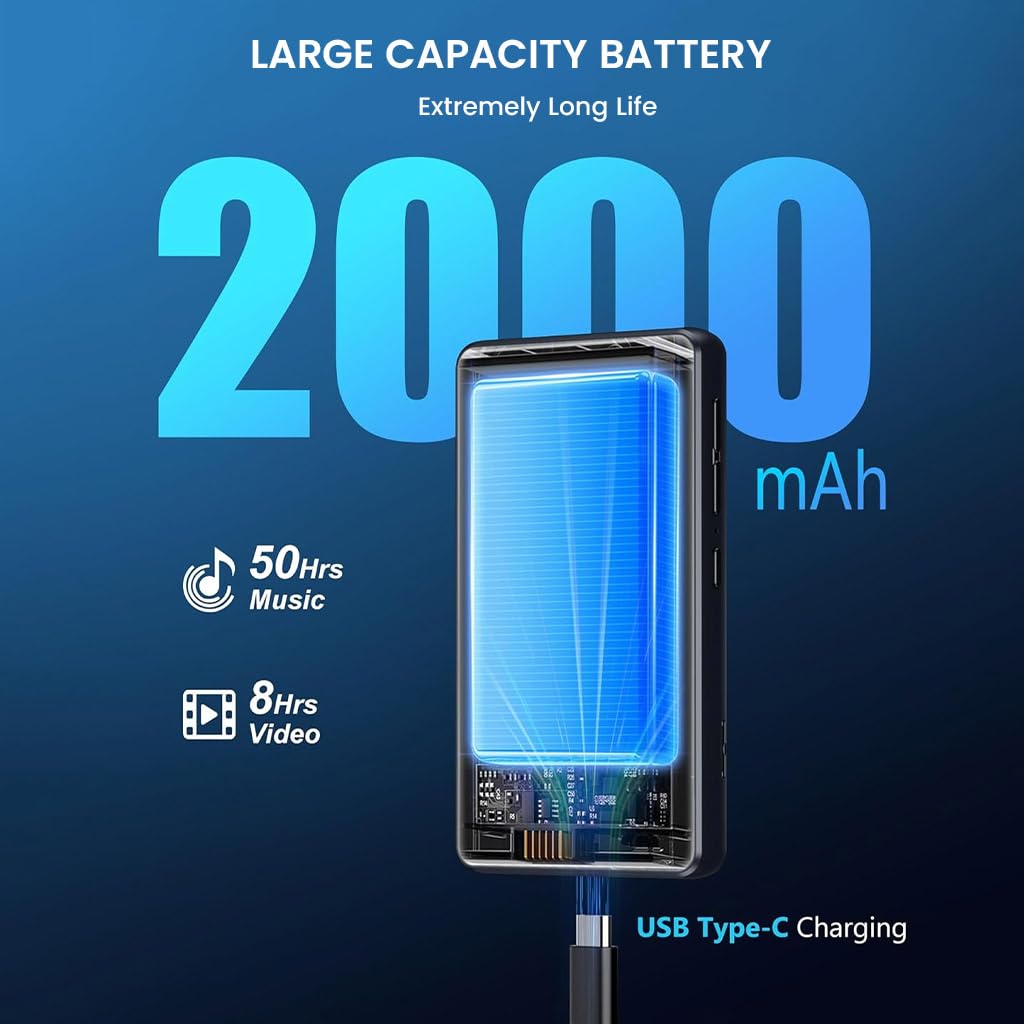
Image 4.1: Charging the M302 player via USB Type-C.
4.2 Power On/Off
- Biex Tixgħel: Agħfas u żomm il-buttuna tal-Power fuq il-ġenb tal-apparat sakemm l-iskrin jixgħel.
- Biex Tifi: Press and hold the Power button until a power-off menu appears. Select 'Power off'.
- To Lock/Unlock Screen: Agħfas fil-qosor il-buttuna Power.
4.3 Setup Inizjali
Upon first power-on, follow the on-screen prompts to configure basic settings such as language, time zone, and Wi-Fi connection. A stable Wi-Fi connection is recommended for downloading apps and system updates.
5. Istruzzjonijiet Operattivi
5.1 Navigazzjoni
The M302 features a 4.02-inch touchscreen for intuitive navigation. Swipe left/right, up/down, tap, and long-press to interact with the Android 9.0 operating system and applications.
5.2 Daqq tal-Mużika
The device supports various audio formats including MP3, WAV, FLAC, APE, OGG, M4A, AAC, and WMA. Use the pre-installed music player app or other downloaded music applications to play your audio files.

Image 5.1: Music playback on the M302 player.
5.3 Konnessjoni Bluetooth
Biex tikkonnettja ma' headphones jew speakers Bluetooth:
- Mur fuq Settings > Apparati konnessi > Bluetooth.
- Ixgħel il-Bluetooth.
- Ensure your Bluetooth accessory is in pairing mode.
- Select your accessory from the list of available devices to pair.
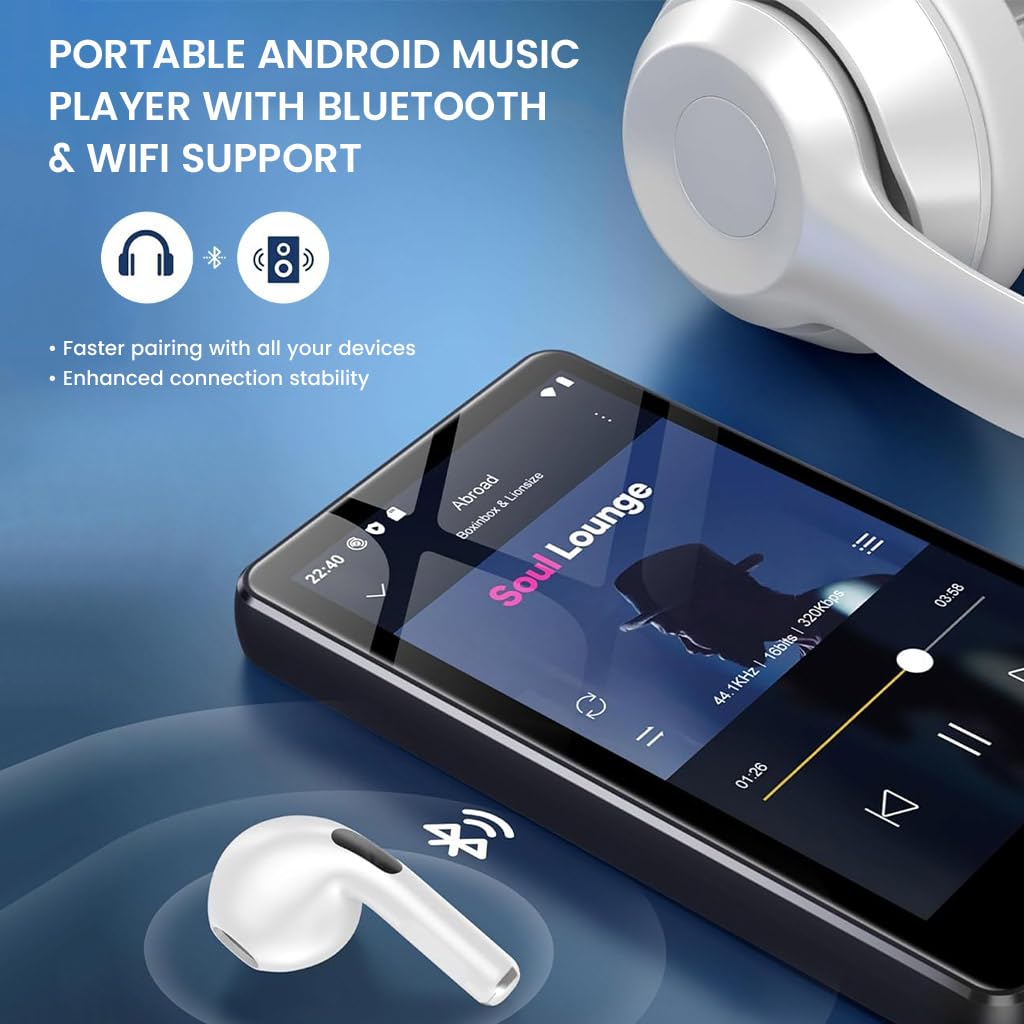
Image 5.2: M302 player demonstrating Bluetooth connectivity.
5.4 Konnessjoni Wi-Fi
Biex tikkonnettja ma' netwerk Wi-Fi:
- Mur fuq Settings > Netwerk u internet > Wi-Fi.
- Ixgħel il-Wi-Fi.
- Agħżel in-netwerk mixtieq tiegħek mil-lista u daħħal il-password jekk tintalab.
5.5 Ġestjoni tal-App
The M302 comes pre-installed with apps like Spotify and HiBy Music. You can download additional applications from the Google Play Store. To uninstall an app, long-press its icon on the home screen or app drawer and drag it to the 'Uninstall' option.

Image 5.3: Uninstalling an application on the M302 player.
5.6 Ġestjoni tal-Ħażna
The device has 16GB of internal storage. You can expand this by inserting a MicroSD card (up to 512GB) into the dedicated slot. To manage files, use the pre-installed File App tal-maniġer.
5.7 Radju FM
The M302 includes a built-in FM radio function. Connect wired earphones (which act as an antenna) and open the FM Radio app to scan for and listen to local stations.
5.8 Reġistratur tal-Vuċi
Utilize the integrated voice recorder for capturing audio notes or lectures. Open the Voice Recorder app and follow the on-screen instructions to start, pause, and save recordings.
5.9 Daqq tal-Vidjo
The 4.02-inch HD touchscreen supports video playback. Use pre-installed apps like VLC or other video players to watch your favorite videos. Supported formats include RM, RMVB, FLV, MP4, DAT, MKV, MPG, MOV, TS.
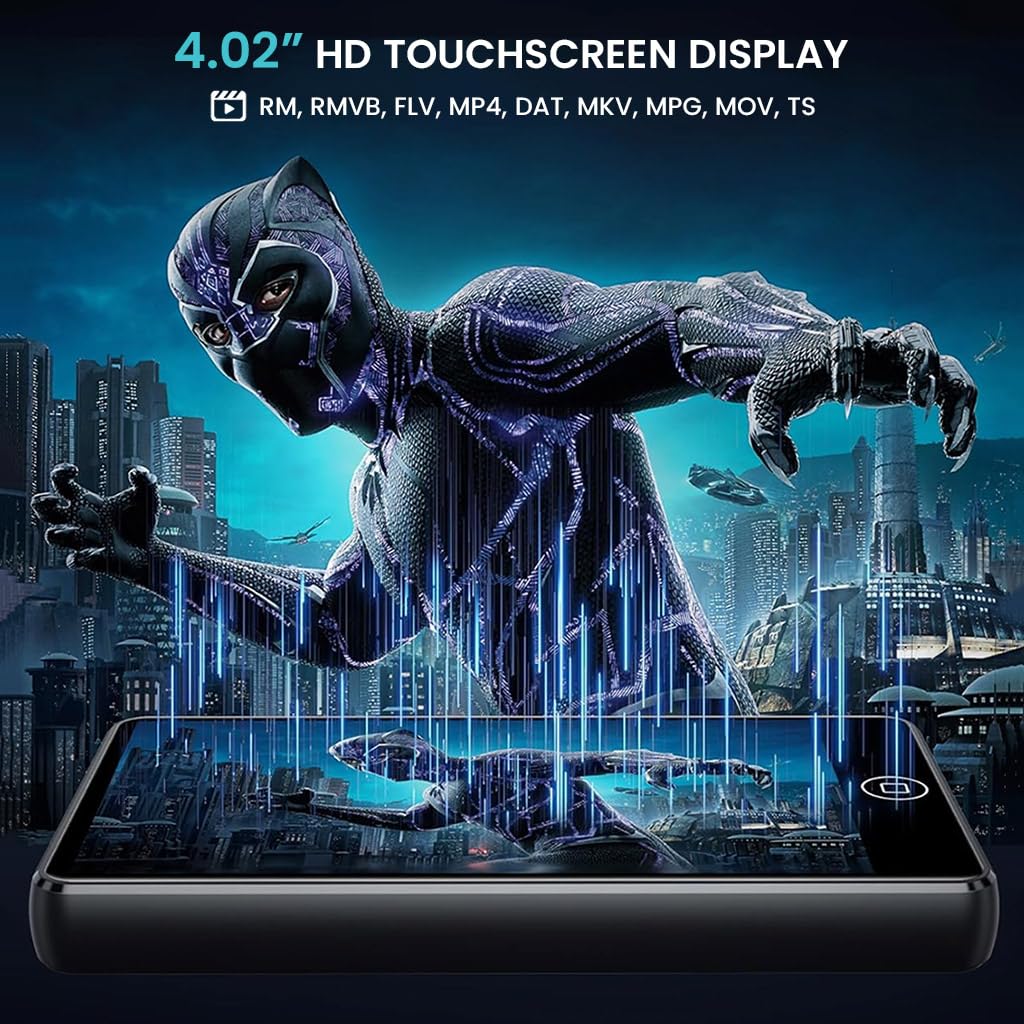
Image 5.4: Video playback on the M302 player.
6. Manutenzjoni
6.1 Tindif
To clean the device, use a soft, dry, lint-free cloth. Avoid using abrasive cleaners, solvents, or aerosol sprays, as these may damage the screen or casing. Do not expose the device to excessive moisture.
6.2 Aġġornamenti tas-Software
The M302 supports manual system updates via Wi-Fi. Regularly check for updates to improve functional compatibility and overall performance. To update, go to Settings > Sistema > Aġġornament tas-sistema u segwi l-istruzzjonijiet fuq l-iskrin.
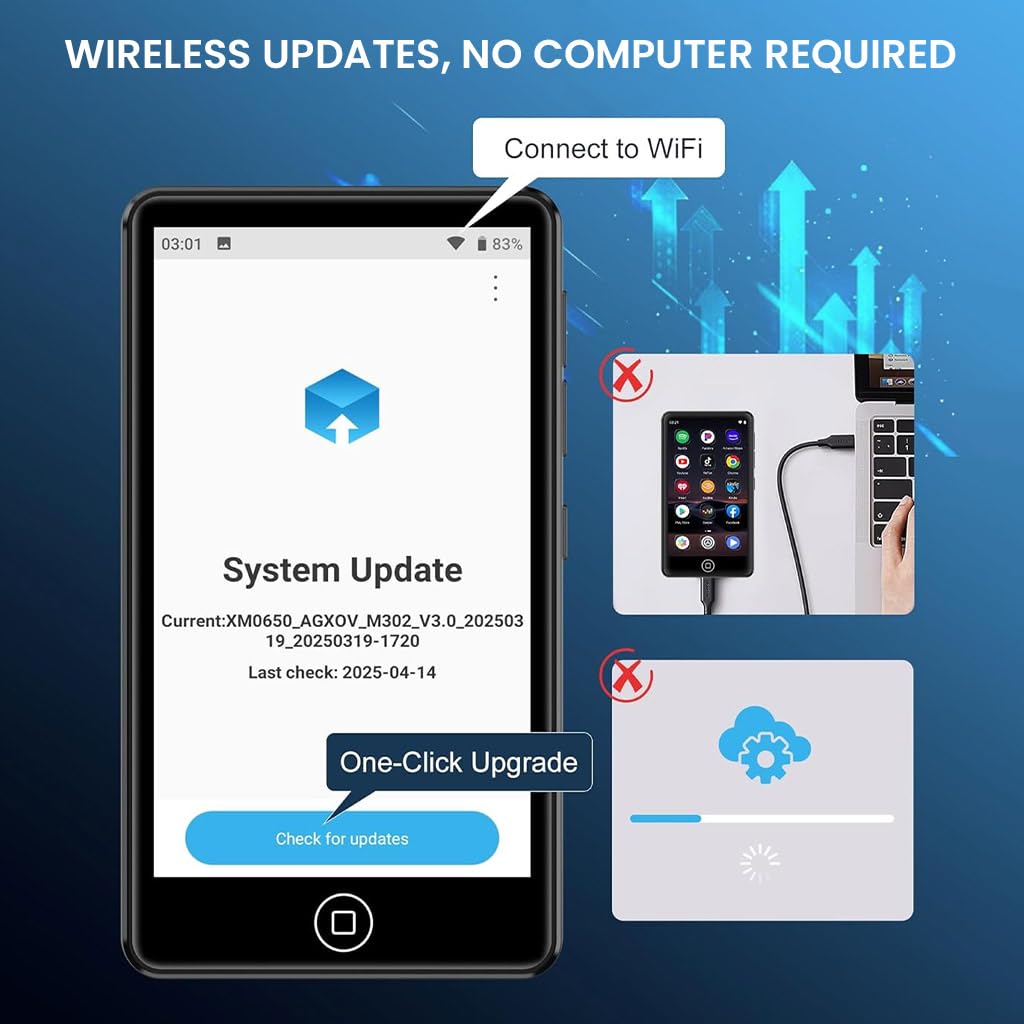
Image 6.1: System update interface on the M302 player.
7 Issolvi l-problemi
If you encounter issues with your AUDIOCULAR M302, refer to the following common solutions:
- Apparat mhux mixgħul: Kun żgur li l-apparat huwa ċċarġjat kompletament. Qabbad ma' sors ta' enerġija u erġa' pprova.
- L-iskrin ma jirrispondix: Try restarting the device by holding the Power button for approximately 10-15 seconds until it powers off and then on again.
- Ma nistax nikkonnettja mal-Wi-Fi/Bluetooth: Ensure Wi-Fi/Bluetooth is enabled in settings. Restart the device and your router/Bluetooth accessory. Check for interference from other devices.
- Apps crashing or not installing: Ensure you have sufficient storage space. Clear the cache of the problematic app or the Google Play Store. Check your Wi-Fi connection stability.
- Kwalità fqira tal-awdjo: Ensure earphones/headphones are properly connected. Test with different audio files or accessories. Check volume settings.
- Il-batterija tinxef malajr: Reduce screen brightness, close unused apps, and disable Wi-Fi/Bluetooth when not in use.
Jekk il-problema tippersisti wara li tipprova dawn il-passi, jekk jogħġbok ikkuntattja l-appoġġ għall-klijenti.
8. Speċifikazzjonijiet
Detailed technical specifications for the AUDIOCULAR M302 MP3 Player:
| Karatteristika | Speċifikazzjoni |
|---|---|
| Isem tal-Mudell | M302 |
| Sistema Operattiva | Android 9.0 |
| Proċessur | MTK 8-core processor |
| Wiri | Skrin tattili HD ta' 4.02 pulzier |
| Ħażna Interna | 16 GB |
| Ħażna espansibbli | Sa 512 GB (MicroSD) |
| Konnettività | Bluetooth, Wi-Fi, USB Type-C, Aux (3.5mm) |
| Formati Awdjo Appoġġjati | MP3, WMA, APE, FLAC, OGG, WAV, M4A, AAC |
| Formati tal-Vidjo Appoġġjati | RM, RMVB, FLV, MP4, DAT, MKV, MPG, MOV, TS |
| Kapaċità tal-batterija | 2000mAh |
| Ħin ta 'Daqq tal-Mużika | Sa 45-50 Sigħat |
| Ħin tal-Daqq tal-Vidjo | Sa 6-8 Sigħat |
| Karatteristiċi Speċjali | FM Radio, Hi-Res Audio, Voice Recorder |
| Dimensjonijiet (D x W x H) | 1D x 6W x 10H Ċentimetri |
| Piż tal-oġġett | 108 Gramm |
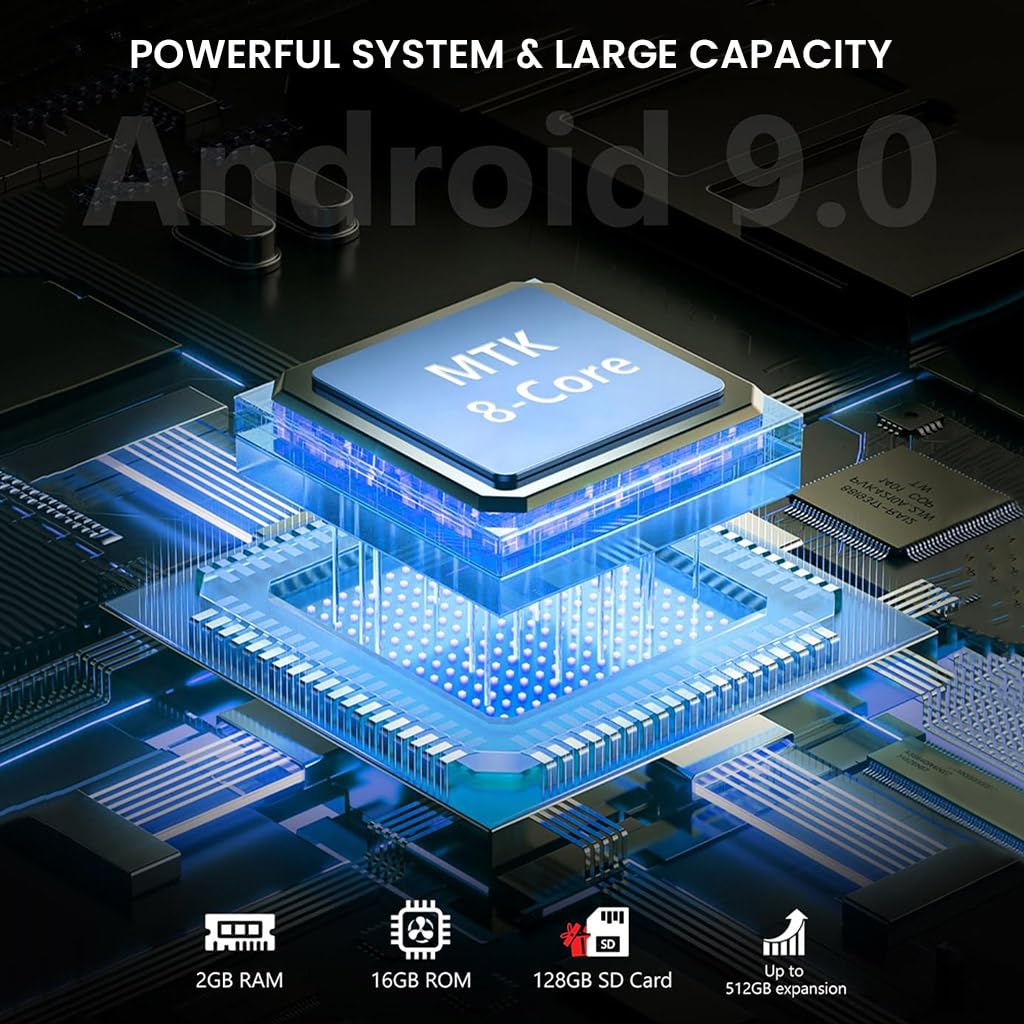
Image 8.1: Internal components and system architecture of the M302 player.
9. Prodott Aktarview Video
Ara dan il-filmat għal idea viżwali aktar 'il fuqview of the AUDIOCULAR M302 MP3 Player's features and functionality.
Vidjo 9.1: Overview of the AUDIOCULAR M302 MP3 Player, demonstrating its key features and usage scenarios.
10. Garanzija u Appoġġ
10.1 Informazzjoni dwar Garanzija
The AUDIOCULAR M302 MP3 Player comes with a garanzija ta 'sena against manufacturing defects. The included wired earphones are covered by a Garanzija limitata ta '6-il xahar against manufacturing defects only.
10.2 Appoġġ għall-Klijent
For warranty claims, technical assistance, or any other inquiries, please contact our customer support team:
Email: customercare@conceptkart.com
Please provide your product model (M302) and purchase details when contacting support.